
Description
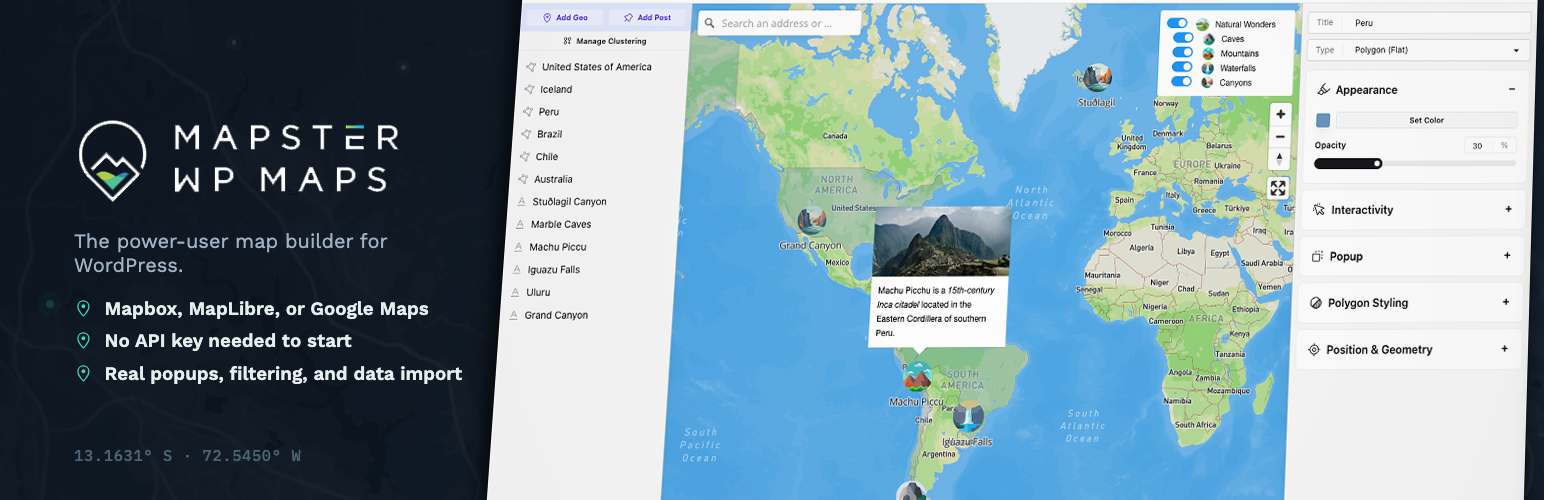
Mapster WP Maps is a map editor and builder for WordPress — built for people who want more than a pin on a map, without needing to write code to get it.
We integrate MapLibre, Mapbox, and Google Maps, and you pick which one powers your site. Prefer not to deal with API keys at all? MapLibre works out of the box, no account or token required.
- Main site
- Example site
- Documentation (with video guides!)
Full feature list below.
💽 Developer? You can extend this plugin with custom code via JS hooks and events — see the Developer section.
Happy mapping!
🌟 Free Version
Grab the free version from this page — we built it to genuinely cover most sites, not just to tease you into Pro. If you hit a wall, Pro is there.
🗺️ Map Features
The actual map-building core — pick an engine, pick a look, and get real control over how it behaves, not just where the pin drops.
- Choose between Maplibre (no API key required), Mapbox, and Google Maps
- Live map editor and preview
- Add unlimited points, polygons, and lines — with clustering for when you’ve got a lot of them
- 20 default map styles, or bring your own custom style from Mapbox or any tile provider
- Mapbox Standard with 3D features and environment, plus 3D terrain
- Shortcodes and Block editor integrations to place your maps anywhere
- Variety of map projections available
- Custom size ranging from specific pixel sizes to full-screen maps
- Set custom center, zoom, tilt and rotation of map
- Have the map automatically fit to your features
- Control how (or whether) users can interact with the map
- Move the map to the user’s location on load
🕹️ Map Controls
What makes a map usable once it holds more than a handful of pins — search, filter, and navigate real data.
- Category filter — show/hide specific categories of features, with nested AND/OR logic
- Clickable, filterable dropdown list of features on the map
- Geocoder (search by address)
- All controls can be positioned around the map as desired
- Custom search through features on the map (by text)
- Basic list
- 3D switcher
- Directions (origin and destination)
- Geolocation (track the user’s position)
- Fullscreen mode
- Zoom control, scale control
- Modify logo and attribution
📍 Geographic Features
Every feature on the map — point, line, polygon — gets the same level of styling control, not a stripped-down subset.
- Create features by drawing, entering an address, or uploading data
- Custom markers, icons, and text, with full control over color, size, rotation, and opacity
- Reuse geographic features across multiple maps
- Unlimited points, labels, text, markers, circles, lines, bezier curves, polygons
- Customize color, borders, opacity, line thickness
- Circle radius, opacity, color, border width and color
- Custom text labels with font choice, positioning, font size, color
- Click or hover interaction on any feature
- Open popups on click, hover, or map load
💬 Popups
Popups are where most “embed a map” plugins stop. This is where Mapster starts.
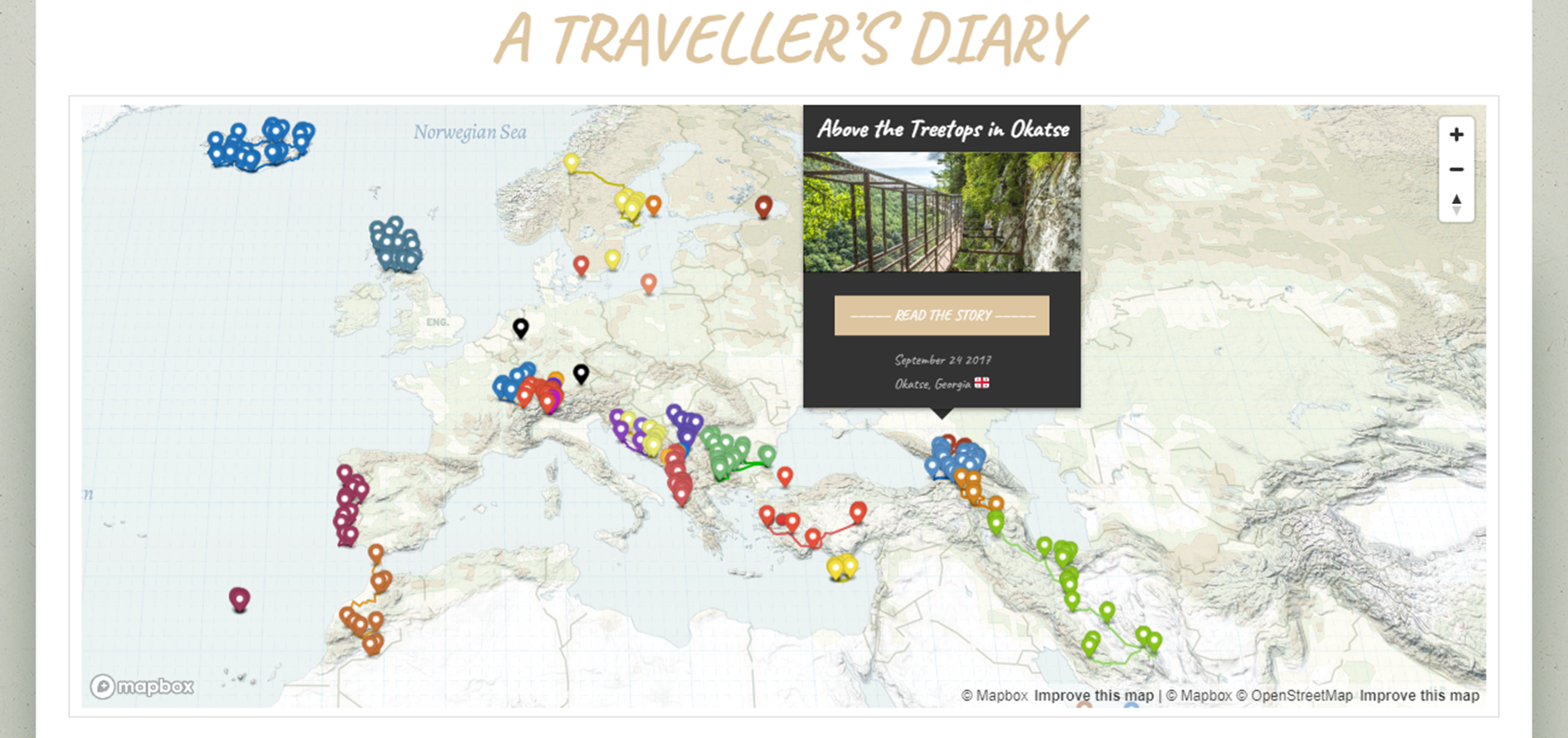
- Build your own from scratch with the Popup Builder, with live preview as you go
- Add custom CSS for full control of popup styling
- Trigger popups on click, hover, or automatically on map load
- Default popup styles if you’d rather not build one
- Optional header, description, thumbnail image, and button footer
- Set colors and text per popup
- Center and/or zoom the map on popup open
- Close popups on map click
- Link popups to directions, custom URLs, post content, or a modal
📥 Import
Bring your data in however it already exists.
- Import GeoJSON, KML, GPX, and Shapefiles
- All metadata retained as custom fields on import
- Up to 100 features per file (depending on coordinate complexity)
- Import and export settings between installs
🖳 Developer
Real JS events to hook into, not a black box.
- Use JS hooks to run code on specific map events
- Add custom scripts with direct access to the
mapvariable - Shortcodes for outputting specific features by ID
- Custom permalinks for geographies and maps
🌟🌟 Pro Version
Free covers most sites. Pro is for when “most sites” isn’t you — thousands of imported locations, a multi-location storefront, crowdsourced submissions, or maps wired directly into ACF and Gravity Forms. It removes the caps rather than selling you a different product. Pro is built for that, and we’re genuinely reachable if you need a hand or a new feature.
“I have a very demanding and very specific need with literally thousands of locations, lines and areas that needs to be added, with custom pins, and there is simply nothing else that does it so well as this one, even in the free one.” — Matt, WordPress.org review
🗺️ Map Features
More control over how the map behaves once it’s carrying real weight.
- Advanced clustering — control size, color, and behavior of clusters, or replace them with your own images
- Pull in custom post type data via the Mapster ACF field
- 16 additional map styles (36 total)
- 3D globe view and 3D buildings
- Custom images as the map base, including scalable SVGs
- Restrict map movement to a defined boundary
- Custom map sizes per screen width (mobile breakpoints)
- Set map language
- Cooperative gestures (avoid accidental scroll-jacking)
- Customize the map loading graphic
- Geolocate by IP address
🕹️ Map Controls
The control set for real multi-location sites — a proper store locator, not just a longer list.
- Store Locator list, with feature lists ordered and grouped by category
- Inclusive/exclusive filtering, initial visibility, and filters on custom fields
- High-accuracy geolocation — heading, live tracking, accuracy circle
- Download control — let users export the map’s geographic data
- Print control — download the map as an image
- Style switcher between Mapbox or Maplibre style JSONs
- Layer switcher for your Mapbox style’s layers
- Custom HTML control for your own interactivity
- Search by latitude/longitude in the geocoder
- Images in clickable feature lists
- Manually order how controls and categories appear
- Collapsible container to show/hide your controls
📍 Geographic Features
For when a flat icon isn’t enough, or you’ve got hundreds of features to manage at once.
- Mass-edit hundreds of features’ styles at once
- 3D models (GLB) with custom size and rotation
- MultiLineStrings and MultiPolygons
- Hover styles for features
- Images layered on top of polygons, or clipped to drawn polygon shapes
- Static icon sizes at real-world scale
💬 Popups
Pull real data in, or throw out the template entirely.
- Pull custom field data (ACF or built-in) into popups
- Replace popups entirely with custom HTML
- Render shortcodes inside popups
- Button to open a modal with more detail, or open directly to one on marker click
💾 Big Data
No ceiling on how much data your map can hold, and it still loads fast.
- No limit on import size
- Caching for fast map loads
- Spatial API access, built from your own data
- Import directly from Google Sheets
- Automatic upload to the Mapbox Tiling Service for large datasets
🌎 Specialty Maps
Purpose-built map types for the two requests we hear most: crowdsourcing and directories.
- Crowdsourced maps — let users submit their own points
- Listing pages connecting custom posts to geographic data
- Heatmaps for large datasets
- Compare two maps side by side
- Elevation detail along a route
🖳 Developer
Location data flows in from the tools you already use.
- Advanced Custom Fields (ACF) field type for maps
- Gravity Forms map field
Love,
Your Friends at Mapster
Installation
- Upload
mapster-wp-maps.phpto the/wp-content/plugins/directory - Activate the plugin through the ‘Plugins’ menu in WordPress
- Click on “Maps” to start building your maps.
- Add an Access Token if you’d like custom Mapbox styles or the geocoder.
- Use the provided shortcodes (or the block editor) to place your maps in posts or pages.
FAQ
Do I need a Mapbox or Google API key to use this?
No. MapLibre works completely free with no API key or account — it’s the easiest way to get started. Mapbox and Google Maps are there if you want their specific styles or features, and each needs its own key from that provider.
Does this work with Elementor, Divi, Bricks, or other page builders?
Yes — Mapster outputs a standard shortcode or block, so it drops into Elementor, Divi, Bricks, the Classic Editor, or Gutenberg like any other embeddable content.
Can I import GeoJSON, KML, GPX, or Shapefiles?
Yes, all four are supported in the free version, with metadata preserved as custom fields on import. Pro removes the size limit and adds CSV and Google Sheets import, including scheduled recurring imports.
How is this different from a basic Google Maps embed plugin?
Most WordPress map plugins give you a pin on an embed. Mapster is closer to a real map editor — styling, clustering, popups, filters, data import, and three different rendering engines (Mapbox, MapLibre, Google Maps) under one interface. If you just need “here’s our office,” this might be more than you need. If you need a map that actually does something, that’s what it’s built for.
Will this slow down my site?
The map library loads only on pages where you’ve placed a map. Pro adds map caching specifically to keep larger datasets (hundreds or thousands of features) loading quickly.
Is there a store locator?
Yes. The free version includes a basic feature list; Pro adds a dedicated Store Locator control with filtering, hours, grouping by category, and distance sorting.
Can users submit their own locations (crowdsourced maps)?
Yes, this is a Pro feature — visitors can submit points through a front-end form, which you can moderate before they appear on the map.
Is this GDPR-friendly?
Mapster doesn’t track visitors or send personal data anywhere by itself. Using Google Maps or Mapbox means their respective terms and data practices apply, same as embedding a video from any third-party service — MapLibre avoids that entirely since it doesn’t require an account with anyone.
Does this work with WPML or other translation plugins?
Yes, map content and labels are translatable through WPML, and several control strings (like User Submission) ship with translation support out of the box.
Can I use Advanced Custom Fields (ACF) or Gravity Forms with my maps?
Yes — Pro includes a dedicated Mapster field type for ACF, and a Gravity Forms map field, so location data from your existing forms and post types can feed directly into a map.
Something seems broken!
Get in touch at https://wpmaps.mapster.me/ and we’ll get back to you quickly — there’s a real person (not a ticket queue) on the other end.
Where can I learn how to use the plugin?
Start with the documentation, which includes written guides and video walkthroughs for both the free and Pro feature sets.
You almost have what I need, but not quite…
Email us at https://mapster.me, post a feature request, or leave a note in the WordPress.org support forum. We build a lot of what gets asked for.
Screenshots