


Description
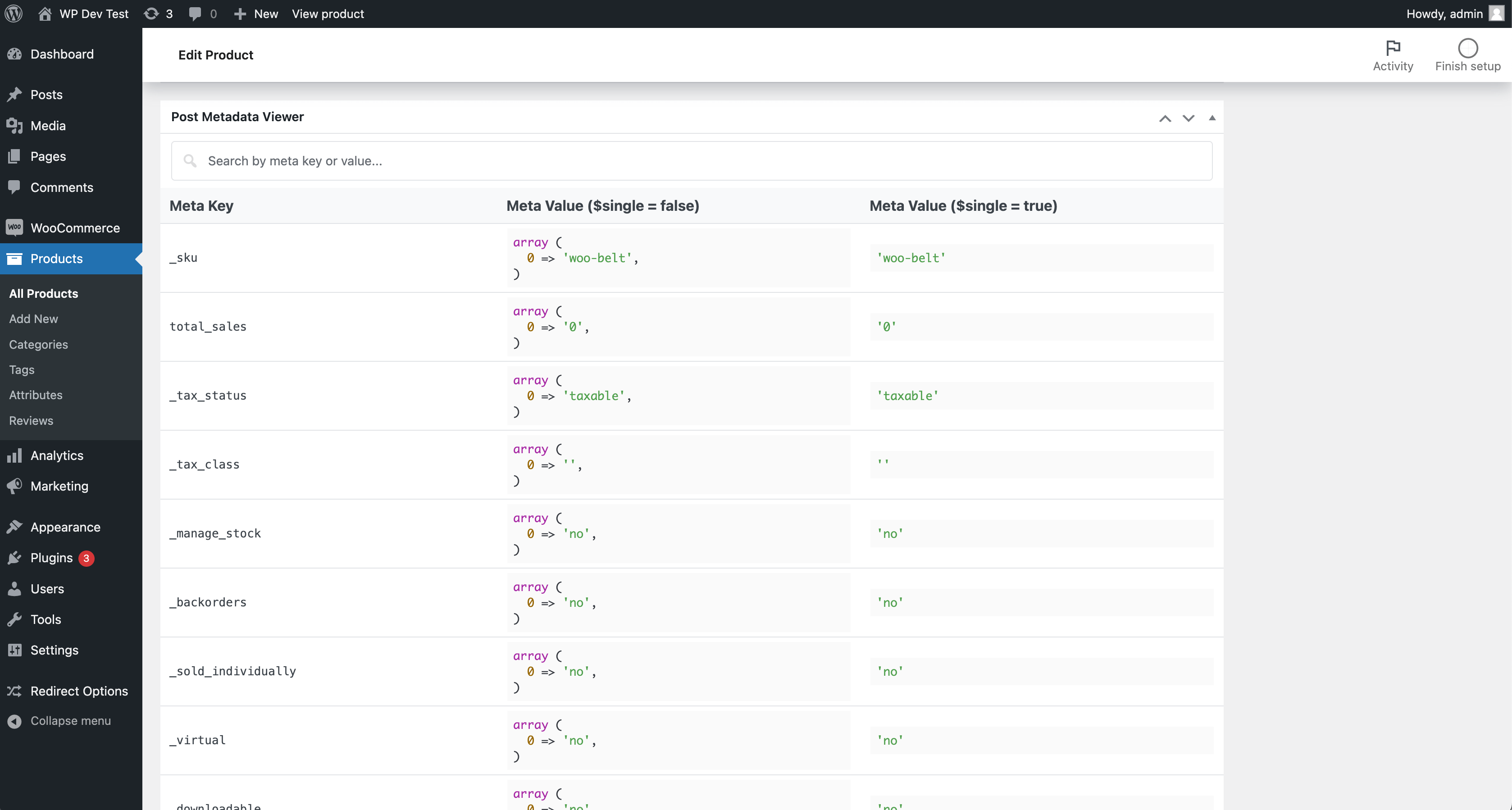
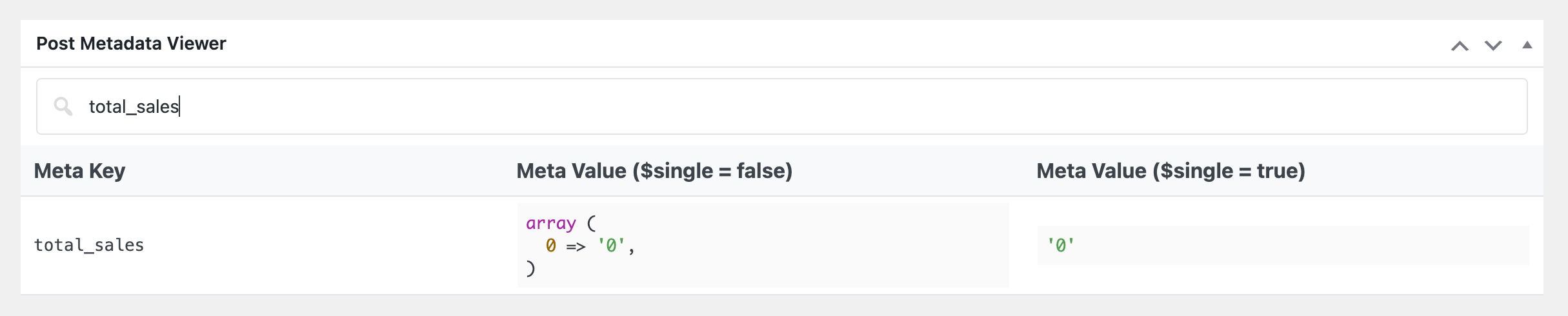
The Metadata Viewer plugin displays metadata keys and values for posts (posts, pages, custom post types), users, comments, taxonomy terms, WooCommerce products, and WooCommerce orders directly in admin edit screens — and on the Dokan vendor dashboard. It also includes an integrated realtime search feature.
Install one lightweight plugin to inspect metadata across common WordPress and WooCommerce object types from their native edit pages.
Features
- 👉 Posts Metadata Viewer
- 👉 Custom Post Types Metadata Viewer
- 👉 Pages Metadata Viewer
- 👉 Users Metadata Viewer
- 👉 Comments Metadata Viewer
- 👉 Taxonomy Terms Metadata Viewer
- 👉 WooCommerce Products Metadata Viewer
- 👉 WooCommerce Orders Metadata Viewer
- 👉 Dokan vendor dashboard: order & product metadata viewers
- 👉 HPOS-aware WooCommerce Orders metadata handling (supports sync on/off modes)
- 👉 Unified metadata table UI and realtime search across supported screens
Support
If you find this plugin useful, consider supporting its development through a donation.
Installation
FOR STANDARD INSTALLATION:
Installing this plugin is very easy just like any other WordPress plugin. Please follow these instructions:
1. In your WordPress admin panel, go to Plugins > New Plugin, search for “Metadata Viewer” and click on “Install Now”
2. Alternatively, download the plugin and upload the metadata-viewer.zip to your plugins directory, which usually is /wp-content/plugins/.
3. Activate the plugin from plugins page.
Screenshots


Changelog
2.2.4
- Applied
table-layout: fixedto the metadata table via a dedicatedtbl-fixedclass to prevent column-width clashes with host themes/plugins.
2.2.3
- Refreshed the readme feature list and documentation.
2.2.2
- Added order and product metadata viewers on the Dokan vendor dashboard (“Order Details” and “Edit Product” pages).
- Introduced a template loader so viewer markup lives in
templates/and is overridable via themetadata_viewer_templatefilter. - Made the metadata table search icon filterable.
2.2.1
- Added taxonomy term metadata viewer on taxonomy edit screens.
- Added comment metadata viewer on
comment.php?action=editcomment. - Improved WooCommerce order metadata loading with HPOS-aware behavior for sync enabled/disabled modes.
- Improved UI consistency by matching taxonomy and comment metadata sections with existing metadata box/table design.
- Added shared helper methods for metadata rendering and screen detection.
- Updated plugin documentation and feature list.