

Description
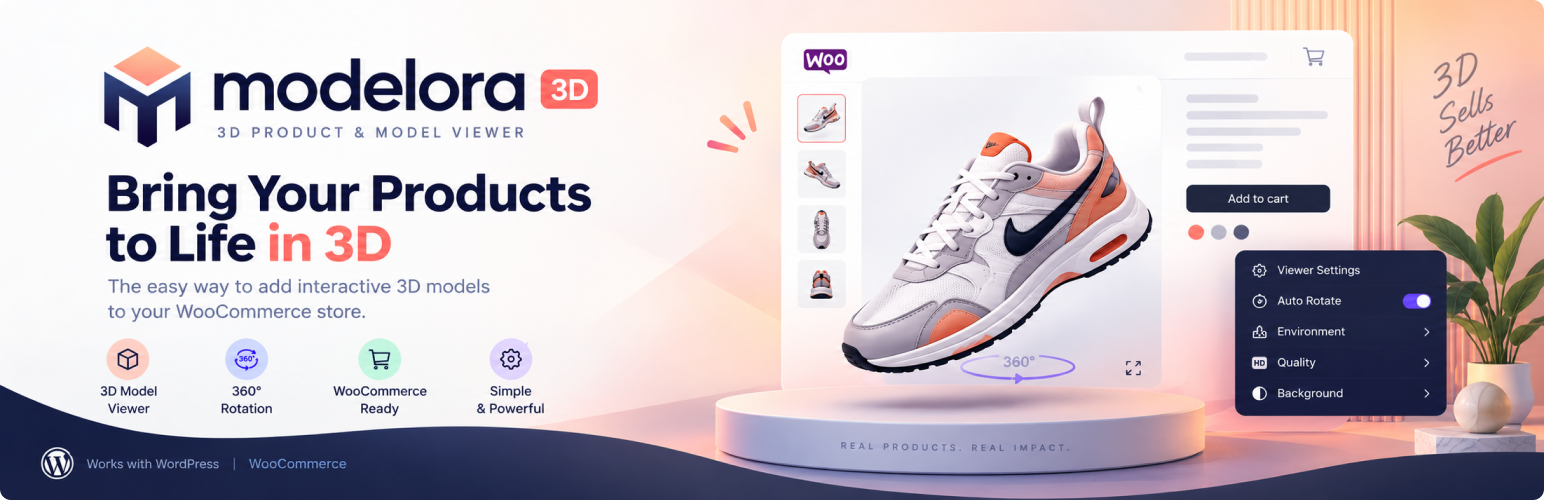
Modelora adds interactive 3D product visualization to WordPress and WooCommerce. Upload a 3D model once, attach it to any product gallery, and shoppers can rotate, zoom, and inspect the product from every angle — right on the product page.
Built for store owners, not developers: no coding required, and the viewer is performance-focused with lazy loading so product pages stay fast.
WooCommerce product gallery integration
Attach 3D models directly inside the native WooCommerce product gallery. Models appear as 3D slides alongside your product images, with lazy loading and automatic resource cleanup when shoppers browse away. You can upload straight from your computer in the product editor or pick from your 3D library, and preview every model before inserting it.
Display 3D models anywhere
Use the Gutenberg block, the [modelora_viewer] shortcode, or the Elementor widget to embed an interactive 3D viewer on any page or post. Compare two models side by side with [modelora_compare].
Supported 3D model formats
GLB, GLTF, and USDZ files render directly in the browser. OBJ, STL, FBX, and DAE files can be converted to GLB inside the Modelora admin — the conversion runs in your browser, so source files are never uploaded to a third-party service. Texture optimization options shrink large textures for faster product pages.
Per-variation models
On variable WooCommerce products, give each variation its own 3D model. The viewer swaps automatically when a shopper picks a color, size, or material, without reloading the page.
Viewer features
Studio, Outdoor, and Dark lighting presets, auto-rotate, fullscreen mode, augmented reality (AR) on supported devices, camera controls, and mobile touch support.
Performance first
The 3D runtime loads deferred, models load lazily, and hidden gallery slides release GPU resources automatically — so 3D never slows down the rest of your store.
External Services
Modelora does not send model files, customer data, or site data to any external service.
The ‘Load Demo Model’ feature imports the car model bundled inside the plugin (assets/demo/demo-model.glb) into your Media Library. No network request is made to a third party.
Model conversion (OBJ, STL, FBX, DAE to GLB) runs entirely in your browser using JavaScript bundled in the plugin. Source files are never uploaded to a conversion API.
All 3D rendering dependencies (including Draco WebAssembly decoders *.wasm and KTX2 transcoders *.wasm) are bundled locally within the plugin. These WASM binary files are strictly necessary for decoding compressed 3D geometries and textures without connecting to an external CDN.
Included Demo Assets
The plugin includes a sample 3D model used strictly as a demonstration asset. All rights to the model remain with the original creator.
CAR Model by Ignition Labs [CC-BY] (https://creativecommons.org/licenses/by/3.0/) via Poly Pizza (https://poly.pizza/m/5zUWP5UsLg-)
Installation
- Upload the plugin folder to the /wp-content/plugins/ directory, or install the plugin ZIP via Plugins > Add New > Upload Plugin.
- Activate the plugin through the Plugins screen in WordPress.
- Open the Modelora admin menu to add your first 3D model.
- Embed your model using the block, shortcode, Elementor widget, or WooCommerce product gallery.
FAQ
How do I add a 3D model to a WooCommerce product?
Upload a model under Modelora → Add Models, or use the “Modelora 3D” button inside the product gallery to upload straight from your computer. Then open the 3D library, preview the model, click “Insert into gallery”, and press Update. The model appears as an interactive 3D slide alongside your product images.
Which 3D model formats does Modelora support?
GLB, GLTF, and USDZ render directly in the browser. For best results use GLB. OBJ, STL, FBX, and DAE files can be converted to GLB directly in Modelora → Add Models using the built-in browser converter, or with an external tool such as Blender.
Can customers rotate and zoom the 3D model?
Yes. Shoppers can drag to rotate, scroll or pinch to zoom, and inspect the product from every angle — on desktop and mobile, with full touch support.
Do I need WooCommerce to use Modelora?
No. The block, shortcode, and Elementor widget display 3D models on any WordPress page or post. WooCommerce is only needed for the product gallery integration.
Does Modelora require coding?
No. Upload, attach, and customize everything from the WordPress admin — no code required.
Can I customize the 3D viewer?
Yes. Choose Studio, Outdoor, or Dark lighting presets, toggle the background, enable auto-rotate and fullscreen, and turn augmented reality (AR) on or off for supported devices.
Does the viewer work on mobile devices?
Yes. The viewer supports touch gestures on phones and tablets, loads models lazily to save mobile data, and offers AR viewing on supported devices.
What if my 3D model file is very large?
Keep models as small as possible by compressing geometry and textures before upload. You can also raise the limit under Modelora → Settings → Max upload size. The viewer lazy-loads models so large files never block the rest of the page.
Can I attach different 3D models to product variations?
Yes. Open the product in WooCommerce, expand each variation, and choose a model under “Modelora 3D model”. Leave it on “Use product 3D model” to inherit the product-level model. When a shopper selects a variation, the viewer swaps to that model automatically.
Why is my 3D model not showing on the product page?
Check that the model is published under Modelora → All Models, that its file is GLB, GLTF, or USDZ, that it is inserted in the product gallery, and that you pressed Update on the product. Your browser console will show a descriptive message if the file cannot be loaded.
Does Modelora upload my models to a conversion service?
No. OBJ, STL, FBX, and DAE conversion runs entirely in your browser. The source file never leaves your website or computer.
Changelog
1.1.0
- New: Convert OBJ, STL, FBX, and DAE files to GLB inside the plugin, in your browser.
- New: Per-variation 3D models for variable WooCommerce products, with automatic viewer swapping.
- New: Guided first-run quick start that imports a demo model and creates a hidden demo product.
- New: Gutenberg block model picker with thumbnails instead of a numeric model ID.
- New: Optional viewer background color or image, plus an auto-rotate toggle in the admin.
- Improved: Texture optimization options when converting models to GLB.
- Improved: Clearer upload-size and unsupported-format error messages.
- Improved: The quick start card is dismissed per admin and can be reopened with a “Show quick start” link.
- Fixed: Plugin URI now points to the correct WordPress.org listing.
- Fixed: External Services disclosure now matches the bundled demo and local-only conversion.
1.0.5
- Fixed: Modelora Gutenberg block now renders on the frontend.
- Improved: Expanded block search keywords.
1.0.4
- Admin gallery: live auto-spin 3D preview in product thumbnails with square same-size frames.
- Performance: lazy 3D runtime, fewer probes, idle-gated thumbnails, silent-by-default logs, lighter first paint.
1.0.3
- Elementor: added WooCommerce-parity 3D model picker (library + upload from computer) and live 3D preview in the edit-page canvas.
1.0.2
- Bumped stable version.
1.0.0
- Initial release.
- Added shortcode and block-based model embedding.
- Added WooCommerce and Elementor integration support.
- Added REST API routes.