


Description
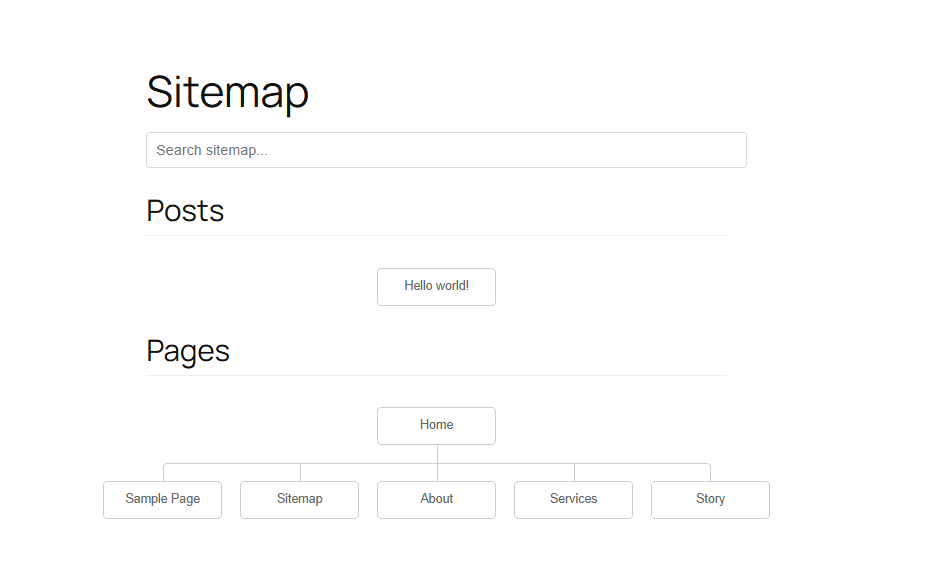
The NaviTree HTML Sitemap plugin allows you to easily display a sitemap of your website’s content. It supports custom post types, hierarchical displays, and various layout options.
Features:
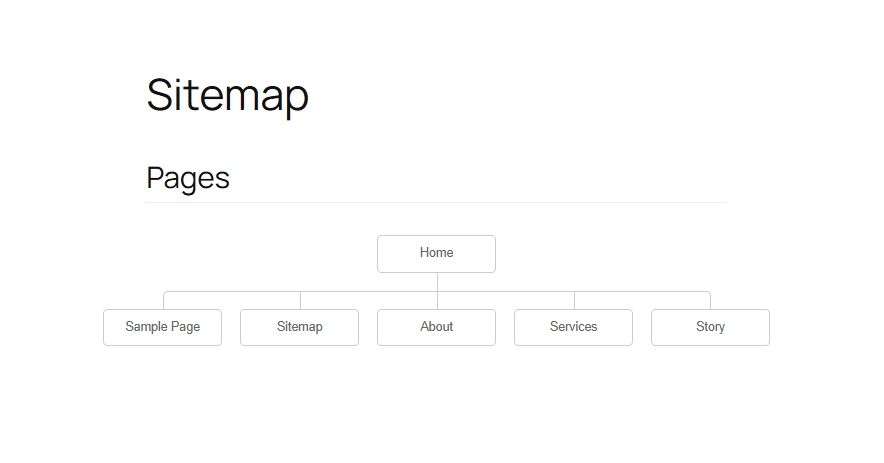
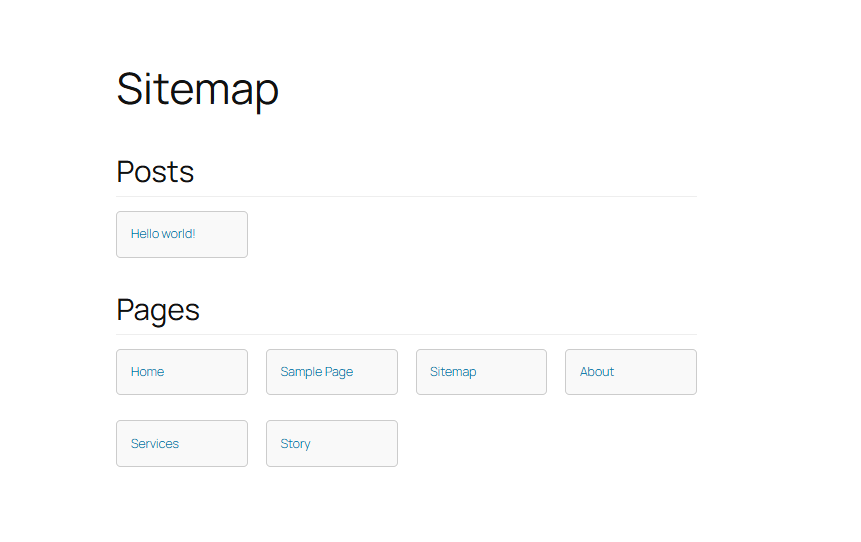
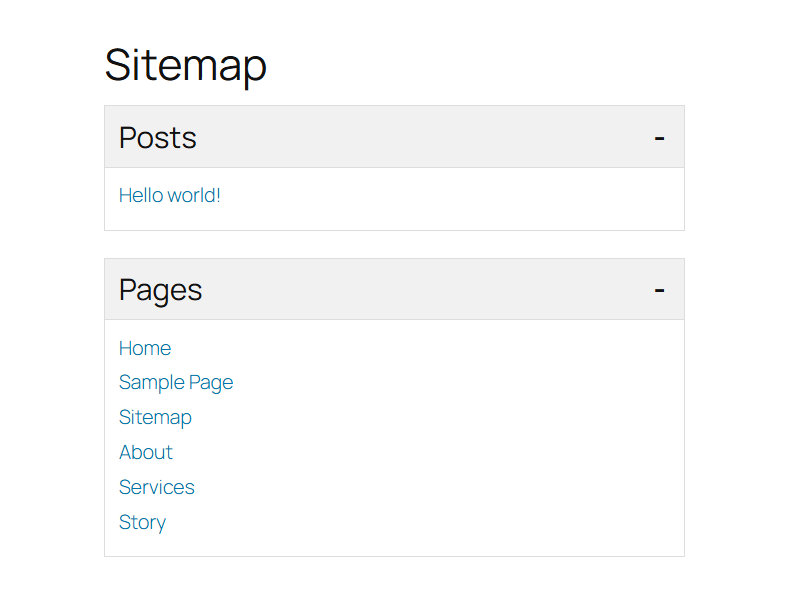
* Multiple Layouts: Choose from Simple List, Grid, Accordion, or Tree/Hierarchy view.
* Custom Post Types: Select which post types to include in your sitemap.
* Structuring: Options to prioritize the “Home” page at the top of the tree.
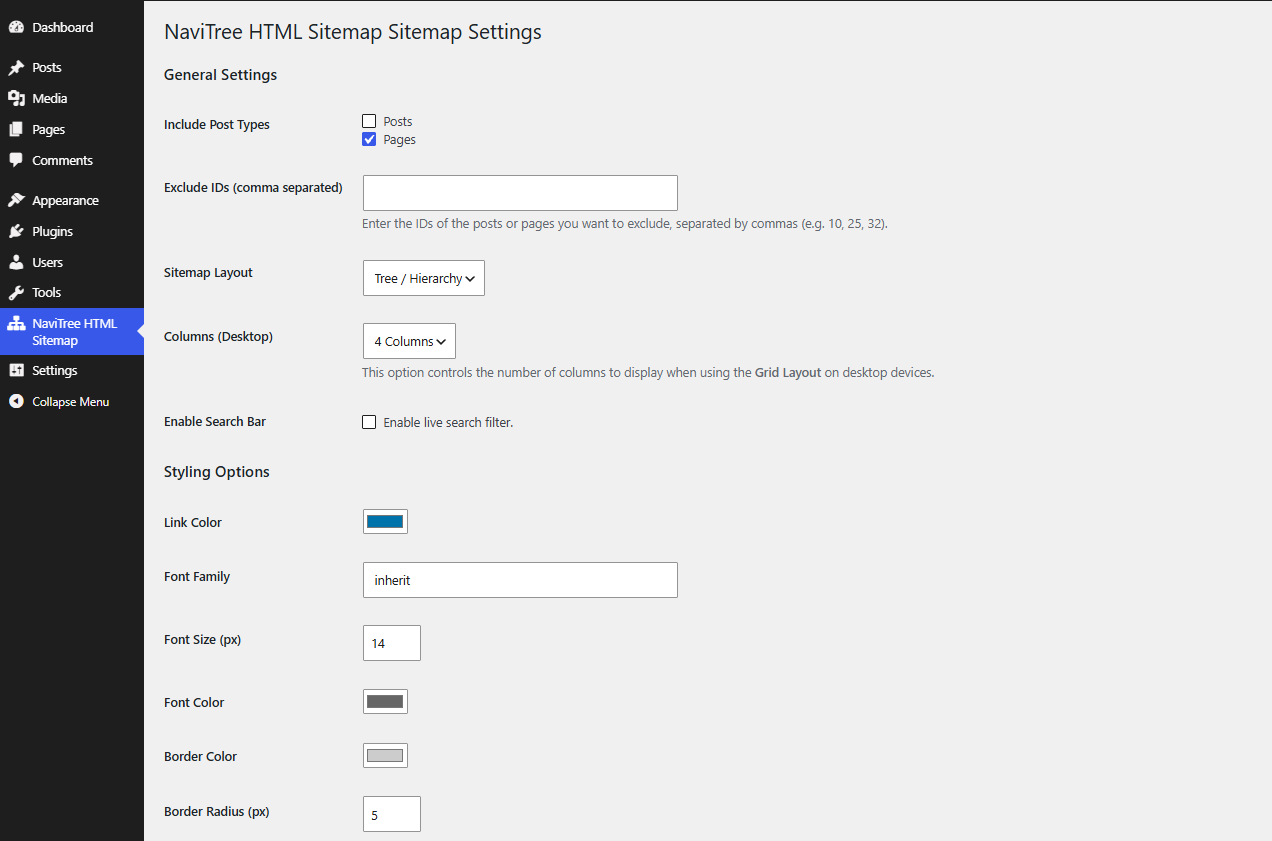
* Styling: Customize colors, fonts, and borders directly from the settings page.
* Searchable: Includes a live search filter for quick navigation.
* Cache: Built-in caching for performance optimization.
* Shortcode & Block: Use [navitree_html_sitemap] shortcode or the dedicated Gutenberg block.
Installation
- Upload the plugin files to the
/wp-content/plugins/navitree-html-sitemapdirectory, or install the plugin through the WordPress plugins screen directly. - Activate the plugin through the ‘Plugins’ screen in WordPress.
- Use the Settings->NaviTree HTML Sitemap screen to configure the plugin.
- Add the shortcode
[navitree_html_sitemap]to any page or post.
Screenshots

Changelog
1.0.1
- Feature: Added a toggle option in settings to enable/disable the search bar.
- Fix: Standardized versioning across plugin files.
1.0.0
- Initial release.