

Description
Nepali Date Utilities converts English (AD) dates to Nepali (BS) for posts, comments, shortcodes, blocks, and a monthly post calendar. It helps Nepali sites show Bikram Sambat dates consistently across WordPress.
Features
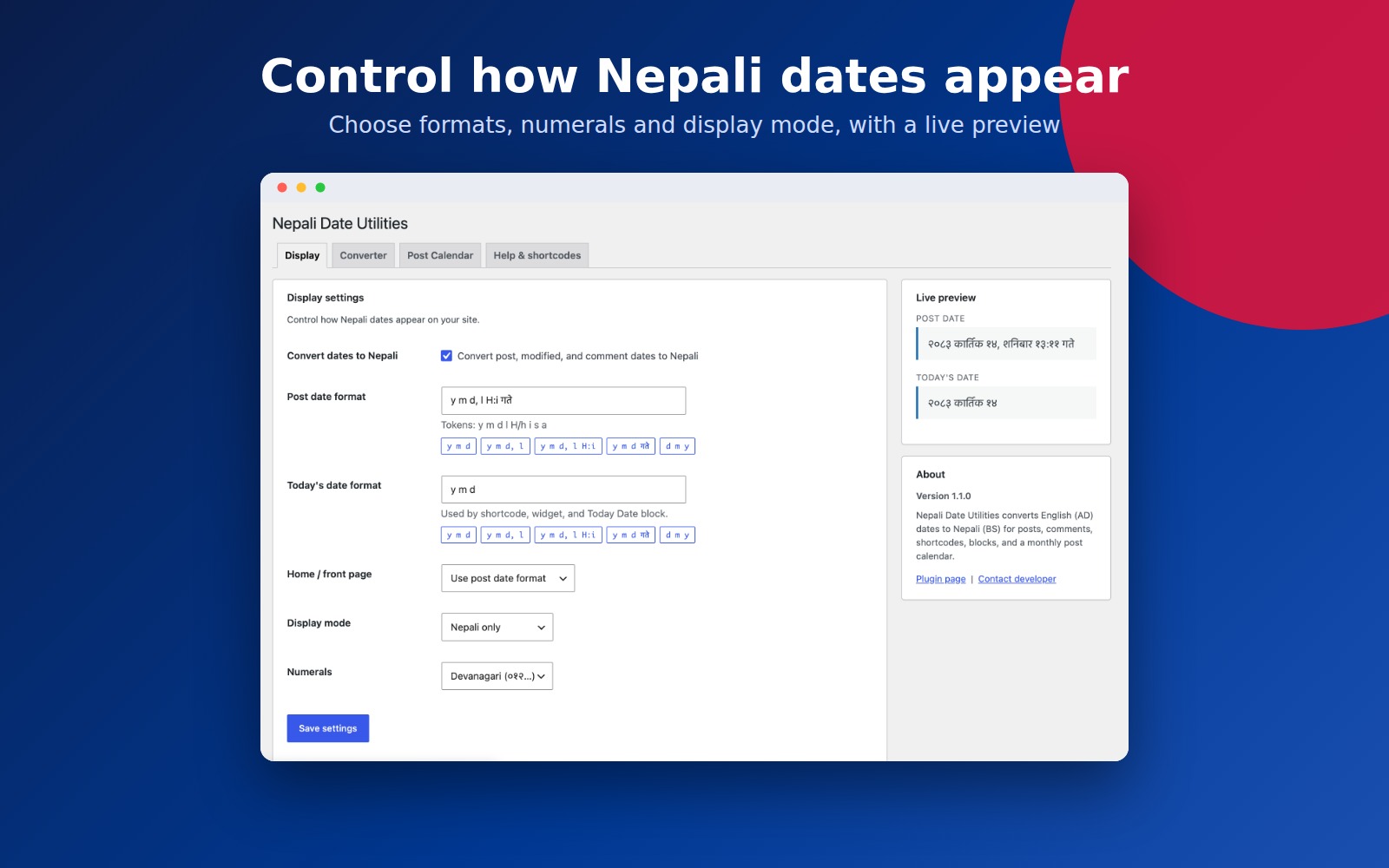
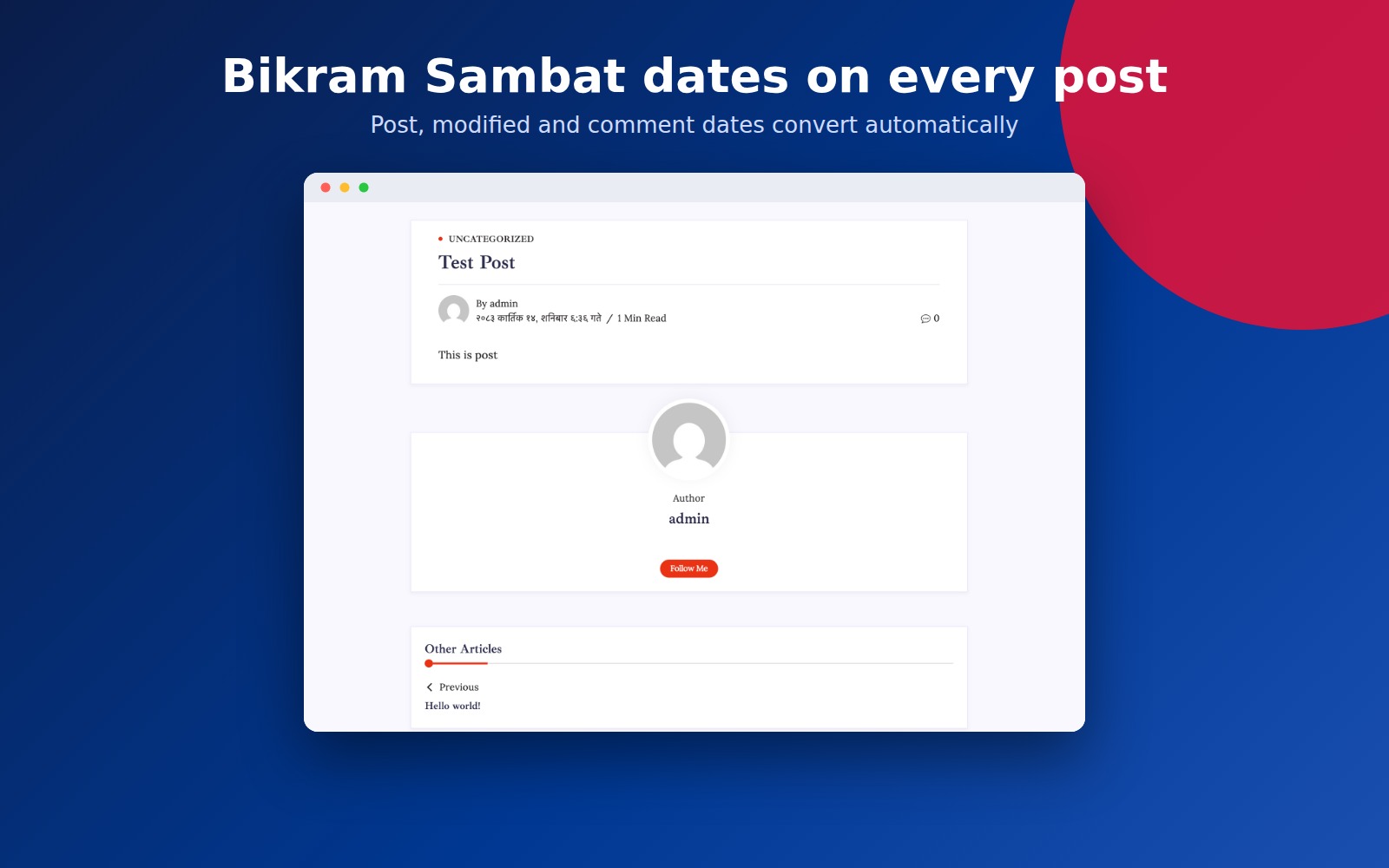
- Convert post and modified dates to Nepali
- Convert comment dates
- Bilingual display (BS + AD)
- Devanagari or Arabic numerals
- Home / front page modes: default format, relative “time ago”, or hide
- Shortcodes:
[ndu_today_date],[ndu_date_ago],[ndu_convert],[ndu_post_calendar] - Classic “Today Date in Nepali” widget (optional format)
- Gutenberg blocks: Nepali Today Date and Nepali Post Calendar
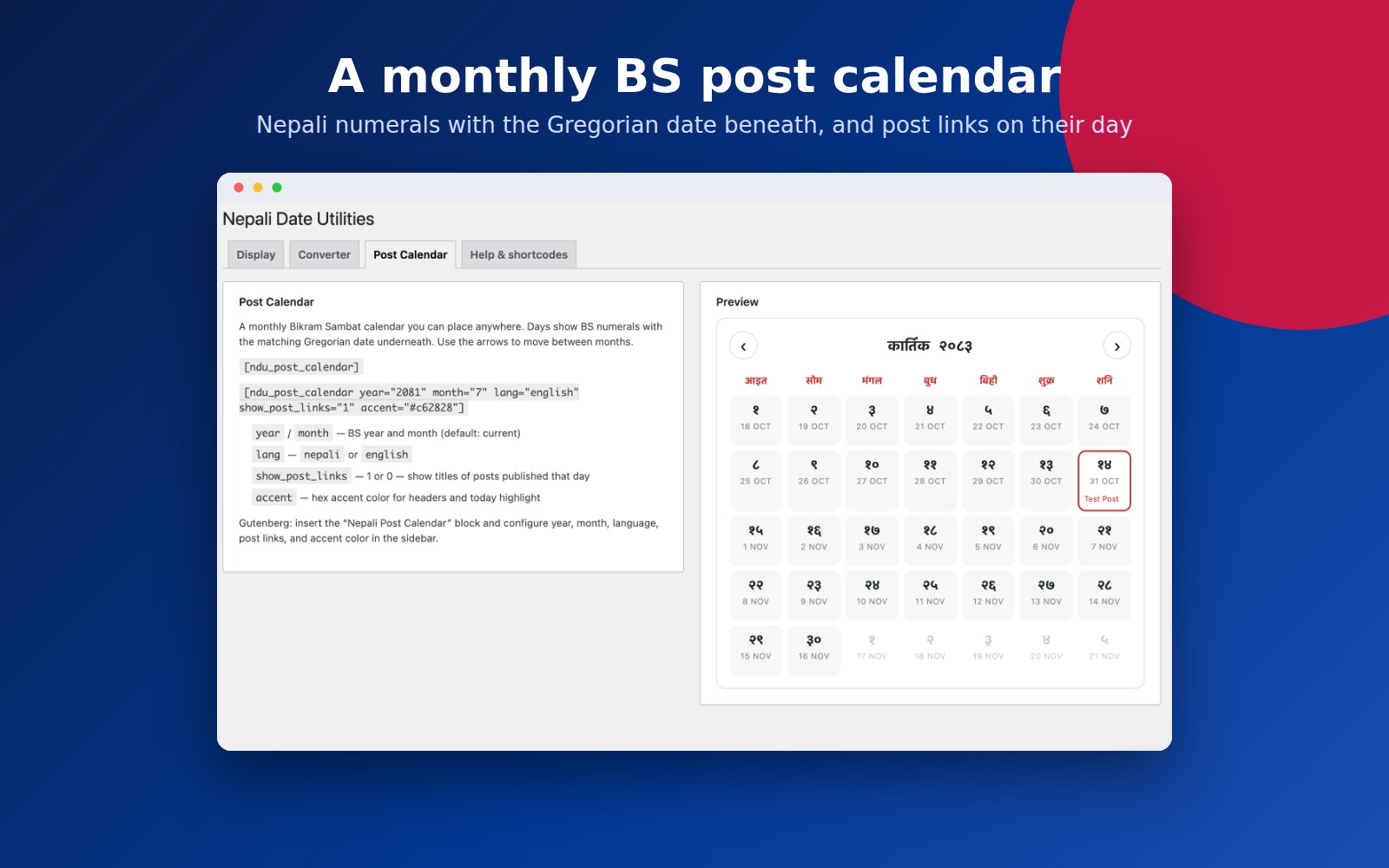
- Monthly BS post calendar with navigation, dual dates, optional post links, and accent color
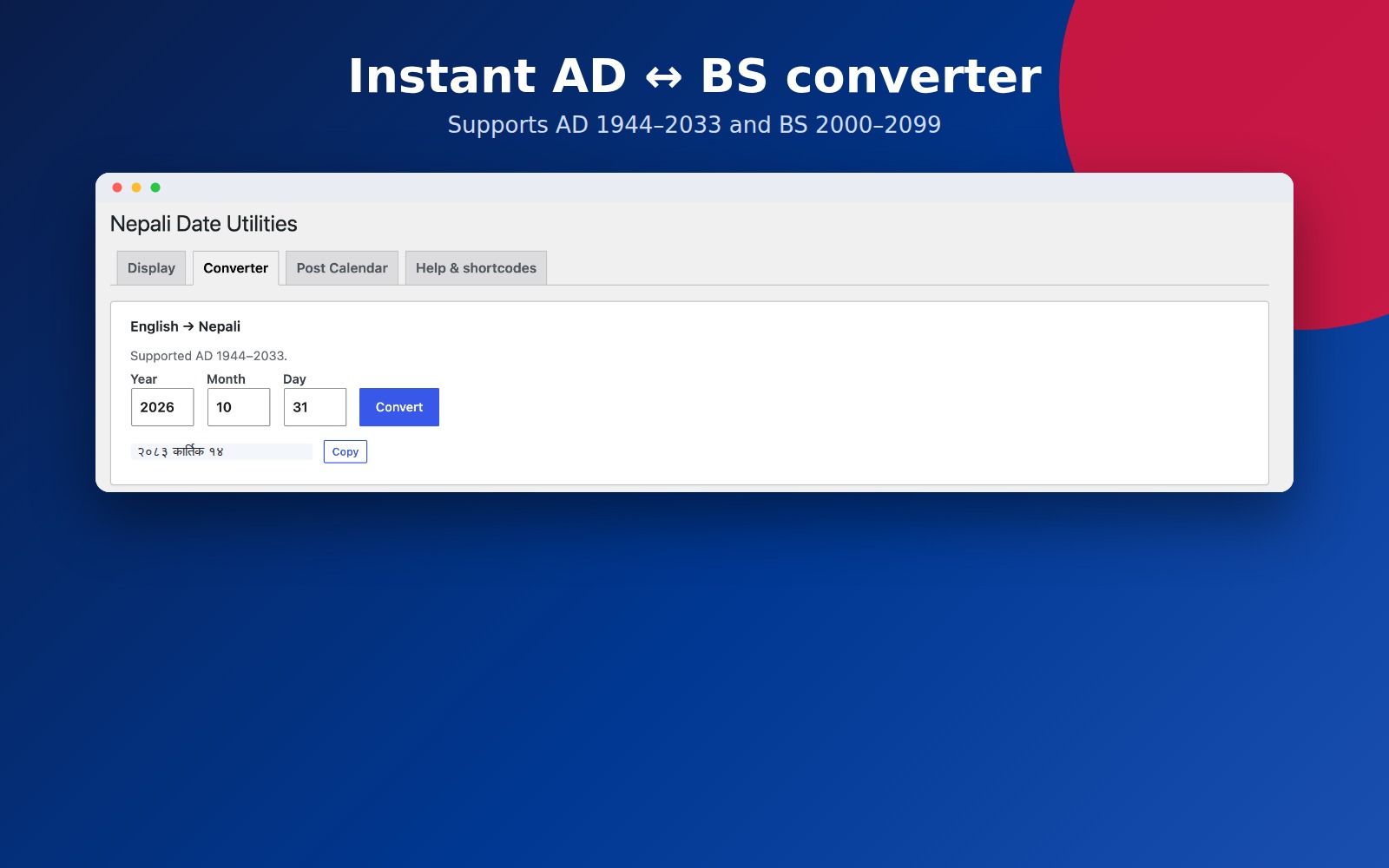
- Admin converter: English ↔ Nepali
- Live format preview and format presets in settings
Shortcodes
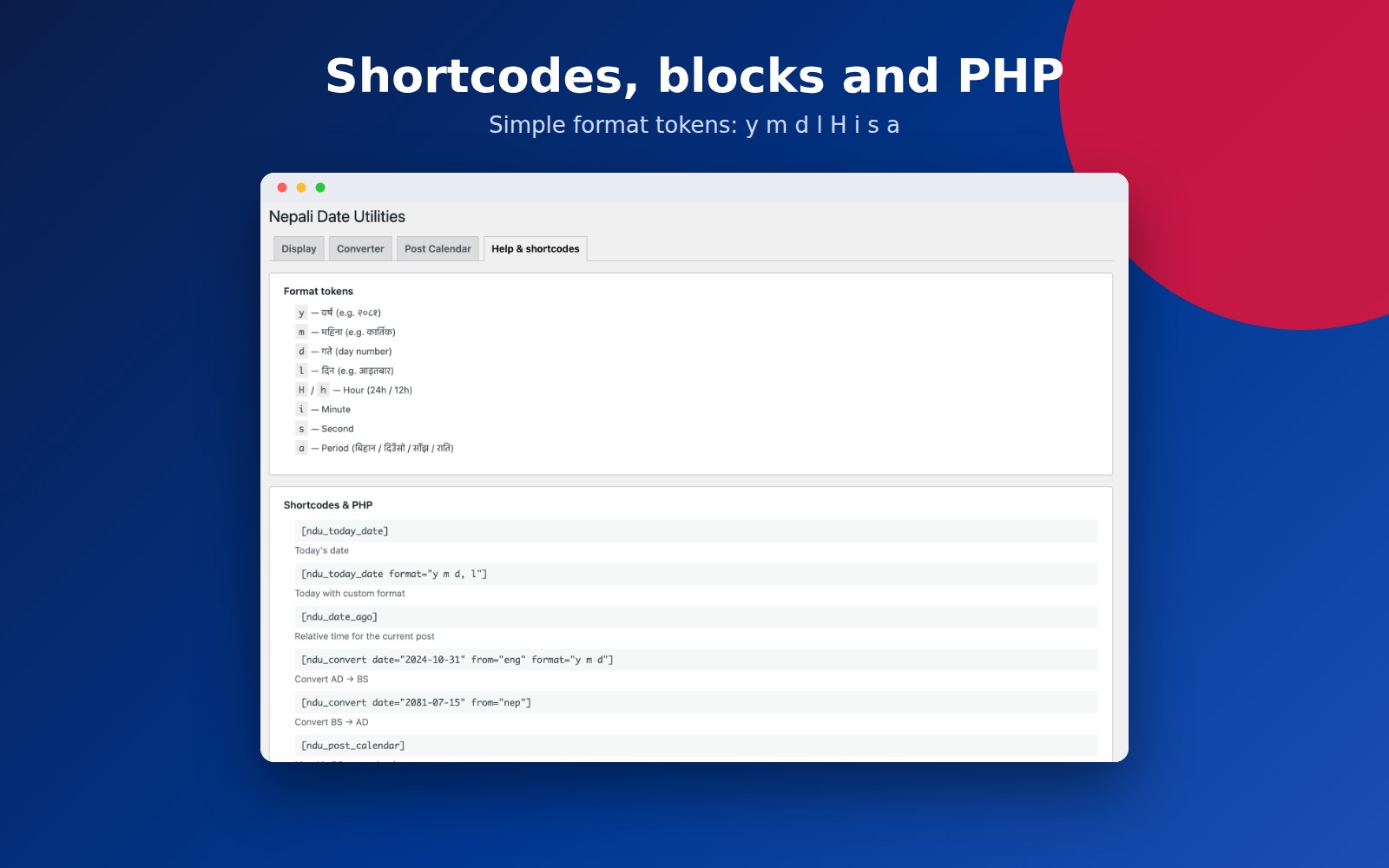
[ndu_today_date]— today’s date[ndu_today_date format="y m d, l"]— custom format[ndu_date_ago]— relative time for the current post[ndu_convert date="2024-10-31" from="eng" format="y m d"]— AD → BS[ndu_convert date="2081-07-15" from="nep"]— BS → AD[ndu_post_calendar]— monthly BS calendar[ndu_post_calendar year="2081" month="7" lang="english" show_post_links="1" accent="#c62828"]— calendar with options
Format tokens
y— year (e.g. २०८१)m— month name (e.g. कार्तिक)d— day numberl— weekdayH/h— hour (24h / 12h)i— minutes— seconda— period of day (बिहान / दिउँसो / साँझ / राति)
PHP helpers
ndu_today_date(), `ndu_get_date_ago()`, `ndu_format_nepali_date( $timestamp, $format )`
Supported conversion range: AD 1944–2033 / BS 2000–2099.
Installation
- Upload the plugin folder to
/wp-content/plugins/nepali-date-utilities, or install via Plugins → Add New. - Activate Nepali Date Utilities.
- Go to Settings → Nepali Date Utilities to configure display options, try the converter, or preview the post calendar.
FAQ
Does this replace English dates site-wide?
When “Convert dates to Nepali” is enabled, post, modified, and comment dates use your Nepali format. You can switch to bilingual mode to show both BS and AD.
Can I convert a specific date?
Yes. Use the Converter tab in settings, or the [ndu_convert] shortcode.
How do I show a Nepali post calendar?
Use [ndu_post_calendar], or insert the Nepali Post Calendar block. Configure year, month, language, post links, and accent color. Arrows navigate between BS months.
Is there a Gutenberg block?
Yes. Insert Nepali Today Date or Nepali Post Calendar and configure options in the block sidebar.
Screenshots
Changelog
1.1.0
- Redesigned settings UI (Settings API) with Display, Converter, Post Calendar, and Help tabs
- Live format preview and format presets
- Shared date formatter; safer conversion (no fatal errors on out-of-range dates)
- Unicode Devanagari numerals; optional Arabic numerals
- Bilingual BS + AD display mode
- Comment date conversion
- Home and front page date behavior
- Improved period-of-day labels (बिहान / दिउँसो / साँझ / राति)
- Shortcodes: format attribute on today date,
[ndu_date_ago],[ndu_convert],[ndu_post_calendar] - Gutenberg blocks: Nepali Today Date, Nepali Post Calendar
- BS post calendar with month navigation, dual dates, post links, accent color
- Widget format field
- Requires PHP 7.4+; WordPress 5.0+
1.0.16
- Maintenance release