

Description
Ni WooCommerce Admin Order Columns
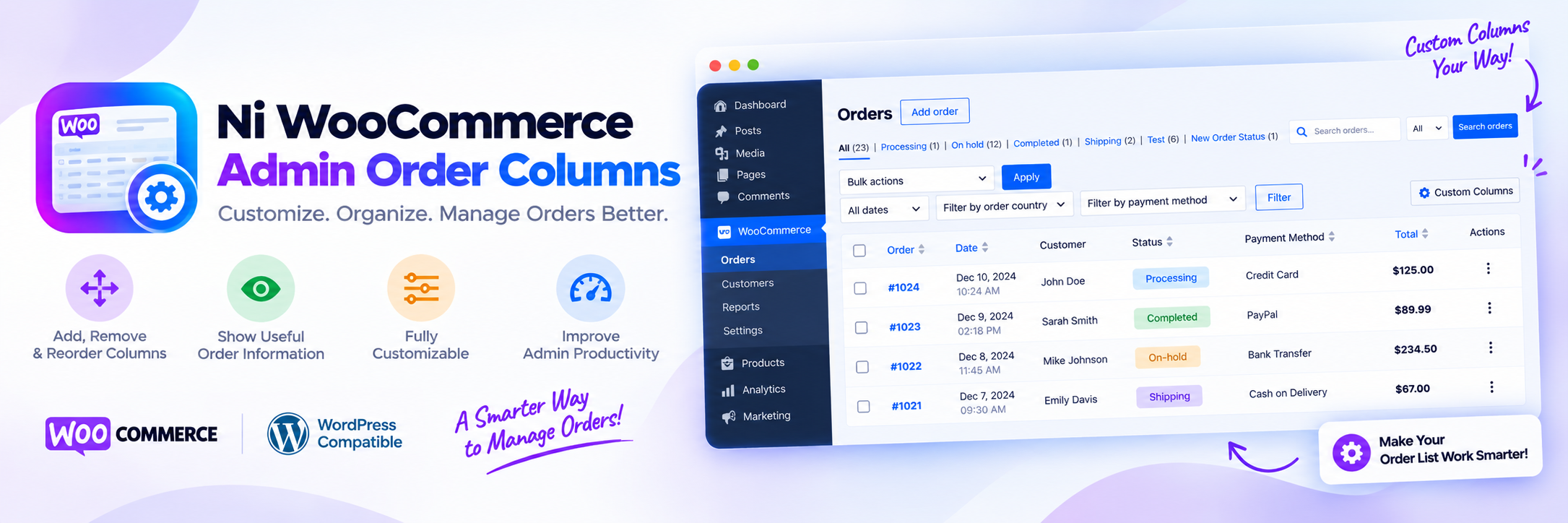
Ni WooCommerce Admin Order Columns is a lightweight WooCommerce order columns plugin that adds extra columns to the WooCommerce > Orders admin list. It displays the product name, SKU, and quantity sold in each order, along with the customer’s IP address, payment method title, and order tax total — all without opening the order. This gives store managers a fast, at-a-glance way to review what was sold, how it was paid for, and where the order came from directly from the orders list.
Key Features of WooCommerce Admin Order Columns
- Display Order Item Product Name and Quantity
- Show Order Product SKU
- Show Customer IP Address in the Orders List
- Show Payment Method Title
- Include Order Total Tax
Note: This plugin is fully compatible with both WooCommerce’s new High-Performance Order Storage (HPOS) and the legacy WordPress posts storage. Whether you are utilizing HPOS or the traditional storage method, you can rely on this plugin to work seamlessly with your current setup.
Disclaimer
This plugin is provided “as is” without warranty of any kind. The user assumes full responsibility for any issues that arise from using this plugin.
Installation
- Use the WordPress plugin installer or upload files to the WordPress plugin directory.
- Activate the plugin from the admin panel.
- Go to
WooCommerce -> Ordersto find the new “Order Product” columns.
FAQ
Where can I get help?
Click on the support tab or email: support@naziinfotech.com
What columns does this plugin add to the WooCommerce orders list?
It adds four columns to WooCommerce > Orders: Order Product (product name, SKU, and quantity), IP Address, Payment Method Title, and Tax Total.
Does this plugin work with WooCommerce High-Performance Order Storage (HPOS)?
Yes. The plugin is compatible with both WooCommerce HPOS (custom order tables) and the legacy WordPress post-based order storage.
Can you add custom columns in the admin order list?
Yes, we can add custom columns in the admin order list as per requirements.
Do you customize this plugin?
Yes, we can customize this plugin as per your requirements.
Screenshots

Changelog
version 1.6.6 – 17-October-2026
- New: Addons page (WooCommerce > Ni Addons, also linked from the Plugins screen) listing our Pro and free WooCommerce plugins, with search and one-click Install / Activate for the free ones.
version 1.6.5 – 18-September-2026
- Tested: Compatible With WordPress 7.1
- Tested: Compatible With WooCommerce 11.1.0
- Fix: Prevented a fatal error when rendering order columns for a missing, invalid, or deleted order.
- Fix: Avoided unnecessary repeated order lookups when rendering columns under WooCommerce High-Performance Order Storage (HPOS).
- Security: Escaped order column output (product name, SKU, IP address, payment method title) to prevent stored XSS.
version 1.6.4 -15-October-2024
- Tested: Compatible With WooCommerce 9.3.3
- Tested: Compatible With WordPress 6.6.2
version 1.6.3 -27-August-2024
- Tested: Compatible With WooCommerce 9.2.3
- Tested: Compatible With WordPress 6.6.1
- Compatible: compatible with woocommerce HPOS
version 1.6.2 – 31-May-2024
- Tested: Compatible With WooCommerce 8.9.1
- Tested: Compatible With WordPress 6.5.3
version 1.6.1 – 21-March-2024
- Tested: Compatible With WooCommerce 8.7.0
- Tested: Compatible With WordPress 6.4.3
version 1.6.0 – 23-November-2023
- Tested: Compatible With WooCommerce 8.3.1
- Tested: Compatible With WordPress 6.4.1
version 1.5.0 – 01-May-2023
- Tested: Compatible With WooCommerce 7.6.1
- Tested: Compatible With WordPress 6.2
version 1.4.9 – 05-February-2023
- Tested: Compatible With WooCommerce 7.3.0
- Tested: Compatible With WordPress 6.1.1
version 1.4.8 – 11-November-2022
- Tested: Compatible With WooCommerce 7.0.1
- Tested: Compatible With WordPress 6.1
version 1.4.7 – 07-August-2022
- Tested: Compatible With WooCommerce 6.7.0
- Tested: Compatible With WordPress 6.0.1
version 1.4.6 – 01-June-2022
- Tested: Compatible With WooCommerce 6.5.1
- Tested: Compatible With WordPress 6.0
version 1.4.5 – 20-March-2022
- Tested: Compatible With WooCommerce 6.3.1
- Tested: Compatible With WordPress 5.9.2
version 1.4.4 – 26-December-2021
- Tested: Compatible With WooCommerce 6.0.0
- Tested: Compatible With WordPress 5.8.2
- Added: Link to open the sold product
version 1.4.3 – 03-October-2021
- Tested: Compatible With WooCommerce 5.7.1
- Tested: Compatible With WordPress 5.8.1
version 1.4.2 – 23-Aug-2021
- Tested: Compatible With WooCommerce 5.6.0
- Tested: Compatible With WordPress 5.8
version 1.4.1 – 17-June-2021
- Tested: Compatible With WooCommerce 5.4.1
- Tested: Compatible With WordPress 5.7.2
version 1.4.0 – 07-April-2021
- BugFix: Product SKU bug fix
version 1.3.9 – 29-March-2021
- Added: Product SKU
version 1.3.8 – 16-March-2021
- Tested: Compatible With WooCommerce 5.1.0
- Tested: Compatible With WordPress 5.7
- Added: Total tax
version 1.3.7 – 15-January-2021
- Tested: Compatible With WooCommerce 4.9.0
- Tested: Compatible With WordPress 5.6
version 1.3.6 – 16-November-2020
- Tested: Compatible With WooCommerce 4.7.0
- Tested: Compatible With WordPress 5.5.3
version 1.3.5 – 16-August-2020
- Tested: Compatible With WooCommerce 4.3.3
- Tested: Compatible With WordPress 5.5
version 1.3.4 – 26-June-2020
- Tested: Compatible With WooCommerce 4.2.2
- Tested: Compatible With WordPress 5.4.2
version 1.3.3 – 03-April-2020
- Tested: Compatible With WooCommerce 4.0.1
- Tested: Compatible With WordPress 5.4
- Fix: Internal bug fix
version 1.3.2 – 01-March-2020
- Tested: Compatible With WooCommerce 3.9.2
version 1.3.1 – 20-January-2020
- Tested: Compatible With WooCommerce 3.8.1
- Tested: Compatible With WordPress 5.3.2
version 1.3.0 – 15-November-2019
- Tested: Compatible With WordPress 5.3
version 1.2.9 – 10-November-2019
- Tested: Compatible With WooCommerce 3.8.0
- Tested: Compatible With WordPress 5.2.4
version 1.2.8 – 01-September-2019
- Tested: Compatible With WooCommerce 3.7.0
- Tested: Compatible With WordPress 5.2.2
- Added: Payment Method Title
version 1.2.7 – 25-May-2019
- Tested: Compatible With WooCommerce 3.6.3
- Tested: Compatible With WordPress 5.2
version 1.2.6 – 05-May-2019
- Tested: Compatible With WooCommerce 3.6.2
- Tested: Compatible With WordPress 5.1.1
version 1.2.5 – 03-February-2019
- Tested: Compatible With WooCommerce 3.5.4
- Tested: Compatible With WordPress 5.0.3
version 1.2.4 – 01-December-2018
- Tested: Compatible With WooCommerce 3.5.3
- Tested: Compatible With WordPress 5.0.2
version 1.2.3 – 07-November-2018
- Tested: Compatible With WooCommerce 3.5.1
- Tested: Compatible With WordPress 4.9.8
version 1.2.2 – 15-July-2018
- Tested: Compatible With WooCommerce 3.4.3
- Tested: Compatible With WordPress 4.9.7
version 1.2.1 – 07-May-2018
- Tested: Compatible With WordPress 4.9.5
- Added: Customer IP address
version 1.2 – 12-March-2018
- Tested: Compatible With WordPress 4.9.4
- Tested: Compatible With WooCommerce 3.3.3
- Added: Sold product quantity
version 1.1 – 12-November-2017
- Tested: Compatible With WordPress 4.8.3
- Tested: Compatible With WooCommerce 3.2.3
version 1.0
- Initial release