

Description
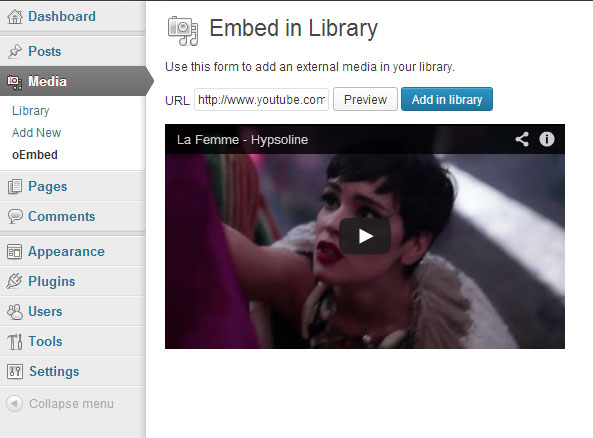
Use oEmbed providers (Youtub, Flickr, SoundCloud, Vimeo, …) to add external medias in your library.
Installation
- Upload to the
/wp-content/plugins/directory - Activate the plugin through the ‘Plugins’ menu in WordPress
- Use the form in Media > oEmbed (wp-admin/upload.php?page=oembedinlibrary)
This plugin do NOT provide any way to embed medias in your template files.
Screenshots


Changelog
1.0.2
Get ready for languages packs (WP 3.7.1 feature)
1.0.1
Renamed .pot file and french translation files
1.0
First commit