

Description
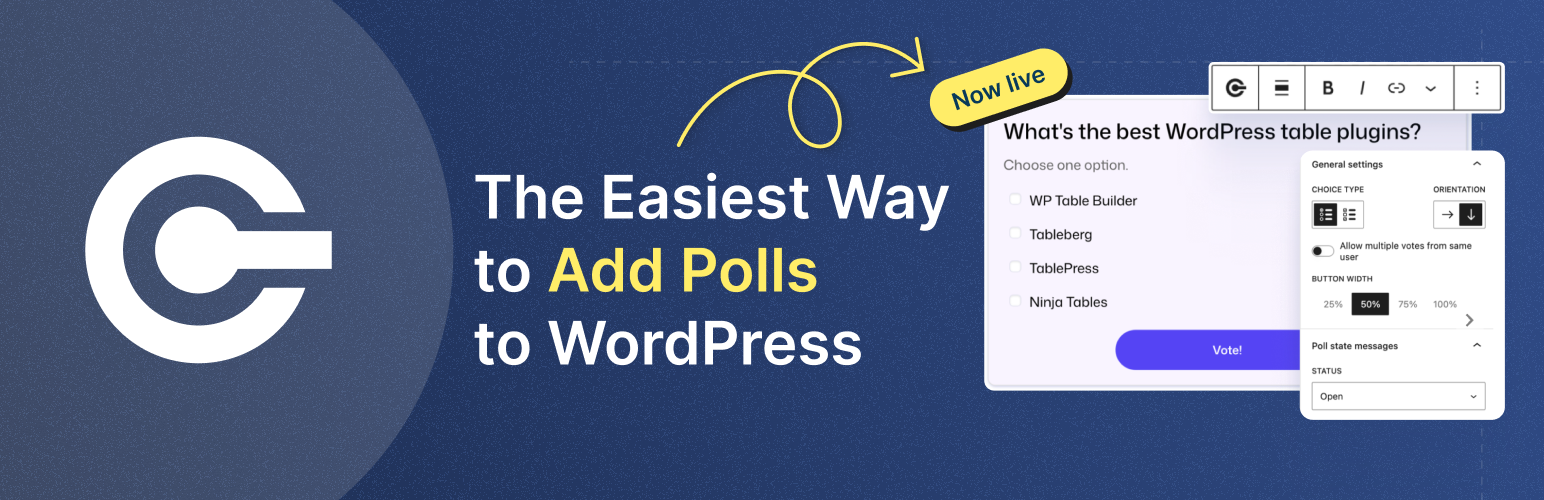
OpinionCamp is a block-based poll plugin for WordPress. You build a poll the same way you build anything else in the editor: add the block, type your question, type your options, publish. No shortcodes to memorize, no separate settings screen to hunt through, no embed code from someone else’s server.
Votes are stored in your own WordPress database. The plugin does not call out to any external service to record a vote, and it does not store IP addresses.
Two blocks
Poll. A single poll you place anywhere in a post or page.
Poll List. Shows all of your polls in one place. Create a page, add the block, and visitors can browse and vote on every poll without leaving that page.
Build the poll
- Single choice or multiple choice
- An optional “Other” choice where visitors type their own answer, with the option to require text before they can vote
- Set the layout to one, two, three, or four columns, with separate settings for desktop, tablet, and mobile
- Vote button width at 25%, 50%, 75%, or full width
- Write your own vote button text and success message
- Optional “one vote per device” limit
- HTML anchor support so you can link straight to a poll
Control the results
- Live results that update as votes come in
- Choose what happens after someone votes: show the results, or show a thank you message
- Order results by original order, most votes first, or fewest votes first
- Hold results back until a poll reaches a minimum number of votes
- Open or close a poll from the block sidebar
- Decide what a closed poll does: turn off voting but keep it visible, hide it completely, or show the final results
Style every part of it
Colors are grouped by the part of the poll they affect, so you are never guessing which setting does what:
- Poll: text, background, and accent color
- Vote button: text and background
- Results: bar fill and bar track
- Success message: text and background
- Closed poll notice color
- Box shadow
Typography is split the same way, with separate font size controls for the poll title, the description, and the option labels, plus appearance and letter case on the labels.
And because you cannot style something you cannot see, the editor has a preview state switcher. Flip the canvas to the results view, the closed state, the after voting message, the hidden state, or the error state, style it, and flip back. It changes nothing on your live site.
Reuse a poll
Already made a poll you want to run somewhere else? The block placeholder lets you pick from your existing polls instead of creating a new one, so the same poll can appear on more than one page and keep collecting into the same set of results.
Keep track of your polls
Every poll you create appears under OpinionCamp > Polls, with the vote count, the date, and the post or page it lives on. Group polls into categories, filter by category or by open and closed status, search by title, and sort by votes to see which questions your audience actually responded to.
There is also a widget on your WordPress dashboard showing your most recent polls and their vote counts, with quick links to view results or edit the poll, so you see poll activity the moment you log in.
Why choose OpinionCamp?
Because it is built the WordPress way. Visual, local, and block first.
Most poll plugins for WordPress either predate the block editor and bolt a settings screen onto it, or they are a hosted service wearing a plugin costume, where your readers’ votes live on somebody else’s server. OpinionCamp is neither. It is a block, your data is yours, and it works with any block theme out of the box.
External services
OpinionCamp uses Freemius, a third-party licensing, distribution and analytics service, to power its optional opt-in and support features.
Service provider: Freemius, Inc.
Opt-in terms: https://freemius.com/product/opt-in/36844/opinioncamp/
Privacy policy: https://freemius.com/privacy/
About
OpinionCamp is built by the team behind Ultimate Blocks and WP Table Builder, trusted by thousands of WordPress users worldwide.
Learn more and get updates at OpinionCamp.com
Roadmap
- Real-Time Poll Results
- Reaction & Feedback Blocks
- Poll Analytics Dashboard
- Campaign-Level Polls
- Survey & Quiz Modules
- User-Based Voting Controls
About
OpinionCamp is built by the team behind Ultimate Blocks and WP Table Builder — trusted by thousands of WordPress users worldwide.
Learn more and get updates at OpinionCamp.com
Installation
- Upload the plugin files to the
/wp-content/plugins/opinioncampdirectory, or install directly from the WordPress plugin repository. - Activate the plugin through the Plugins menu in WordPress.
- Open the editor and search for the Poll block.
- Add your question and options, then adjust the settings in the block sidebar.
- Publish and start collecting votes.
To show all of your polls in one place, create a new page, add the Poll List block, and publish.
FAQ
Do I need an account to use OpinionCamp?
No. Every feature works without an account, and your polls and votes are stored in your own WordPress database.
When you activate the plugin you will see a one-time screen asking whether you would like to share basic, non-sensitive diagnostic data with us to help improve OpinionCamp. It is entirely optional. Click “Skip” and the plugin never contacts an external service. See the External services section for exactly what is shared if you do opt in.
Where are votes stored?
In your WordPress database, on your own server. Nothing is sent anywhere else, and the plugin does not store IP addresses.
Where do I see the results?
Go to OpinionCamp > Polls for a list of every poll on your site with its vote count, the post it appears on, and whether it is open or closed. Click a vote count to see the full breakdown. Your most recent polls also appear in a widget on the WordPress dashboard.
Can I add more than one poll to the same page?
Yes. Add as many Poll blocks as you like.
Can I show all of my polls on a single page?
Yes. Create a page, add the Poll List block, and every poll on your site appears in a grid. Visitors vote right there in the list. You can set the number of columns, how many polls appear before pagination kicks in, the order they appear in, and whether to show all polls, only open ones, or only closed ones. You can also limit the list to one or more categories.
Can I use the same poll on more than one page?
Yes. When you add a Poll block, the placeholder gives you the choice of creating a new poll or selecting one you already made. Pick an existing poll and it keeps collecting into the same results wherever it appears.
Can someone vote more than once?
There is an “Allow only one vote per device” setting that stops repeat voting from the same browser using a cookie. It is not bulletproof, since a determined person can clear cookies or switch browsers, but it handles ordinary double voting. We chose a cookie over storing IP addresses on purpose.
Can I hide the results until enough people have voted?
Yes. Set Minimum votes to show results and voters will see your thank you message instead of the results until the poll passes that number. This is worth using on newer sites, where a poll sitting at one vote shows an unhelpful 100%.
What happens when I close a poll?
You choose. A closed poll can stay visible with voting turned off, disappear from the page entirely, or show its final results. For reader surveys and anything newsworthy, showing the results is usually right, since the results are the reason the poll existed.
Will it work with my theme?
Yes. OpinionCamp is built on native WordPress blocks and picks up your theme’s fonts and styling. If you want it to look different, the color and typography controls are in the block sidebar.
Does it work with page builders?
OpinionCamp is a block plugin, so it works in the WordPress editor. Shortcode support for page builders like Elementor is on the roadmap.
Is there a Pro version?
Yes, but the free plugin is the full poll plugin. Pro currently adds one thing: the Modern Card poll style. Everything described above is in the free version.
Screenshots


Changelog
1.0.9
- FEATURE: Poll categories to organize polls
- IMPROVE: Redesigned admin dashboard, poll list, and results pages
- FIX: Duplicating a Poll block now creates a new poll instead of sharing votes with the original
- UPDATE: Freemius SDK to v2.13.5
1.0.8
- FEATURE: Poll List block to display and vote on multiple polls
- FEATURE: Option to show vote counts after a submission threshold is met
- FEATURE: Result, accent, and more color controls
- IMPROVE: Typography across poll blocks
- IMPROVE: Poll status preview in the editor
- IMPROVE: Color control styling
- IMPROVE: Admin menu organization
- FIX: Poll option labels taking the entire width
1.0.7
- [PRO] FEATURE: Released pro version
1.0.6
- FEATURE: Poll library picker to embed existing polls in the editor
- FEATURE: HTML anchor support for poll blocks
- FEATURE: “Powered by OpinionCamp” footer on polls
- IMPROVE: Default closed poll notice background color
1.0.5
- FEATURE: Admin dashboard widget for poll activity
- FEATURE: Options to configure the closed poll state and messaging
- FEATURE: Ordering option for poll results display
- IMPROVE: Show results by default after voting when appropriate
- IMPROVE: Admin poll list pagination aligned with the search box
- IMPROVE: More neutral styling for the closed poll notice
1.0.4
- FIX: Space key not working in the vote button text
- FIX: Cannot vote in an option with special chars
- IMPROVE: Display results when one vote is allowed and has voted
- IMPROVE: Results view design in the Frontend
- IMPROVE: Added welcome page
1.0.3
- Post release fixes
1.0.0
- Initial release
- Introduced Poll Block
- Added support for single & multi-choice polls
- Customizable design options
- Local data storage
- Basic poll state messages