

Description
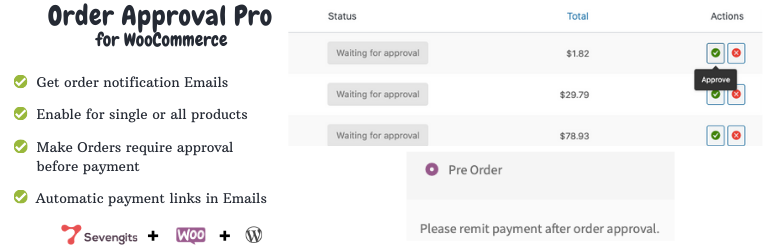
Order Approval for WooCommerce lets store owners review, approve, or reject WooCommerce orders before payment is processed. Customers can place an order without paying upfront. After the order is reviewed, the customer receives an email with the next steps.
Use WooCommerce order approval for Cash on Delivery (COD) orders, high-value purchases, custom orders, and stores that need manual order verification before payment.
Multivendor Support: Dokan and WCFM
Since version 2.2.0, Dokan and WCFM multivendor support is built into the main Order Approval for WooCommerce plugin. Enable one integration in Order Approval → Settings → Multivendor Support, then install the required marketplace plugin. Do not enable Dokan and WCFM together.
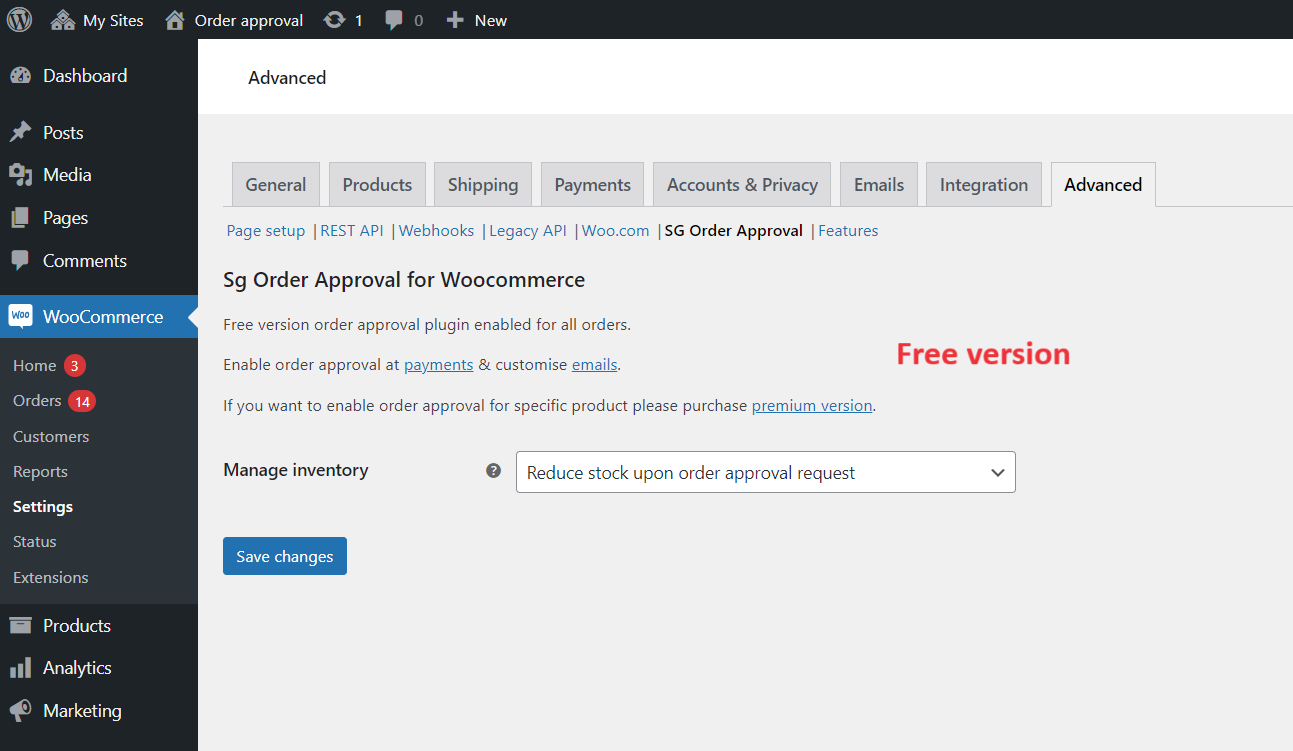
Free Order Approval Plugin
- Approve or reject WooCommerce orders manually before payment.
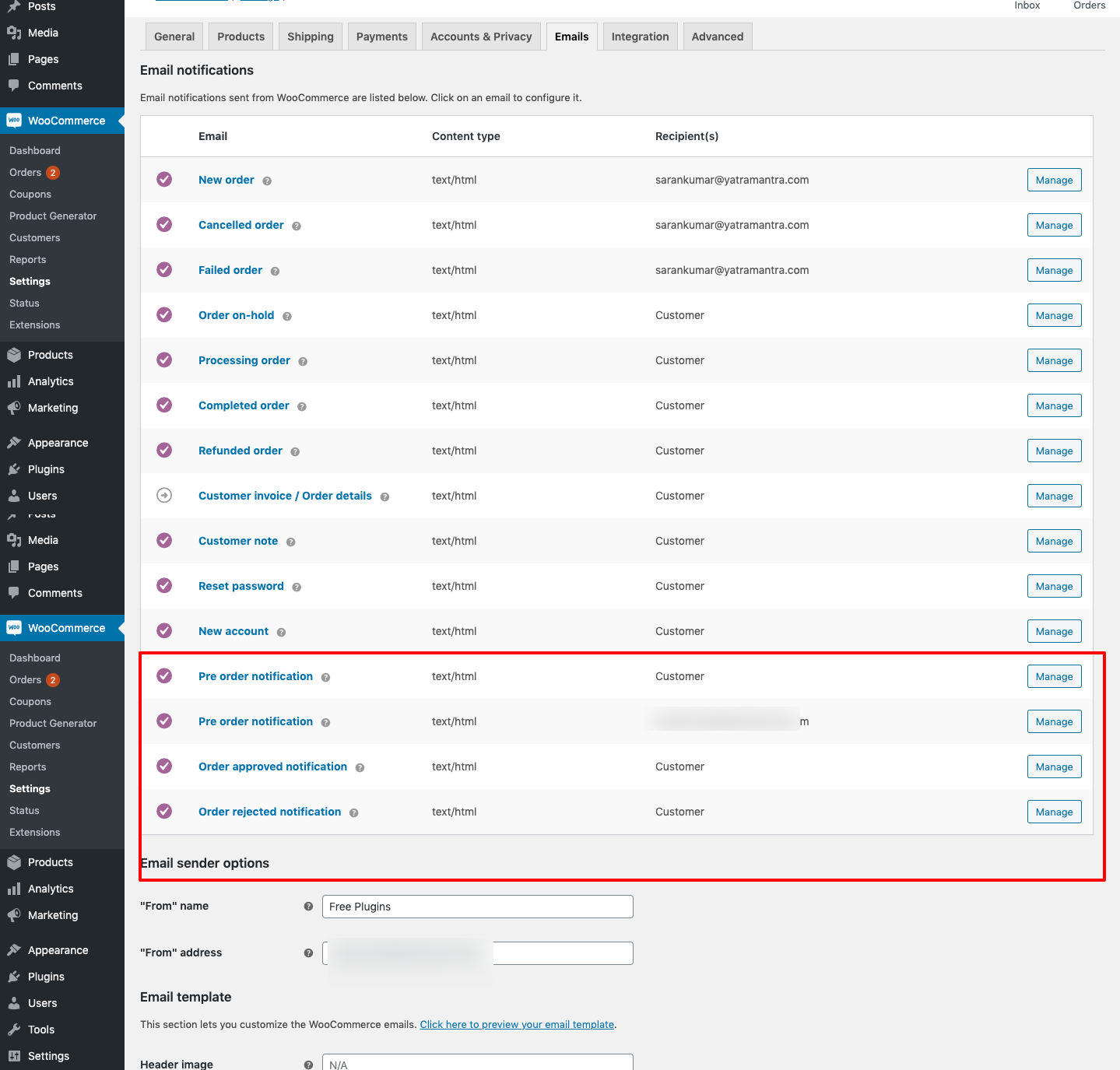
- Automatically email customers when an order is approved or rejected.
- Include a secure WooCommerce payment link in the approval email.
- Support enabled WooCommerce payment gateways without additional gateway configuration.
- Block checkout payment until the order is approved.
- Edit order details directly before approval with a lightweight setup.
Order Approval Pro
- Includes all free order approval features.
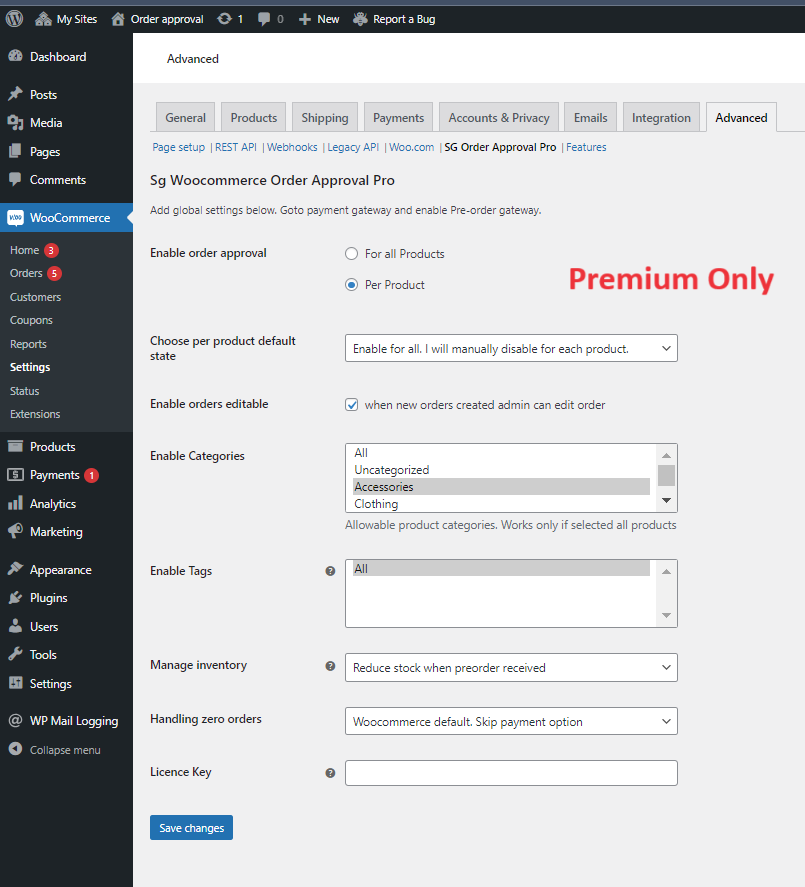
- Set order approval rules for specific products, product categories, and tags, including category-and-tag combinations.
- Add Approve and Reject buttons to admin emails.
- Support multilingual stores with translation-ready strings.
Get Order Approval Pro | Read the documentation | View the demo | Contact support
How It Works
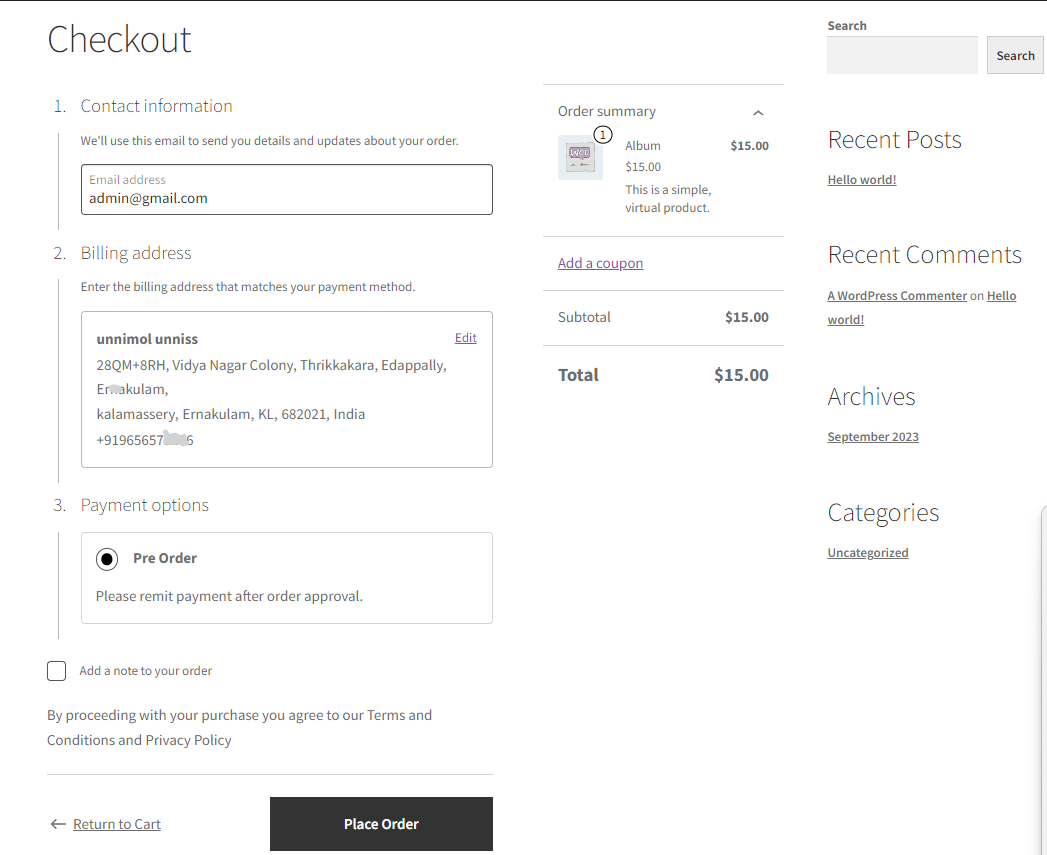
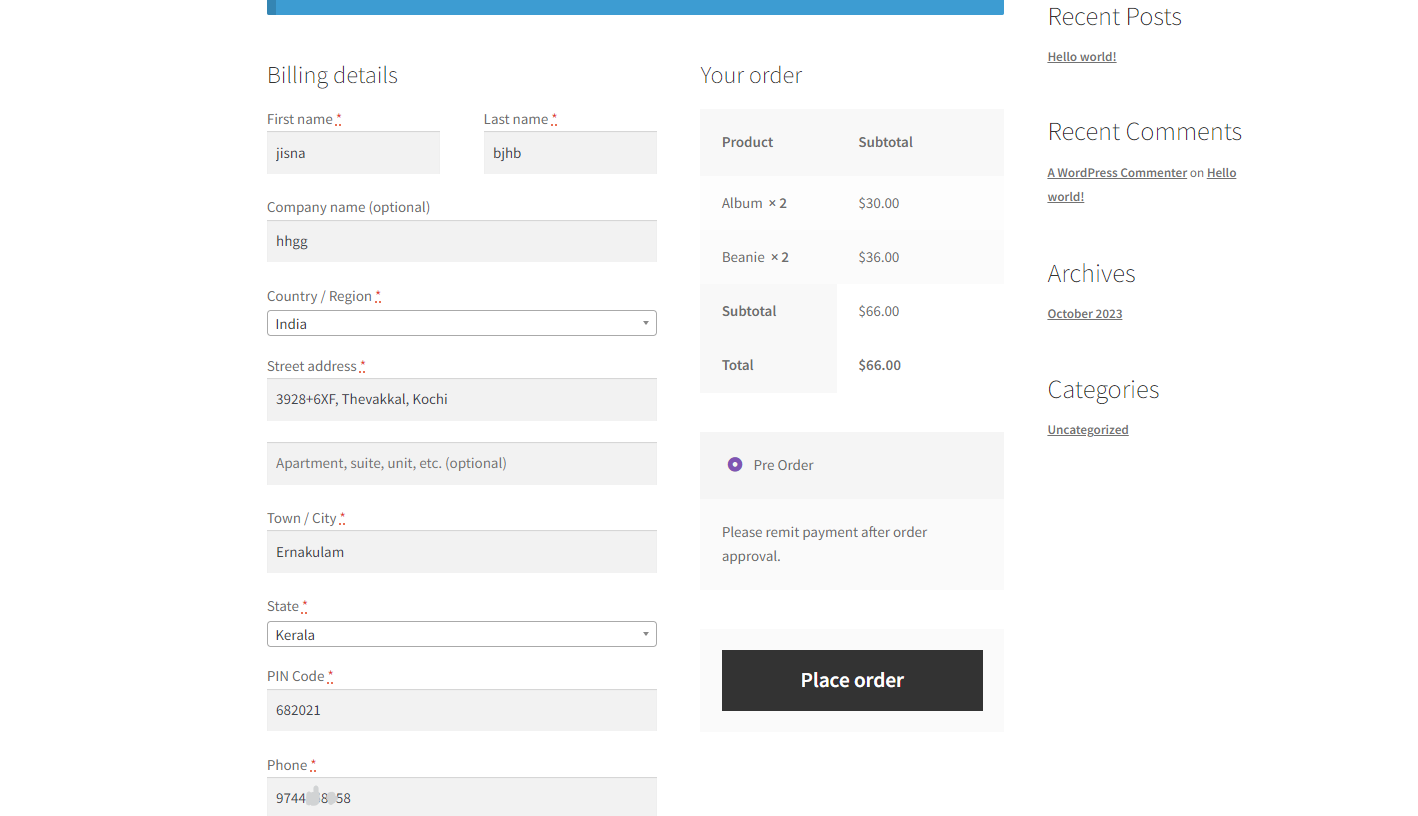
- A customer places a WooCommerce order without completing payment.
- The order waits for manual review by the store owner or admin.
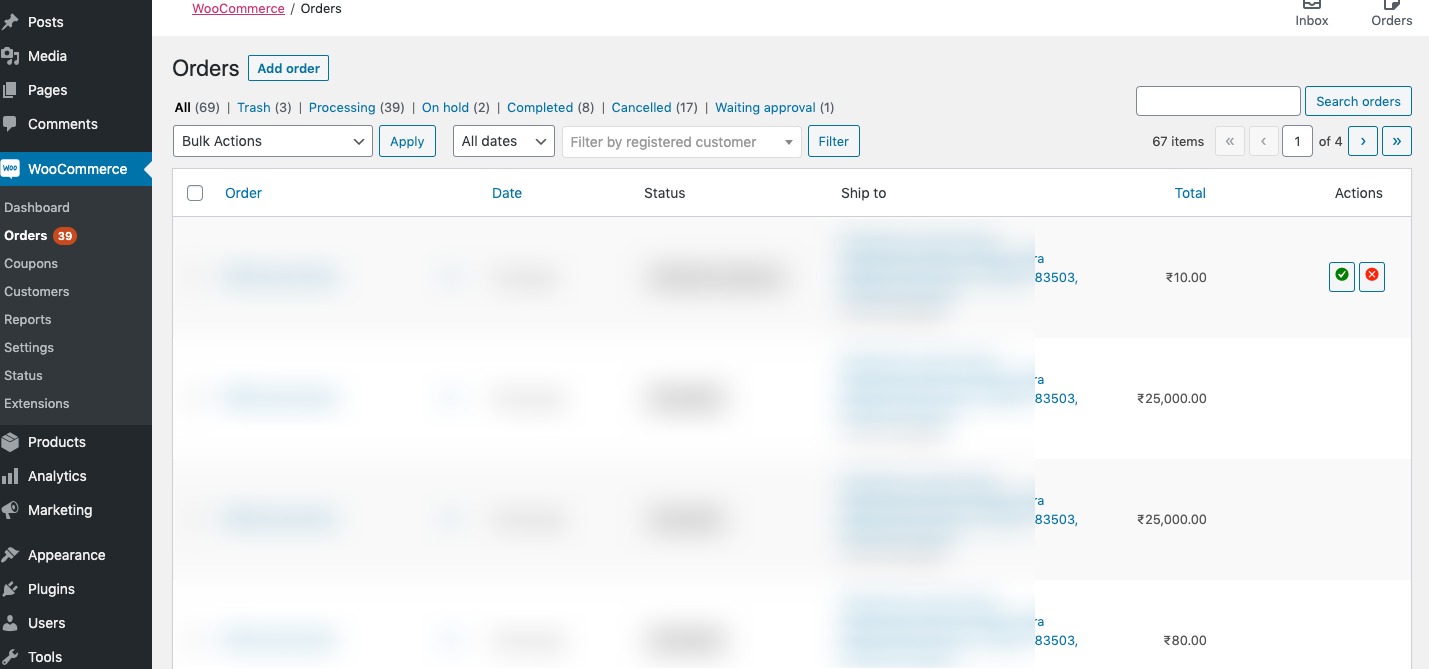
- The admin reviews the order in the WooCommerce Orders dashboard and approves or rejects it.
- If approved, the customer receives an email with a secure payment link. If rejected, the customer receives a cancellation email.
More WooCommerce Plugins by Sevengits
Sevengits develops WooCommerce plugins for store management, checkout, location selection, WhatsApp messaging, and automation.
- Notiqoo – WhatsApp for WooCommerce: Free | Premium version | Demo. Automate WooCommerce WhatsApp messaging and customer notifications.
- Checkout Location Picker for WooCommerce: Free | Premium version | Demo. Let customers select a delivery location at checkout.
- Map to Address: Free | Premium version | Demo. Convert map locations into address fields.
Installation
- Install and activate Order Approval for WooCommerce.
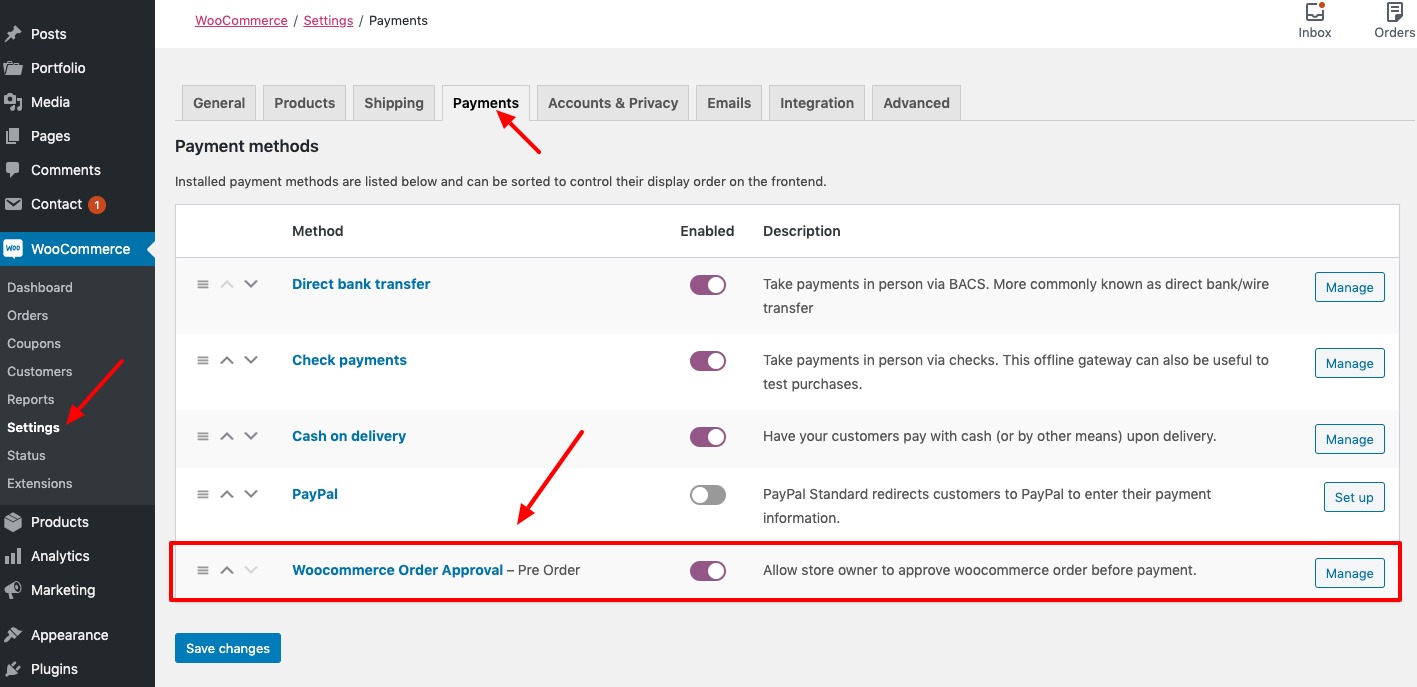
- In your WordPress admin, open the WooCommerce settings and select the Payment Gateways tab.
- Open the WooCommerce Order Approval gateway settings.
- Configure the order approval options and save your changes.
FAQ
Does it work with payment gateways such as PayPal and Stripe?
The plugin is designed to work with enabled WooCommerce payment gateways. If a gateway does not behave as expected, contact support.
Can customers pay before their order is approved?
No. Customers place the order without paying upfront. Payment becomes available after the order is approved, using the payment link in the approval email.
Does the plugin collect card details when an order is placed?
No. The plugin does not collect payment card details when the customer places the order. Payment is completed later through the configured WooCommerce payment gateway.
What happens to an order after it is placed?
The order waits for review. When approved, it moves to the pending-payment stage and the customer receives a payment link. When rejected, it is cancelled.
Why does the payment link expire?
The link may expire when the WooCommerce hold-stock period ends. Review the Hold stock (minutes) option under WooCommerce → Settings → Products → Inventory.
Screenshots
Changelog
Love using this plugin?
Please leaving a Review. Your support helps us keep the plugin free and continue providing updates and maintenance.
Thank you for supporting open-source ❤️
2.2.2 – 18 NOV 2026
- Improvement: Improved compatibility with WordPress 7.1.
- Improvement: Improved compatibility with WooCommerce 11.3.
- Fix: Fixed an authorization issue in WCFM order status updates to prevent unauthorized order modifications.Credit to kta1kri.
2.2.1 – 07 July 2026
- Improved compatibility with WordPress 7.0.
- Improved compatibility with WooCommerce 10.9.