


Description
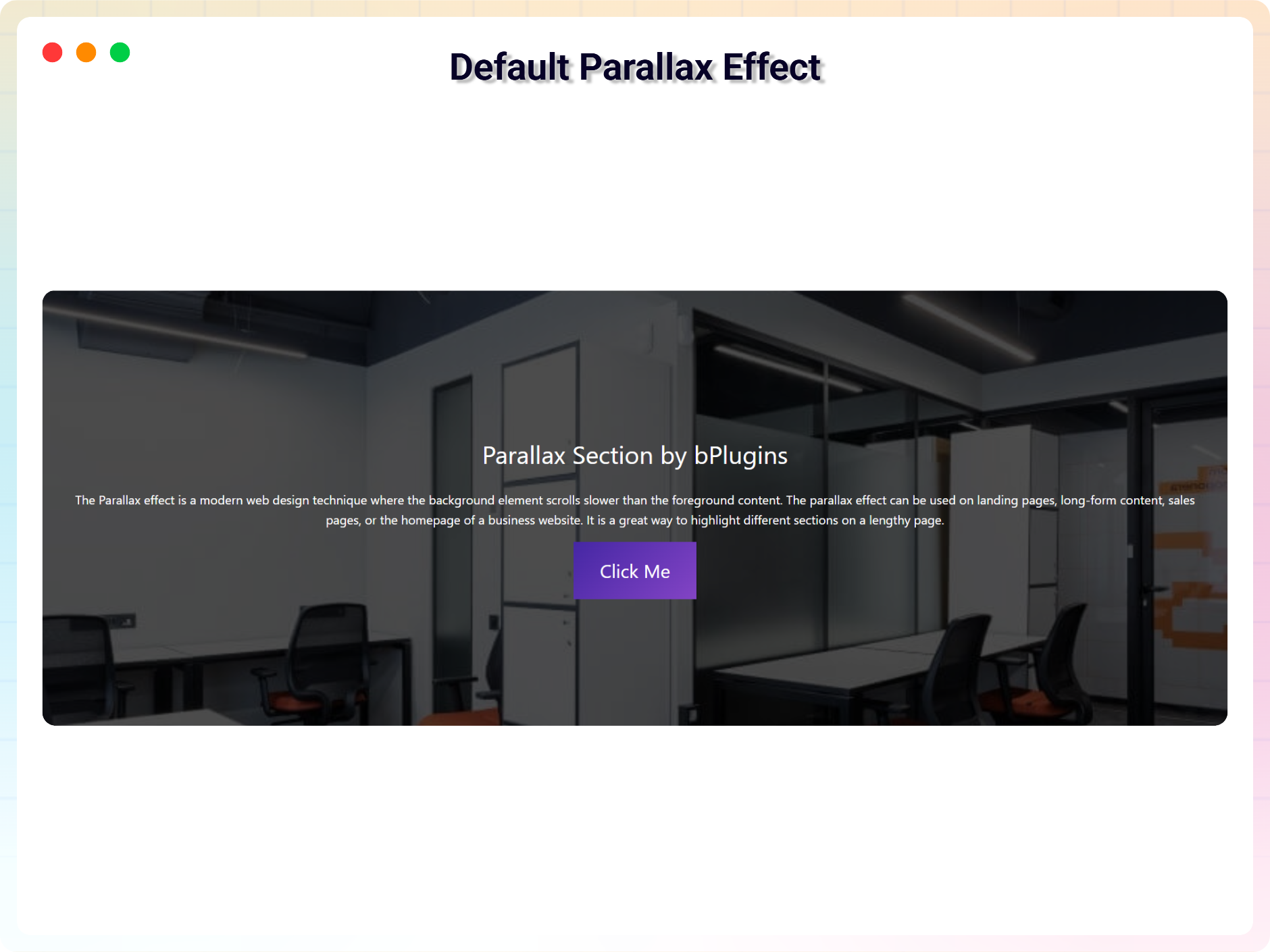
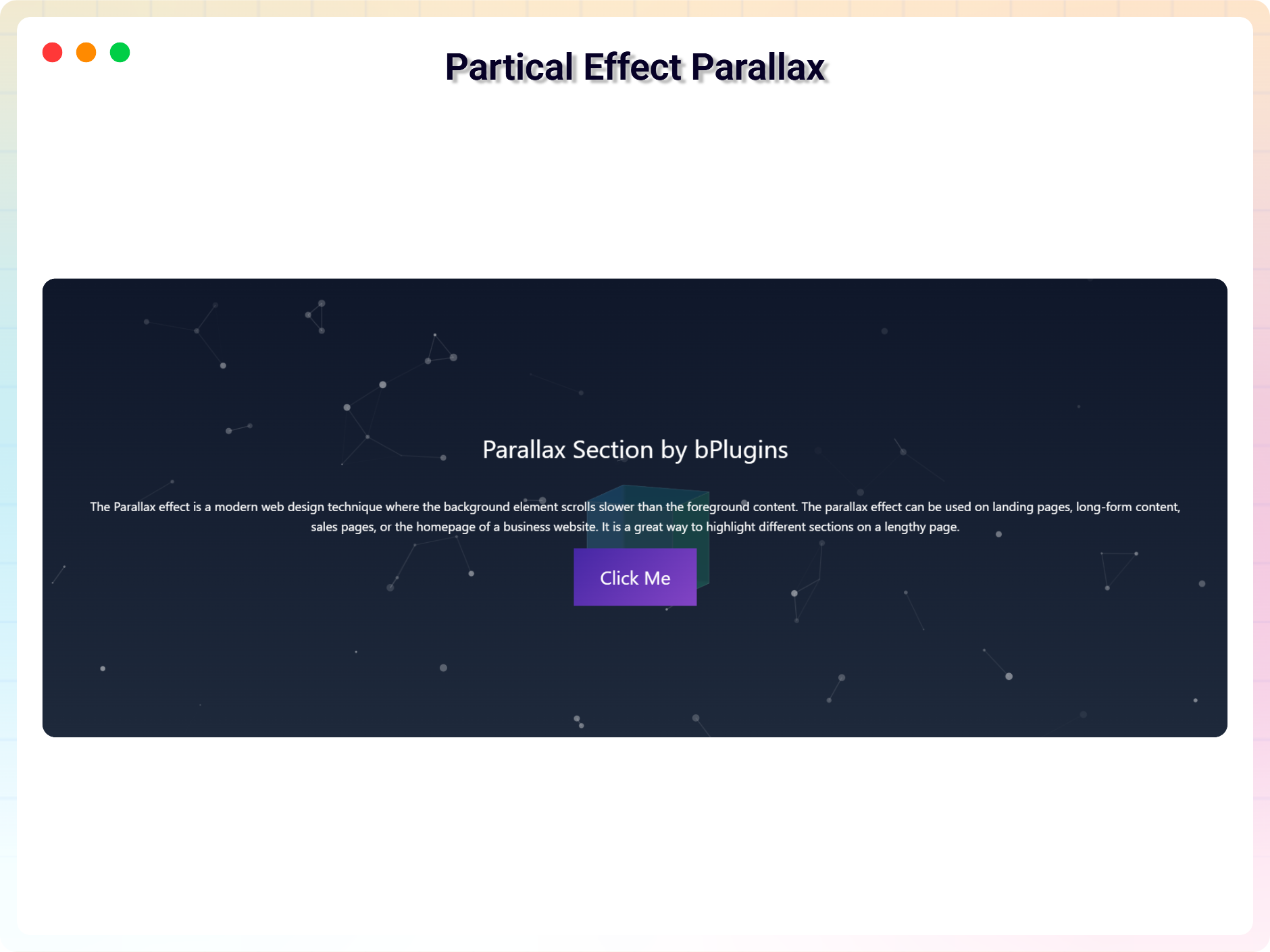
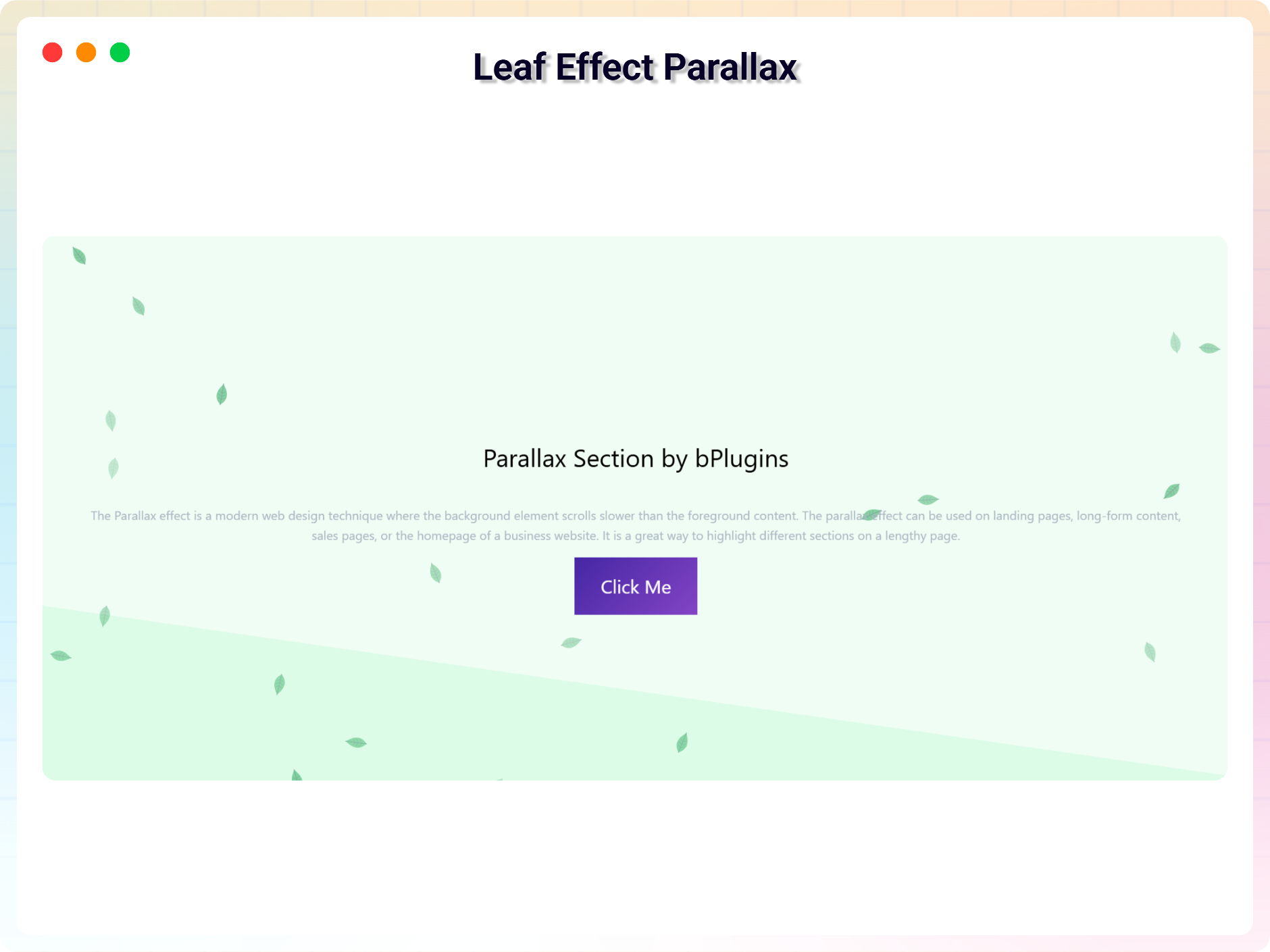
The parallax effect is a modern web design technique where the background element scrolls slower than the foreground content. The parallax effect can be used on landing pages, long-form content, sales pages, or the homepage of a business website. It is a great way to highlight different sections on a lengthy page.
You can easily create a parallax section with this plugin.
Features
- Easy to use
- It does not require much technical knowledge to use
- It is lightweight because it relies on JavaScript
- Smooth motion — every effect glides toward the scroll position instead of jumping (on by default).
- Parallax Layers (Free) — put any blocks inside and each one moves at its own depth as you scroll, with per-layer speed, direction and fade.
- Parallax Tilt Card (Pro) — cards that tilt toward the pointer and drift on scroll, with image parallax and a glare sheen, in four styles.
- Parallax Testimonials (Pro) — a 3D coverflow, stacked, spotlight or minimal testimonial carousel with autoplay and swipe.
- Parallax CTA (Pro) — a conversion band with a magnetic button, animated aurora and converging orbs, in four styles.
- Parallax Cube (Pro) — a 3D cube or prism that turns to reveal each content face, with tabs, drag and autoplay.
- Parallax Skills Cloud (Pro) — skill bubbles that drift on a spring field and scatter from the cursor, in five styles.
- Horizontal Scroll Parallax (Pro) — the section pins while you scroll down and its cards slide sideways, with Showcase, Timeline, Gallery and Story styles, drag, keyboard and navigation.
- Cinematic Reveal (Pro) — your image or video grows from a card, circle, giant word, shutter strips or a photo collage to full screen as visitors scroll.
How to use
- First, install the Parallax Section plugin
- Add the Parallax Section block from the block category called “Widgets” in the Gutenberg editor.
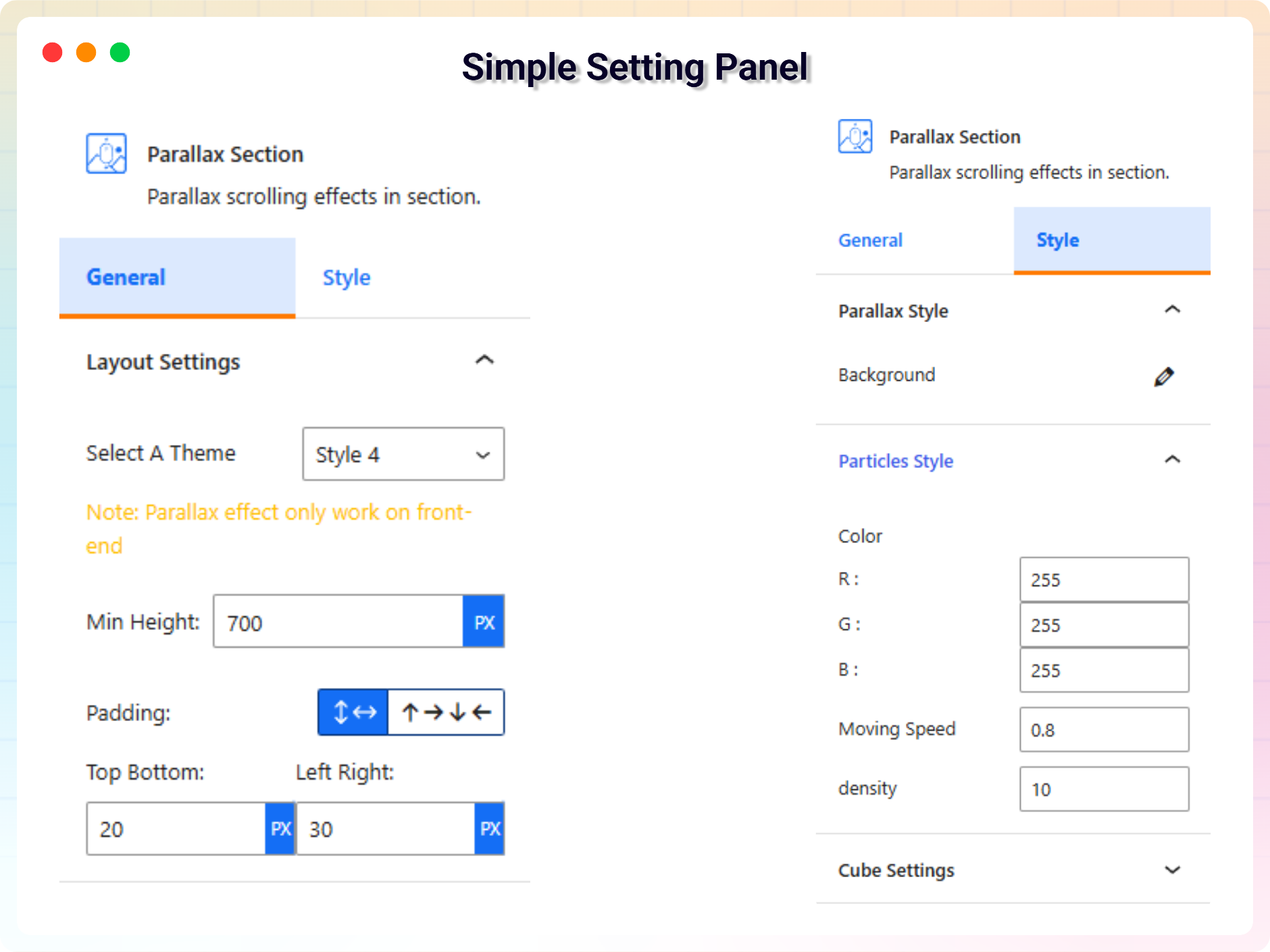
- You can change block settings from the right-side settings sidebar.
-
Enjoy!
-
For installation help click on Installation Tab
Feedback
- Did you like this plugin? Dislike it? Do you have a feature request? Please share your feedback with us
Check out the Parent Plugin of this plugin-
B Blocks – A blocks collection and page building tool for Gutenberg.
Check out our other WordPress Plugins-
Html5 Video Player – Display videos as single and playlist in multiple skins.
PDF Poster – Display/Embed PDF files with different styles.
Html5 Audio Player – Listen audios with awesome visuals.
StreamCast – Customizable radio player with different skins.
3D Viewer – Embed 3D models and 3D products with interaction.
Advanced Post Block – Show posts and custom posts in different layouts.
Installation
From Gutenberg Editor:
- Go to the WordPress Block/Gutenberg Editor
- Search For Parallax Section
- Click on the Parallax Section block to add the block
Download and Upload:
- Download the Parallax Section plugin (.zip file)
- In your admin area, go to the Plugins menu and click on Add New
- Click on Upload Plugin and choose the
parallax-section.zipfile and click on Install Now - Activate the plugin and Enjoy!
Manually:
- Download and upload the Parallax Section plugin to the
/wp-content/plugins/directory - Activate the plugin through the Plugins menu in WordPress
FAQ
Is Parallax Section free?
Yes, Parallax Section is a free Gutenberg block plugin.
Does it work with any WordPress theme?
Yes, it will work with any standard WordPress theme.
Can I change block settings?
Yes, you can change block settings from the Gutenberg block editor’s right sidebar.
How many times can I reuse a block?
You can use unlimited times as you want.
Where can I get support?
You can post your questions on the support forum here
Where do I report security bugs found in this plugin?
Please report security bugs found in the source code of the Parallax Section block – Parallax scrolling effects in section. plugin through the Patchstack Vulnerability Disclosure Program. The Patchstack team will assist you with verification, CVE assignment, and notify the developers of this plugin.
Screenshots
Changelog
2.4.2 – 16 November 2026
- Added: Black Friday & Cyber Monday (BFCM) campaign banner on the admin dashboard with exclusive Pro deals
- Added: Quick “Upgrade to Pro & Save Up to 45% This Black Friday!” action link on the Plugins page
- Improved: Admin dashboard layout compatibility and dismiss handling for promotional notices
2.4.1 – 12 November 2026
- Fixed: the Particle and Leaf effects now keep their text in view on long pages and when a page has more than one Particle section
- Fixed: Parallax Cube autoplay no longer stops whenever the mouse is anywhere over the section; it pauses only while you point at the cube or its controls
- Fixed: in the Parallax Testimonials Coverflow Deck style, the front card now shows the card background you choose instead of always turning dark navy
- Fixed: Parallax Section no longer removes icons and other SVG graphics (social icons, icon blocks) from the content inside it
- Fixed: Parallax Section effects now match the editor — the same height and the same spacing between blocks on the live page; the vertical alignment buttons now work for every effect
- Fixed: a Parallax Section speed of 0 now keeps the background still, as the setting says
- Fixed: the Particle and Leaf effects now respect the visitor’s “reduce motion” setting, and the Particle effect pauses while it is off screen
- Fixed: long text in the Leaf effect is no longer cut off on phones
- Fixed: the Default effect’s background no longer spills out of the section while the page loads
- Fixed: Parallax Section effects now start even when a caching plugin delays the page’s scripts
- Fixed: the Blur effect now lines up correctly when content above it loads late
- Improved: the Particle cube position settings are now called “Distance from top” and “Distance from right”, and the phone values apply on all phone sizes
- Fixed: Parallax Layers now spaces its layers on the live page exactly as in the editor — by the “Gap between layers” setting, without extra theme margins
- Fixed: Parallax Cube’s Mouse scroll pin now stays pinned on themes that hide page overflow
- Fixed: in the editor, the Parallax Cube face you are previewing no longer loses its place when you add or remove that face’s image
- Fixed: Parallax Testimonials’ Mouse scroll pin now stays pinned on themes that hide page overflow
- Fixed: Parallax Testimonials autoplay now pauses only while you point at a card or the controls, not anywhere across the section’s content area
- Fixed: in the Parallax Tilt Card Split Media style on phones, the scrolling card image no longer shows its edge
- Fixed: in the editor, changing a Parallax Tilt Card’s alignment no longer makes its scrolling images show their edges
- Fixed: in the editor, changing a Parallax CTA’s section padding now also limits how far its content floats, so the band never drifts past the section edge
- Fixed: in the Parallax Skills Cloud Magnetic Tag Wall style, tags pulled toward the pointer no longer slide on top of each other
- Fixed: in the editor, changing Horizontal Scroll Parallax’s direction, mobile mode, background text style or card height no longer switches off the Focus / 3D Tilt card preview
- Fixed: better compatibility with themes and other plugins — the Parallax Section styles no longer use a shared “fadeIn” animation name or change every dashicon on the page, and the Particle / Leaf effects no longer repeat the same HTML id when a page has more than one
2.4.0 – 10 November 2026
- New Pro block: Cinematic Reveal — the section pins and your image or video grows to full screen as visitors scroll
- Five styles: Card to Fullscreen, Text Mask (zoom through a giant word), Circle Portal, Shutter and Window Gallery
- Intro text before the reveal, and a headline with a button on the full-screen media; the button has its own typography, colours, hover colours, padding and radius
- Scroll distance, hold, media zoom, focal point, end frame and smooth motion; plays the same in the editor as on the live page
- Mobile: full reveal or a simple, still layout on phones; respects the reduced-motion setting
- Fixed: pinned sections (Horizontal Scroll Parallax, Cinematic Reveal) now stay pinned on themes that hide page overflow
- Fixed: a JavaScript error on the plugin’s Account page
- Updated: Freemius SDK to 2.13.5
2.3.0 – 31 October 2026
- New Pro block: Horizontal Scroll Parallax — the section pins while you scroll down and its cards slide sideways
- Four ready-made styles: Showcase, Timeline (line fills as you scroll), Gallery and Story (background colour changes per card)
- Card effects: Focus, 3D Tilt and Reveal, plus image depth parallax, card numbers and a moving background headline
- Navigation: numbers or dots, arrows, progress bar or counter, drag to scroll, keyboard arrows and snap to card
- Layout controls per device: card width and height, gap, side space, radius, card overlay, section padding and margin
- Mobile: keep pinning, swipe the row, or stack the cards; respects the reduced-motion setting
2.2.0 – 25 October 2026
- New free block: Parallax Layers — put any blocks inside and each one moves at its own depth as you scroll, with per-layer speed, direction and fade
- New: “Smooth motion” option for the Parallax Section block — effects glide toward the scroll position instead of jumping (on by default)
- New: Parallax Layers can be used in shortcodes on every site via the “Section Block” picker
- Improved: Leaf effect leaves now turn as you scroll, without jitter
- Improved: animated “how to use” guide on the dashboard
- Fixed: a JavaScript error for site visitors on pages with the Parallax Section block
2.1.1 – 1 October 2026
- Updated: live demo links for every section and a watch-video link for each Pro section
2.1.0 – 28 September 2026
- New Pro sections: Parallax Tilt Card, Testimonials, CTA, Cube and Skills Cloud — each with multiple style presets and tabbed General / Style settings
- New: “Mouse scroll” pin mode for Testimonials and Cube — the section sticks while scrolling moves through the cards or turns the cube face by face
- New: scroll parallax depth for Tilt Card, CTA, Cube and Skills Cloud, plus a floating effect for the Cube
- New: use any Pro section in a Parallax Section shortcode via the new “Section Block” picker
- New Scroll Zoom effect for the Parallax Section block (Pro)
- Improved: parallax effects now play while editing in the block editor
- Improved: section background images cover the section and stay in place on pinned sections
- Improved: new default background image, refreshed block icons, and the Demos page now shows this plugin’s demos
- Accessibility: keyboard navigation, ARIA roles and live regions, and prefers-reduced-motion support across all sections
- Performance: throttled, passive scroll handling on every effect
- Security: all user links are scheme-validated before output
2.0.4
- Freemius SDK and Admin Dashboard Updated
2.0.3
- Admin Dashboard Updated
2.0.2
- Black Friday Sale Link Added
2.0.1
- Update Freemius Lite SDK
2.0.0
- 5 New Theme Added
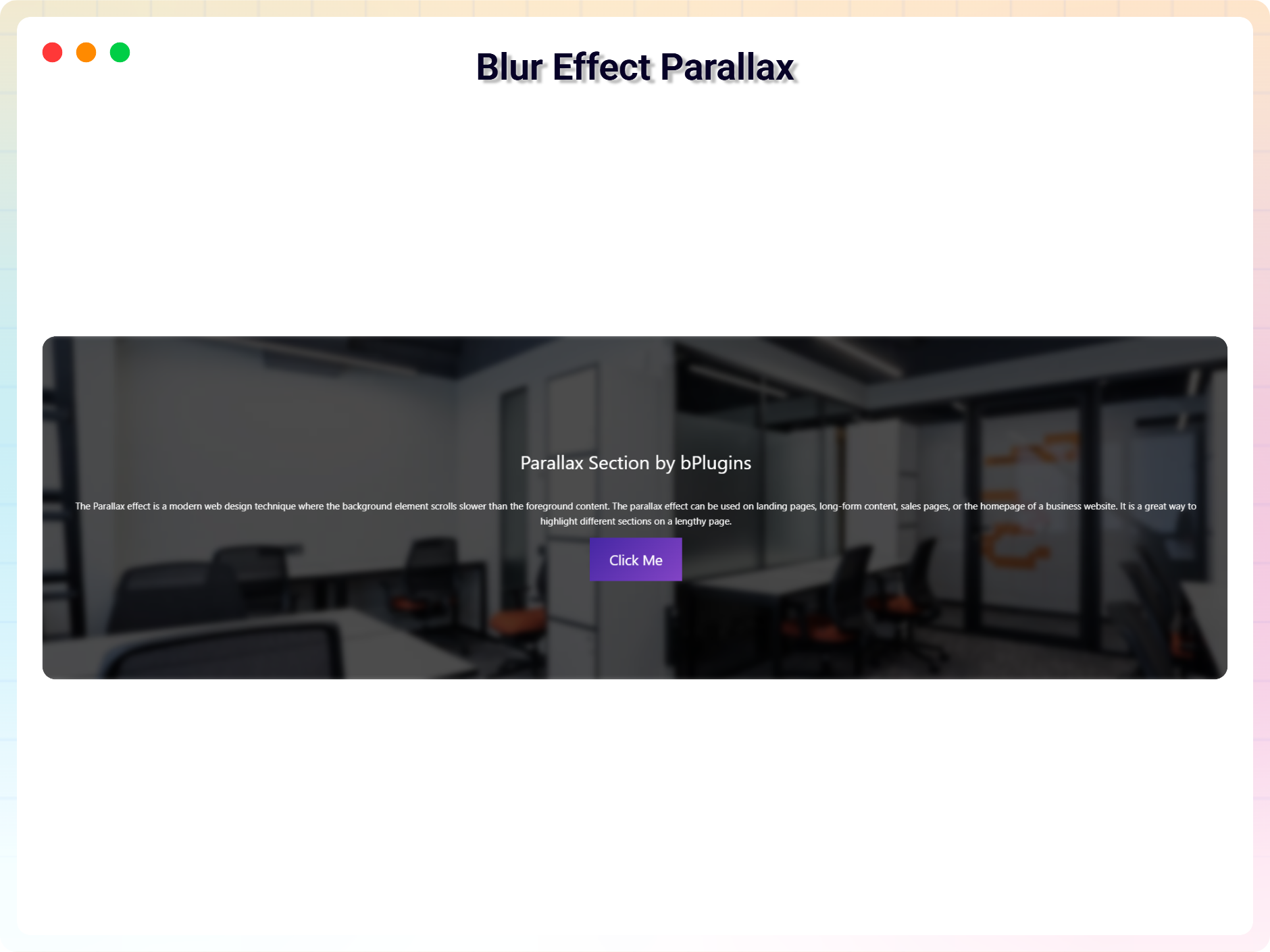
- Blur Effect Parallax
- Vertical Parallax
- Particle Parallax
- Three Image Parallax
- Row Scroll Parallax
1.0.9
- Fix Iframe issue
1.0.8
- Reduce Dependency
1.0.7
- Fix issue
1.0.6
- Initial height
1.0.5
- Not load scripts if block is not used
1.0.4
- Add translate feature
1.0.3
- Fix Dependency
1.0.2
- Reduce PHP Code
- Performance Improvement
1.0.1
- Reduce PHP Code
1.0.0
- Initial Release.