

Description
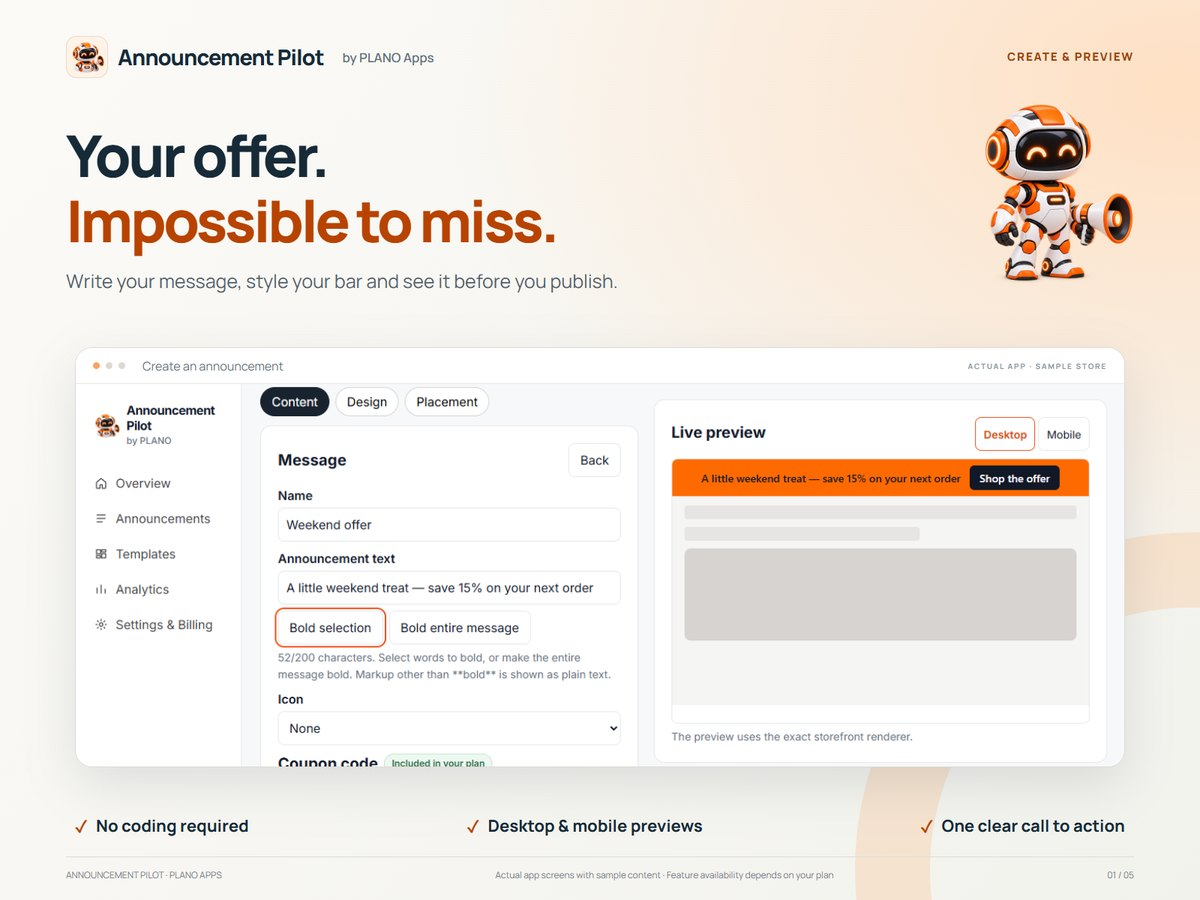
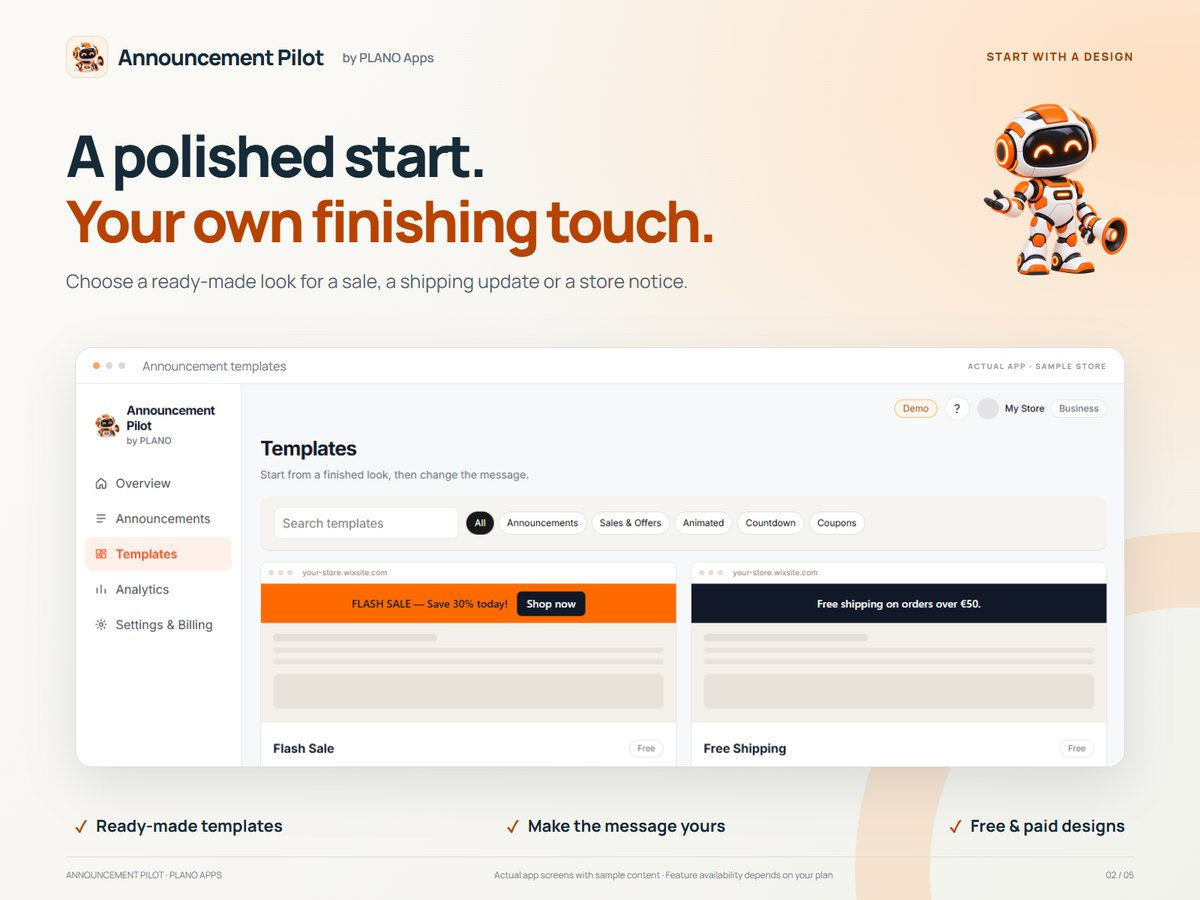
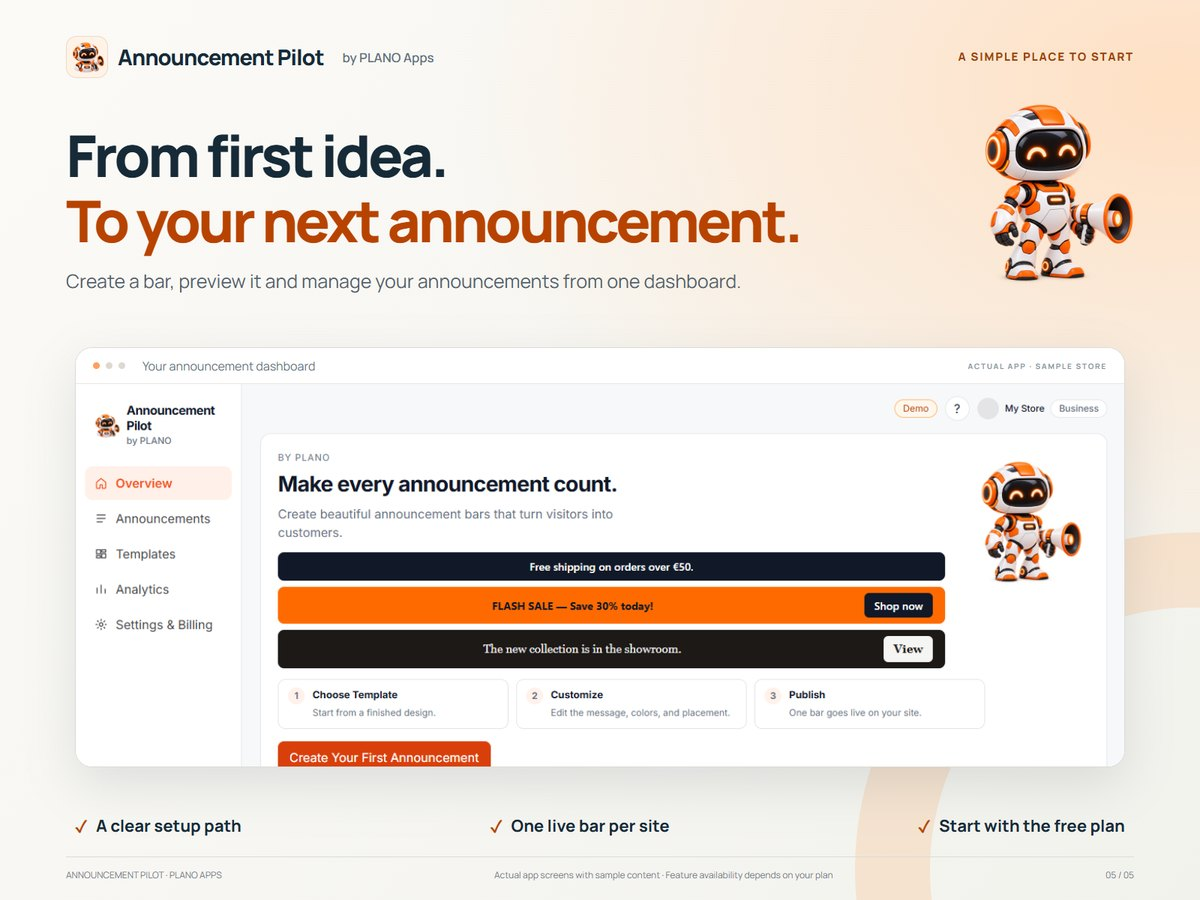
Open Announcement Pilot from its WordPress sidebar entry or the Open Announcement Pilot link on the Plugins screen. Start with a template, edit your message, preview desktop and mobile, then enable and save your announcement. The dashboard includes a product tour slideshow and a visual template gallery so new users can see the real app before they edit anything.
The plugin includes colours, all-text bold, text sizing, top/bottom placement, device visibility and a close button. A first-use guide, contrast feedback, desktop/mobile previews and optional mascot animation help you create your first announcement. Settings and assets stay on your website. The free plugin makes no licensing requests; it counts anonymous impressions and button clicks on your own site, with no cookies and no visitor profiles.
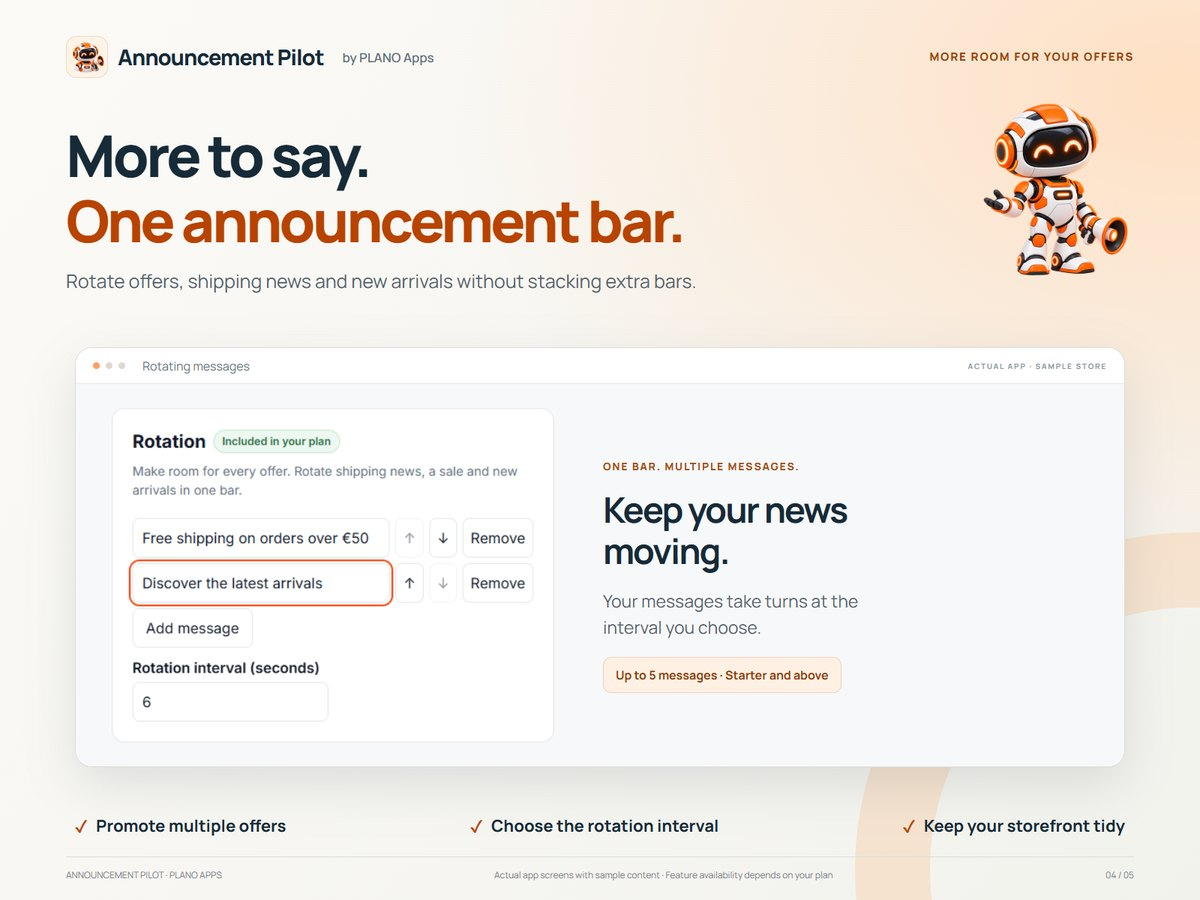
Announcement Pilot Pro is a separate paid add-on distributed outside WordPress.org. Starter (€3.99/month) adds message rotation and page/browser-language targeting. Growth (€5.99/month) includes Starter plus countdowns and automatic expiry. Compare plans and start a 7-day trial at https://licenses.weareplano.gr/pricing?product=announcement. Paid functionality is not included in this free plugin. Country targeting is not provided. Analytics cover anonymous impressions and button clicks on your own site.
Installation
- Upload the announcement-pilot folder to wp-content/plugins, or install its ZIP from Plugins > Add New > Upload Plugin.
- Activate Announcement Pilot.
- Select Announcement Pilot in the sidebar, or Open Announcement Pilot on the Plugins screen.
- Edit and enable your announcement, then save.
FAQ
Who can edit announcements?
Only users with the manage_options capability, normally site administrators.
Does this change theme files or hide another announcement bar?
By default, yes. The plugin hides common theme announcement bar markup with CSS while its own bar is live, so visitors see one bar. You can turn this off under Placement & behaviour, and add your theme’s CSS selector if its bar uses unusual markup.
Does closing a bar set cookies?
No. Dismissal lasts for the current page view only.
How do I get Starter or Growth?
Open Announcement Pilot → Plans & upgrades in your WordPress admin, or compare plans at https://licenses.weareplano.gr/pricing?product=announcement. After checkout you get a license key and the Pro add-on download from https://licenses.weareplano.gr/portal.
Screenshots

Changelog
1.2.1
- Automatically hides your theme’s own announcement bar when the plugin bar is live, so visitors never see two bars.
- Added an option to turn that off and a field for extra CSS selectors if your theme uses unusual markup.
1.2.0
- Rebuilt the admin screen as a sidebar dashboard that matches the Announcement Pilot app.
- Added anonymous impression and button-click analytics stored on your own site.
- Added a built-in product tour slideshow with the published Announcement Pilot listing artwork.
- Added a visual template gallery for Welcome, Free shipping, Sale and Store update designs.
- Added the Announcement Pilot app icon and PLANO Apps brand strip to the admin screen.
- Aligned Starter and Growth prices with the live catalog (€3.99 / €5.99 monthly; USD and GBP at checkout).
- Improved keyboard and screen-reader support for the dashboard, slideshow and template picker.
1.1.1
- Reworked plan comparison cards and license layout for desktop and mobile.
- Show verified monthly and yearly catalog prices, annual totals and calculated savings.
1.1.0
- Added an administrator FAQ and legal page with Plano Apps support and privacy links.
- Added first-use guidance, draft/published status, contrast feedback and form validation.
- Added a persistent animation pause control and a static reduced-motion alternative.
- Preserved Unicode announcement text and provided integration hooks for the separate Pro add-on.
1.0.0
- Initial local release with sidebar and Plugins-screen entry points and an animated mascot logo.