
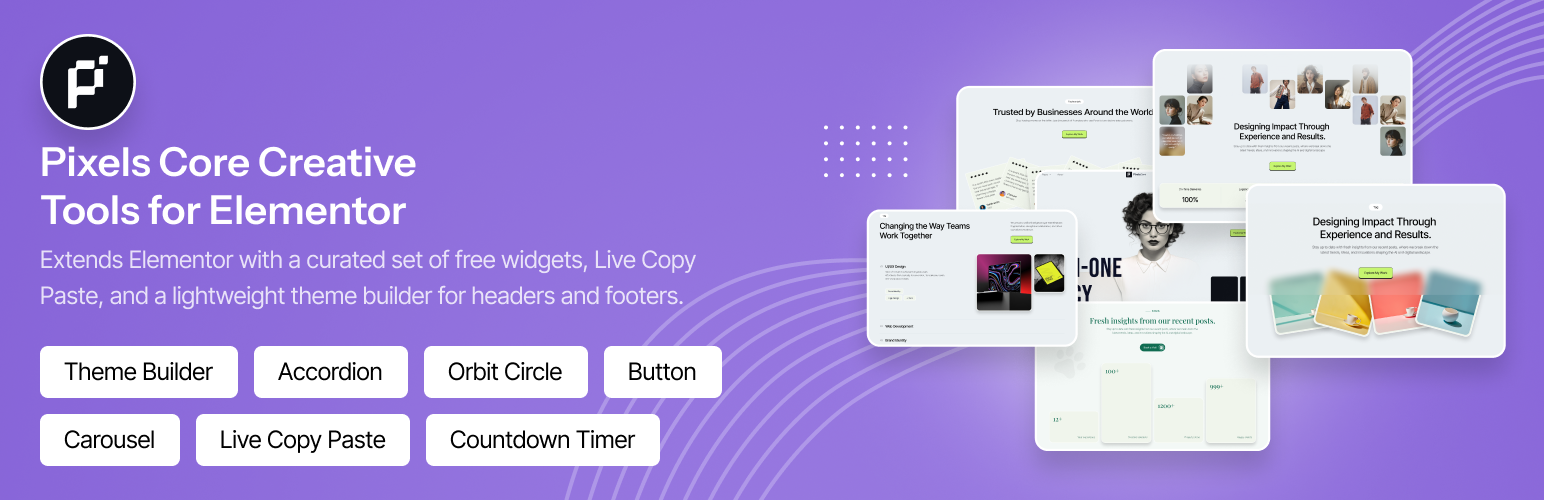

Description
Pixels Core Creative Tools for Elementor adds a set of free widgets to Elementor, plus Live Copy Paste, a lightweight Header/Footer theme builder, and an MCP server that lets AI assistants such as Claude build real, editable Elementor pages on your site.
Everything is managed from the Pixels Core dashboard in the WordPress admin. Turn individual widgets and extensions on or off, and the ones you switch off stop loading their assets on the frontend.
Free Widgets
- Tabs (nested)
- Accordion (nested)
- Carousel (nested)
- Heading
- Countdown Timer
- Progress Bar
- Counter
- Rotator Text
- Orbit Circle
- Button
- Menu
- Site Logo
Free Extensions
- Live Copy Paste: paste Elementor sections, containers and widgets from the clipboard straight into the editor.
- MCP Server: connect Claude and other AI clients to build Elementor pages with your widgets (see below). Off by default.
Build Pages with AI (MCP Server)
The Model Context Protocol (MCP) is an open standard that lets AI assistants use tools on other systems. Pixels Core includes its own MCP server, so you can connect Claude Code, Claude Desktop, Cursor or any other MCP client to your site and ask in plain language:
- “Build a landing page for my bakery with a hero, three features, testimonials and a contact section.”
- “Add a pricing section under the hero on the Services page.”
- “Make the header sticky and switch the site’s primary color to dark green.”
The AI builds the page with Pixels widgets and Elementor’s own widgets. The result is an ordinary Elementor page that you can open and edit in the editor like any other.
How it keeps the output clean
- The AI reads each widget’s real settings before using it. Unknown setting names are rejected and the closest valid name is suggested, so nothing is guessed.
- Pages use your site’s global colors and fonts, a consistent spacing scale, and tablet and mobile settings.
- Styling is done through widget settings, the same as in the Elementor panel. No custom CSS is injected.
- Changes are saved through Elementor’s own document API, so revisions, CSS regeneration and HTML filtering work as normal.
- Pages that are open in the Elementor editor are not overwritten, and every edit is checked against the latest version of the page.
What the AI can do
- Site and design: read site info, global colors, fonts and breakpoints, and update the global colors and fonts.
- Widgets: list the available widgets and read each widget’s content, style and advanced settings.
- Pages: list, create, update and trash pages and posts. New pages are drafts unless you ask for them to be published.
- Page content: read a page’s structure, then add, update or delete sections, containers and widgets.
- Effects: apply tested recipes for scroll animations, entrance effects, hover effects, sticky elements, custom cursors and image masks.
- Theme Builder: list templates and create Header and Footer templates with display rules (plus the extra template types when Pro is active).
- Menus: list menus, and create or edit them with submenus up to three levels deep.
- Media: search the media library and import images from a URL (JPEG, PNG, GIF, WebP or AVIF, up to 15 MB).
- Preview links: create a temporary public link (1 to 168 hours) so you can share a draft without logging in.
Getting connected
- Open the AI / MCP tab in the Pixels Core dashboard and switch the MCP Server on.
- Click Connect an AI client, choose your client and create the connection. Pixels Core creates a WordPress Application Password for you and shows a ready-to-paste command or config for Claude Code, Claude Desktop or Cursor.
- Run the health check to confirm that your server passes the authorization header through and that the endpoint responds.
Connections are listed in the dashboard with the client name and last-used time, and you can revoke any of them with one click.
Security
- The MCP server is off by default. Nothing is exposed until an administrator enables it.
- It uses standard WordPress Application Passwords. Every request runs as a real user and respects that user’s capabilities. Only users who can edit posts can connect, and actions such as changing global styles, menus or media need the matching capability.
- Browser requests from other sites are rejected (DNS-rebinding protection).
- Nothing is ever deleted permanently. Pages go to the trash and can be restored, and the front page and posts page cannot be trashed.
- Media imports refuse private and local network addresses.
- Preview links store only a hash of their token, expire automatically, and are served as noindex and not cached.
Theme Builder (Free)
Design site-wide templates in Elementor and choose where they appear:
- Header
- Footer
Display rules let you show a template on the entire site, on specific page types, or on individual pages, and hide it elsewhere.
Pixels Core Pro
Everything above is free and stays free. Pixels Core Pro is a separate paid plugin that adds:
- 26 more widgets, including a Form widget with stored submissions, Chart, Data Table, Timeline, Marquee, Stack Cards, 3D Slider, SVG Draw, and a full set of dynamic post, loop and filter widgets
- 12 extensions, including GSAP scroll animations, text animations, image animations, sticky/pin elements, image masking, custom cursors, tooltips and Global Spacing presets
- More Theme Builder templates: Single Post, Archive, 404 Page, Popup, Mega Menu and Maintenance Mode / Coming Soon
- A custom post type and taxonomy builder
- A Features screen to switch off the Pro modules you don’t use
With Pro active, its widgets, extensions and template types are automatically available to the MCP server as well.
Pro is optional. The free plugin works fully on its own.
Requirements
- WordPress 6.0 or higher
- PHP 7.4 or higher
- Elementor 3.5.0 or higher
The nested widgets (Tabs, Accordion, Carousel) need the Nested Elements feature enabled in Elementor → Settings → Features.
The MCP server uses WordPress Application Passwords, which need HTTPS. On a local development site, set WP_ENVIRONMENT_TYPE to local to use them over HTTP.
Privacy and External Services
This plugin does not send any data to Pixels71 or to any third-party service on its own.
When you enable the MCP server and connect an AI client, that client (for example Claude, made by Anthropic, or Cursor) can read and change content on your site with the permissions of the connected user. What the client does with that content is covered by the client provider’s own terms and privacy policy. You can revoke a connection at any time from the dashboard.
The import_media_from_url tool downloads an image from a URL that the AI client supplies, usually a free stock photo site the AI has chosen. Your site’s server makes that request directly.
Translations
A translation template is included in the languages folder. To contribute a translation, copy pixels-core-creative-tools-for-elementor.pot to your locale (for example pixels-core-creative-tools-for-elementor-fr_FR.po), translate the strings and compile a .mo file.
Credits
See CREDITS.txt for third-party libraries and attribution.
Installation
- Upload the
pixels-core-creative-tools-for-elementorfolder to/wp-content/plugins/, or install the plugin from the Plugins screen in WordPress. - Activate the plugin from the Plugins screen.
- Make sure Elementor is installed and active.
- After activation you are taken to the Pixels Core dashboard.
- Enable the widgets and extensions you want, then edit your pages with Elementor.
- Optional: open the AI / MCP tab, switch the MCP Server on and follow the steps to connect an AI client.
FAQ
Does this plugin work without Elementor?
No. Pixels Core Creative Tools for Elementor needs Elementor to be installed and active.
Why are some widgets missing in Elementor?
Check that the widget is enabled in the Pixels Core dashboard. The nested widgets (Tabs, Accordion, Carousel) also need Elementor’s Nested Elements feature.
How do I use Live Copy Paste?
Enable Live Copy Paste in the Pixels Core dashboard. In the Elementor editor, paste copied Elementor content from your clipboard to insert sections, containers or widgets.
How do I build a custom header or footer?
Go to Theme Builder, create a Header or Footer template, design it with Elementor and set its display rules.
What is MCP and do I need it?
MCP (Model Context Protocol) is an open standard for connecting AI assistants to other software. You only need it if you want an AI assistant to build or edit pages for you. It is off by default and the rest of the plugin works without it.
Which AI clients work with the MCP server?
The dashboard gives ready-made setup for Claude Code, Claude Desktop and Cursor. Any client that supports remote MCP servers over Streamable HTTP with a custom Authorization header will also work.
Does the plugin include an AI subscription?
No. You use your own AI client and account. Pixels Core provides the connection to your site and does not charge for AI usage.
Can the AI break or delete my pages?
The AI can only do what the connected WordPress user is allowed to do. New pages are drafts by default, Elementor keeps revisions of every change, and pages can only be moved to the trash, never permanently deleted. For extra safety, connect with an account that has the Editor role instead of an administrator.
The health check says the Authorization header is missing. What do I do?
Some hosts strip the Authorization header before it reaches WordPress. Ask your host to pass it through, or add the standard rewrite rule for it to your .htaccess file (Apache) or server config (Nginx).
How do I disconnect an AI client?
Open the AI / MCP tab in the Pixels Core dashboard and click Revoke next to the connection. Its Application Password is deleted immediately.
Screenshots


Changelog
1.1.0
- New: built-in MCP server (Pixels Core → AI / MCP, off by default). Connect Claude Code, Claude Desktop, Cursor or any MCP client to build and edit Elementor pages with Pixels and Elementor widgets.
- New: 20 MCP tools covering site info and global styles, widgets and their settings, pages, page content, effects, Theme Builder templates, menus, media and shareable preview links.
- New: AI / MCP tab in the dashboard with a connect wizard, ready-to-paste setup for each client, a connection list with revoke, and a server health check.
- New: extensions can now default to off. New extensions are only enabled automatically when they are meant to be.
- Improved: Single, Archive and 404 templates now mark the page as Elementor-rendered, so themes such as Hello Elementor no longer squeeze them into a narrow content column.
- Improved: Button widget icon box size control for the v8 style.
- Fixed: Pro widget names (Stack Cards, Timeline, Marquee, Expanding Card, Filter Anything) did not match in the nested-widget editor script.
1.0.4
- Added a Pixels Core Pro section to the plugin description and enabled the upgrade notice in the dashboard.
- The dashboard license bar now links to the Pro License screen instead of rendering an inert button.
- Fixed unreadable license bar text caused by a dark foreground colour on a dark background.
1.0.3
- Improved WordPress Coding Standards compliance across the plugin (PHPCS / WPCS).
- Added and completed missing file, class, and function documentation blocks.
- Minor code-quality and maintainability cleanups.
1.0.2
- Hardened sanitization, escaping, and validation.
- Sanitize display-rule meta on save; use post-specific edit capability for Theme Builder meta.
- Add REST route argument sanitize/validate callbacks; escape localized and dashboard URLs.
- Sanitize popup selector and CSS class settings before output.
1.0.1
- Renamed plugin for WordPress.org distinctiveness and trademark clarity.
- Removed Custom CSS and Custom JS extensions (directory guideline compliance).
- Removed non-GPL animation libraries from the free plugin; Button and Orbit Circle use CSS/WAAPI.
- Escaping, enqueue, AJAX prefix, Select2, and admin menu placement fixes.
1.0.0
- Initial release.
- Free Elementor widgets, Live Copy Paste and Header/Footer theme builder.
- Admin dashboard for widget and extension management.
- Translation-ready.
- Redirect to dashboard on plugin activation.