


Description
The Play Random Image plugin allows administrators to easily create random image gallery for their users to participate in. Random Galleries are created via the WordPress administrative interface. After creation, users can access it via the permalink for the play random image.
Docs & Support
You can find docs and more detailed information about Play Random Image on goigi.com. If you were unable to find the answer to your question on the FAQ or in any of the documentation, you should check the support forum on WordPress.org. If you can’t locate any topics that pertain to your particular issue, post a new topic for it.
Donations
Installation
- Upload
play-random-imagefolder to the/wp-content/plugins/directory - Activate the plugin through the ‘Plugins’ menu in WordPress
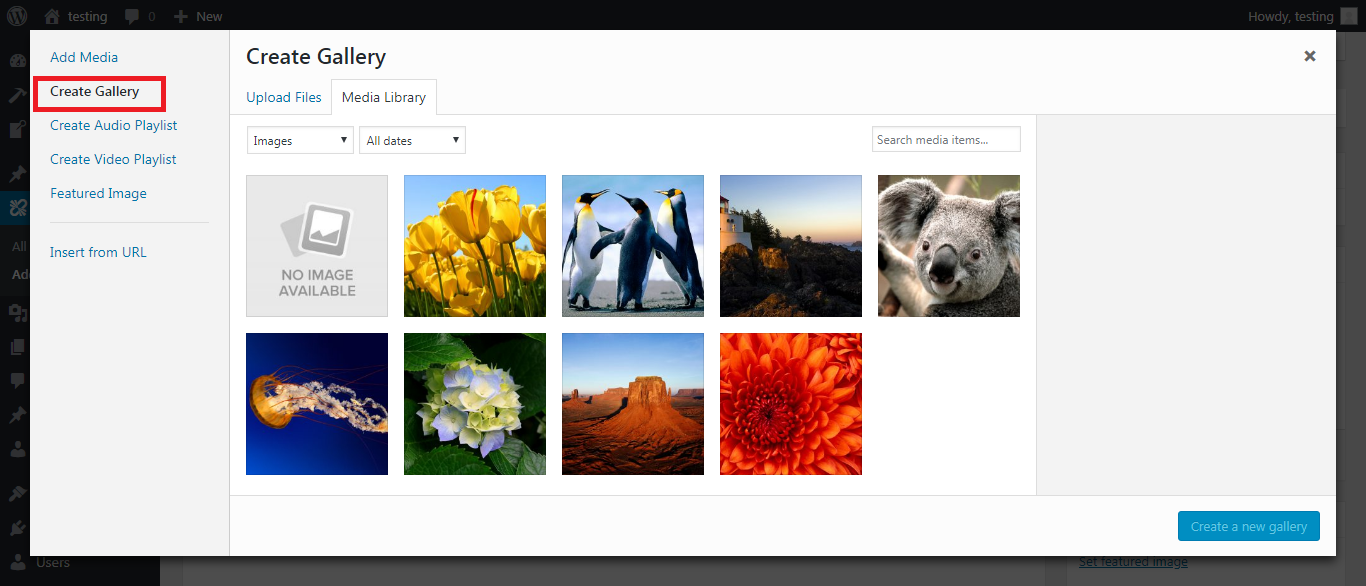
- Create random image gallery from ‘PRI’ menu
- Add a featured image
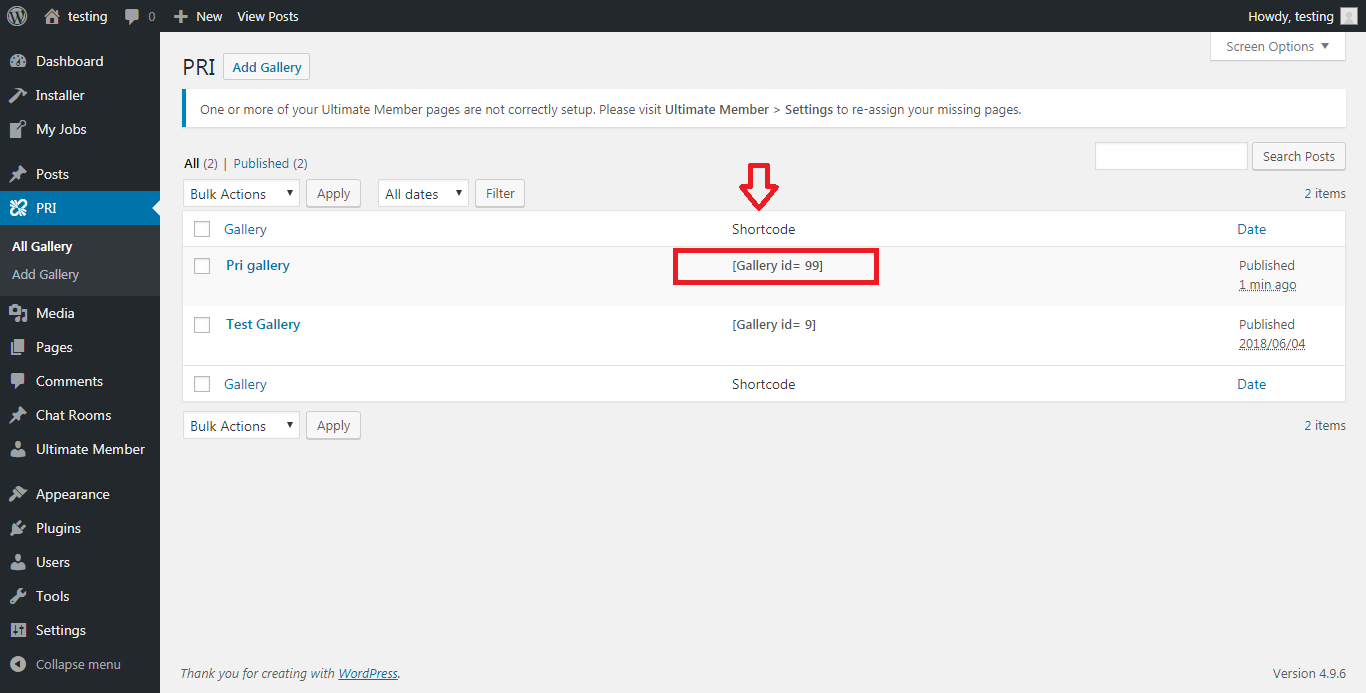
- Copy the shortcode and paste it to any page
FAQ
Installation Instructions
- Upload
play-random-imagefolder to the/wp-content/plugins/directory - Activate the plugin through the ‘Plugins’ menu in WordPress
- Create random image gallery from ‘PRI’ menu
- Add a featured image
- Copy the shortcode and paste it to any page
Screenshots

Changelog
1.0.0
- Initial release.
- Fixed security related bug.