


Description
Make a memorable first impression with Pliitz Splash Screen. Create an elegant welcome screen, branded logo introduction or full-screen image splash for your WordPress website — without writing code.
Whether you’re introducing your brand, welcoming visitors or adding a seasonal touch, Pliitz gives you creative control over what appears, how it looks and when visitors see it. Design your splash, preview the result and publish it in minutes.
Design a splash that fits your brand
- Logo and text splashes — display your logo with an optional headline and supporting message.
- Full-screen image splashes — create visual introductions using images from your Media Library.
- Custom colours and gradients — match your site’s identity with backgrounds and optional contained cards.
- Typography controls — customise fonts, sizes, weights, alignment, spacing and text colours.
- Live visual preview — see your splash while you configure it, before visitors do.
Control the visitor experience
- Precise animation timing — adjust the delay, fade-in, display duration and fade-out.
- Smart display frequency — show once per session, day, week, browser visitor or on every page load.
- Multiple splash designs — create and manage named splashes, then choose the active site-wide design.
- Page-specific splashes — place a specific design on a page with the
[pliitz id="123"]shortcode. - Cache-friendly behaviour — browser-side seen-state handling works alongside full-page caching.
- Accessibility-conscious — respects reduced-motion preferences and leaves the site accessible when JavaScript is unavailable.
Get started quickly
Install Pliitz, open its setup wizard, create your first Logo / Text or Image splash, customise the appearance and timing, and activate it. No coding or page builder required.
Want animated introductions?
Pliitz Pro is an optional separate add-on with animated SVG, Lottie and web-video splash types, additional font options and scheduled splashes for promotions, holidays or special events. The free version has no time limit and works without a licence key.
Pliitz Splash Screen — make a good splash.
Pliitz Pro
Everything described above is in this free plugin and stays free. There is no trial, no time limit and no feature locked behind a key.
Pliitz Pro is an optional, separate add-on for animated splash types (animated SVG, Lottie and Web Video), your WordPress Font Library typefaces, and date scheduling with a calendar. It is a subscription: it renews automatically until you cancel, and you can cancel at any time. Pricing and the billing period are shown at checkout.
Pro is distributed from robart-illustration.eu and is not downloaded from WordPress.org. None of its code — no licence field, no activation, no downloader — is included in this plugin.
External Services
The free plugin makes NO external requests at all. It contacts no third-party service, sends no data anywhere, and does not track visitors. There is no licence key, no activation and no telemetry in this plugin.
Features that load third-party content when you choose to use them:
- YouTube video splashes (Pro) — if you set a splash to a YouTube video, the visitor’s browser loads the video from YouTube (
youtube-nocookie.com) and the editor loads a preview thumbnail fromi.ytimg.com. This happens only on splashes you configure this way, and YouTube may set cookies or log the request under its own terms: https://www.youtube.com/t/terms and https://policies.google.com/privacy
Pliitz Pro (a separate add-on, not distributed here):
- Pro is downloaded from robart-illustration.eu and is not part of this plugin. If you install it, it validates your licence key and checks for its own updates against
https://robart-illustration.eu, sending the key, your site URL and the installed version. None of that code is in this free plugin — there is no licence field, no activation and no downloader here. Privacy policy: https://robart-illustration.eu/privacy-policy-rob-art-illustration/
No other external service is contacted. The splash typefaces are bundled with the plugin, so no font is fetched from Google Fonts or any other CDN.
Privacy
Pliitz stores no personal data and sets no tracking cookies.
Whether a visitor has already seen a splash is kept in that visitor’s own browser, using localStorage and sessionStorage under a key unique to each splash. It holds only a timestamp. It is never sent to the server, never shared, and is not readable by this or any other site. Clearing browsing data removes it.
The optional activation log records aggregate counts (how often a splash was shown) and does not store IP addresses, user agents or any visitor identifier.
Uninstall
Deactivating the plugin stops the splash immediately and changes nothing else.
Deleting the plugin keeps your data by default, so that reinstalling restores your splashes and settings exactly as they were.
If you would rather remove everything, tick Settings → Maintenance → “Delete all data on uninstall” before you delete the plugin. With that enabled, deleting Pliitz removes:
- all splash screens and their settings;
- the plugin’s options (settings, licence record, install date, review-prompt state, database version);
- the activation-log database table;
- the cached tier record.
Logos and images chosen from the Media Library are left alone — they belong to your Media Library, not to Pliitz. Data kept in a visitor’s own browser is not ours to delete; it expires on its own or when the visitor clears their browsing data.
Credits
Bundled public-holiday data (Pro) is derived from the Nager.Date project (https://github.com/nager/Nager.Date), used under the MIT Licence. International observance days are curated from the United Nations and UNESCO International Days calendars.
Installation
- Upload the plugin to
/wp-content/plugins/pliitz-splash-screen, or install via the
Plugins screen. - Activate it through the Plugins menu in WordPress.
- Open the Pliitz menu and configure it on the Settings page.
FAQ
Will the splash show on every page load?
Only if you choose “Always”. By default it shows once per session, and you can also set once per day, once per week or once per visitor. Each splash remembers visitors independently.
Does it work with caching plugins?
Yes. Which splash is chosen is decided server-side, but the “has this visitor seen it / how often” logic runs in the browser, so a cached page still behaves correctly.
Can I show a different splash on a holiday?
Yes, with the Pro Scheduled Splashes feature: schedule a splash for a one-off date range or a date that repeats every year, and it overrides your default splash for that window.
What exactly counts as a “session”?
A session lasts as long as the browser tab. If a visitor closes the tab or window and comes back later, that is a new session and the splash shows again. If you want it shown less often, use once per day, once per week, or once per visitor.
What does “once per visitor” mean?
It is remembered in that browser, on that device. The same person visiting from a different browser or device, or after clearing their browsing data, will see it again. There is no account or server-side record of who has seen it.
Does the splash block access to my site?
No. It is a decorative overlay that removes itself. It is not a content gate or an age check, and it does not restrict what a visitor can reach.
What happens if a visitor has JavaScript disabled?
The overlay is hidden by default and only revealed by script, so visitors without JavaScript simply see the site normally, with no splash and nothing covering the page.
Does it slow my site down?
An overlay is extra work, so it is not a performance feature. What it is designed for is to be cache-safe — it works behind full-page caching — and to avoid any flash of unstyled content before the splash appears.
Can I show a particular splash on one specific page?
Yes. Copy a splash’s shortcode from the Splashes list and paste it into the page: [pliitz id="123"]. That page will show that splash instead of whichever one is active site-wide, and the splash’s own “Home page only / Every page” setting is ignored there — you have named the page, so that is the page it appears on.
The shortcode produces no visible output where you place it. The splash is a full-screen overlay, so it covers the page rather than sitting inside the content.
How do I make everyone see the splash again?
Settings → Maintenance → “Reset seen records”. That marks every stored record as stale, so visitors who had already seen the splash will see it once more.
Screenshots
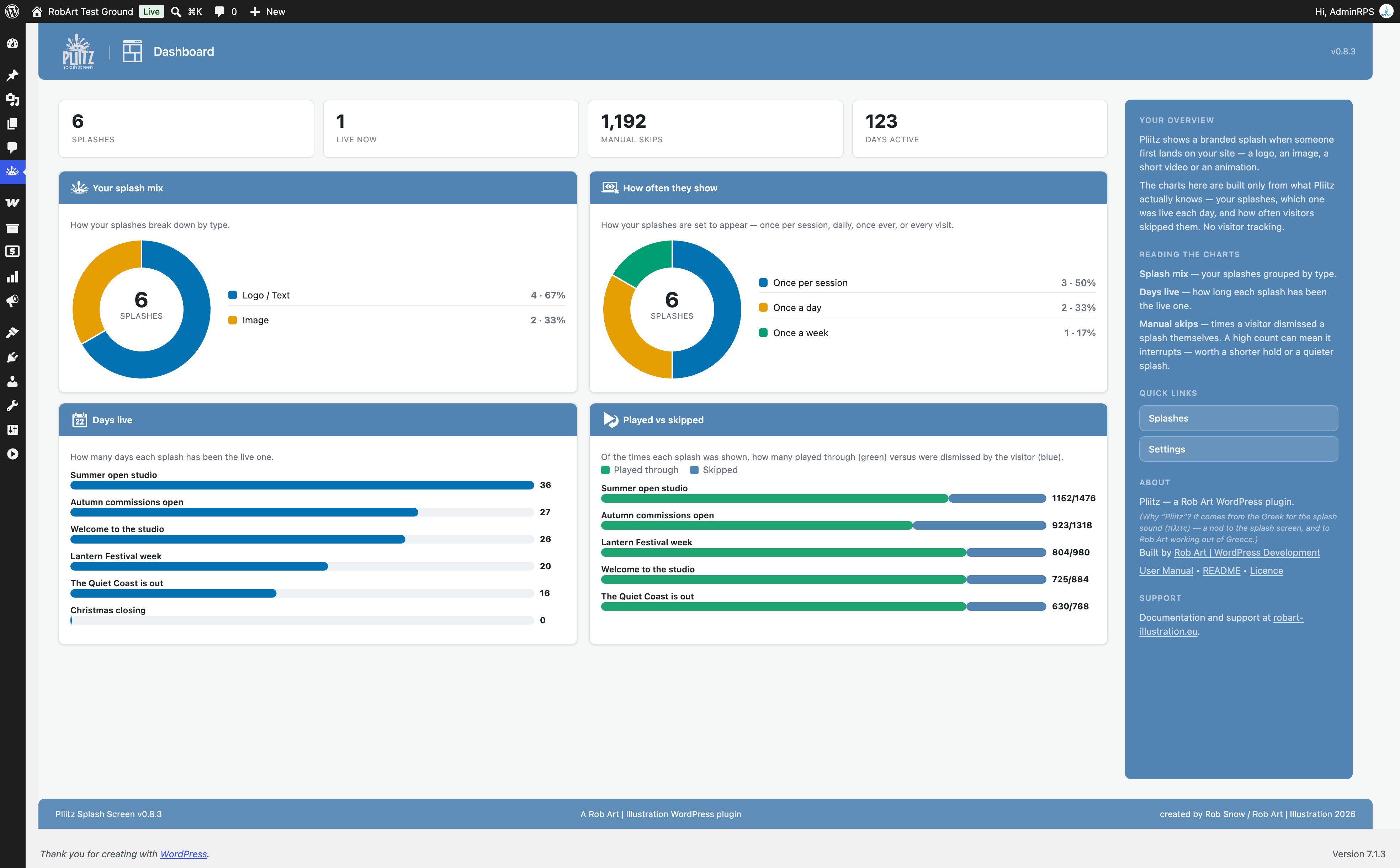
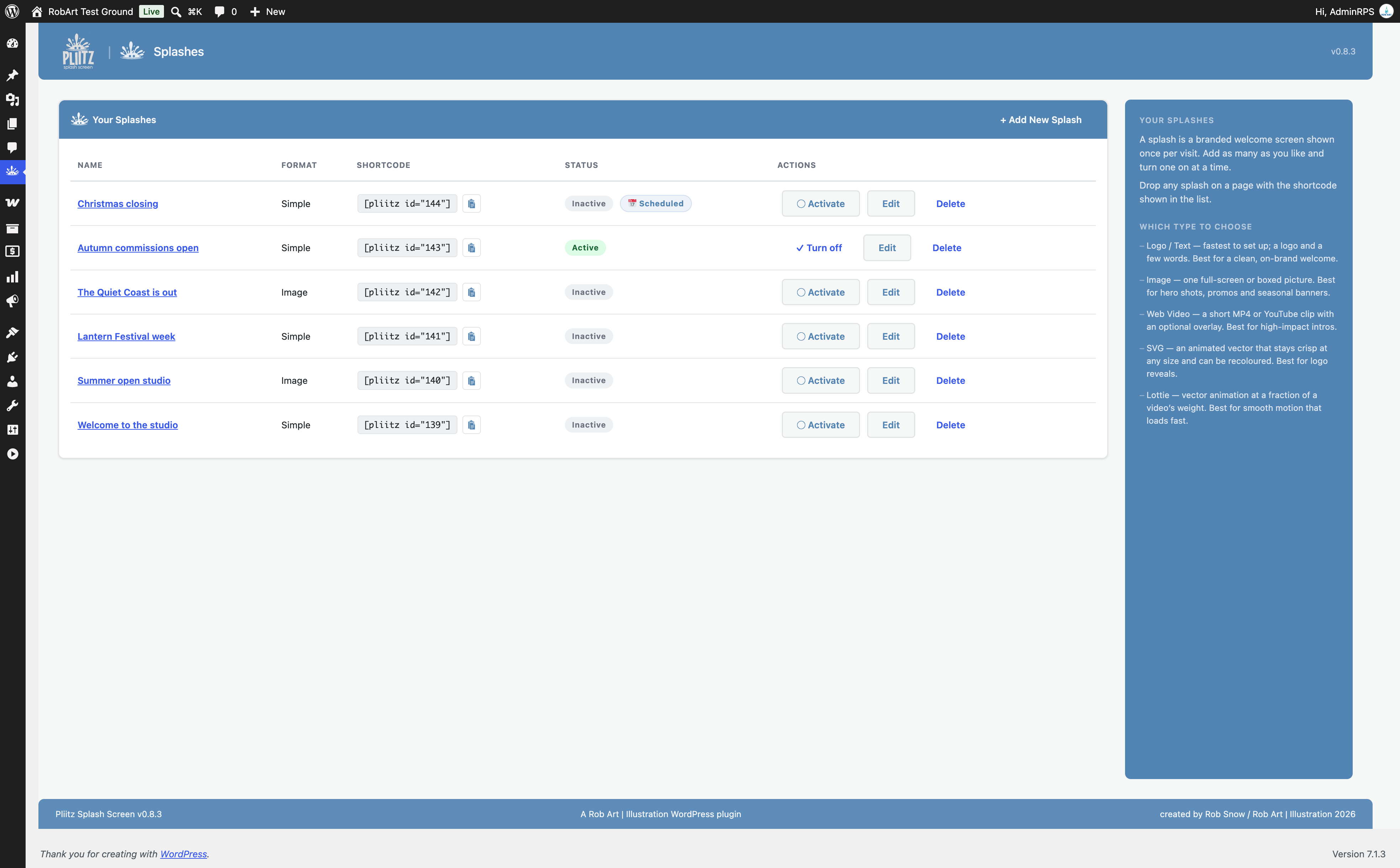
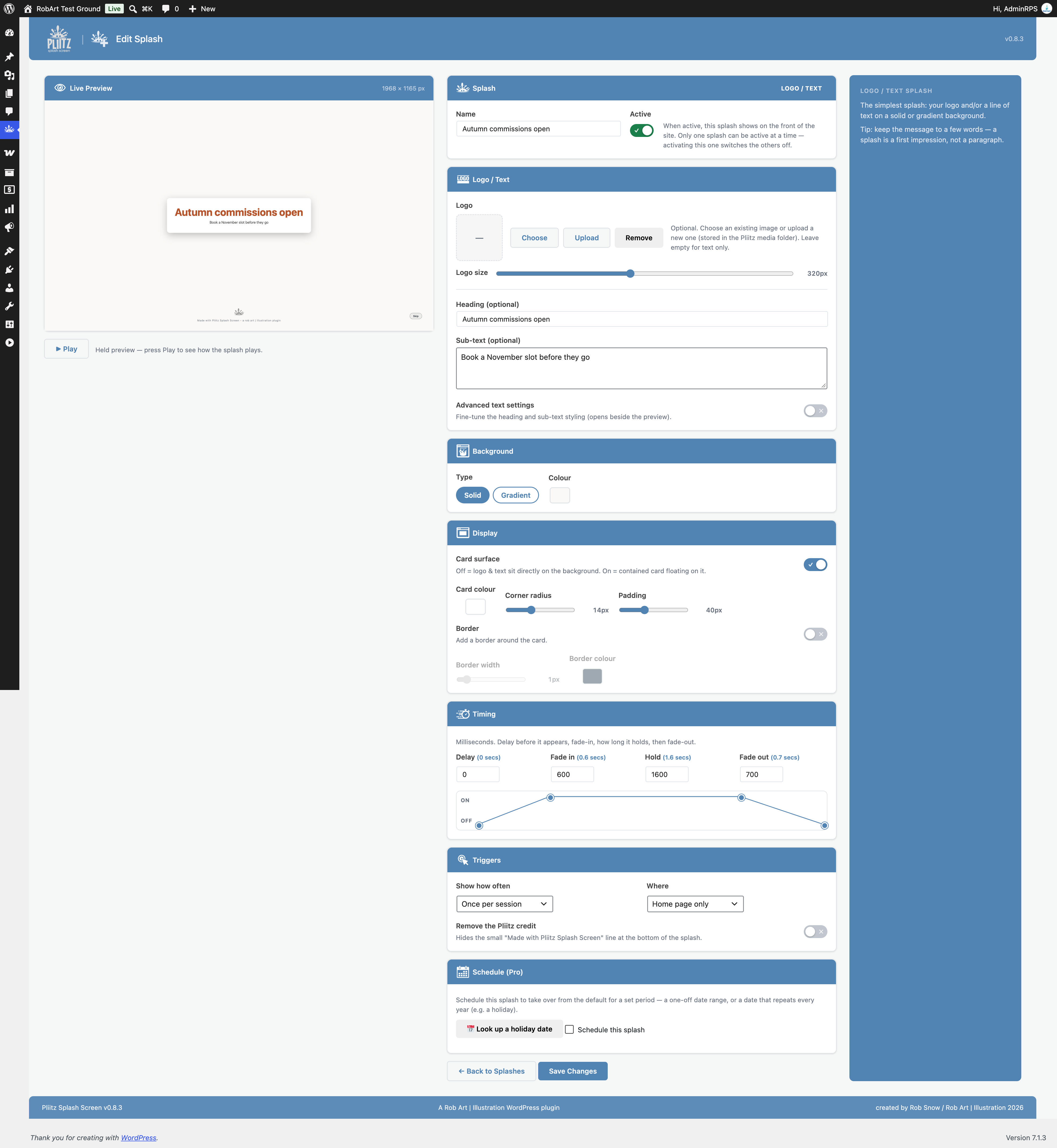


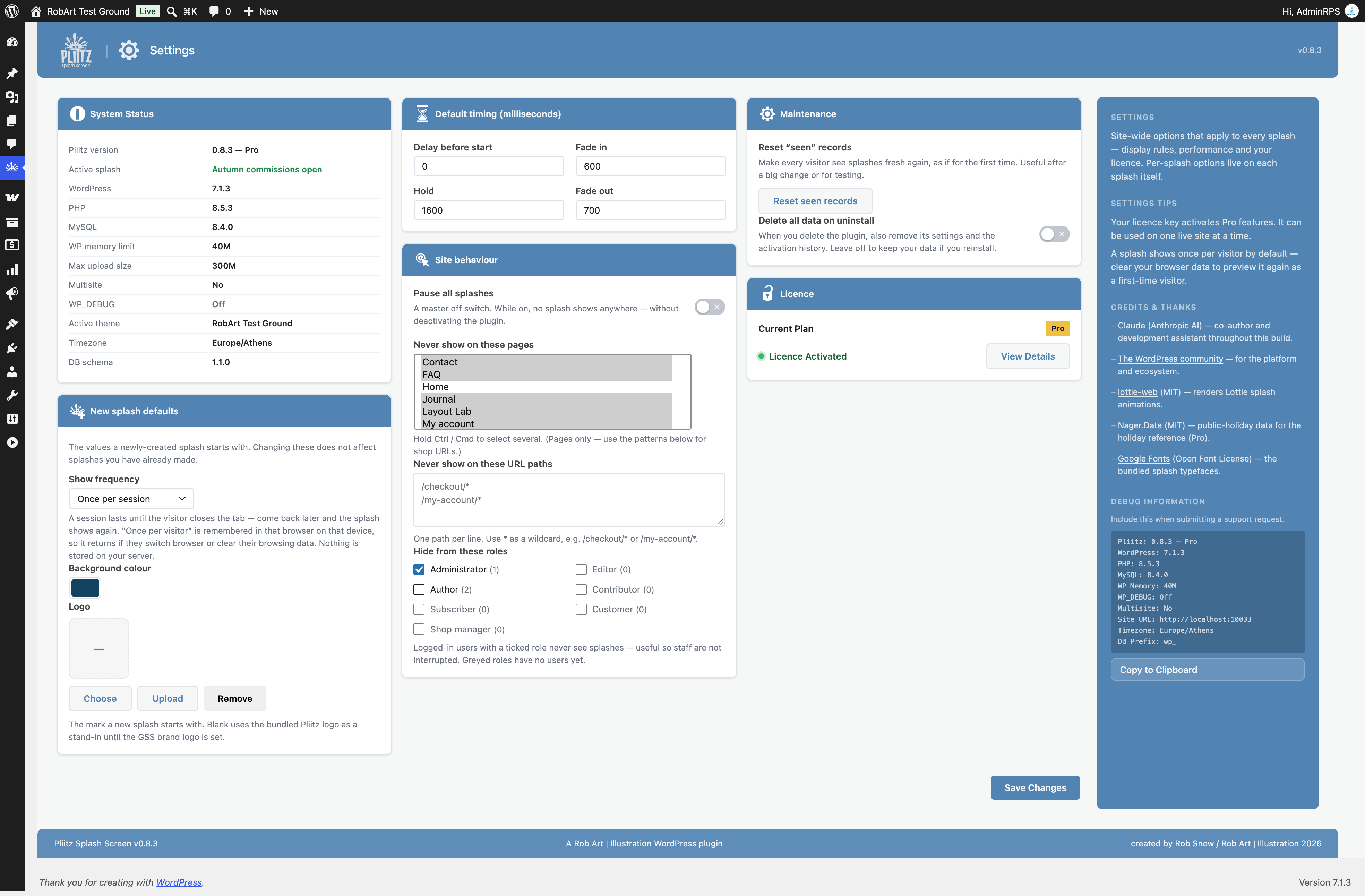

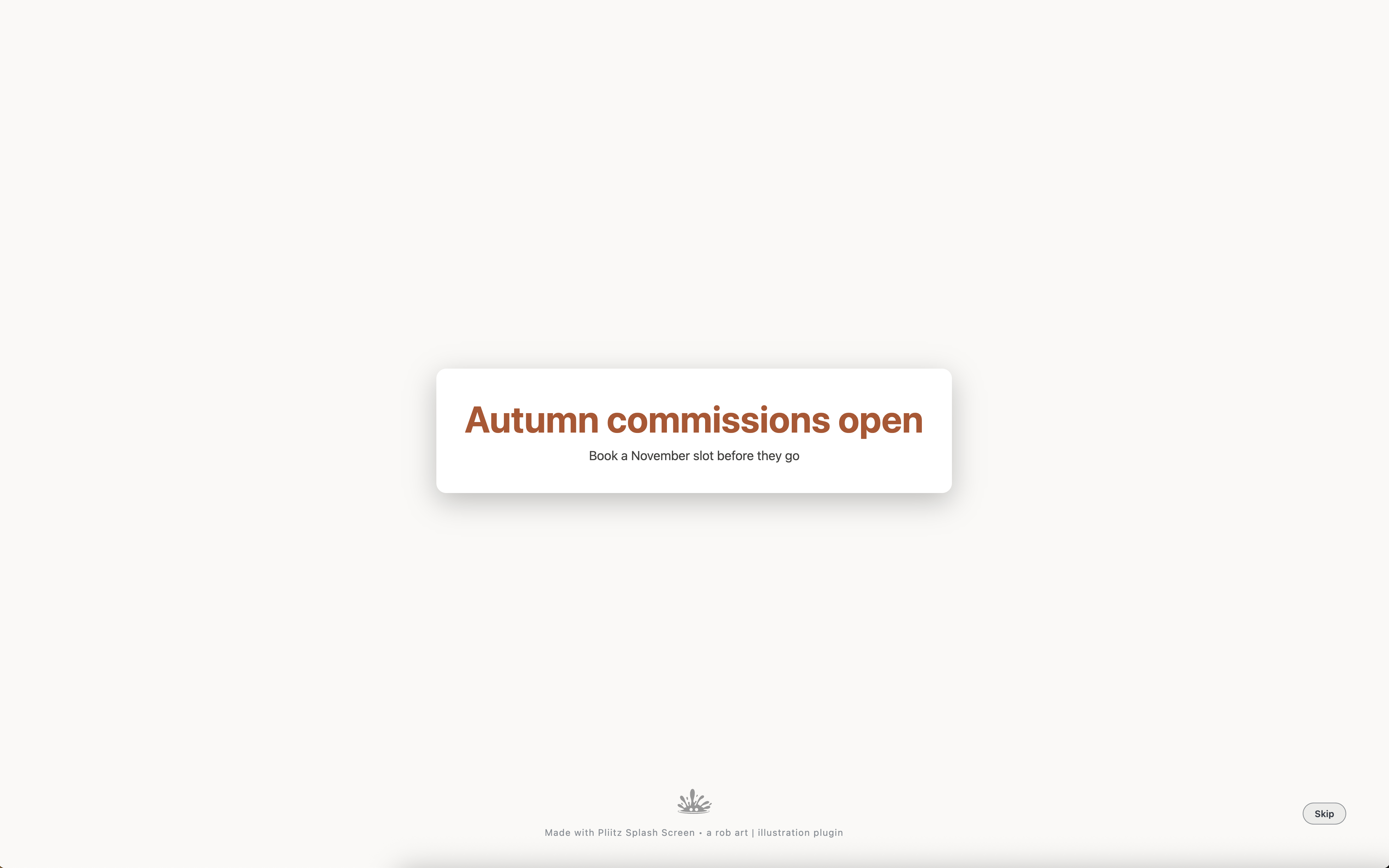
Changelog
0.8.9
- Fixed: a fatal error on servers whose PHP has no GLOB_BRACE support (Alpine Linux, WordPress Playground). The bundled fonts now load the same way on every server.
- Added: a LICENCES.txt file beside the bundled fonts, naming each font’s copyright and licence (SIL Open Font License, Apache 2.0, Ubuntu Font Licence).
0.8.8
- Fixed (Pro): activating a licence key works again. The Activate button showed “Network error” for new Pro customers, because the part that handles it only loaded once Pro was already active.
- Fixed (Pro): activating now only checks your key. It no longer downloads the whole Pro package again, which could time out or run out of memory on smaller hosts.
- Changed (Pro): deactivating a licence now frees the site on the licence server, so the key can be used on another site.
0.8.7
- New (Pro): add-ons can now give a splash their own kind of schedule, such as the Kairii-Pliitz Bridge’s sale dates imported from Kairii Sale Calendar. The splash shows on those dates, the schedule calendar marks them, the editor shows the add-on’s schedule in place of the date pickers, and saving the splash keeps it.
0.8.6
- Fixed (Pro): Pro features no longer switch off on pages loaded over plain http. The licence check now uses your saved site address, which is the same for http and https.
0.8.5
- Fixed (Pro): in the editor preview, Play now keeps a video splash’s image overlay on screen for its chosen First, Last or Window seconds. It vanished almost at once unless set to Whole time.
0.8.4
- Fixed: settings that are switched on or filled in (“Pause all splashes”, “Delete data on uninstall”, “Hide from these roles”, “Never show on these pages”) can now be switched off and cleared again. Previously they kept their old value when unticked.
- Fixed: on light splash backgrounds the small “Made with Pliitz” credit now turns grey so it stays visible, as the Skip button already did.
- Fixed (Pro): the Schedule Calendar no longer runs wider than its card. Long splash names are shortened so Saturday stays in view.
- Fixed (Pro): the dashboard’s Scheduled count now shows your upcoming and current scheduled splashes. It always read 0 before.
0.8.3
- Security: internal hardening.
0.8.2
- Fixed — The credit-removal preference is no longer handled in the free build at all. The option to hide the small Pliitz credit is a Pro feature and its saving now lives entirely in the Pro add-on, so the free plugin ships no locked or hidden feature. No change for users: the free plugin always shows the credit; Pro removes it.
0.8.1
- New — The
[pliitz id="123"]shortcode now works. Place it on any page to show that particular splash there instead of whichever one is active site-wide. - Changed — Video, Lottie and animated-SVG rendering has been moved out of this plugin entirely and into the separate Pro add-on. This plugin shows logo/text and image splashes, with no disabled code left behind.
- Fixed — A splash background could contain characters that broke out of the stylesheet in the editor preview. Backgrounds are now cleaned before use.
- Fixed — The two tracking endpoints reported success when they had actually refused a request with a stale security token. They now report the refusal correctly.
- Fixed — The setup wizard loaded its translations earlier than WordPress allows, which produced a notice in debug mode. Translations are now loaded at the proper time.
- Fixed — A documentation link pointed at a page that does not exist; it now points to the privacy policy.
Older versions (0.8.0 and earlier) are listed in changelog.txt in the plugin folder.