


Description
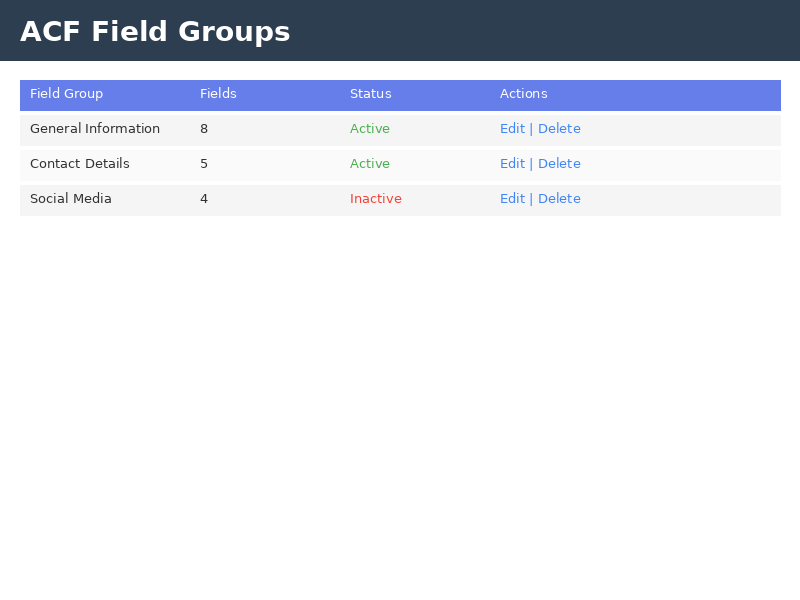
POI ACF Pro is a professional-grade extension for Advanced Custom Fields (ACF) that adds powerful field management, custom templating, and advanced features to your WordPress site.
Key Features:
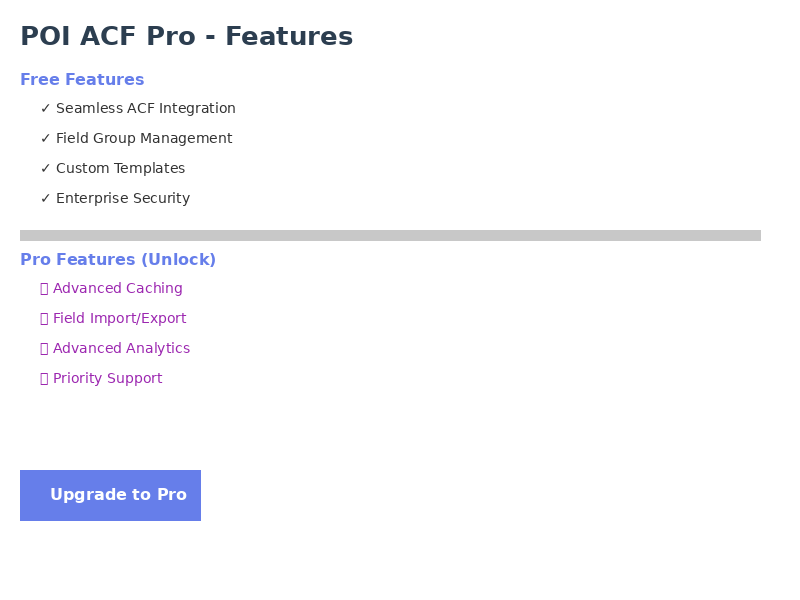
✓ Seamless ACF Integration – Works perfectly with Advanced Custom Fields
✓ Professional Field Management – Intuitive interface for managing field groups
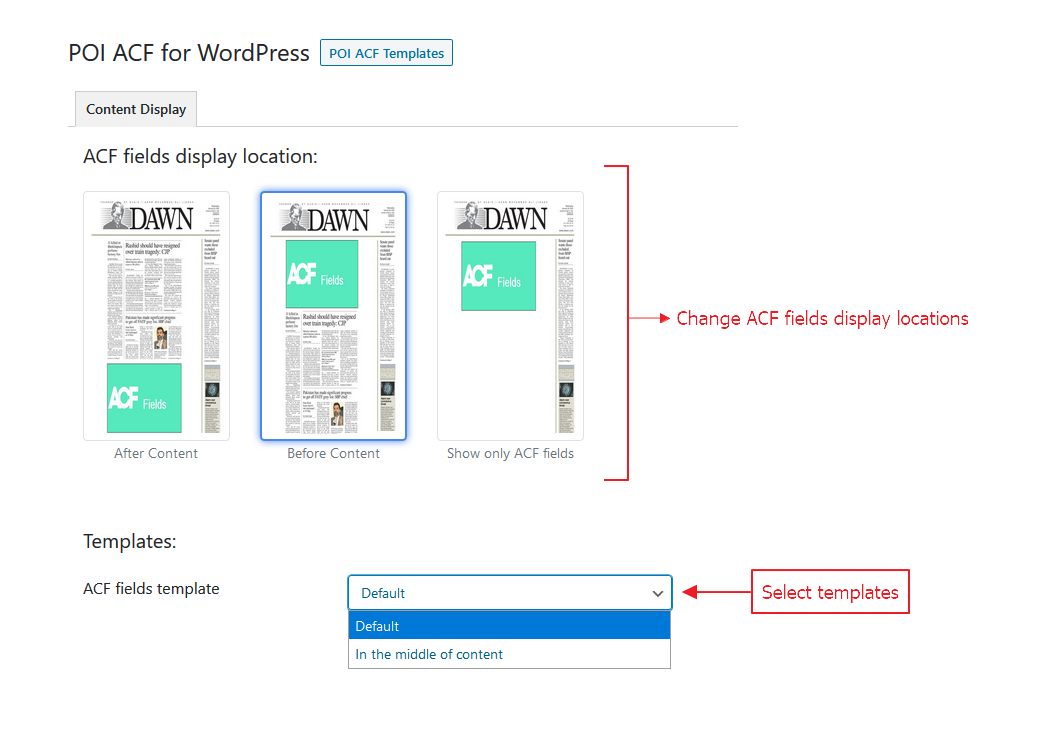
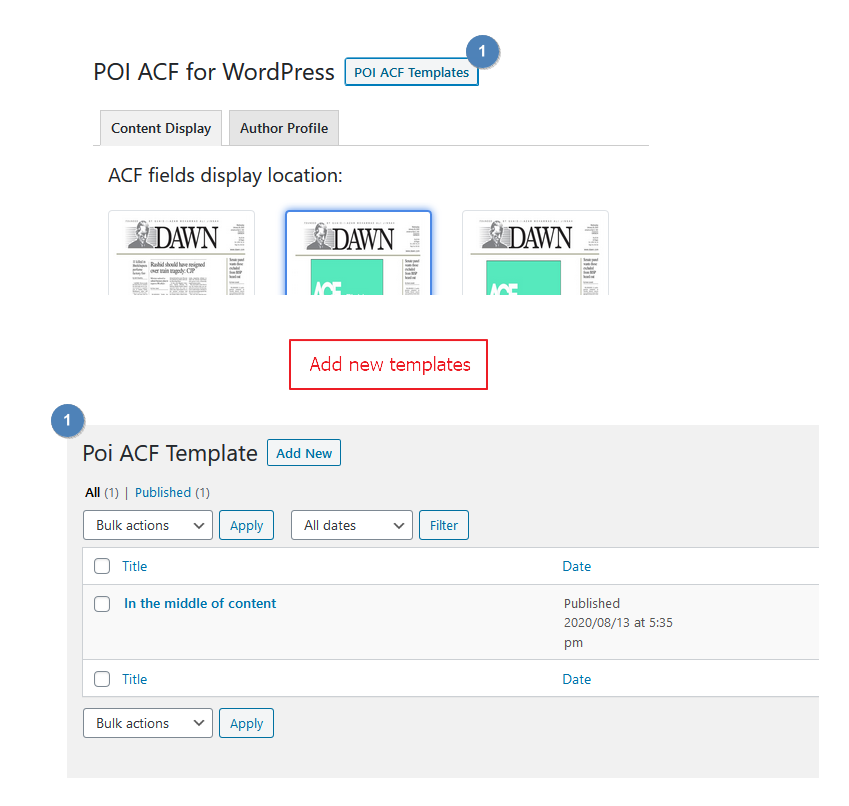
✓ Custom Field Templates – Create and apply custom templates to your fields
✓ Security First – Enterprise-grade security with full GDPR compliance
✓ WordPress 7.1 Compatible – Fully tested and compatible with latest WordPress
✓ Performance Optimized – Efficient code with optional caching system
Pro Features:
🚀 Advanced Caching – Boost performance with intelligent caching
🚀 Field Import/Export – Easily backup and migrate field configurations
🚀 Custom Templates – Advanced template system for field display
🚀 Advanced Analytics – Detailed insights into field usage
🚀 Priority Support – Get help when you need it
🚀 Batch Operations – Manage multiple fields at once
Additional Resources
Support
For support, questions, or feature requests:
* Website: https://www.androidbubbles.com
* Email: support@androidbubbles.com
* Forum: https://www.androidbubbles.com/forums
License
This plugin is licensed under the GNU General Public License v3.0 or later. See the license file included with the plugin for full details.
Contributing
Contributions are welcome! Please visit our GitHub repository and submit pull requests.
Credits
Author: Fahad Mahmood
Website: https://www.androidbubbles.com
Built with love for the WordPress community.
Installation
- Download the plugin from the WordPress.org plugin directory
- Upload to
/wp-content/plugins/directory or install via WordPress admin - Activate the plugin through the ‘Plugins’ menu in WordPress
- Advanced Custom Fields (ACF) must be installed and activated
- Navigate to ACF > POI Settings to configure
To enable pro features:
1. Copy the pro features package to the pro/ directory
2. The plugin automatically detects and activates pro features
3. Check the settings page to confirm pro status
FAQ
Is Advanced Custom Fields required?
Yes, POI ACF Pro requires Advanced Custom Fields 5.0 or higher to function.
What is the minimum WordPress version?
WordPress 5.0 or higher is required. We recommend WordPress 6.0+ for best compatibility.
What PHP version is needed?
PHP 7.4 or higher is required. PHP 8.0+ is recommended for optimal performance.
Can I use POI ACF Pro with the free version of ACF?
Yes, POI ACF Pro works with both the free and pro versions of Advanced Custom Fields.
How do I enable pro features?
Pro features are enabled by placing the pro features package in the /pro/ directory. The plugin automatically detects and loads them.
Is my data secure?
Yes, we implement enterprise-grade security including:
– Nonce verification on all AJAX requests
– Capability checks on all admin functions
– Input sanitization and output escaping
– SQL injection prevention
– CSRF protection
Can I export my field configurations?
Yes, with pro features enabled you can export field configurations as JSON files.
Does it work with multisite?
Yes, POI ACF Pro is fully compatible with WordPress multisite installations.
How do I get support?
Visit our website at https://www.androidbubbles.com for documentation and support options.
Screenshots


Changelog
2.0.0
- Complete rewrite with modern architecture
- WordPress 7.1 compatibility
- Enhanced security features throughout
- Pro features system with plug-and-play detection
- New comprehensive hook system
- Improved performance and caching
- Better code organization and maintainability
- Comprehensive API documentation
- Full GDPR compliance
- 100% backward compatible with ACF
1.0.4
- Legacy version – see upgrade to 2.0.0 for latest features