


Description
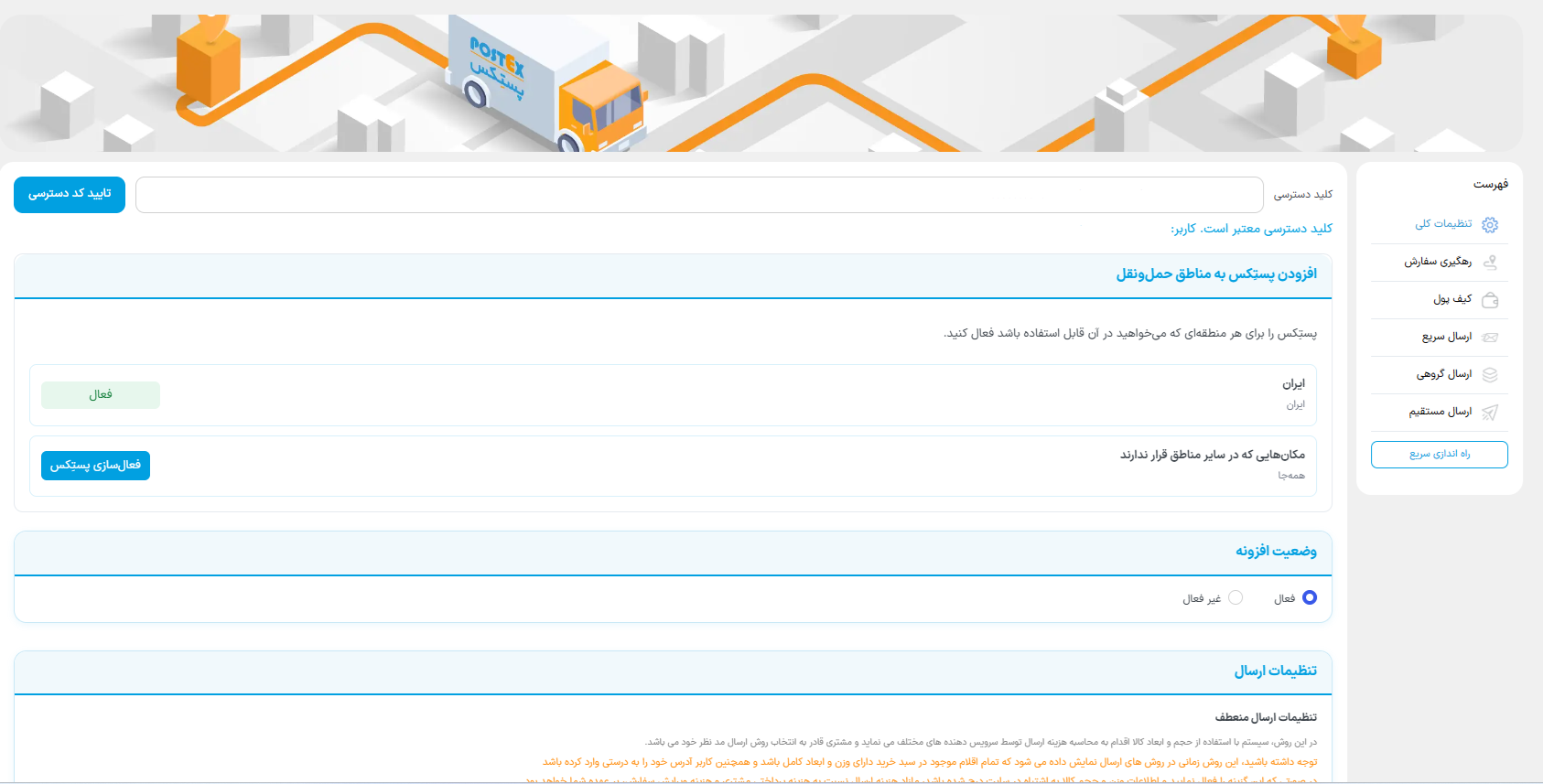
Postex Ketab connects WooCommerce stores for Ketab Khane publishers to the Khane Ketab Postex shipping service. Store managers can obtain an API key, request shipping quotes, register parcels, track shipments, and retrieve available labels from the WordPress dashboard.
Features
- Connect with an existing API key or with Khane Ketab panel credentials.
- Request shipping quotes and register parcels through the Postex API.
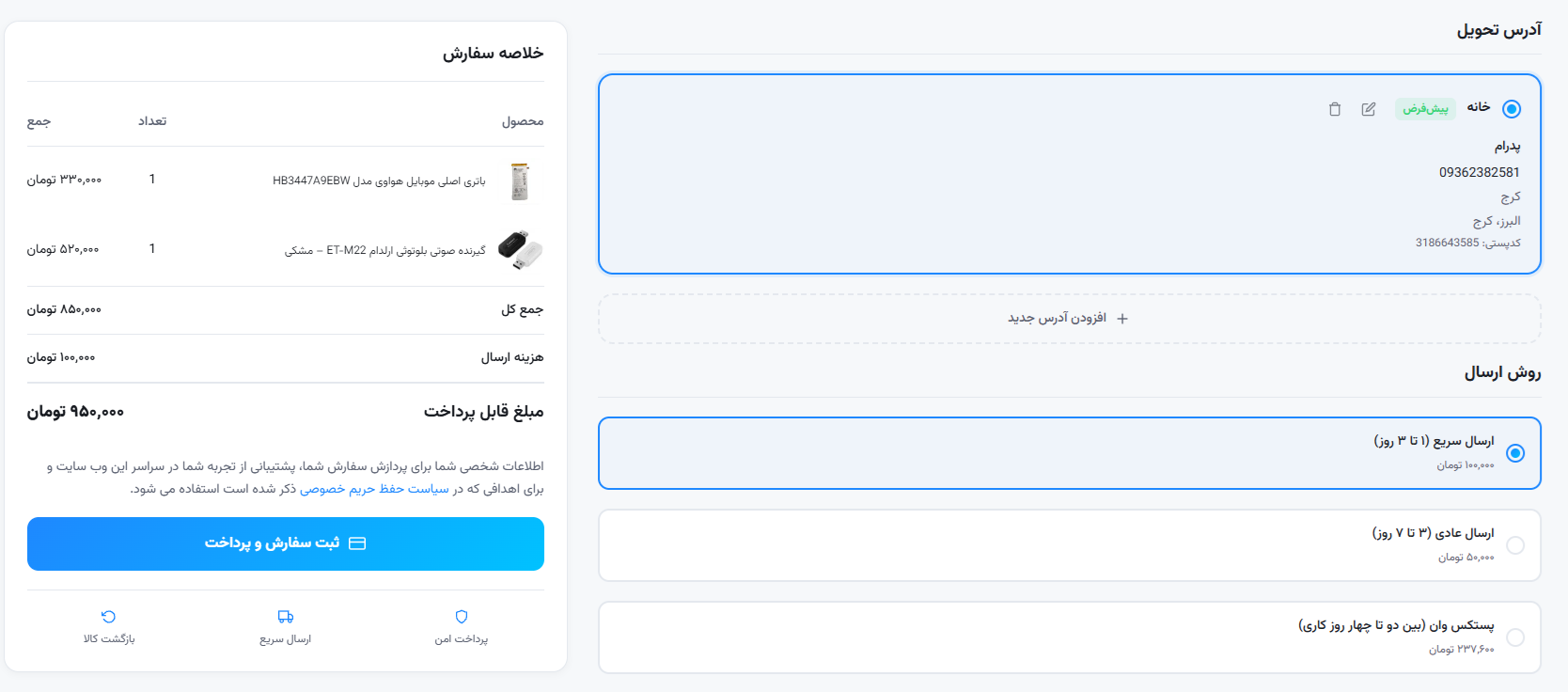
- Create direct, fast, and bulk shipments from WooCommerce orders.
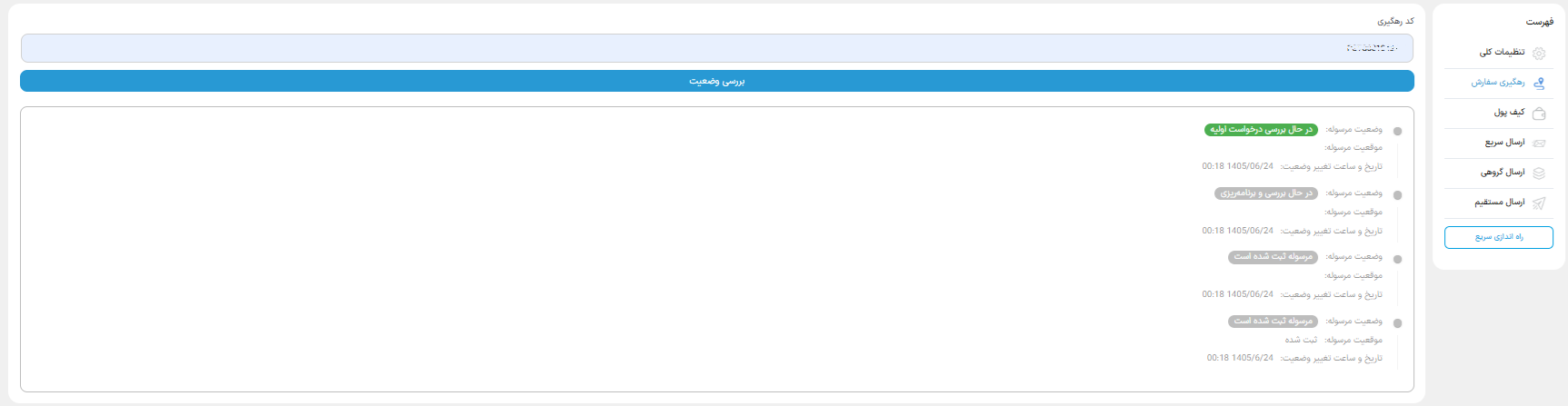
- View wallet balances, track parcels, and retrieve shipping labels when they are available.
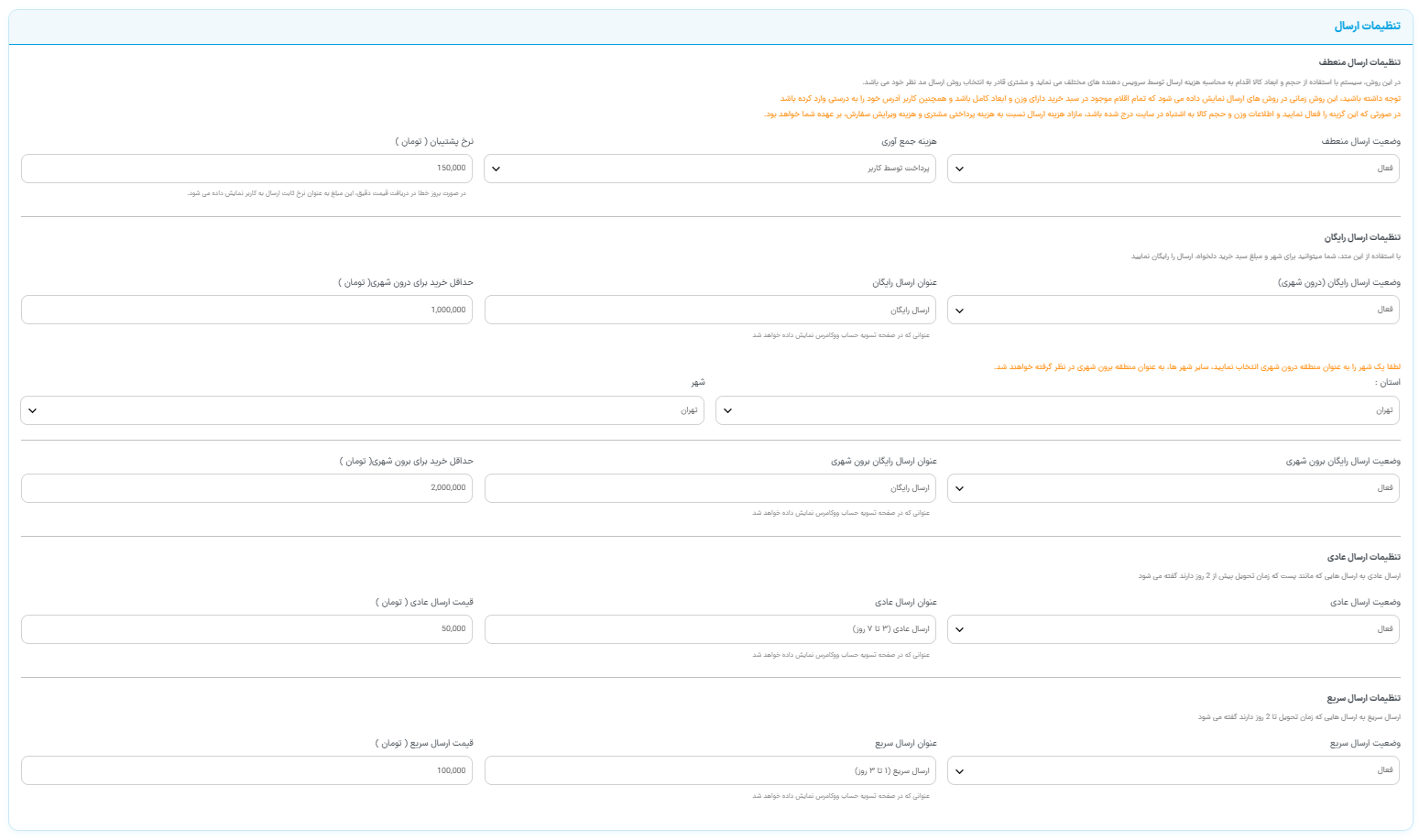
- Configure WooCommerce shipping methods, including fixed-rate and free-shipping settings.
Resources
-
Jalali Date Picker library: https://github.com/majidh1/JalaliDatePicker
-
Leaflet JS library (https://leafletjs.com) included under BSD 2-Clause “Simplified” License.
- Source code available in /assets/src/
External services
This plugin connects to the Postex API service in order to provide shipping, parcel management, and order tracking functionalities inside WooCommerce.
It sends parcel information, shipping details, and tracking requests to the Postex API whenever an order is placed, a parcel is created, or a shipping quote is requested.
Service used:
– Khane Ketab Postex API (https://newpost.ketab.ir)
– Postex Map Tile Service (https://locationservice.postex.ir)
What data is sent:
– Sender and receiver details (name, phone number, address).
– Parcel details (weight, value, delivery type).
– Tracking code for tracking and label generation.
– API key for authentication.
– Map tile requests, including map coordinates and the visitor’s IP address, when an administrator opens the sender-location map.
Why data is sent:
– To register shipments, get shipping quotes, track orders, and manage parcels directly from your WooCommerce dashboard.
– To display the map used for selecting the sender location in the WooCommerce dashboard.
Service Terms and Privacy Policy:
– Postex Service Website
– Privacy Policy
Installation
- Download the plugin ZIP file from WordPress.org.
- In the WordPress administration area, go to Plugins > Add New > Upload Plugin.
- Upload the ZIP file, install it, and activate the plugin.
- Open WooCommerce > پستکس خانه کتاب.
- Complete the setup using your API key or Khane Ketab panel credentials.
- Configure the shipping methods required for your store.
Screenshots
Changelog
2.5
- Fix order value conversion from toman to rial across all shipment workflows.
- Calculate parcel values using the order currency and recorded order line values.
2.4
- Add fixed shipping rates per WooCommerce shipping zone.
- Improve the plugin interface for mobile devices.
- Add a plugin guide button to the admin menu.
2.3
- Add automatic WooCommerce order status updates after complete shipment.
2.2
- Add Bulk Label
- Add Personal Packaging Price
2.1
- Add Checkout Fields.
- Redesign Bulk Order
2.0.0
- Add flexible shipping method.
- Add Excel-based shipment workflow with automatic quotes and downloadable reports.
1.4
- Improve bulk shipment performance.
1.3
- Use the city
Code, rather thanId, for rate quotations and parcel registration. - Request cities with the
provinceIdparameter. - Add
submit_sourcewith thewp_pluginvalue to API requests.
1.2
- Improve the setup flow.
1.1
- General improvements.
1.0.0
- Initial release.