


Description
What happens when visitors open a promotional landing page after the offer has ended?
Your campaign may be over, but its landing page URL can still circulate through old ads, emails, bookmarks and shared links. Visitors may arrive expecting an offer that is no longer available.
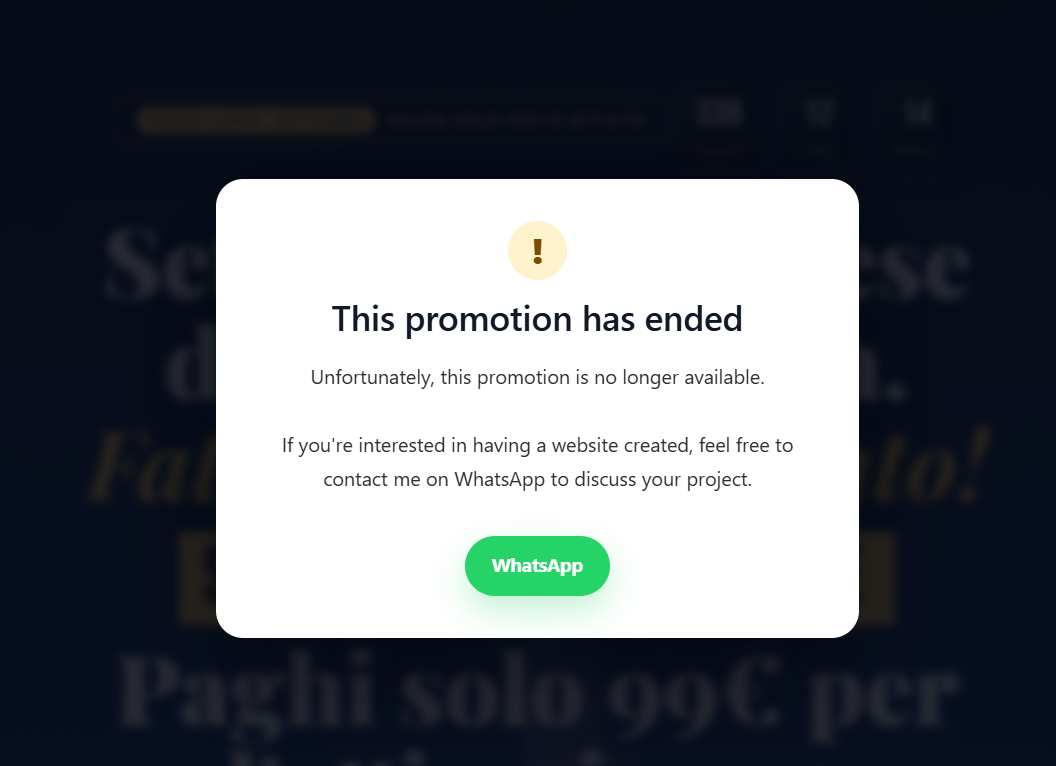
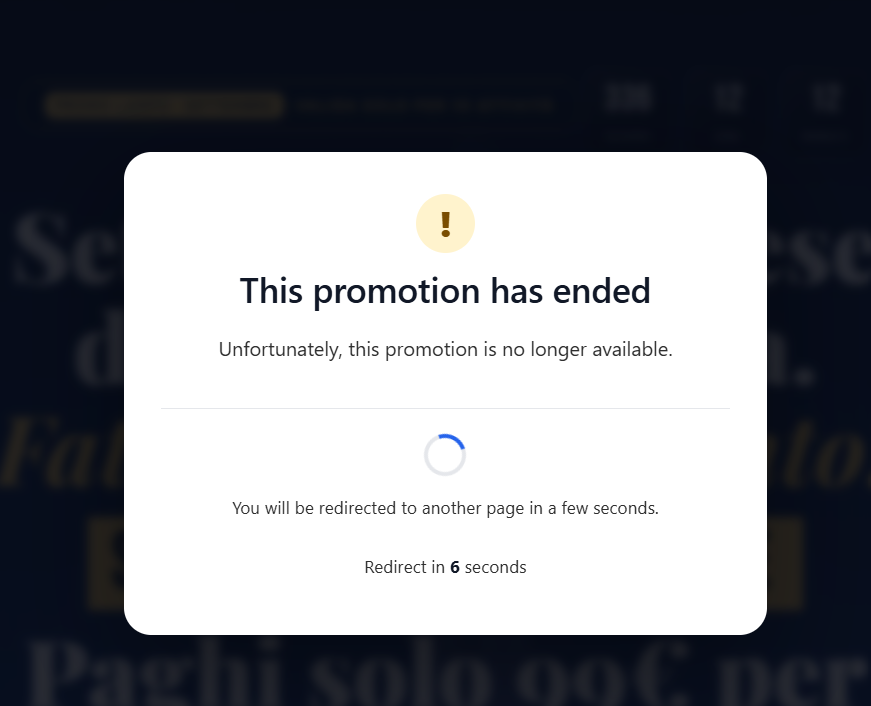
Promo Stop helps you handle expired promotions automatically. Choose your WordPress pages, set an expiration date and customize the message visitors will see. When the deadline is reached, an overlay covers the selected pages and clearly explains that the promotion has ended. The original pages stay published, with their content unchanged.
Want to give visitors a useful next step? Add an optional WhatsApp contact button, automatically redirect them to another WordPress page after a set delay, or use both. Manage everything from your WordPress dashboard, without WooCommerce.
How Promo Stop works
- Create a promotion rule and give it an internal name.
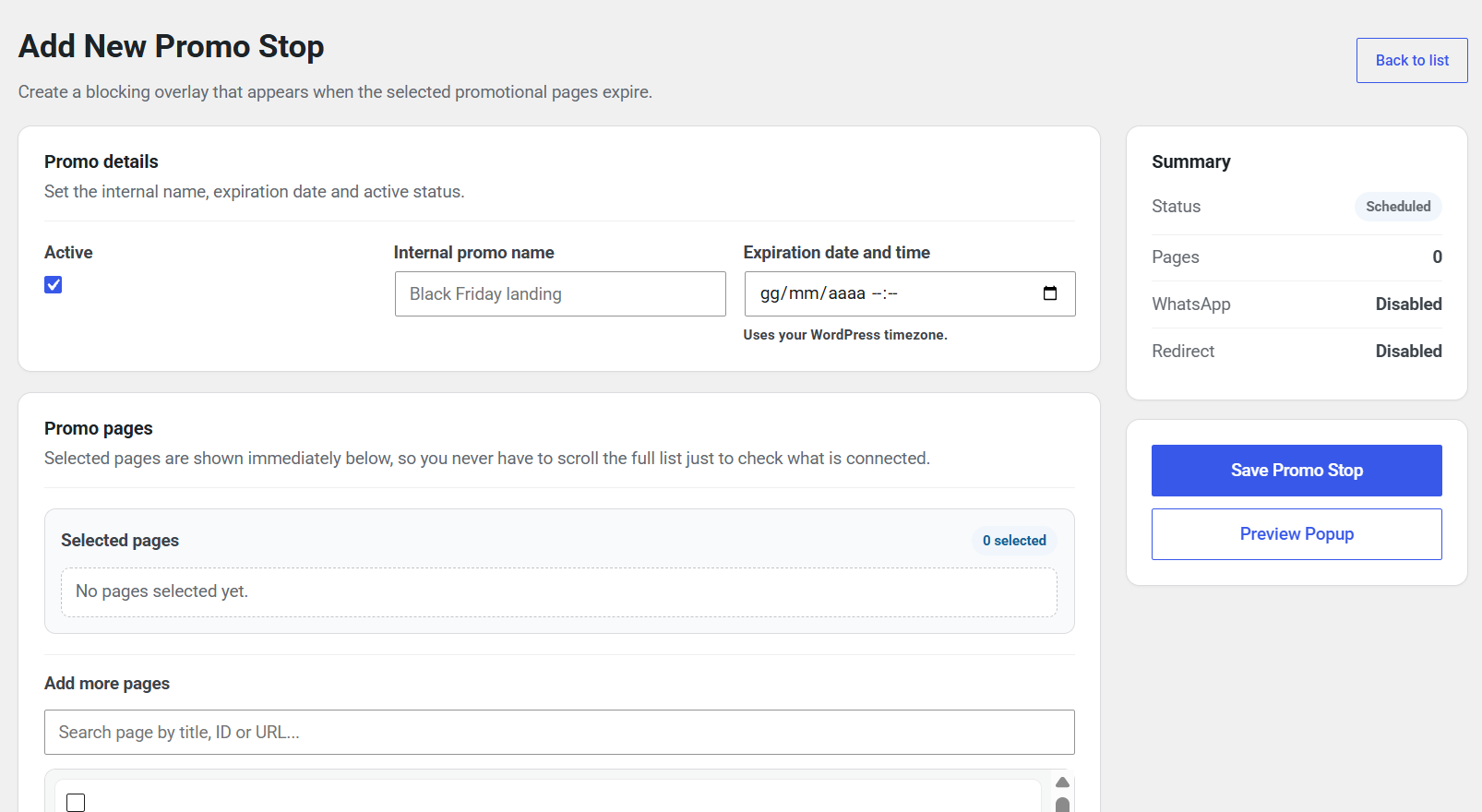
- Select one or more WordPress pages. Use the live search to find pages by title, ID or URL.
- Choose an expiration date and time using your WordPress timezone.
- Customize the popup title and message, and optionally enable a WhatsApp button and/or automatic redirect.
- Save and activate the rule. After the expiration time, visitors to the selected pages see the overlay.
Key features
Schedule and manage promotions
- Automatic expiration overlays: display a popup over selected promotional pages when their scheduled deadline passes.
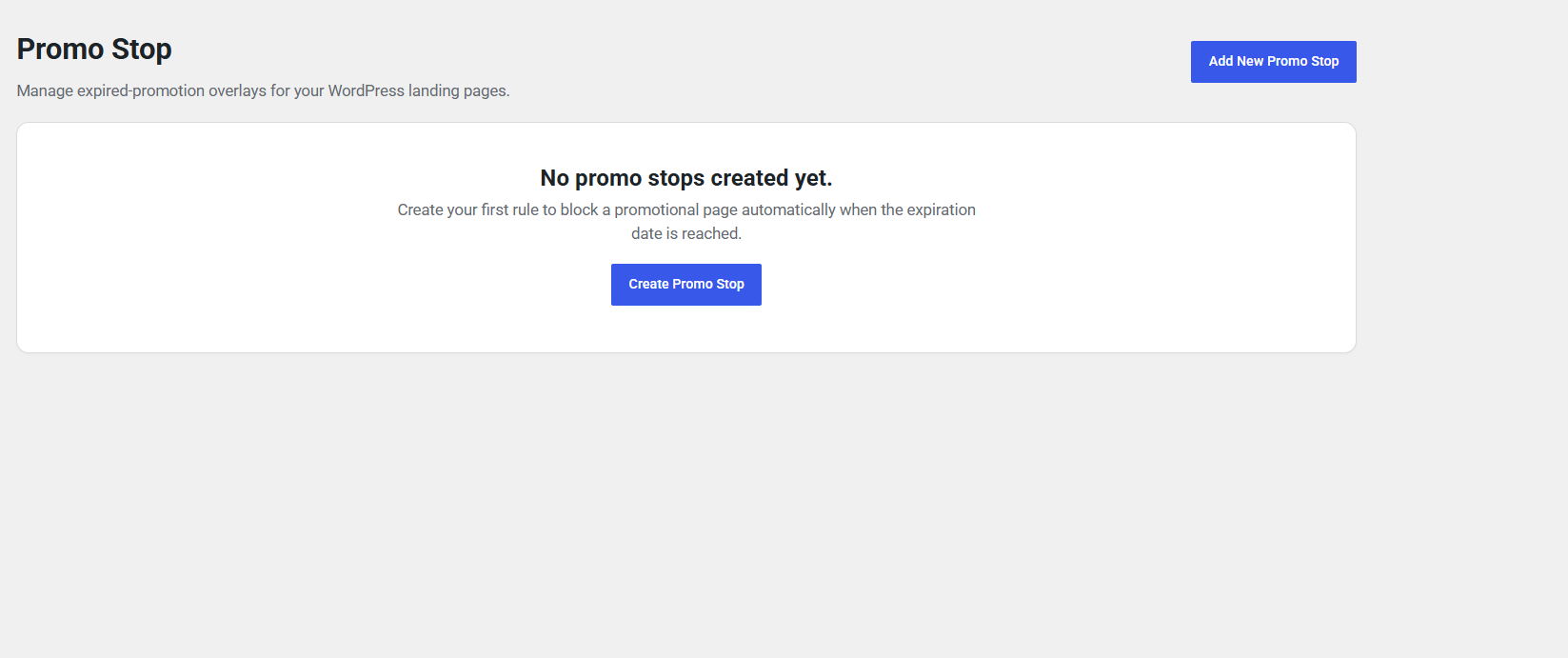
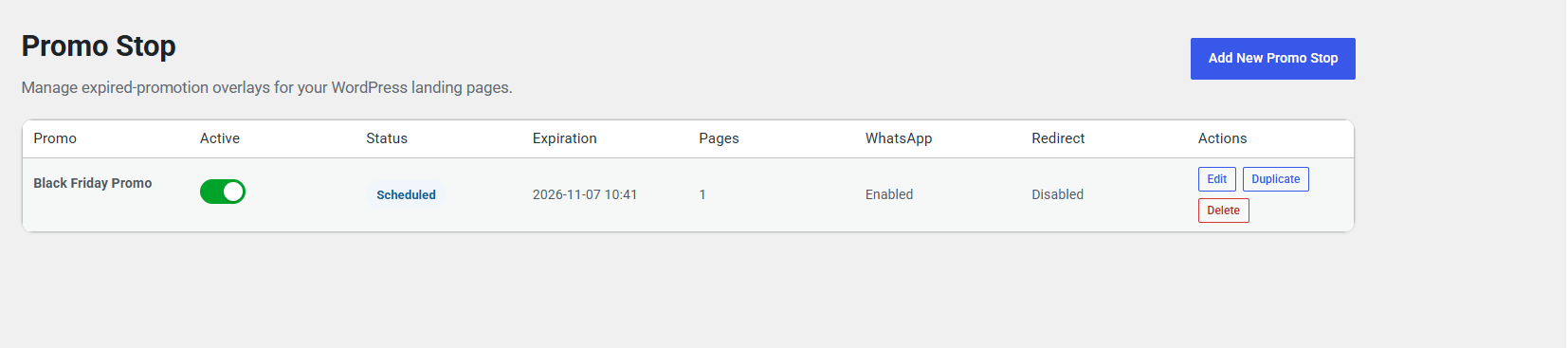
- Multiple promotion rules: manage different campaigns and see their status and expiration dates in one place.
- Flexible page selection: assign multiple pages to a rule and find them quickly with live, relevance-ranked search.
- Page conflict warnings: spot when selected pages are also assigned to another enabled rule, with links to review those promotions.
- Quick rule management: create, edit, duplicate, enable, disable or delete rules without changing your page content.
Customize what visitors see
- Personalized expiration message: choose the popup heading and message for each promotion.
- WhatsApp contact button: optionally display a contact link with your phone number and custom button label.
- Popup preview: check how the overlay looks directly from the WordPress admin area.
Offer a clear next step
- Optional automatic redirect: send visitors to another WordPress page after a configurable delay, with protection against circular redirect chains.
- Countdown and loader: show a visual indicator and countdown while waiting for the redirect.
- Keep pages published: the original promotional pages are not deleted, unpublished or edited by Promo Stop.
Useful for
- Black Friday and seasonal offers: let visitors know when a limited-time discount has ended.
- Advertising landing pages: handle visits to campaign URLs that remain in circulation after the deadline.
- Webinars and event registration pages: display an expiration notice when a registration period is over.
- Limited-time service promotions: offer a WhatsApp contact option after the promotional price is no longer available.
Important to know
Promo Stop uses a visual overlay, not an HTTP access restriction. Expired pages remain published, and their underlying HTML can still be accessed. Forms, registrations, checkouts and other services on those pages are not automatically disabled. If an offer must become technically unavailable, disable its registration, checkout or order processing separately. Page caching may also affect when updated expiration settings become visible to visitors.
Installation
- Upload the plugin folder to
/wp-content/plugins/. - Activate the plugin through the Plugins screen in WordPress.
- Go to Promo Stop and create your first rule.
FAQ
Does Promo Stop unpublish or delete expired pages?
No. The selected WordPress pages remain published. Promo Stop visually covers their content with an overlay after the configured expiration date and time. It does not restrict access to the underlying page HTML or disable any forms or other services on the page.
Does Promo Stop require WooCommerce?
No. Promo Stop works with regular WordPress pages and does not require WooCommerce.
Can I use WhatsApp without an automatic redirect, or vice versa?
Yes. The WhatsApp button and automatic redirect are independent, optional settings for each promotion.
Does enabling the WhatsApp button contact WhatsApp automatically?
No. Promo Stop only displays a link to WhatsApp when the button is enabled and a number is configured. Visitors contact the external WhatsApp service only if they choose to follow that link.
Which timezone is used for the expiration date?
Promo Stop uses the timezone configured under Settings > General in WordPress.
Can one promotion apply to multiple pages?
Yes. You can select multiple WordPress pages for each promotion rule.
Screenshots

Changelog
1.0.8
- Added quick access to assigned pages from the promotion list, opening published pages in a new browser tab.
- Unavailable or unpublished pages are identified without changing any saved promotion settings.
1.0.7
- Duplicated promotion rules are now disabled by default, so they can be reviewed and configured before activation.
- Existing promotion rules and all other settings remain unchanged.
1.0.6
- Validate expiration dates, selected pages, WhatsApp numbers and redirect destinations before saving enabled rules.
- Show actionable validation errors while preserving form values; disabled promotions can still be saved as incomplete drafts.
- Allow administrators to identify and remove unavailable pages without changing existing saved rules automatically.
1.0.5
- Detect and prevent new circular redirects, including multi-page redirect chains.
- Keep unsaved editor settings intact when a redirect loop is rejected, and warn before saving.
- Stop potentially looping redirects from older configurations while preserving the expiration overlay.
1.0.4
- Added non-blocking warnings when selected pages are also used by other enabled promotion rules.
- Show conflicting promotion names, statuses and edit links directly in the page editor.
- Keep existing rules, saved assignments and frontend expiration behavior unchanged.
1.0.3
- Refreshed the promotion list with a matching header, plugin icon and overview counters.
- Added instant promotion search, status filters and sorting by expiration or name.
- Improved the responsive table layout and organized duplicate/delete actions into a compact menu.
- Kept existing promotion settings and expiration behavior unchanged.
1.0.2
- Add translator comments for page search result counters.
- Remove an unused Domain Path header to avoid referencing a missing translations directory.
1.0.1
- Improved the plugin description and usage documentation.
- Added live, relevance-ranked page search with multi-word matching and accent-insensitive results.
- Added a page result counter, empty state and progressive page browsing.
- Preserved existing promotion rules and page selections.
1.0.0
- Initial public release.
- Schedule blocking overlays for one or more WordPress pages.
- Customize popup content, optional WhatsApp button, and delayed redirect.
- Manage, duplicate, enable, disable, and preview promotion rules.