

Description
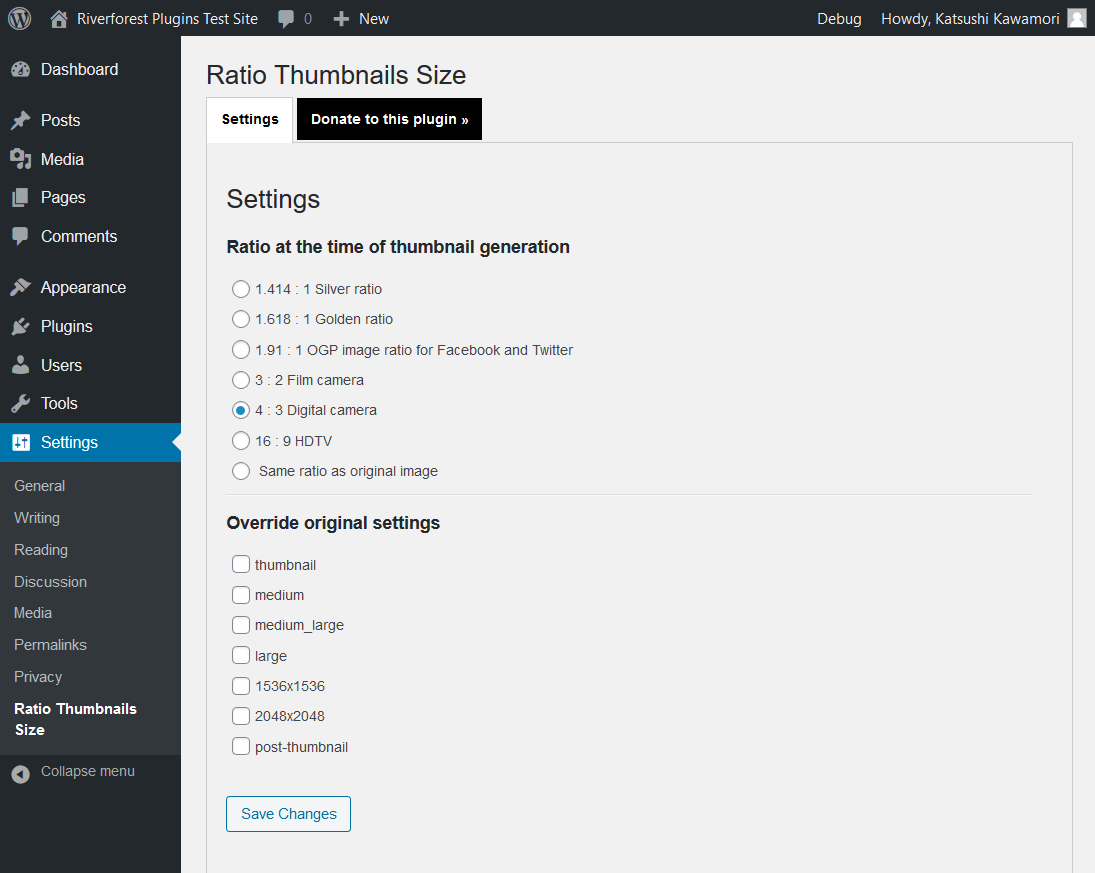
Ratio
- 1.414 : 1 Silver ratio
- 1.618 : 1 Golden ratio
- 1.91 : 1 OGP image ratio for Facebook and Twitter
- 3 : 2 ratio of film camera etc.
- 4 : 3 Ratio of digital cameras, etc. (WordPress default)
- 16 : 9 HDTV
- Same ratio as original image
Thumbnails to be set
- thumbnail
- medium
- large
- Generated with theme
- Generated with plugin
Installation
- Upload
ratio-thumbnails-sizedirectory to the/wp-content/plugins/directory - Activate the plugin through the ‘Plugins’ menu in WordPress
FAQ
none
Screenshots
Changelog
[1.08] 2025/04/23
- Fix – Loading the management screen.
1.07
Supported WordPress 6.4.
PHP 8.0 is now required.
1.06
Fixed an error when uploading media when the plugin is activated for the first time and options are not saved.
1.05
Supported WordPress 5.6.
1.04
Fixed translation.
1.03
Added OGP image ratio for Facebook and Twitter.
1.02
Enabled to select the one that does not apply the ratio.
1.01
Added “Same ratio as original image”.
1.00
Initial release.