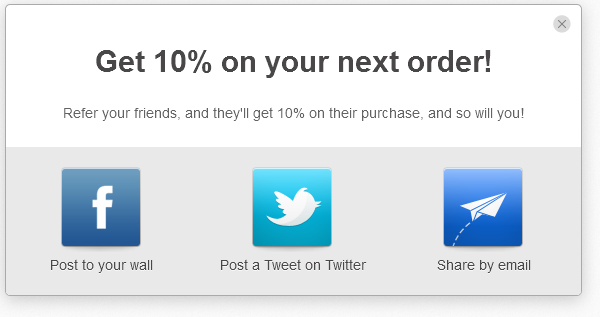
Description
Join StoreYa’s +100,000 Happy merchants that use our marketing and sales tools on a daily basis!
Easily install your own Refer a Friend program
-
Let your sales grow virally – no marketing budget
-
Convert your paying customers into your loyal affiliates
-
No design or coding skills required
-
Translates to any language
Improve conversion rate by 25% by providing paying customers with coupons for their next purchases in return for driving their friends to your store.
We offer 14 days of free trial, without asking for a credit card (affordable monthly fee starts at $9.99).
You will also be asked to open a Free StoreYa account. We’re positive that you’ll see the boost in sales and leads in the first few days of using this plugin.
To learn more about StoreYa and how it works visit our website.
Resources
Installation
-
Visit StoreYa’s website and sign up for a Free account.
-
Create your referral campaign, set the offer and setup the refer a friend pop ups.
-
Copy the refer a friend ‘Secret key’ displayed at step no.6.
-
Unzip and Upload file storeya-refer-a-friend.php to the /wp-content/plugins/ directory
-
Activate the plugin through the ‘Plugins’ menu in WordPress using your secret key.
Good Luck! If you need further assistance please contact us at: Support@storeya.com
Screenshots