


Description
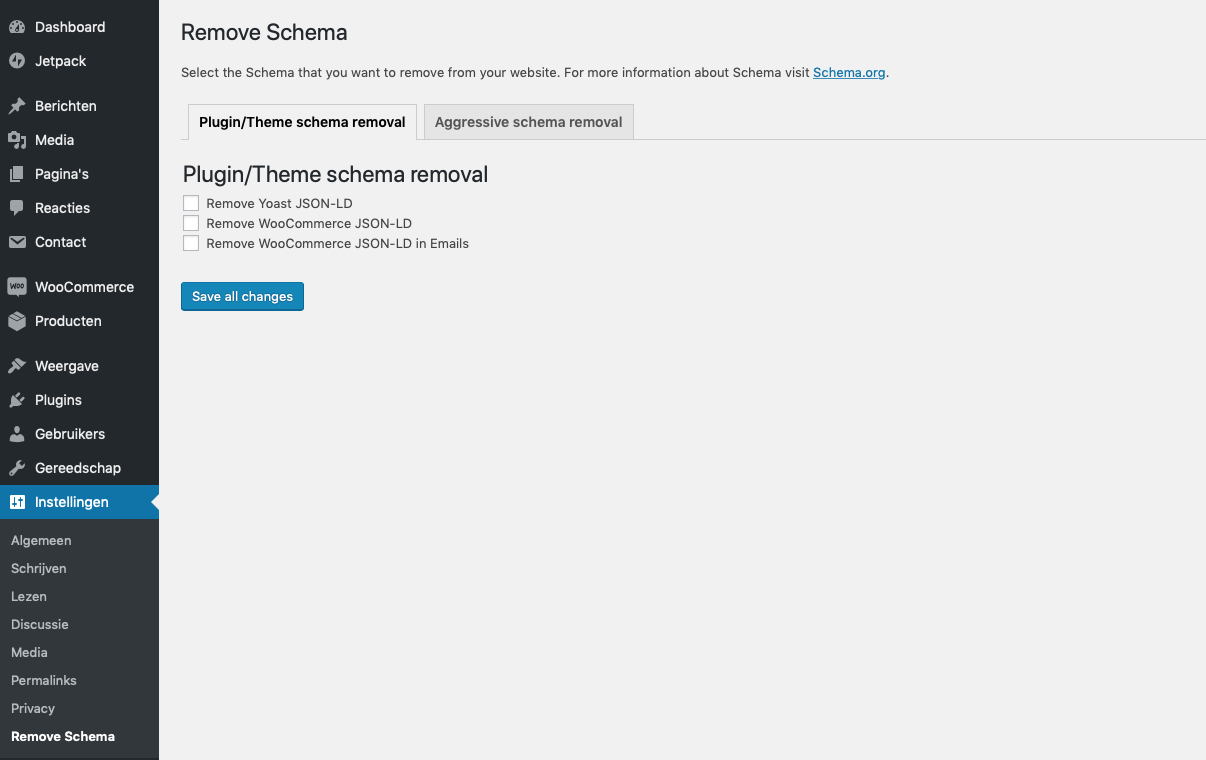
Remove Schema disables structured data from supported plugins and themes:
- WooCommerce
- WooCommerce emails
- Yoast SEO
- Schema Pro
- GeneratePress themes
- Hentry classes
Installation
You can install Remove Schema at the moment only by downloading it from GitHub and uploading it to your WordPress site:
- Upload
remove-schemadirectory to the/wp-content/plugins/directory. - Activate the plugin through the ‘Plugins’ menu in WordPress.
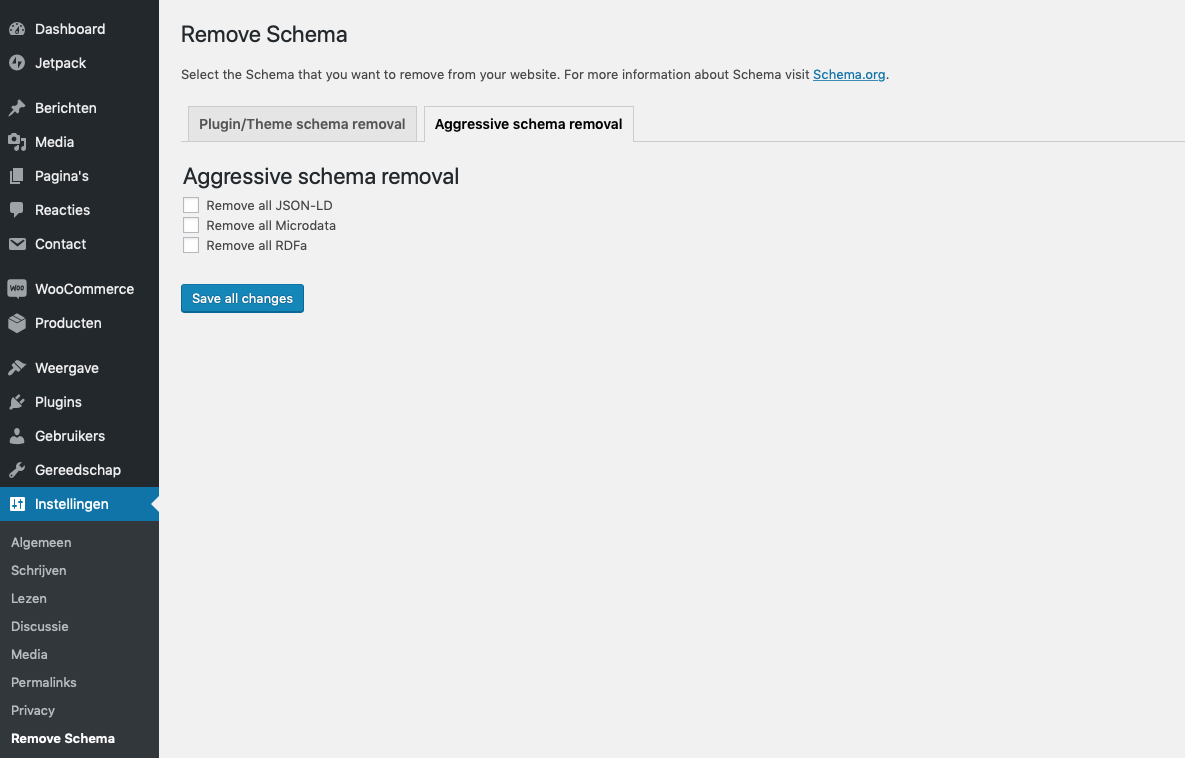
- Go to settings and check the boxes of the schema markup that you want removed.
Screenshots
Changelog
2.0.2
- Remove aggressive schema removal
2.0
- Full rewrite of the plugin
1.6.2
- PHP 8.2 support
1.6.1
- Improved security
1.4
- Add Yoast SEO Premium support
1.3.4
- Add multisite support
1.3.3
- Remove review notice
1.3.2
- Bugfixes – page specific markup wouldn’t save if everything was unchecked.
1.3
- Improved security
- Add page specific support on all page types
1.2
- Add support for GeneratePress themes
- Add support for removing hentry classes
1.1
- Code cleanup
1.0
- Inital release