

Description
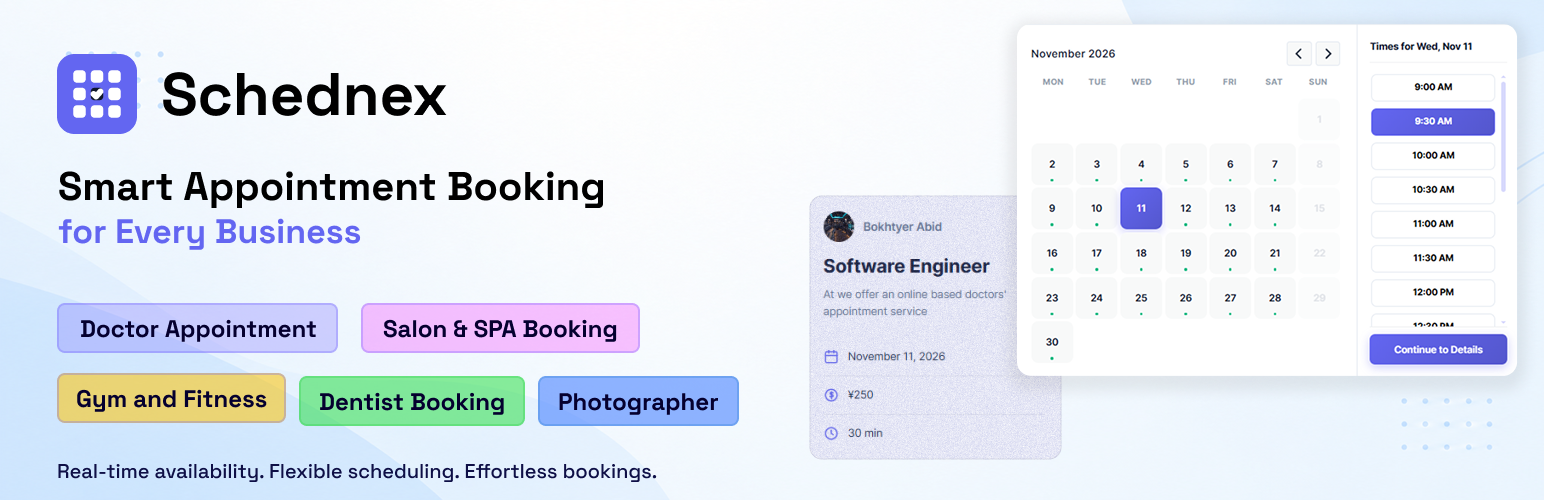
Schednex Appointment Booking is a free WordPress appointment booking and scheduling plugin. Add an online booking form to any page and let customers reserve a service, choose a staff member and pick an available date and time, 24/7. Manage every appointment from one dashboard with a booking calendar, with no external account needed.
Customers only see time slots that are really available, based on your services, staff, working hours, breaks, holidays and capacity. Availability is checked again on the server before a booking is saved, to help prevent double bookings.
Use it as an appointment scheduler, a reservation system or a booking calendar for your service business.
How Schednex Appointment Booking is Different
- Live Availability Calendar: Customers see only open time slots, built from staff working hours, breaks, holidays, days off and service capacity.
- Double Booking Protection: Availability is verified again on the server before every booking is saved, so two customers cannot take the same slot.
- Service and Staff Booking: Customers pick a service, choose an available staff member, then select a date and time, all in one booking form.
- Customer and Staff Portals: Customers can view and manage their own appointments, and staff can log in to see their own schedule.
- Fully Customizable Booking Form: Choose Classic, Sidebar or Compact layouts, change colors and edit the booking form text and fields without code.
- Booking Dashboard and Calendar: Track statistics, filter appointments, create manual bookings and manage every status from the WordPress admin.
- Editable Email Notifications: Send booking confirmation, reschedule and cancellation emails with templates you can customize.
- Privacy-Friendly: All booking and customer data stays in your own WordPress database. No external booking account is required.
Features
Online booking
- Online appointment booking form with a live availability calendar.
- Classic, Sidebar and Compact responsive layouts, with custom colors and text.
- Popup booking button and staff-specific booking pages.
- Direct calendar booking mode for a quick, single-step form.
- Minimum and maximum advance booking time.
- WordPress block and shortcode support.
Services and staff
- Services with categories, images, prices, durations and capacity.
- Staff profiles and service assignments.
- Weekly working hours, breaks, holidays and days off.
Appointment management
- Admin appointment list, booking calendar, filters and manual booking creation.
- Customer management with booking history.
- Pending, confirmed, completed, cancelled and no-show statuses.
- Payment tracking for pay-later bookings.
Customers, staff and notifications
- Customer accounts and a customer appointment portal.
- Staff login and a staff appointment portal.
- Email notifications for booking updates, with editable email templates.
- Currency and time format settings.
- Rate limiting and honeypot spam protection.
Built for service businesses
Schednex is an easy-to-use appointment booking and scheduling plugin for businesses that accept online bookings and manage customer appointments.
- Doctor appointment booking for private practices and healthcare providers.
- Clinic appointment booking for medical clinics and healthcare centers.
- Salon appointment booking for hair salons, beauty salons and stylists.
- Barbershop appointment booking for barbers and grooming businesses.
- Spa appointment booking for spas, wellness centers and massage therapists.
- Dentist appointment booking for dental clinics and dental professionals.
- Consultant appointment booking for business, legal and professional consultants.
- Coach and tutor appointment booking for coaches, teachers and private instructors.
- Gym and fitness appointment booking for gyms, personal trainers and fitness studios.
- Photographer appointment booking for photographers and creative service providers.
- Repair service appointment booking for repair shops, technicians and local service businesses.
- Appointment scheduling for other service-based businesses and independent professionals.
Schednex Pro
Need more? Schednex Appointment Booking Pro is an add-on for growing booking businesses. The free plugin works fully on its own.
- Stripe and PayPal Checkout: Accept online payments for appointments, with webhook-based payment confirmation.
- Google Calendar Sync: Add each booking to your Google Calendar, keep changes and cancellations in sync, and hide time slots when you are busy.
- Multiple Locations: Run several branches or offices, with services and bookings assigned to each location.
- Custom and Staff-Based Schedules: Set different working hours for each service or staff member.
- Service Capacity: Allow more than one customer per time slot for group sessions and classes.
Google Calendar sync (Pro): connect your own Google account, add each booking to your Google Calendar as an event, keep changes and cancellations in sync, and hide time slots when you are busy in Google Calendar. You use your own Google Cloud app, so booking data stays between your site and Google.
Booking form
Add the Schednex Appointment Booking Form block, or use [schednex_booking].
To show a booking form for one staff member, use [schednex_appointment_single_staff staff_id="1"]. Replace 1 with the staff member ID; only services assigned to that staff member will be shown.
Optional portals: [schednex_customer_portal], [schednex_staff_portal] and [schednex_portal].
Privacy
Booking and customer information is stored in the site owner’s WordPress database. Site owners should update their privacy policy to describe the data collected by their booking form.
The plugin does not require an external booking account. If you enable a Pro payment gateway, payment details are sent directly to the selected payment provider according to that provider’s terms and privacy policy.
Installation
- Go to Plugins > Add New and search for Schednex Appointment Booking.
- Install and activate the plugin.
- Configure working hours, holidays and currency in Schednex Booking > Settings.
- Add categories, services and staff.
- Add the booking form block or
[schednex_booking]shortcode to a page.
FAQ
How do I display the booking form?
Add the Schednex Appointment Booking Form block or use [schednex_booking] in a page.
To create a staff-specific booking page, use [schednex_appointment_single_staff staff_id="1"] and replace 1 with the staff member ID.
Can customers choose a staff member?
Yes. Assign staff to a service and customers can select an available staff member. Services can also allow bookings without staff selection.
Can I set working hours and breaks?
Yes. Configure weekly working hours, breaks, holidays and days off in the plugin settings.
Does Schednex prevent double bookings?
Yes. Customers only see available time slots, and availability is checked again on the server before a booking is saved.
Does the free plugin support online payment gateways?
The free plugin supports pay-later bookings and admin payment tracking. Online Stripe and PayPal checkout is available in the Pro add-on.
Does it sync with Google Calendar?
Google Calendar sync is available in the Pro add-on. It adds bookings as events, keeps changes in sync and blocks busy times.
Can I manage multiple locations?
Multiple business locations are available in the Pro add-on. The free plugin supports multiple staff members with their own working hours and services.
Is Schednex Appointment Booking really free?
Yes. The free plugin includes online booking, a booking calendar, services, staff, customer and staff portals and email notifications, with no external account required.
Which timezone is used?
The plugin uses the timezone configured in WordPress Settings > General.
Can I customize the booking form?
Yes. Open Schednex Booking > Customize to choose a layout, change colors and edit the booking form text and fields.
Can I change email templates?
Yes. Copy templates from templates/emails/ into your theme’s schednex-appointment-booking/emails/ directory and customize them there.
Screenshots


Changelog
1.2.2
- Added a first-run setup wizard that guides new sites through setup type, services, staff and working hours, with a preview of Pro features.
- Added an automatic redirect to the plugin dashboard right after activation.
- Added friendly empty states with quick actions to the Services, Staff, Categories, Customers, Locations, Bookings and Holidays screens, and to the staff and customer portals.
- Simplified the admin dashboard.
- Updated the booking calendar for managing appointments.
- Updated the admin and booking form styling and refreshed the compiled assets.
1.2.1
- Added service images: choose an image for each service from the media library.
- Added new Customize options for service cards: show the image (with a letter placeholder when there is none), description, duration and capacity. Duration and capacity are hidden by default.
- Added Customize options for category cards: show or hide the “All Services” card and category descriptions.
- Added a Customize option to show the phone number on location cards (Pro). It is hidden by default.
- Redesigned staff cards to be compact, showing the photo, name, designation and experience, with a “View details” window for the bio, certifications and social links.
- Improved small-screen layouts for staff, location and service cards.
- Customize sections are now collapsible accordions.
- Added a Documentation page to the admin menu with step-by-step setup and customization guides and search.
- Cards with only a title and price are now centered.
1.2.0
- Added Google Calendar integration (Pro): connect your Google account, create calendar events for bookings, keep changes and cancellations in sync, and block busy times from your selected calendars.
- Added a new Google Calendar settings page in the admin area.
- Updated the booking calendar and refreshed the admin and booking form styling.
- Improved button spacing and responsive layout.
- Simplified the category picker by removing the service count badge, and removed the unused service count from the public categories REST response.
1.1.1
- Updated calendar styling.
- Added a modal calendar view.
- Improved responsive design.
- Added direct calendar booking for a single service on one screen.
- Added support for custom buttons and cards.
1.1.0
- Added a popup booking form:
[schednex_booking_button]shortcode, or adddata-schednex-book="STAFF_ID"to any button or card. - Added Stripe and PayPal payment support.
- Added multiple locations.
- Added custom schedules and staff-based schedules.
- Added a shortcode for bookings with a specific staff member.
- Fixed a caching issue and several minor issues.
1.0.3
- Added customer and staff portals.
- Refreshed the admin dashboard and settings interface.
- Improved booking management and usability.
1.0.2
- Fixed missing JavaScript chunks in WordPress.org plugin updates.
1.0.1
- Added the admin booking calendar and booking filters.
- Improved booking management and dashboard stability.
1.0.0
- Initial release.