


Description
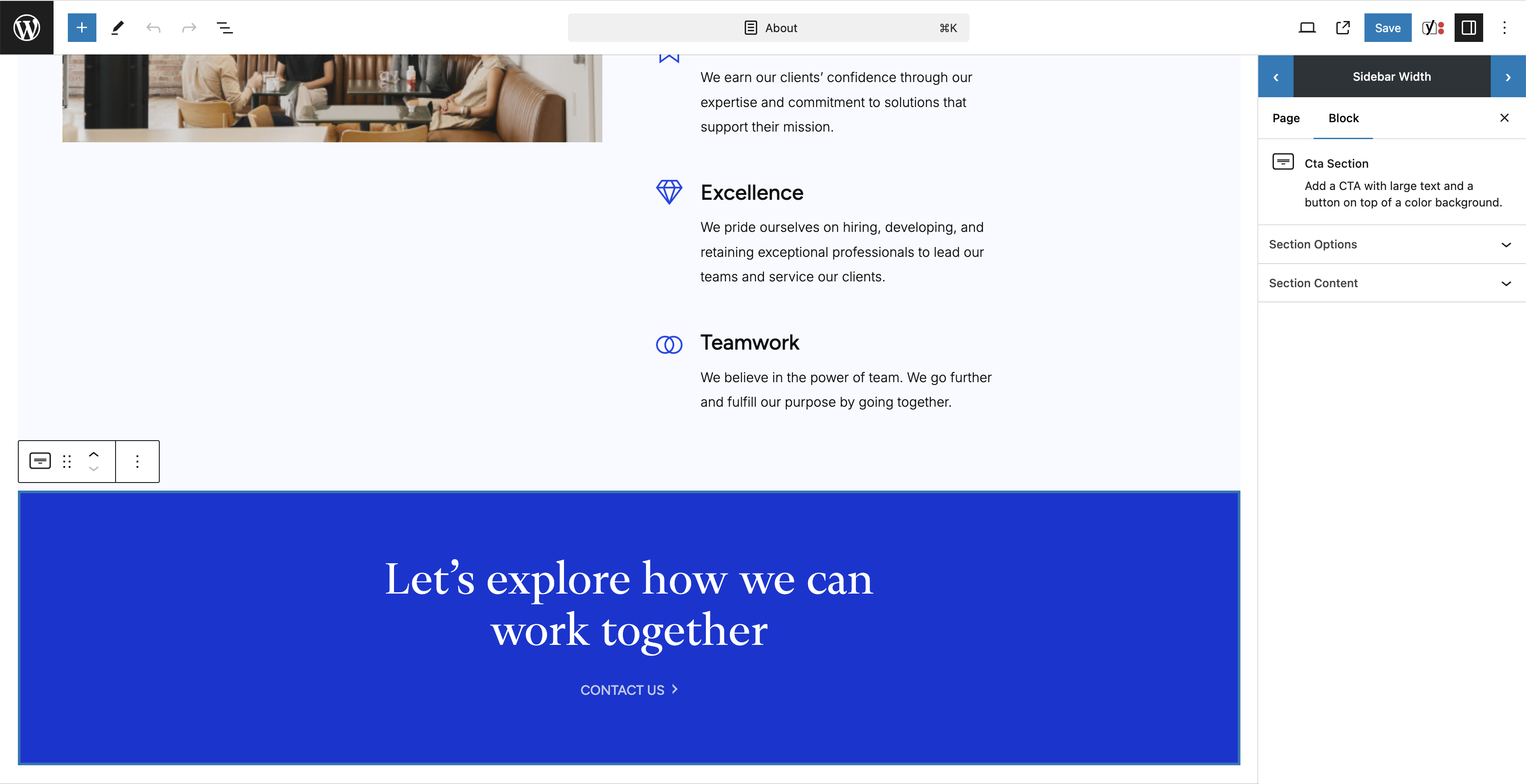
A simple button interface to make the WordPress Gutenberg sidebar resizable.
Key Features
- Works out of the box
- Simple interface
Support
For support, please visit SeeMax Resizable Editor Sidebar Support Forum
License
This plugin is licensed under the GPLv2 or later.
Installation
Requirements
- PHP 5.6 or higher is recommended.
Steps to Install:
- Navigate to the WordPress dashboard.
- Go to ‘Plugins’ -> ‘Add New’.
- Search for ‘SeeMax Resizable Editor Sidebar’.
- Click ‘Install Now’ and then ‘Activate’ to activate the plugin.
- You can now resize the Gutenberg sidebar to suit your preferences.
Screenshots
Changelog
1.2.1
- Keep chosen sidebar width across pages by storing it in localStorage.
1.1.1
- Changed initial sidebar width on load.
1.0.1
- Initial release.