


Description
SEO Stats Widget Plugin collects SEO statistic from various sources like Google, SemRush, Alexa, Dmoz and shows all stats in admin dashboard and sidebar widget.
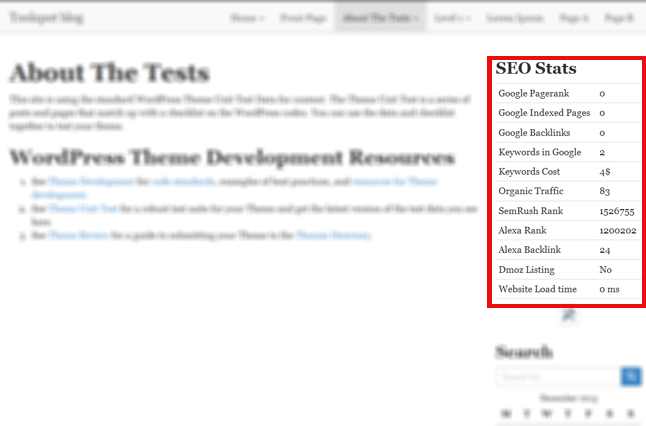
Currently this plugin shows following stats
- Google Pagerank
- Google Indexed Pages
- Google Backlinks
- Keywords in Google
- Keywords Cost (PPC)
- Organic Traffic (From Google)
- SemRush Rank
- Alexa Rank
- Alexa Backlink
- Dmoz Listing
- Website Load time
SEO Stats Widget by 99webtools
Installation
Using the Plugin Manager
- Click Plugins
- Click Add New
- Search for
seo-stats-widget - Click Install
- Click Install Now
- Click Activate Plugin
Manually
- Upload
seo-stats-widgetfolder to the/wp-content/plugins/directory - Activate the plugin through the ‘Plugins’ menu in WordPress
Screenshots

Changelog
1.1
- fixed some bugs
1.0
- Initial release