
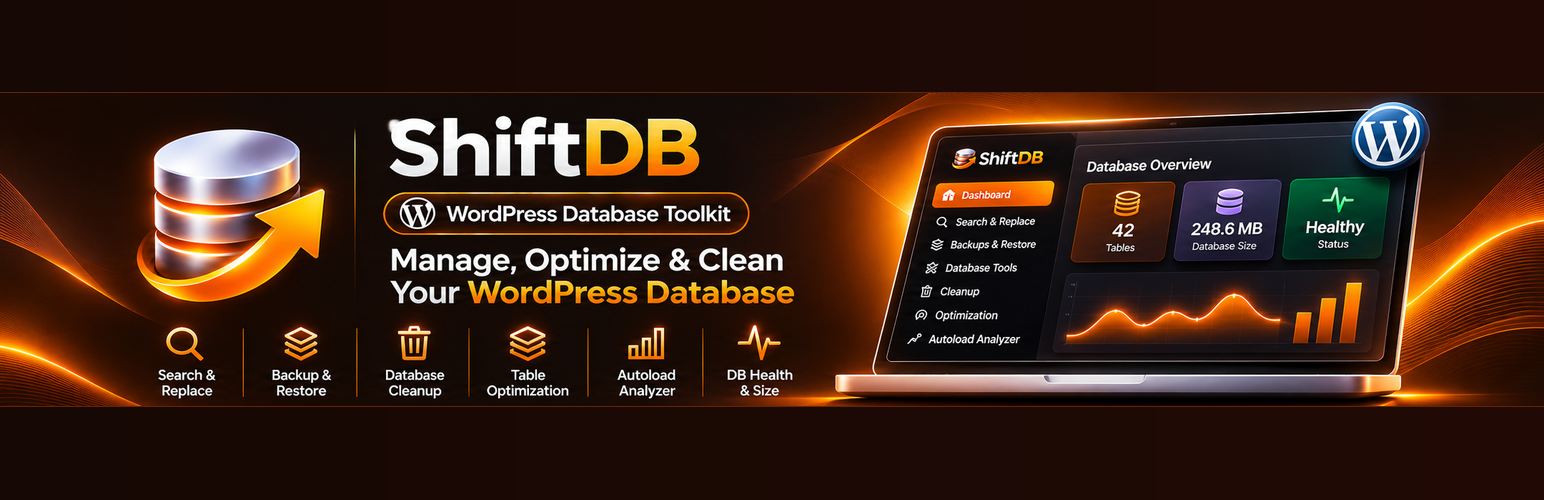

Description
ShiftDB is a WordPress database management toolkit for administrators who need to inspect, clean up, optimize, and update database content from the WordPress dashboard.
Whether you are updating URLs after a site migration, reviewing large database tables, or removing unnecessary stored data, ShiftDB brings practical database maintenance tools together in one place. Its search-and-replace workflow includes a dry run and row-level recovery snapshots to help you review changes before applying them.
Search and replace with safeguards
- Preview matches using a dry run before making a live replacement.
- Handle common serialized WordPress data while preserving serialized structures.
- Protect WordPress post GUIDs by default.
- Create row-level recovery snapshots before live replacements.
- Restore changes from available recovery points.
Database cleanup and optimization
- Clean up post revisions, spam comments, trashed comments, and transients.
- Optimize database tables using the available optimization tools.
- Review autoloaded options with the autoload analyzer.
Database overview and diagnostics
- Inspect database table sizes and health information.
- Review storage and overhead information in the database overview.
- Identify larger tables and navigate to relevant maintenance tools.
- Review local operation history.
SQL export
- Export selected database tables as SQL.
Designed for WordPress administrators
ShiftDB uses WordPress capability checks, nonce verification, input sanitization, and escaped admin output. It does not provide arbitrary code execution or file-management tools. No external service is required, and ShiftDB does not transmit database content to a third party.
Before making database changes: Keep an independent, full-site backup. ShiftDB’s row-level recovery snapshots are intended to support its replacement workflow and are not a substitute for a complete database or website backup.
Developed by Quberiq Technologies. Support: contact@quberiqtechnologies.com
Installation
- In your WordPress dashboard, go to Plugins > Add New Plugin and search for “ShiftDB”, or upload the plugin ZIP using Upload Plugin.
- Alternatively, upload the
shiftdbfolder to/wp-content/plugins/. - Activate ShiftDB from the Plugins screen.
- Open Tools > ShiftDB to access the database toolkit.
- Create an independent backup before making changes. For search and replace, review the dry-run results before performing a live replacement.
FAQ
What can I use ShiftDB for?
ShiftDB provides database search and replace, row-level recovery for replacement operations, database cleanup, table optimization, selective SQL export, autoload analysis, and database diagnostics.
Can ShiftDB help when changing a site’s URL?
ShiftDB includes search and replace that can be used to update database values, including common serialized WordPress data. Review the dry-run results carefully and keep a full backup before making changes. Some migration tasks may also require configuration or file changes outside ShiftDB.
Does ShiftDB support serialized WordPress data?
Yes. ShiftDB handles common serialized arrays and scalar values using unserialize/serialize processing with class instantiation disabled.
Does ShiftDB change post GUIDs during search and replace?
Post GUID protection is enabled by default.
Does a live search and replace create a recovery snapshot?
Yes. ShiftDB creates a row-level recovery snapshot before applying a live replacement. This is not a full-site backup, so keep an independent backup as well.
Can I restore changes made by search and replace?
ShiftDB provides recovery-point restore for available replacement snapshots.
Can ShiftDB clean up and optimize my database?
Yes. ShiftDB includes cleanup tools for revisions, spam and trashed comments, and transients, as well as database table optimization and an autoload analyzer. Review the data and available actions before cleanup.
Does ShiftDB edit WordPress files or execute custom code?
No. ShiftDB is limited to database maintenance and diagnostics and does not provide arbitrary code execution or file-management functionality.
Does ShiftDB send database information to an external service?
No. ShiftDB does not require an external service and does not transmit database content to a third party.
Changelog
1.1.1
- Improved WordPress.org plugin description and feature documentation.
- Expanded installation instructions and frequently asked questions.
- No changes to existing plugin functionality.
1.1.0
- Redesigned ShiftDB admin experience with a new database overview.
- Added database health summary, storage and overhead visibility.
- Added largest-table insights and quick navigation to core tools.
- Improved responsive layout, hierarchy, accessibility and action states.
- Preserved the safe dry-run, recovery, cleanup, export and optimization workflows.
1.0.1
- Improved WordPress Plugin Check compliance and security validation.
- Improved prepared database queries, nonce verification, sanitization and readme metadata.
1.0.0
- Initial release.
- Added dry-run search and replace.
- Added recovery snapshots and restore.
- Added SQL export and optimization.
- Added autoload diagnostics.
- Added database cleanup tools.
- Added operation history.