

Description
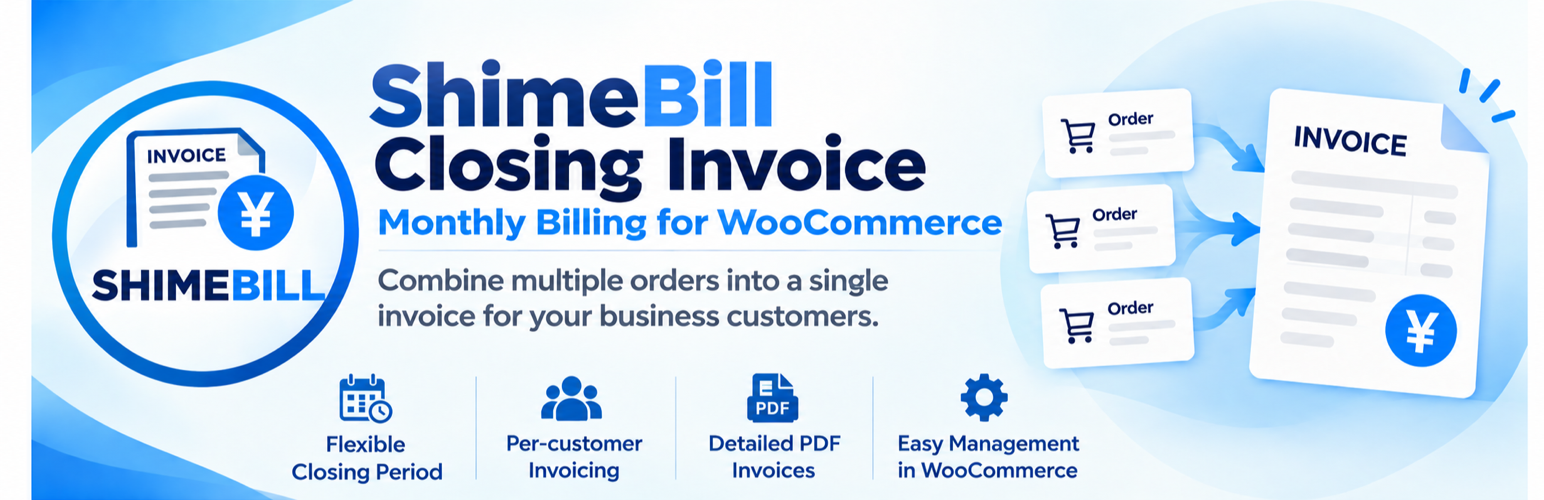
ShimeBill Closing Invoice groups multiple WooCommerce orders for each customer within a closing period and creates a separate WooCommerce order (an “invoice order”) for billing purposes.
It is intended for stores that offer invoice-based payment and need to manage multiple orders as a single billing unit. Invoice orders can be viewed in the standard WooCommerce order administration screen.
This plugin does not generate PDF files. A separate PDF invoice plugin is required to issue PDF invoices.
Features
- Consolidate eligible WooCommerce orders by customer for monthly billing.
- Automatically determine billing periods from a configured closing day.
- Choose order creation date or completion date as the closing basis.
- Review eligible orders grouped by customer in the administration screen.
- Create invoice orders individually or in bulk for all eligible customers.
- Record source-order information in invoice orders.
- Prevent previously invoiced orders from being billed again.
- Review closed customers and orders in the administration screen.
- Reset previously created invoice orders.
- Preview orders belonging to the next closing period.
- Store the closing date, payment due date, and other billing information on invoice orders.
- Provide billing metadata for use by PDF invoice templates.
- Automatically change source orders to the “Accounts Receivable (Paid)” status when payment is confirmed for an invoice order.
- Process orders using the WooCommerce order API.
- Use WooCommerce order data without creating custom database tables.
Requirements
- WordPress.
- WooCommerce.
- PHP 8.0 or later.
- WooCommerce High-Performance Order Storage (HPOS) environment.
The plugin processes billing using WooCommerce order data.
Installation
- Upload the
shimebilldirectory towp-content/plugins/. - Activate “ShimeBill Closing Invoice” from the WordPress Plugins screen.
- Confirm that WooCommerce is active.
- Open the Closing Invoice settings screen and configure the closing day and other options.
FAQ
Does this plugin generate PDF invoices?
No. Use a separate plugin such as “PDF Invoices & Packing Slips for WooCommerce” to generate PDFs. A dedicated qualified-invoice template named “CLOSING INVOICE” can be obtained from dip.mamekichi-an.com.
Are ordinary WooCommerce orders modified?
The closing process creates a separate invoice order and records the relationship between source orders and the invoice order in metadata to prevent duplicate billing.
Can the same order be included in multiple closing operations?
Previously invoiced source orders are linked to their invoice order and excluded from subsequent closing operations.
Can a closing operation be undone?
Yes. Reset the invoice order to release the associated closing operation.
Are guest orders supported?
No. Eligible customers must be registered users assigned the b2b or administrator role. Guest orders and orders from other roles are excluded.
Screenshots


Changelog
1.1.1
- Fixed the closing administration screen to show current registered customer billing details.
- Fixed newly generated invoice orders to use current customer billing and shipping information, with account email as a fallback when billing email is empty.
- Fixed customers with zero source orders in the current closing period appearing in the current-period list.
- Restricted closing lists and invoice creation to registered customers with the
b2boradministratorrole, excluding guest orders and other roles. - Added customer eligibility validation during invoice-order creation.
1.1.0
- Added automatic transition of source orders to “Accounts Receivable (Paid)” when an invoice order is marked as paid.
- Changed source-order display order to ascending.
- Made adjustments for the initial public release.
1.0.0
- Initial release.
- Added customer-based monthly consolidation of WooCommerce orders.
- Added eligible-order review.
- Added individual and bulk invoice-order creation.
- Added invoice-order reset.
- Added preview of orders in the next closing period.
- Added closing based on order creation or completion date.
- Added WooCommerce HPOS support.