


Description
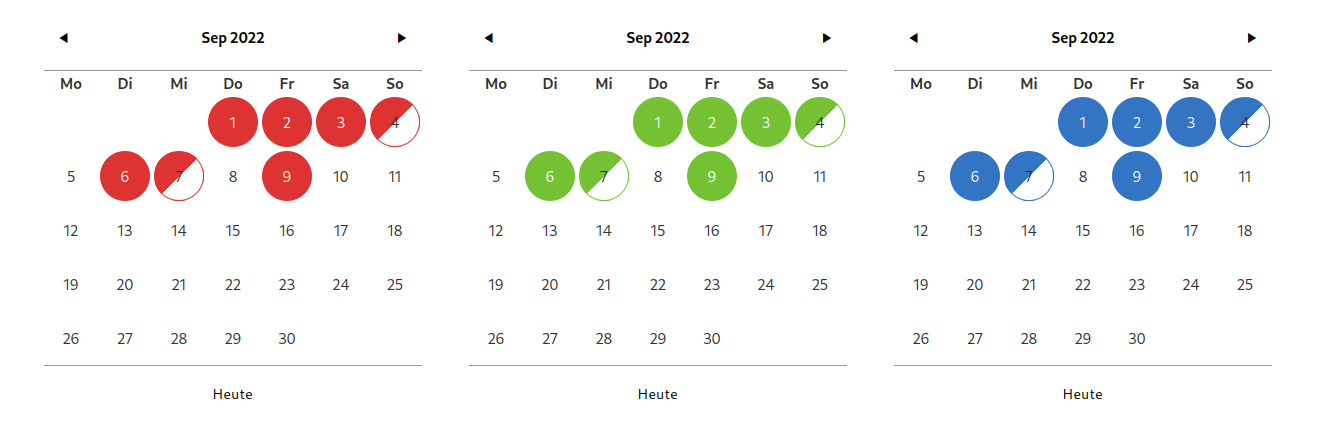
Simple calendar plugin for Elementor to show e.g. availability on different days. You can choose between different layouts, colors, create multiple calendars and create custom status elements (names + CSS classes).
Installation
- install Elementor
- install the plugin
- go to “Settings – Simple calendar” and create a calendar
- insert the “Simple Calendar” widget into your page
Screenshots


Changelog
1.6.7
* tested with WP 6.9
* security updates
1.6.6
* security updates
1.6.5
* tested with WP 6.8
* security updates
1.6.4
* internal code update
1.6.3
* bugfix for fixed month error
1.6.2
* tested with WP 6.6
1.6.1
* tested with WP 6.5
1.6.0
– show event title when hovering a day
– backend: show default color when day has a custom event in the backend
1.5.1
– fix Sunday
1.5.0
– fix month in calendar widget
1.4.0
– class for current day
– styling options for current day
1.3.0
– use SVG arrows
– more style settings in “prev/next styles”
1.2.0
– more border options
– font options
– hide today button
1.1.9
– border options
1.1.8
– more styling options
1.1.7
– French month/day names
1.1.6
– legend font styles
1.1.5
– load data again when switching months
1.1.4
– center loading spinner in legend layout
1.1.3
– loading spinner
1.1.2
– translation path
1.1.1
– height, width, gap settings
1.1.0
– separate legend widget
1.0.2
* Custom colors
1.0.1
* Bugfixes
1.0.0
* Initial release.