

Description
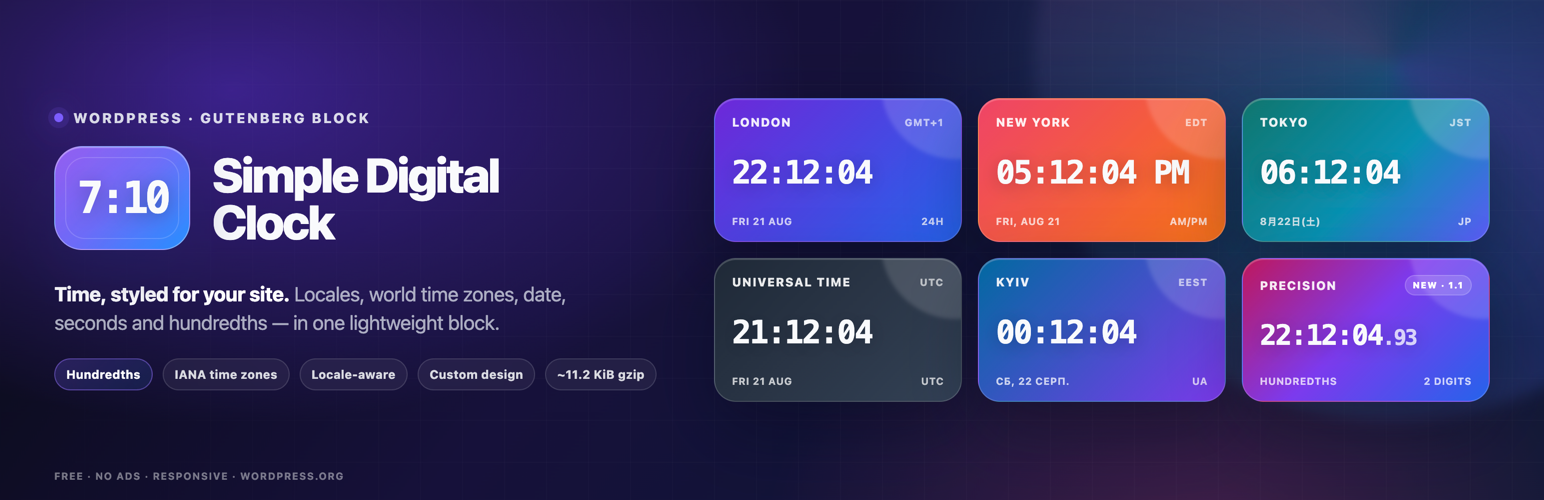
Add customizable digital clocks to WordPress. Show your office’s local time, another city’s time or UTC with captions, dates and colors.
📌 Description
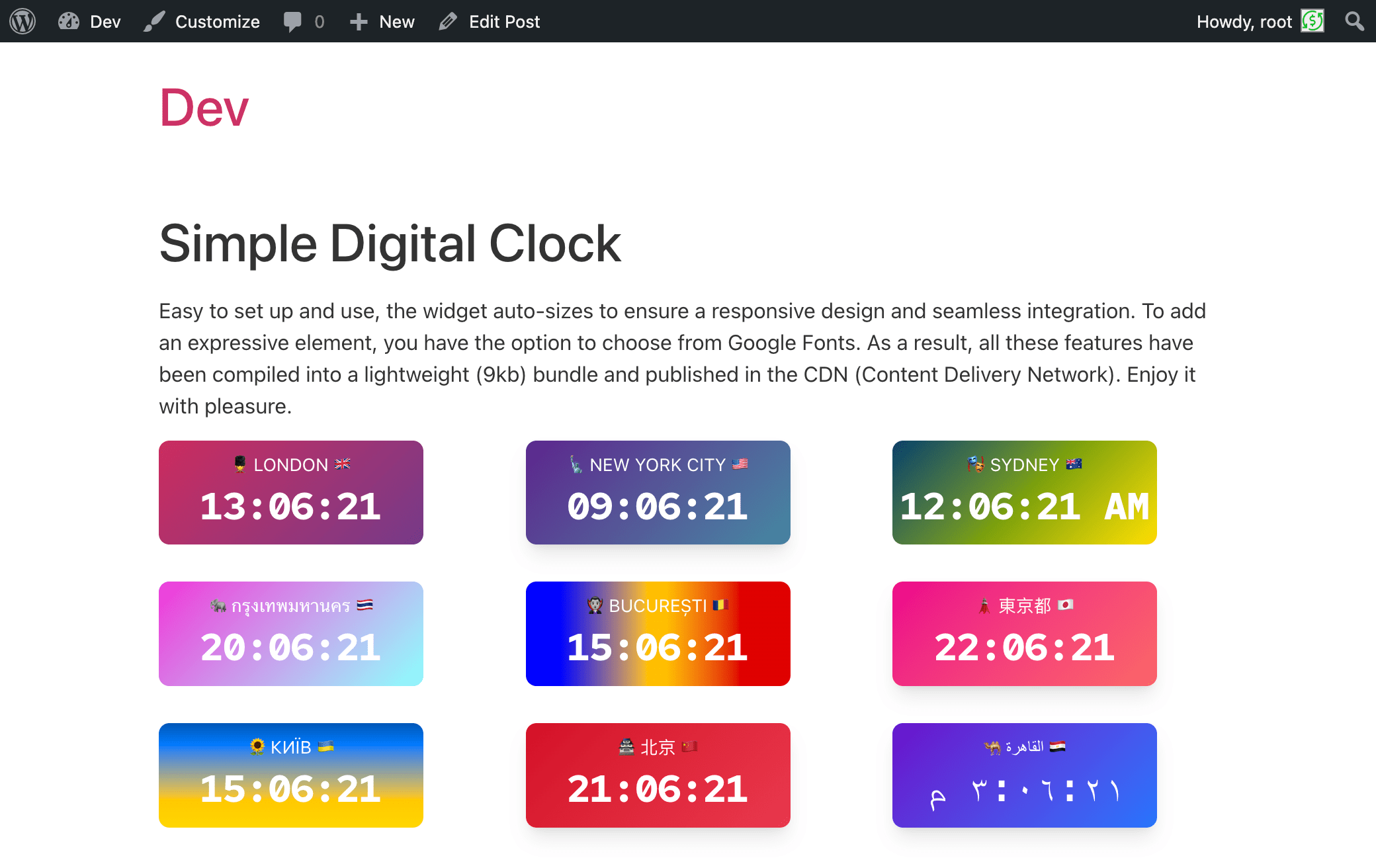
Show your office’s local time, the time in another city or UTC on your WordPress site. Simple Digital Clock provides a Gutenberg block for posts, pages and block-based widget areas. Choose a time zone, add a caption and adjust colors, fonts and display options directly in the editor. Add multiple clocks to show the time in different locations, with independent settings for each block.
Live demo👀 | CodePen playground👀
⭐️ FEATURES ⭐️
- 🚀 Lightweight (~12.2 KiB gzip)
- 🗣 Locale support (BCP-47, e.g.,
en-US,uk,de-DE) - 🌐 IANA time zones (e.g.,
Europe/Kyiv,UTC) - 📝 Custom caption
- 🎨 Styling: color/gradient, radius, shadows
- 🔢 24-hour or AM/PM, ⏱ seconds, ⏱️ optional hundredths of a second, 📅 date
- 🔒 SSL-friendly, 📱 responsive
- 💯 Free, no ads
How it works
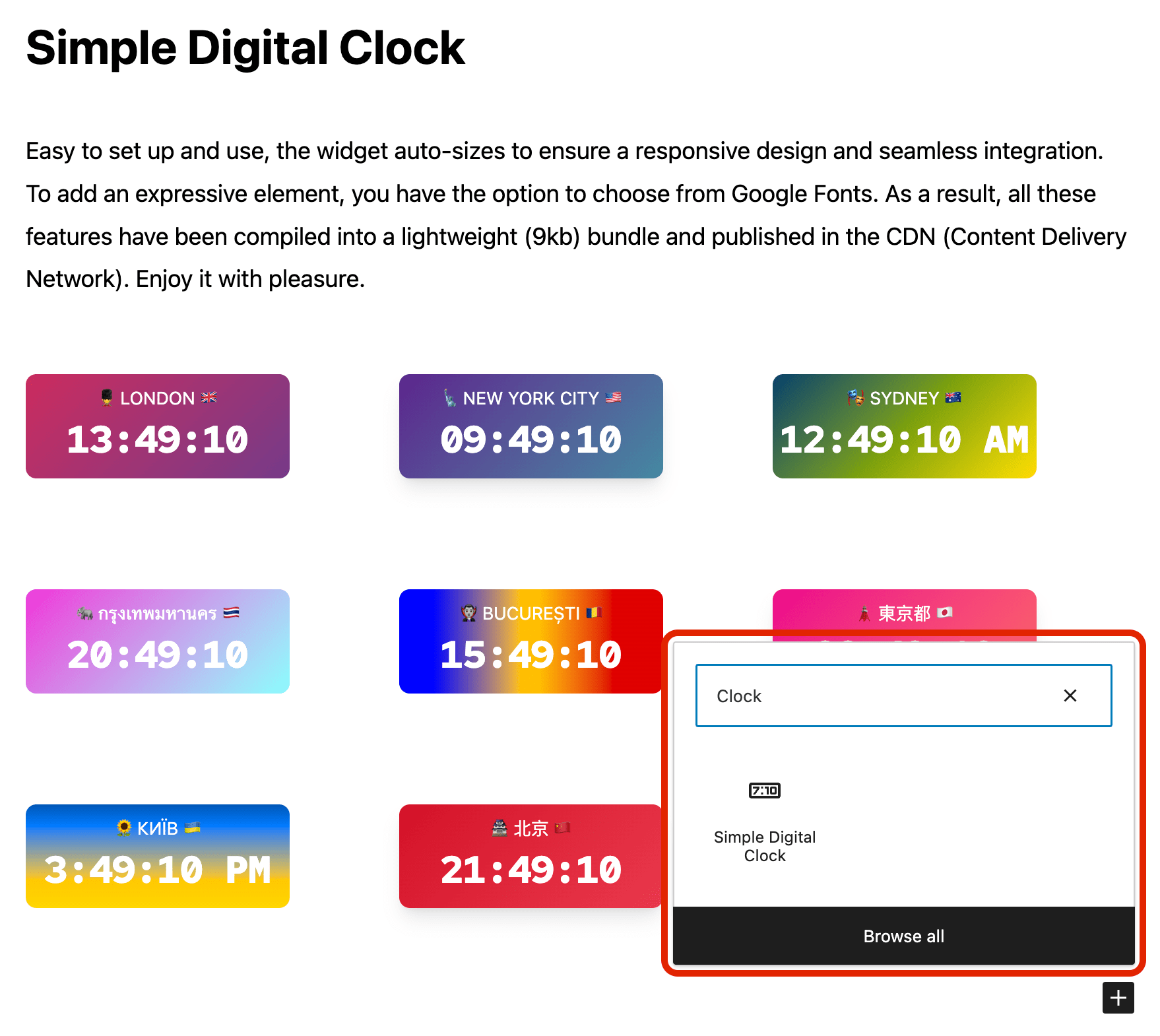
- Add the Simple Digital Clock block in the editor or as a widget.
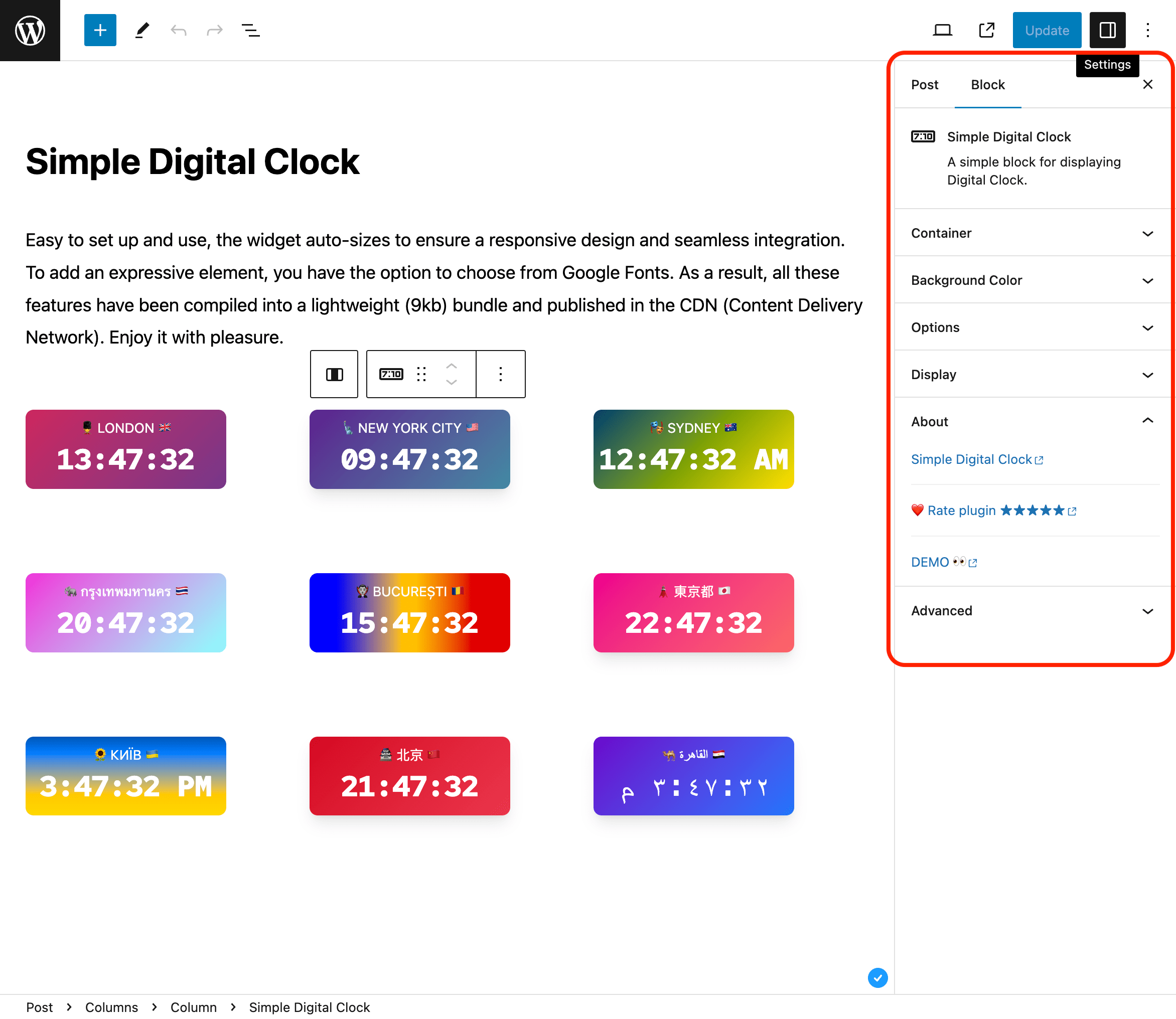
- Configure in the right sidebar:
- Locale (e.g.,
en-US,uk,fr-FR) - Time Zone (IANA ID, e.g.,
Europe/Kyiv,America/New_York,UTC) - Seconds, Hundredths, Date, 24-Hour (AM/PM), Caption
- Background/gradient, border radius, shadow, and font
- Locale (e.g.,
Hundredths shows two fractional digits after the seconds for clocks that need finer visual precision. Hundredths automatically include seconds while enabled. Note: the browser may not render every 10 ms increment.
📌 Installation
= From your WordPress dashboard =
1. Go to Plugins → Add New
2. Search for “Simple Digital Clock”
3. Install & Activate
4. Insert the block in the editor or add it as a widget (/wp-admin/widgets.php)
From WordPress.org
- Download “Simple Digital Clock”
- Upload to /wp-content/plugins/
- Activate
- Insert the block / add the widget
Source / Development
The production JavaScript bundled with this plugin is built from the public Simple Digital Clock Widget source.
- Source repository: https://github.com/Timenow-zone/Simple-Digital-Clock-Widget
- Bundled upstream version: 0.8.1
- Exact source for this bundled release: https://github.com/Timenow-zone/Simple-Digital-Clock-Widget/tree/b44f944b60babf45bf266e73ba12f7eba53cfef2
Third-party copyright and MIT license notices for the bundled dependencies are included in THIRD-PARTY-NOTICES.txt. The WordPress wrapper remains GPLv2 or later.
To reproduce the production bundle:
npm cinpm run build
🍩 Donations
🕒 Sync Time: UTC
🗓️ Today’s Date: TodaysDateNow
FAQ
Can I set a custom locale (e.g., `uk` or `en-GB`)?
Yes. Use the Locale field and enter any valid BCP-47 tag.
Where does the clock get its time?
The clock uses the date and time reported by the visitor’s device and formats it for the selected time zone. It does not synchronize with a time server, so an incorrect device clock will affect the displayed time.
How do I pick the time zone?
Use the Time Zone field and select any valid IANA ID (e.g., Europe/Kyiv, UTC).
Can I show hundredths of a second?
Yes. Enable “Hundredths of a second” in the block settings. It shows two fractional digits and automatically includes seconds while enabled.
Can I use my own fonts?
You can choose from the available mono fonts (Google Fonts) or select System to use a local monospace font. Selecting a Google Font loads it from Google’s servers.
24-hour format
Yes. Enable 24-Hour to force a 24-hour display. When disabled, the clock follows the selected locale. For AM/PM, choose a locale such as en-US and leave 24-Hour disabled.
Can I show different locales and time zones on the same page?
Yes. Each block is independent—set its own locale and time zone.
Is it fast?
Yes. The bundled clock widget is about 12.2 KiB gzip and is served locally without a runtime JavaScript CDN dependency. On the frontend, the runtime is delivered only when a clock is present in the server-rendered page HTML; clock-free pages receive no plugin script or browser loader. Multiple clocks share one runtime script. The inline layout rule remains scoped to rendered Simple Digital Clock blocks and explicit integrations; raw HTML keeps its existing layout. No external plugin stylesheet is loaded. Server-side HTML observation adds PHP work, including on clock-free pages.
What about clocks created later by custom JavaScript?
Automatic delivery detects server-rendered clocks. An integration that creates its first clock only after page load must load the widget runtime itself. Calling SDCW_enqueue_scripts() without rendering a clock on the server does not bypass the zero-script rule.
What if my site caches complete HTML pages?
Regenerate full-page caches after updating so visitors receive the corrected HTML. Cached pages served without WordPress running are not rewritten by the plugin.
Screenshots


Changelog
1.1.5
- Restore automatic clock rendering in existing raw HTML, Custom HTML/Text widgets, templates and shortcode integrations after updating from 1.1.2 or 1.1.4.
- Load the runtime only for actual server-rendered clocks, including raw HTML and cached fragments, while preserving raw HTML layout.
- Retain the Gutenberg, legacy metadata and localization fixes from 1.1.4 without changing stored content.
1.1.4
- Preserve clock JSON metadata when reading legacy blocks and across REST saves and responses, including captions ending in a backslash and block locks.
- Make missing editor controls, settings titles and rating notices translatable; preserve literal translated text without double HTML escaping.
- Load assets when the owned clock block renders, without scanning or buffering page HTML; multiple clocks share one script and one inline layout rule without an external CSS request.
- Keep editor preview assets scoped to block editors and rating-notice assets scoped to the plugin settings screen.
- Expose metadata failure diagnostics through a fixed-code action without unconditional PHP logging.
- Preserve captions ending in a backslash and nondefault clock settings when saving on WordPress 6.3.
- Include third-party copyright and license notices for bundled dependencies.
- Update the bundled widget to 0.8.1 with Preact 11.1.0.
- Preserve clock, caption, date and time zone sizing with explicit CSS pixel units.
- Keep ordinary localized AM/PM clocks on one line at narrow widths and after format or hour-length changes.
- Refit clocks after Google Fonts and localized font subsets finish loading, without waiting for unrelated page fonts.
- Prevent overflow when a browser rounds font metrics, including in Chromium on Linux.
- Refit clocks when a local theme font finishes loading after the Google Fonts stylesheet fails.
- Keep localized time on one line after shrinking, including Amharic in WebKit.
1.1.3
- Preserve captions containing null, surrogate or out-of-range numeric HTML references when users without unfiltered HTML save existing clock blocks.
- Recalculate automatic clock sizing when its container changes width or becomes visible, without requiring a window resize.
- Avoid ResizeObserver loop warnings when clock containers are laid out inside iframes.
- Release resize observers and event handlers when clocks are removed.
- Bundle widget 0.7.1, including improved fitting for hundredths of a second.
1.1.2
- Fixed caption preservation with the HTML API KSES sanitizer in WordPress 7.2 Beta 2.
- Fixed custom BCP-47 locale codes being discarded by the block editor.
- Fixed mouse activation of Auto language and Auto Timezone with open suggestions.
- Resetting Locale now restores the site language instead of an invalid empty locale.
- Resetting Time Zone preserves the string format supported by version 1.1.1.
- Fixed saved clock blocks becoming invalid when reopened in a different browser time zone, including in LocalWP.
- Fixed clock markup being removed when saved by users without unfiltered HTML permissions, including in LocalWP.
1.1.1
- Fixed the clock block layout so it stays correctly positioned within WordPress content containers and block themes.
1.1.0
- Added optional hundredths-of-a-second display.
- Updated bundled Simple Digital Clock Widget to 0.7.0.
- Updated live demo and source-code documentation.
1.0.5
- Migrated the clock block to Block API version 3 for compatibility with the iframe block editor: the clock preview now renders inside the WordPress 7.1 editor canvas.
- Verified compatibility with WordPress 7.1.
1.0.4
- Verified compatibility with WordPress 7.0.
- Added isolated upgrade-path testing from the public 1.0.3 release.
- Added WordPress 7 smoke coverage across PHP 8.2, 8.3, 8.4, and 8.5.
1.0.3
- Updated: POT file.
1.0.2
- Fix: Minor bugs fixed.
1.0.1
- Fix: JavaScript issue resolved.
1.0.0
- New: Stable release published.
- New: 24-hour time format option.
0.2.1
- Fix: Minor bugs fixed.
0.2.0
- Enhancement: Clock JavaScript updated.
- Fix: Minor bugs fixed.
0.1.1
- Fix: Minor bugs fixed.
0.1.0
- Initial release.