


Description
Simple Galleria for WordPress is a jQuery image gallery based on WordPress native galleries. You just need to associate some photos to your posts and to use the [gallery] shortcode.
Installation
- Upload and activate the plugin
- Create a post or a page
- Click on the ‘media’ button and upload some photos with the WordPress uploader
- Enter the [gallery] shortcode inside your content. More info about the gallery shortcode here: https://codex.wordpress.org/Gallery_Shortcode
- That’s it
- If you want to customize the appearance, go to settings > Simple Galleria
FAQ
The WordPress gallery works but the slideshow doesn’t appear?
- You may have a conflict with another javascript plugin. Try to disable your plugins one by one.
- Check that you don’t load jQuery in footer with another plugin
How to use the shortcode?
You just need to put [gallery] inside your content. More info here https://codex.wordpress.org/Gallery_Shortcode
Why the appearance of the box suddenly changed after the update?
I had to remove Fancybox from this plugin because the 2.0 version of this library is no longer under the GPL Licence.
I had to use jQuery Colorbox instead which is similar.
If you need to go back to the previous version, please visit my blog at this page: http://benjamin-niess.fr/where-is-my-simple-galleria-for-wordpress-plugin/
How can I add a custom po/mo translation file
Create your translation file from the sgfw-default.po one and replace “default” by your country code (eg. sgfw-us_US.po)
Paste the po and mo file into your wp-content/languages/plugins/ folder
Screenshots


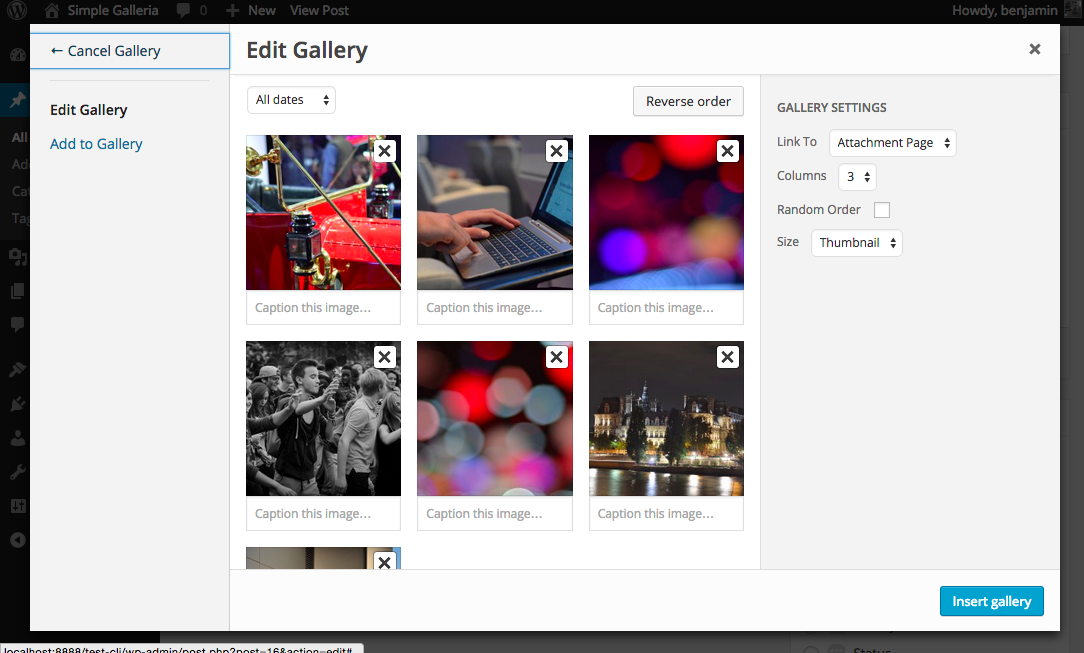

Changelog
- 2.0.1
- Added the ability to load a mo (translation) file from wp-content/languages/plugins/ folder
- 2.0
- Warning: This new version is using jQuery Colorbox instead of FancyBox. DO NOT UPDATE ON A LIVE SITE WITHOUT HAVING TESTED IT BEFORE.
I had to use this new library because Fancybox 2.0 is not under the GPL licence. - Removed options to change the ligtbox border border size and color (because of the new Colorbox library)
- Updated screenshots
- Warning: This new version is using jQuery Colorbox instead of FancyBox. DO NOT UPDATE ON A LIVE SITE WITHOUT HAVING TESTED IT BEFORE.
- 1.1
- Use Fancybox 2.1.5
- Use Galleria 1.4.2
- Code refactoring
- 1.0.1
- Add options to customize the slideshow
- 1.0
- First release