


Description
Simple Notify is a customizable notification system that enables you to send notifications to both admins and users. The notifications can be delivered via email and can also be displayed directly in the dashboard for easy access.
Key Features:
– Welcome Email when new user register
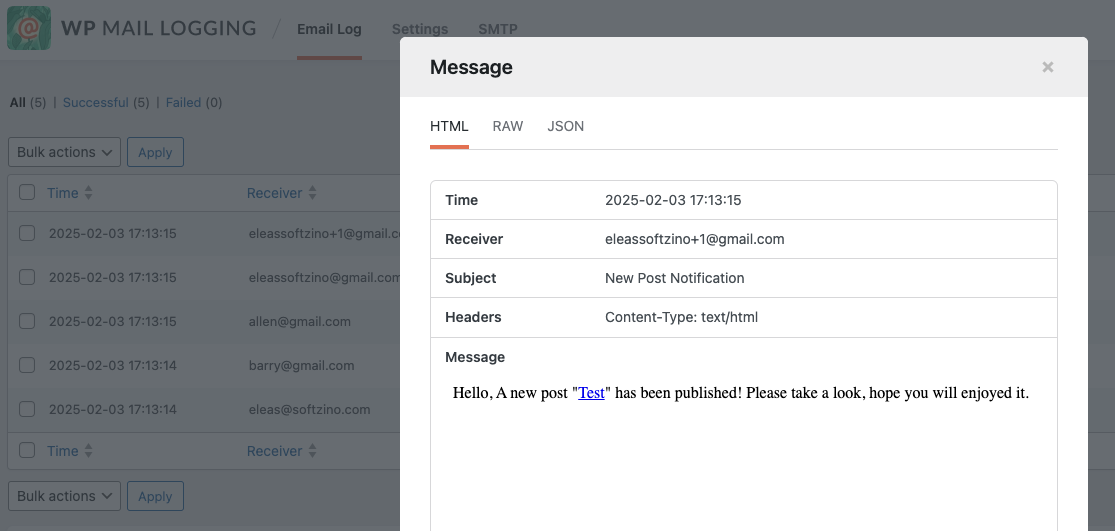
– New Post Publish Email
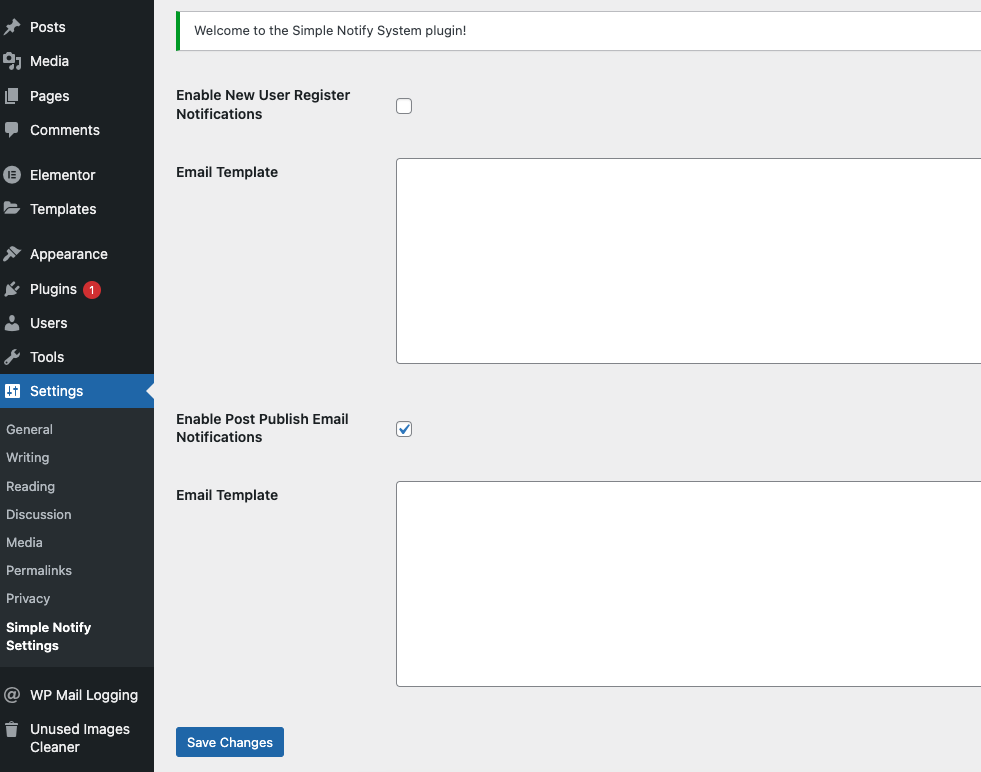
– Customizable notification settings
– Customizable Email Template
Installation
- Upload the
simple-notifyfolder to the/wp-content/plugins/directory. - Activate the plugin through the ‘Plugins’ menu in WordPress.
- Configure notification settings under the plugin settings page (Settings → Simple Notify Settings).
FAQ
How do I configure the notifications?
Once activated, go to the plugin settings page (Settings → Simple Notify Settings) in your WordPress admin dashboard to customize the notifications.
Does this plugin support custom notification types?
Yes, currently only new user registration and new post published notifications are supported.
Screenshots
Changelog
1.0.0
- Initial release of the Simple Notify plugin.