

Description
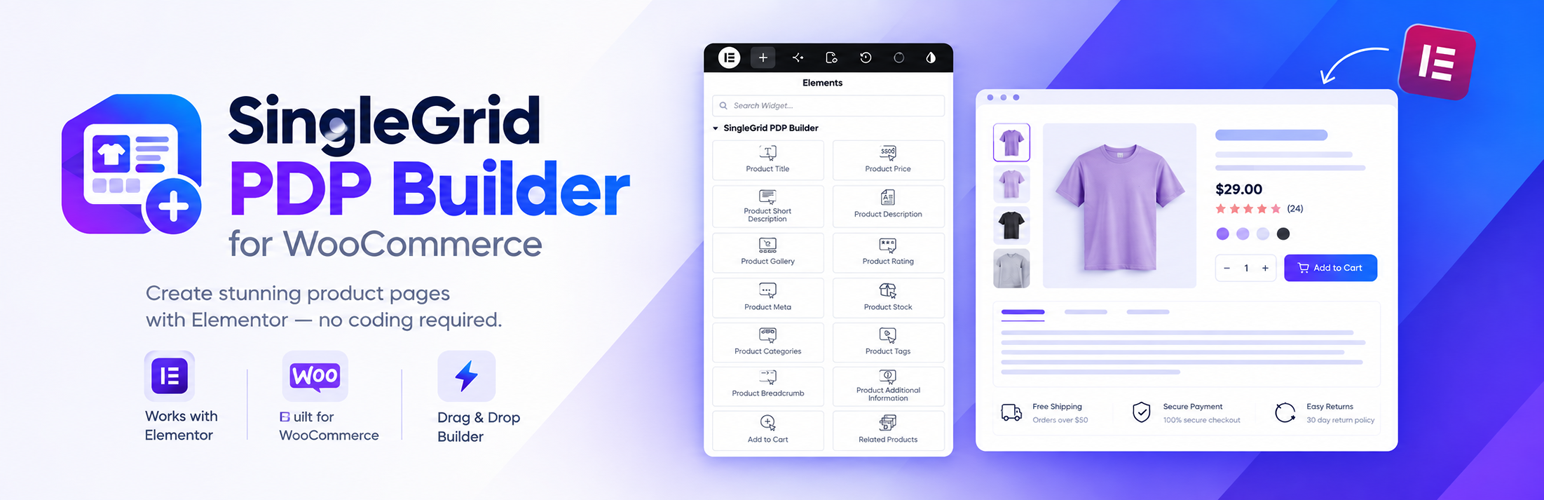
SingleGrid PDP Builder for WooCommerce lets WooCommerce store owners build custom single product page (PDP) global templates visually with Elementor Free — without requiring Elementor Pro.
Key Features
- Global Default Template: Apply a single custom Elementor layout across all WooCommerce products.
- 18 WooCommerce Widgets: 18 dynamic WooCommerce widgets designed specifically for Elementor Free.
- HPOS Compatible: Fully compatible with WooCommerce High-Performance Order Storage.
What Pro Version Includes
- Per-Product Custom Templates: Assign unique, dedicated Elementor product page layouts to individual WooCommerce products.
- Product Editor Integration (Metabox): Select, assign, create blank or cloned templates, and reset layouts directly from the WooCommerce Product edit screen.
- Template Duplication & Cloning Engine: Instantly clone existing templates and copy global layouts into per-product templates with 1 click.
- All Templates Admin Dashboard: Comprehensive template management table displaying all global and per-product templates, assigned products, and quick action controls.
- License Management & One-Click Updates: Easy license activation, status verification, and automatic updates directly from your WordPress dashboard.
- Priority Support: Direct priority customer support and ongoing feature updates.
Installation
- Upload singlegrid-pdp-builder to the /wp-content/plugins/ directory.
- Activate the plugin through the ‘Plugins’ menu in WordPress.
- Navigate to WooCommerce -> Product Templates to configure your global product template.
FAQ
Does this plugin require Elementor Pro?
No, SingleGrid PDP Builder for WooCommerce works completely with Elementor Free.
How do I assign custom templates to individual products?
Per-product custom template assignment is available in SingleGrid PDP Builder Pro for WooCommerce.
Screenshots

Changelog
1.0.8
- Fix: The “Preview Changes” (eye) button in the Elementor editor now opens the template on a real single product page (the selected preview product) with your unsaved changes, instead of the bare template URL.
- Fix: Styles of Elementor atomic elements (Div Block, Flexbox) and components inside a product template, such as border and position, now apply on the frontend and not only in the Elementor editor.
- Fix: Product pages built with a template now output WooCommerce Product structured data (schema), restoring rich results and compatibility with Yoast WooCommerce SEO and Rank Math.
- Fix: Product templates now fire the woocommerce_before_single_product and woocommerce_after_single_product hooks, so WooCommerce notices and output from other plugins (tracking, popups) appear again. When the template contains a Notice Banner widget, notices are shown there instead.
- Fix: Password-protected products now show the password form instead of the full product page.
- Fix: Switching from the free version to Pro from the confirmation popup no longer triggers a fatal error.
- Security: Template delete and status actions now only accept product template IDs and check the user’s permission to delete the template.
- Tweak: Template preview URLs (/singlegrid-pdp/…) are now excluded from search engines with noindex, nofollow.
- Tweak: The Preview Product selector in the Elementor editor always lists the currently selected preview product, even if it is not among the newest products.
- Tweak: Removed unused swatch code for product pages not built with the plugin; swatches remain available in the Add to Cart widget.
- Performance: The legacy template migration now runs once per plugin version instead of on every admin request.
1.0.7
- New: Added dedicated “Swatches” tab in WooCommerce Product Data for Variable Products to easily configure Color, Image, Label, and Default swatch types for attributes and terms.
- New: Added 4 Variation Options Styles in Add to Cart widget: Dropdown, Pills, Swatches (Color, Image) & Dropdown, and Swatches (Color, Image) & Pills.
- New: Added responsive “Border Radius” control for the entire Quantity selector and dedicated “Buttons Border Radius” control for stepper buttons.
- New: Added extensive Swatches Style controls in Elementor (Item Dimensions, Spacing, Border Radius, Active Border Color, Focus Ring Color, Hover Scale, Shadow, Tooltip, and Typography).
- Fix: Separated Swatch Border Color from Active Focus Ring Color to ensure custom border colors and outline rings display independently without conflict.
- Fix: Optimized variation style rendering and state switching in the Elementor editor canvas to eliminate UI freezing and lag.
- Fix: Resolved Elementor notice “Cannot redeclare control with same name selected_value_color”.
- New: Added optional “Buy Now” button to the Add to Cart widget that adds the product to the cart and goes straight to checkout (works for simple and variable products).
- New: Added three Add to Cart layouts: Quantity, Add to Cart and Buy Now inline; Quantity above with buttons inline below (with optional “Select Quantity” label); Quantity and Add to Cart inline with a full-width Buy Now button below.
- New: Added “Button Width” option (Fit Content or Full Width) for the Add to Cart and Buy Now buttons.
- New: Added custom button text for the Add to Cart and Buy Now buttons.
- New: Added “Show Price in Button” option for the Add to Cart and Buy Now buttons; the price updates with the selected quantity and variation.
- New: Added “Quantity & Buttons Spacing” and “Spacing Above Buttons” controls to the Add to Cart widget.
- New: Added “Buy Now Button” style controls and Quantity Label style controls to the Add to Cart widget.
- New: Added separate Color and Typography controls for the meta name and meta value in the Product Meta widget.
- Tweak: Add to Cart widget no longer shows the “Clear” link or the variation price and stock block; removed the related “Hide Variation Price”, “Hide Variant Stock Count” and “Clear Selection Link” settings.
- Fix: Resolved Elementor editor freezing and slow saving caused by the Add to Cart widget repeatedly re-initializing the WooCommerce variation form.
- Fix: Reduced Elementor editor lag while dragging widgets: the Product Gallery now re-initializes only its own gallery and watches only its own thumbnails.
- Fix: Product Countdown timers no longer keep running after the widget is re-rendered in the editor, and an expired countdown without auto reset no longer causes a JavaScript error.
- Fix: Product Price, Product Countdown and Product Scarcity widgets now initialize reliably in the Elementor editor.
- Fix: Elementor editor script no longer adds duplicate listeners each time the preview reloads.
- Fix: Corrected the text domain of the Add to Cart widget so all of its labels can be translated.
1.0.6
- Fix: Add to Cart widget quantity selector now renders plus and minus stepper buttons directly in the server-side markup, ensuring complete visual rendering and stepper functionality in the Elementor editor canvas and on the frontend.
- Fix: Fixed low-quality (100px) blurry gallery images in “Grid with two column” and “Image one after another” layouts by ensuring secondary images render at full resolution matching the main image.
- New: Added “Image Resolution” control to the Product Gallery widget allowing selection between WooCommerce Single, Full Size, Large, and Medium Large.
- Enhancement: Added instant live preview updates in the Elementor editor when changing gallery image resolution.
1.0.5
- New: Added “Enable Slider in mobile” and “Show thumbnail in mobile” options for Stacked and 2-Column Grid gallery layouts.
- Enhancement: Enabled Elementor Style Tab “Thumbnails” controls and sizing/gap options when mobile thumbnails are enabled for Stacked and 2-Column Grid layouts.
- Enhancement: Added smooth auto-centering behavior when clicking or navigating thumbnails across all bottom thumbnail layouts.
- Fix: Prevented duplicate lightbox popups and ensured PhotoSwipe is the exclusive lightbox handler for product galleries.
- Fix: Fixed PhotoSwipe lightbox trigger on first gallery image and resolved close button issue for single-image products.
- Tweak: Removed hover zoom effect on desktop for Stacked and 2-Column Grid layouts while preserving lightbox zoom on click.
1.0.4
- Fix: Product Stock widget styling controls now properly apply custom colors, typography, alignment, and margins.
- Tweak: Dynamic content widgets automatically hide on the frontend when their content is empty (e.g., Price, Title, Short Description, Stock, etc.).
- Fix: Resolved PDP Preview product switching synchronization in Elementor editor settings.
- Fix: Automatically register post type rewrite rules upon activation to prevent 404 preview issues.
1.0.3
- Fix: Prevented PhotoSwipe dialog from outputting in footer and isolated layout assets to protect WooCommerce product archive pages.
- Fix: Added instant preview product switching and synchronization in Elementor editor for Global Product Templates with “Apply & Preview” support.
- Fix: Resolved Product Gallery widget rendering and lifecycle initialization inside the Elementor editor canvas.
1.0.2
- Fix: Removed automatic plugin deactivation logic to comply with WordPress.org guidelines.
- Fix: Improved compatibility and safe co-existence when both Free and Pro versions are active.
1.0.1
- Renamed plugin to SingleGrid PDP Builder for WooCommerce.
1.0.0
- Initial release of the free version.