


Description
Siren lets you design multiple, specialized incentive programs from one WordPress site — affiliate programs, revenue shares, royalties, performance bonuses, and more, all from your WordPress dashboard. Learn more at sirenaffiliates.com.
Why Siren?
- Reward what matters. Build programs around the metrics that drive your business, not just sales.
- Automate performance and payouts. Siren handles commission calculations and payments.
- Reach new partner types. Specialized programs fit creators, agencies, influencers, and educators.
Flexible Program Types
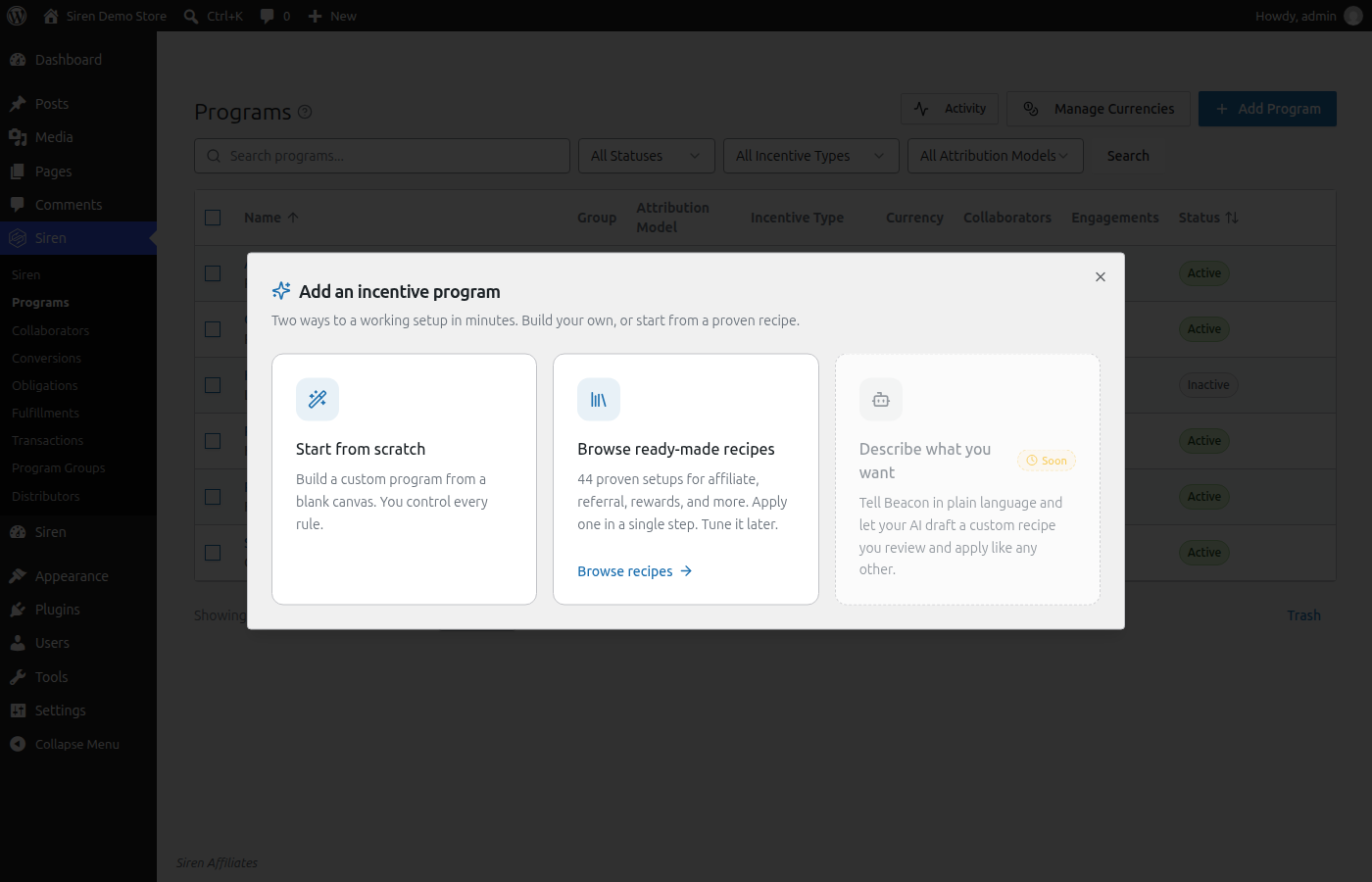
Siren gives you direct control over how programs are structured, so the software fits the partnership arrangement rather than the other way around. Start from one of 44 ready-made recipes, or build your own.
- Affiliate Programs. Track referrals through custom links, coupon codes, or landing pages, with flat-rate, percentage, tiered, or override commissions.
- Referral Programs. Turn existing customers into a growth channel with refer-a-friend rewards, store credit, and flat-bounty B2B referrals.
- Partner & Reseller Programs. Run invite-only partner programs, channel and reseller commissions, and marketplace vendor revenue shares — for example, a 70/30 vendor split.
- Creator & Royalty Programs. Pay creators and instructors a royalty on every sale of their product or course — the Udemy and Skillshare revenue model, rebuilt for WordPress.
- Sales Commissions. Pay a sales team with per-rep commissions, manager overrides, new-business vs. renewal rates, and monthly bonus pools.
- Lead-Generation Bounties. Pay a flat bounty for every qualified form submission with Gravity Forms or Ninja Forms — no sale required.
- Loyalty & Rewards. Reward repeat customers with store credit and milestone rewards that keep them coming back.
Every program can also credit the content that influenced a sale. Siren’s Blog Content Program awards a commission when a customer reads a post, not only when they click a link — so you still capture buyers who arrive from AI assistants like ChatGPT and skip the affiliate link entirely.
Start From a Recipe
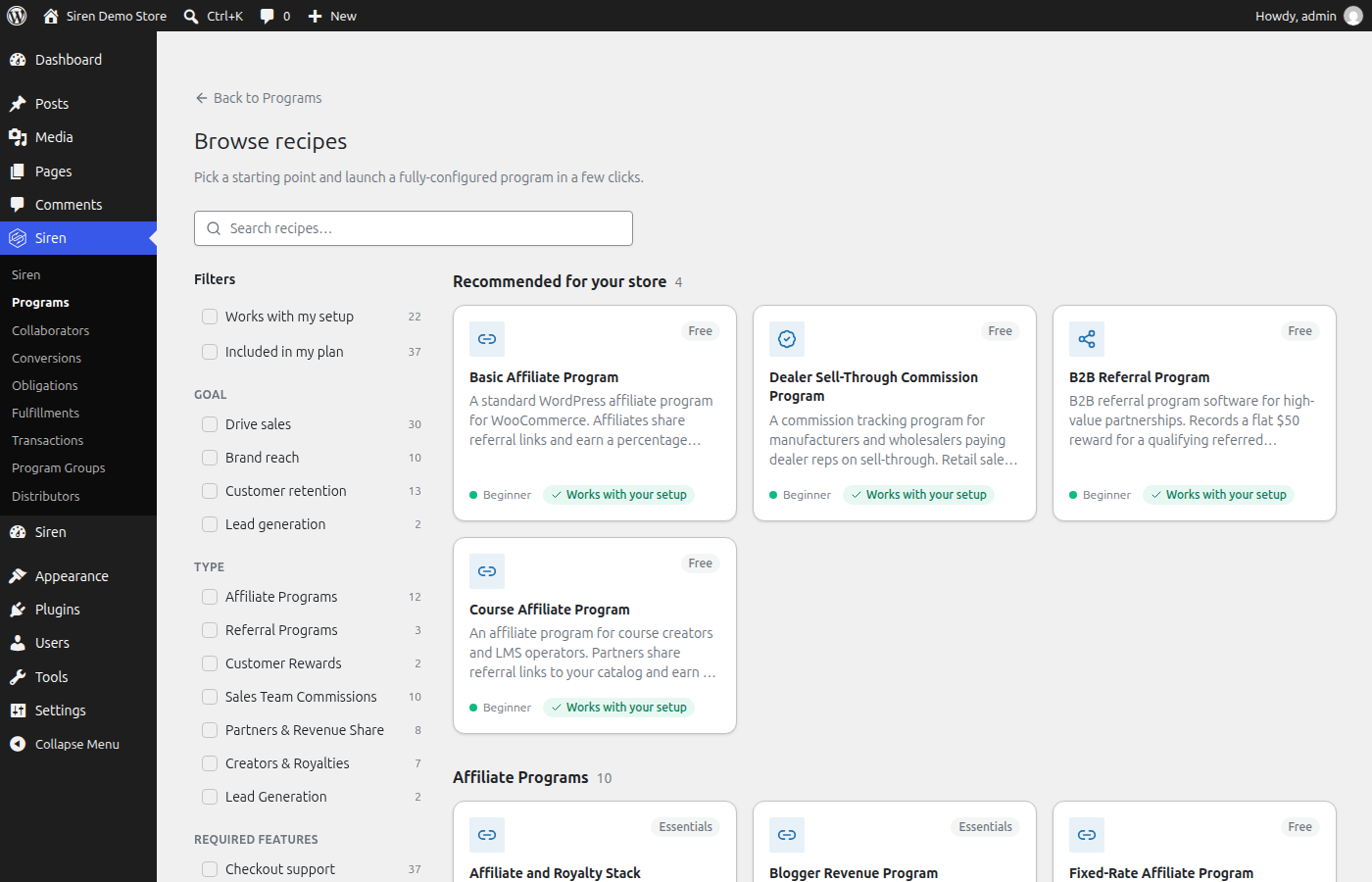
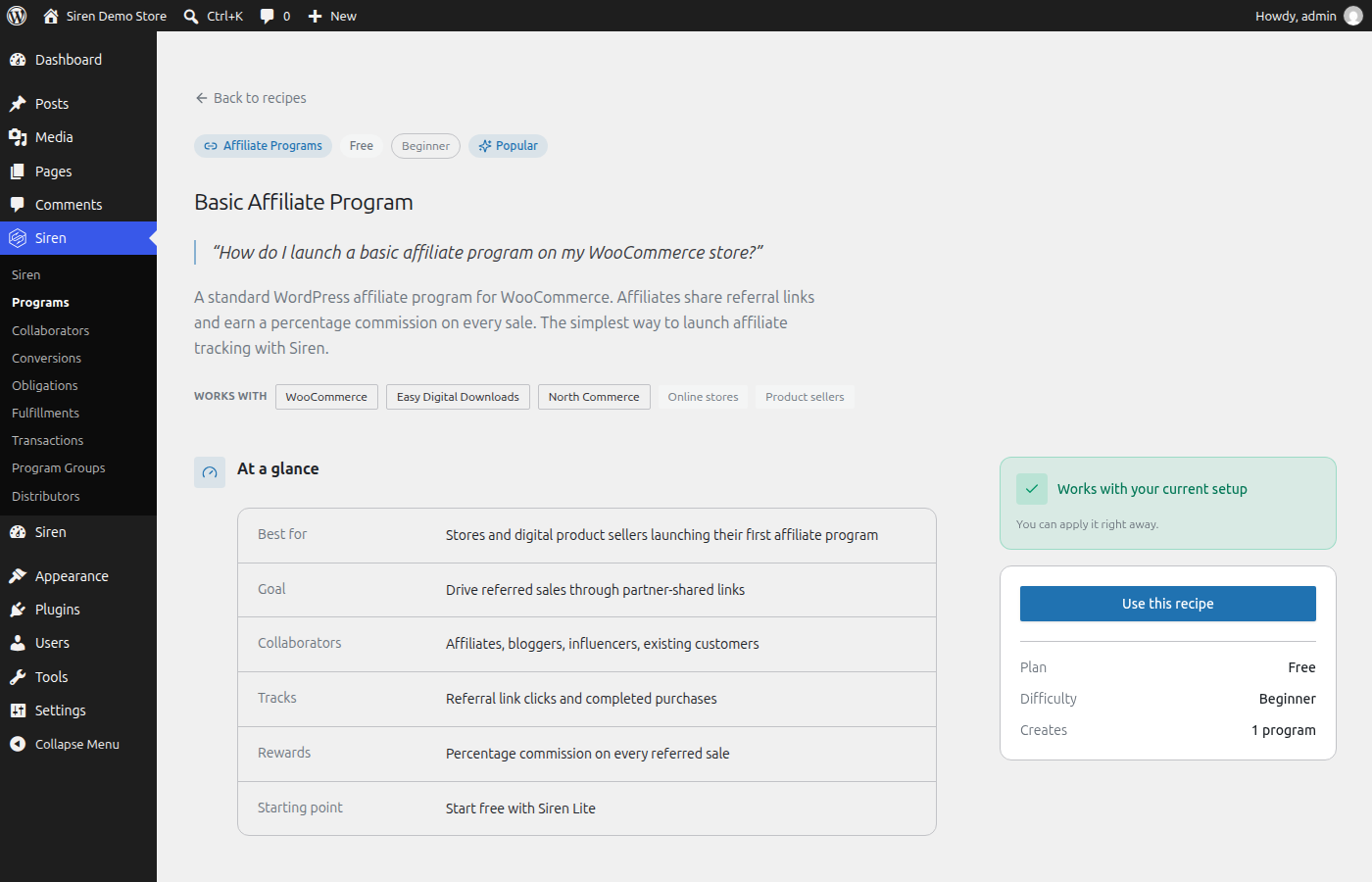
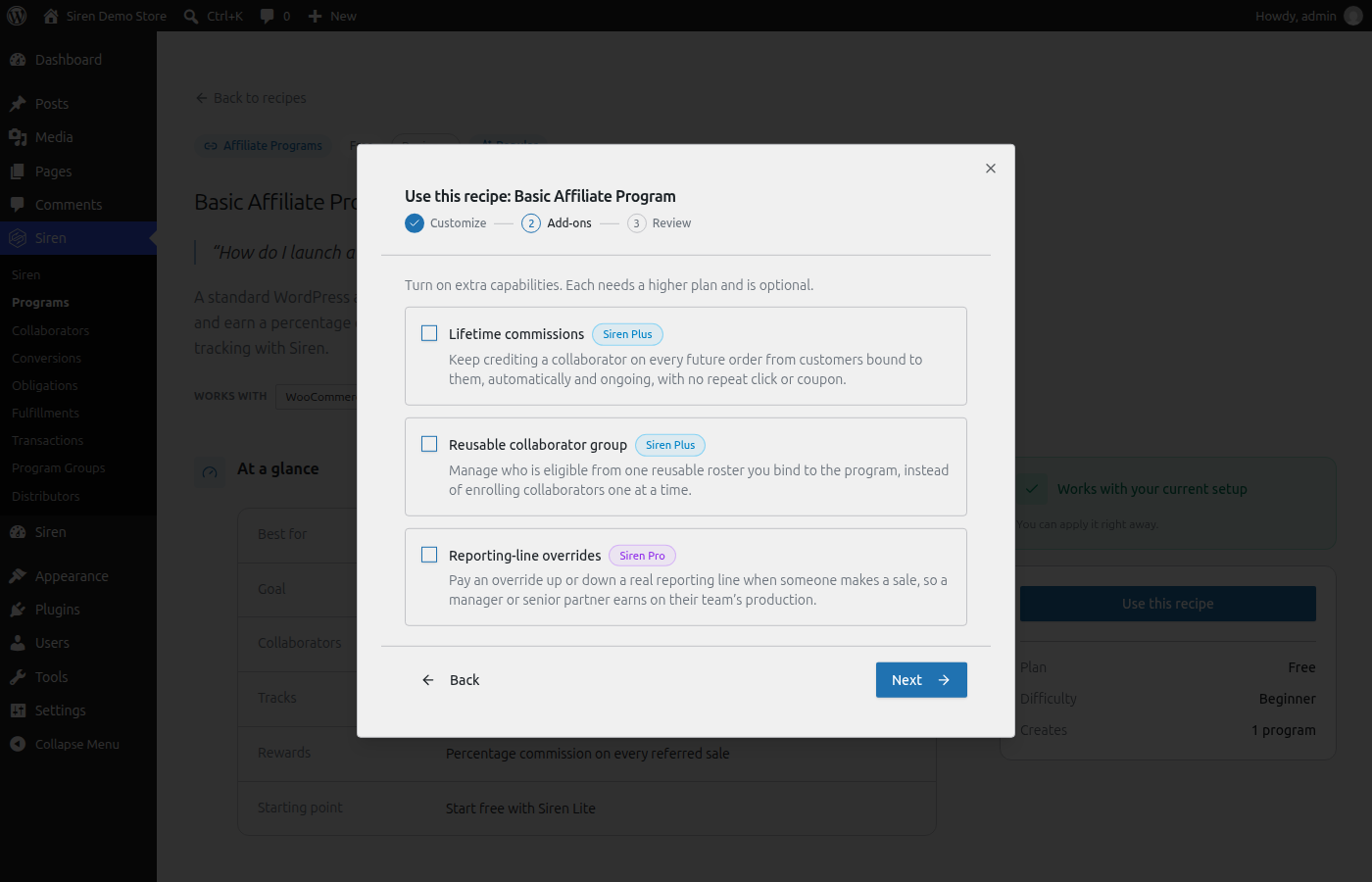
Not sure where to begin? Apply a complete, pre-configured program in a few clicks from the built-in recipe browser, then customize it. Popular starting points include the Basic Affiliate Program, Coupon-Based Influencer Program, Refer-a-Friend Program, Invite-Only Partner Program, and Customer Rewards Program — and 12 of the recipes run on the free Siren Lite tier.
Partnerships That Collaborate, Not Compete
Traditional affiliate tools credit a single partner per sale. Siren can split credit across every partner who contributed, using the attribution model you choose per program.
- Shared Engagement Pool. Rewards are divided evenly among all contributing partners.
- Performance Weighted Pool. Rewards are distributed based on relative engagement scores.
- Top Score Wins. The partner with the highest engagement score receives the entire reward.
10 Core Capabilities
- Custom Program Builder. Design incentive programs without writing code.
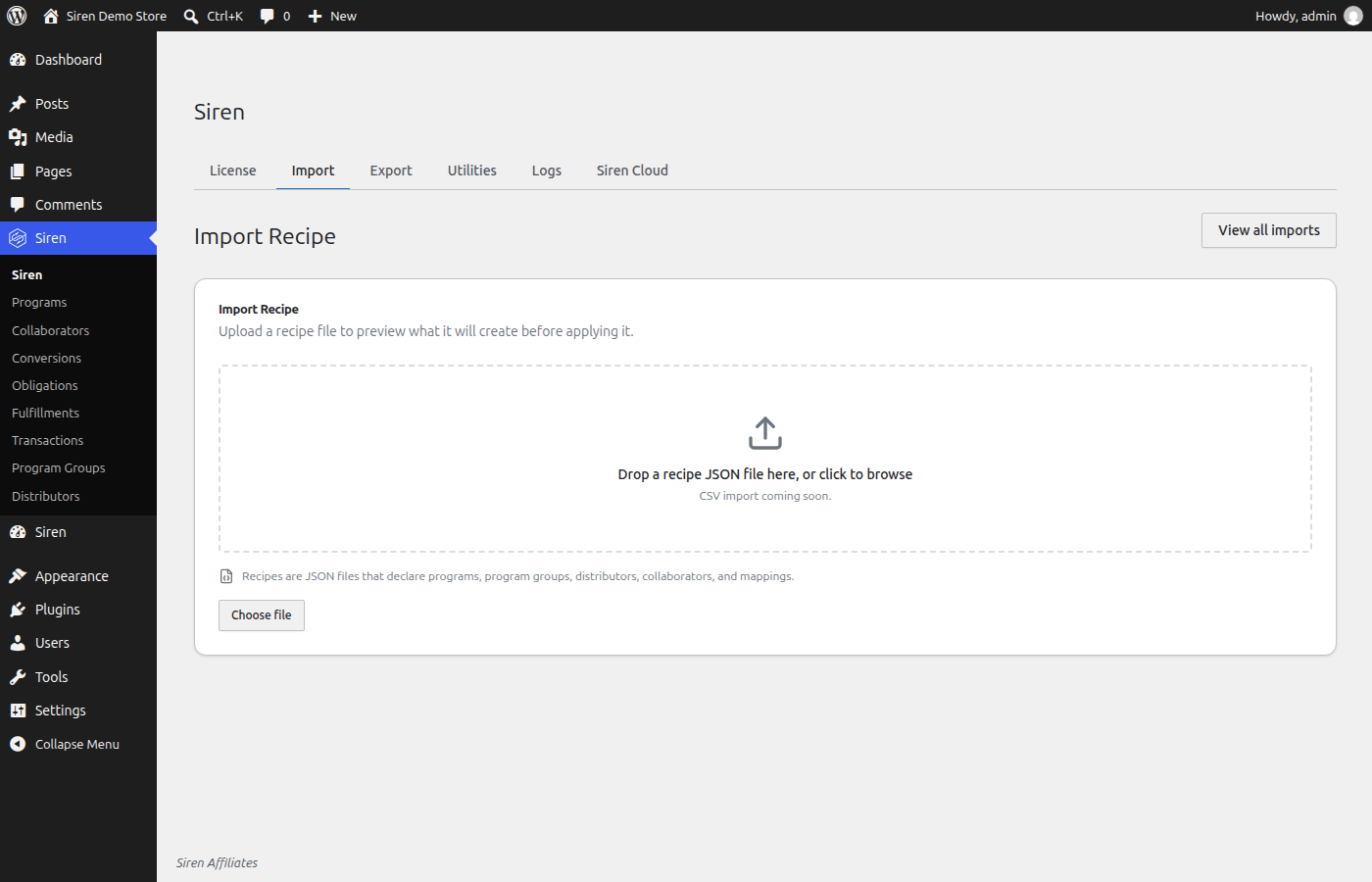
- Recipe Import. Apply a complete program setup from a template in one click.
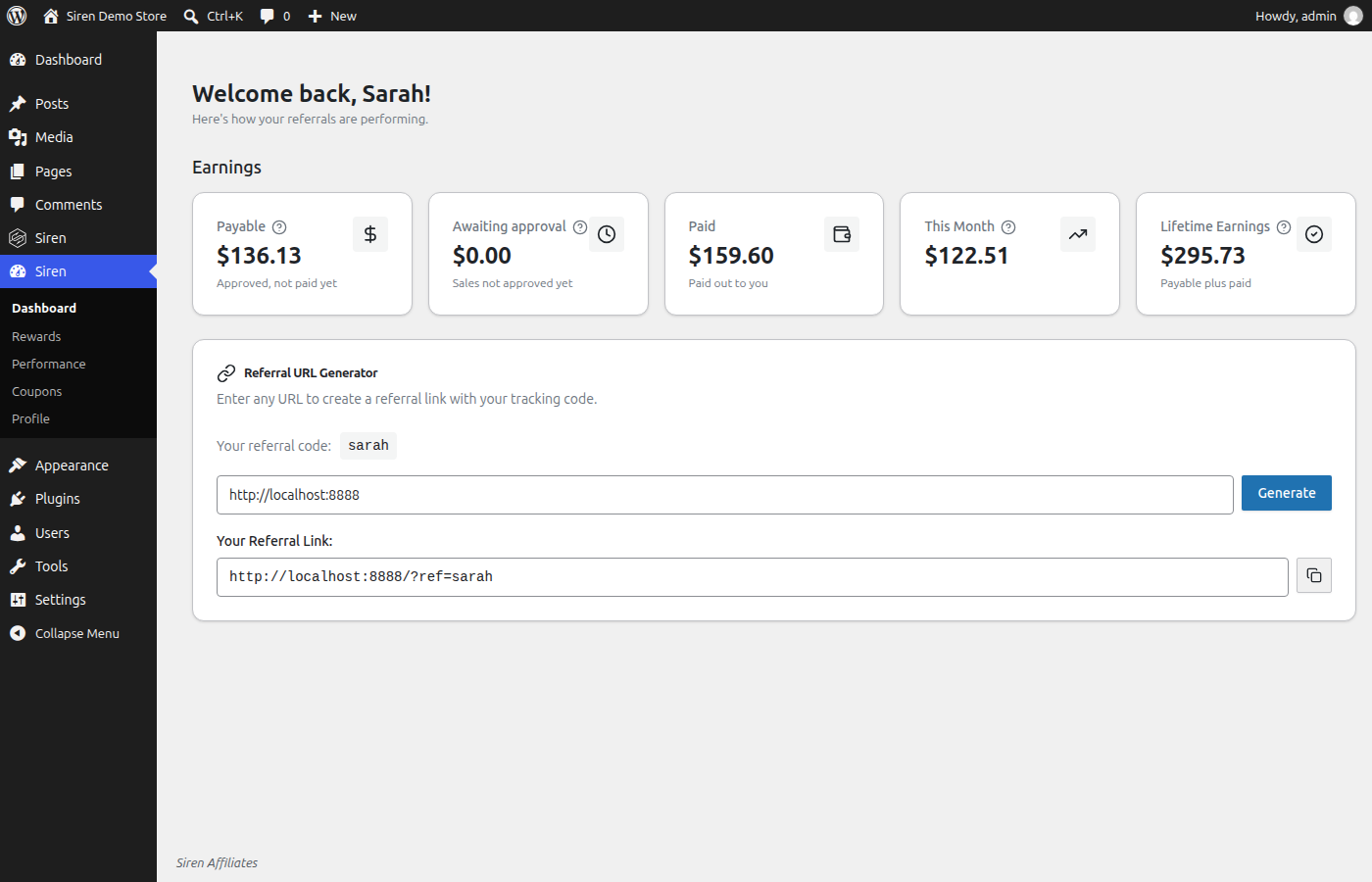
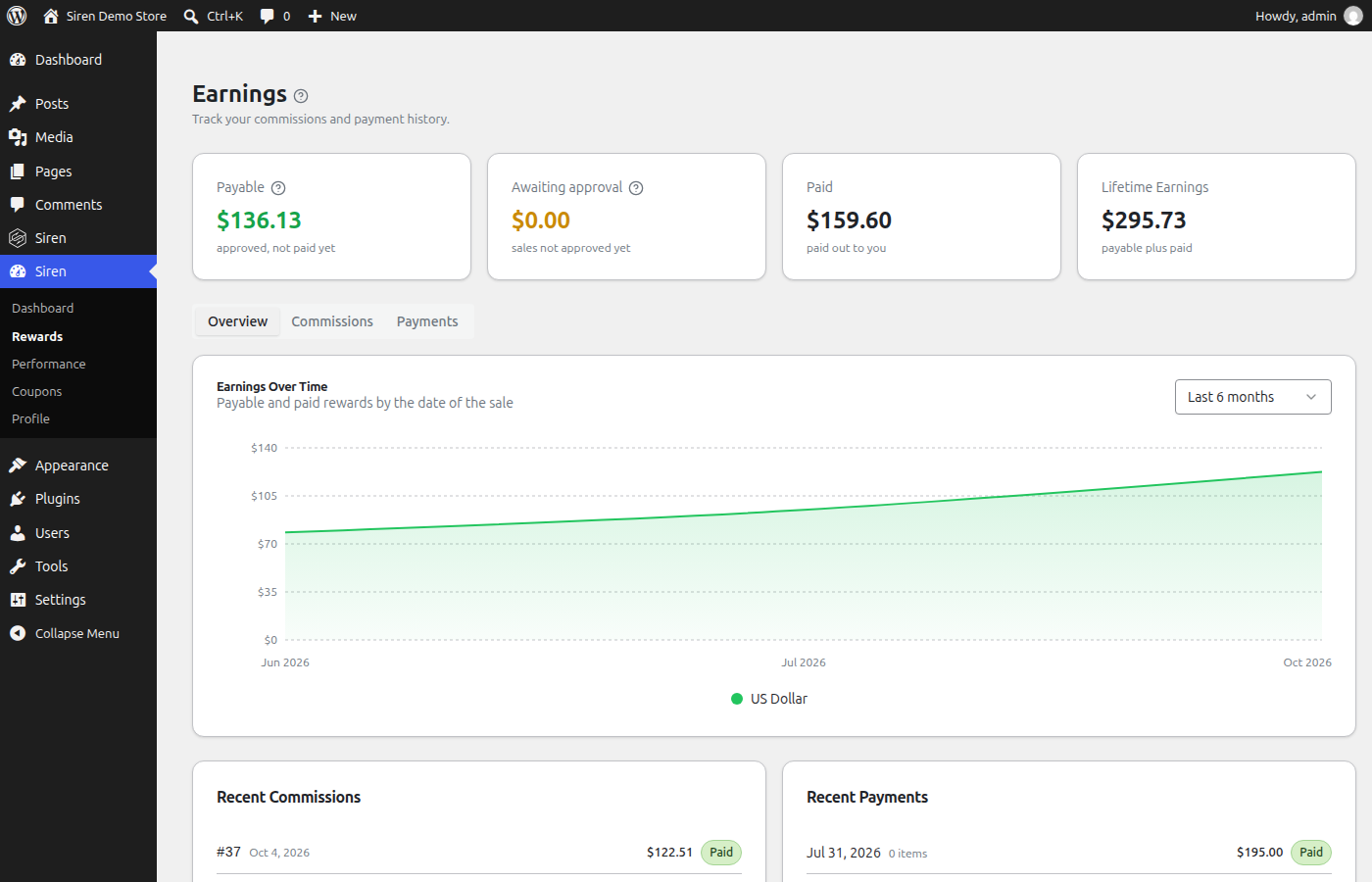
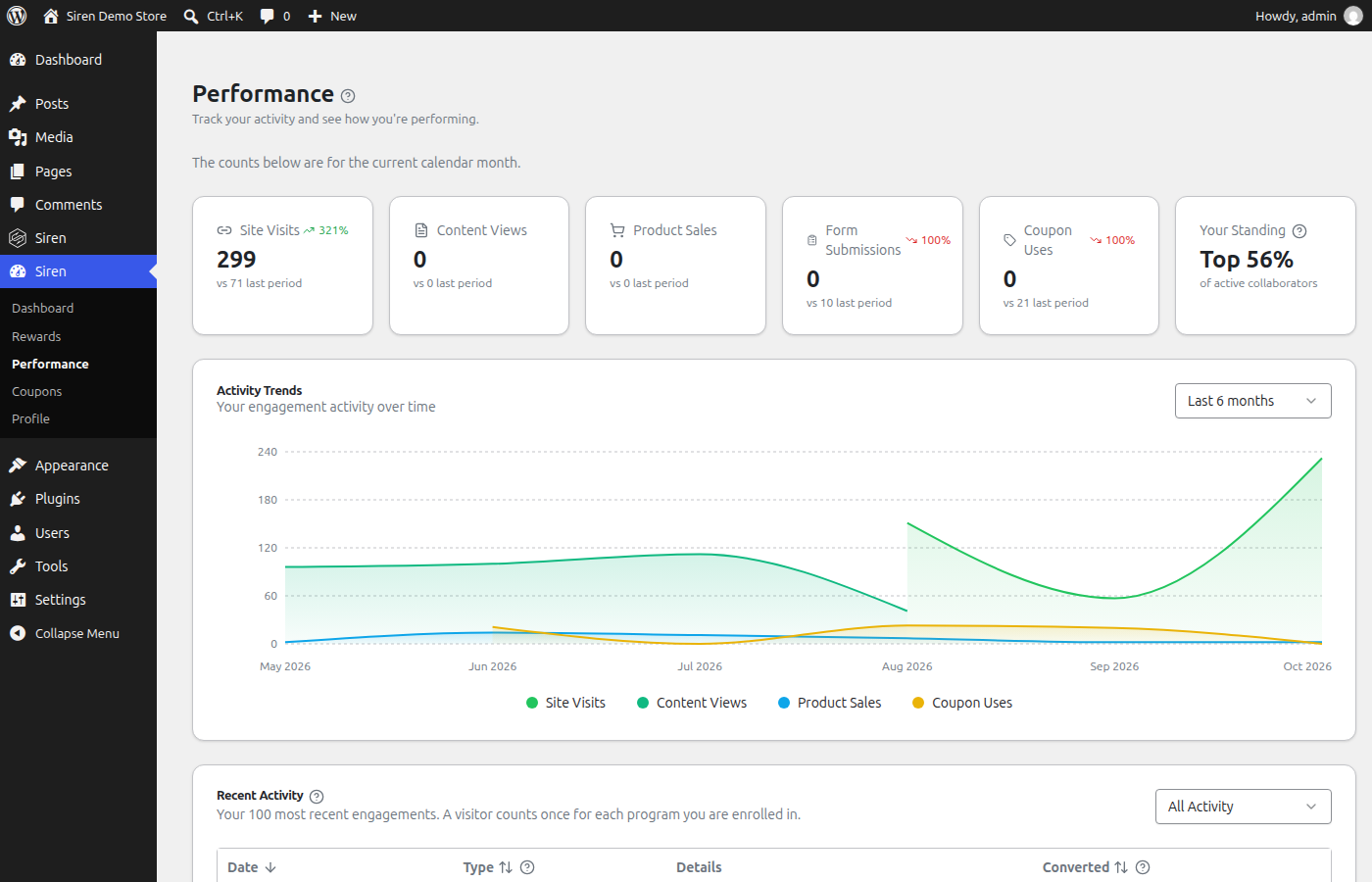
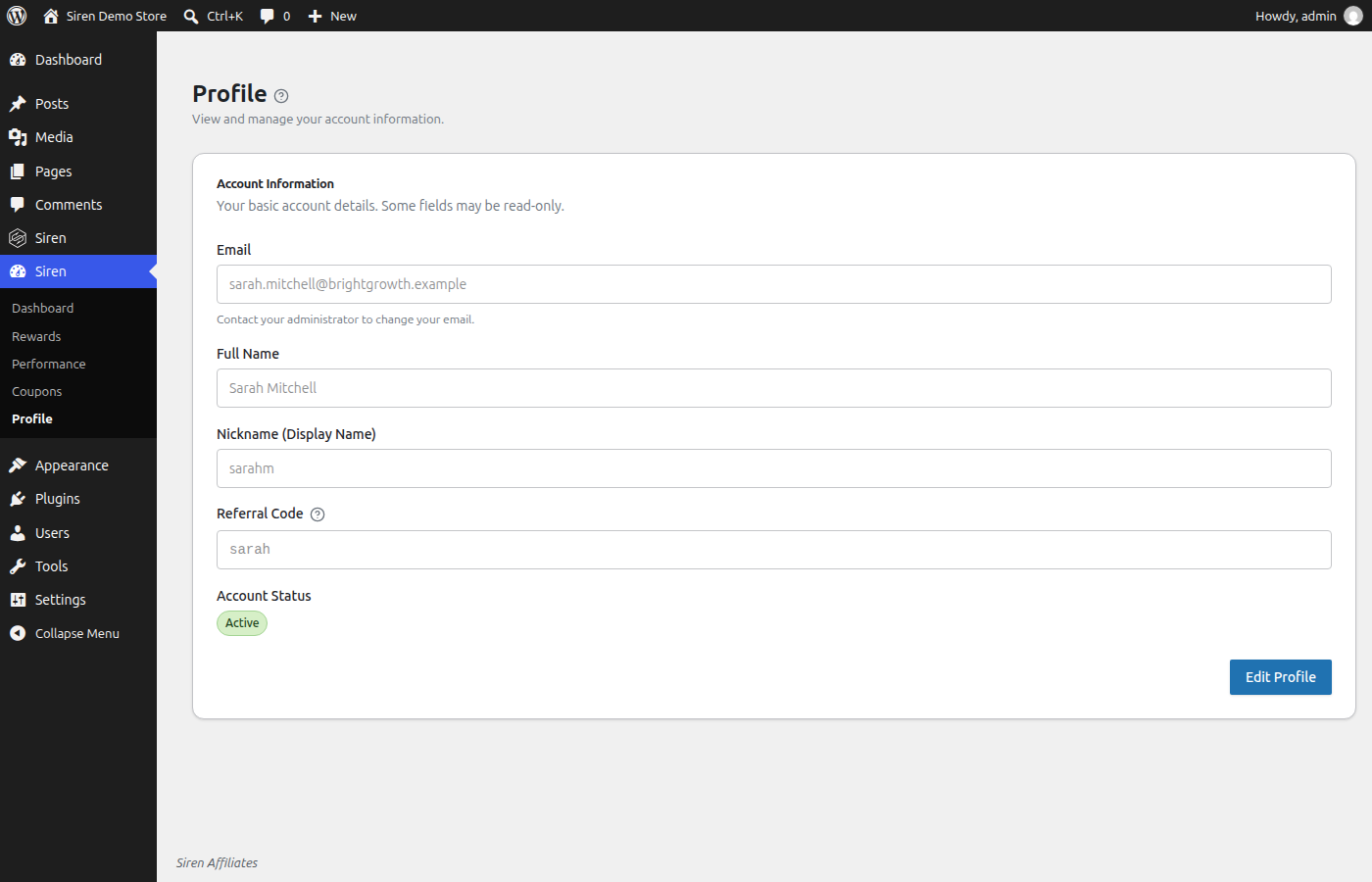
- Partner Dashboard. Partners get their own login to track earnings and payments.
- Automatic Calculations. Rewards are calculated from your program rules.
- Multi-Level Programs. Tiered reward structures for long-term partner growth.
- Payout Manager. Send rewards through PayPal or bank transfer.
- Reward Stacking. Combine programs for layered reward arrangements.
- Performance Bonuses. Pay bonuses based on last period’s results.
- Product-Specific Programs. Different reward rates per product or category.
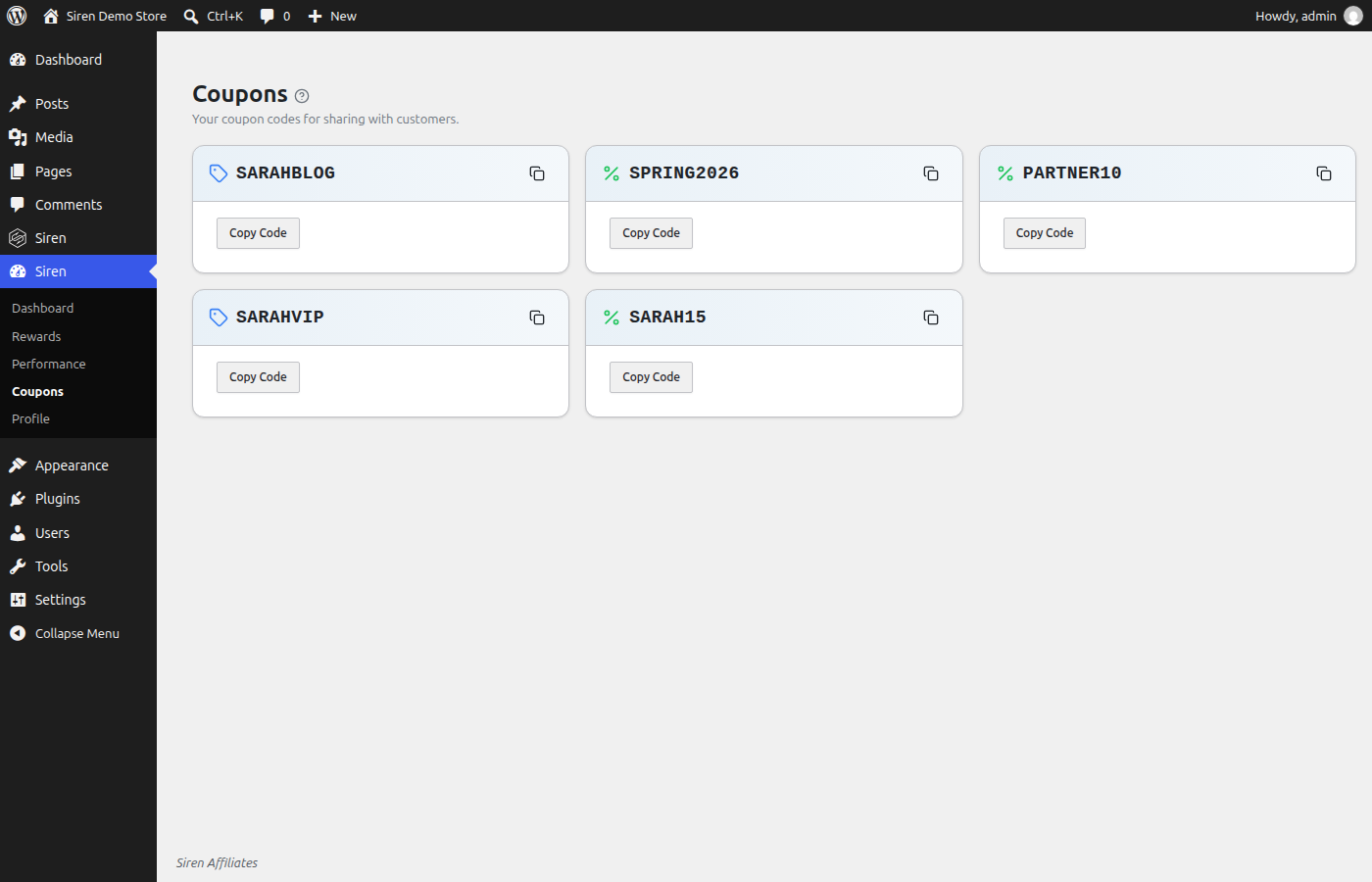
- Coupon Attribution. Credit partners through coupon codes, without link clicks.
Deep Integrations
Siren works seamlessly with the WordPress plugins you already use.
- WooCommerce. Automatic order tracking, product-based commissions, coupon attribution, and subscription support. See the WooCommerce affiliate plugin guide.
- Easy Digital Downloads. Affiliate and partner programs built for digital products, licenses, and recurring revenue.
- LifterLMS. Share course revenue with instructors, experts, and partners from inside your LMS.
- LearnDash. Reward instructors and partners for course sales and enrollments.
- Gravity Forms. Turn any form into a collaborator signup, lead capture, or lightweight checkout flow.
- NorthCommerce. Support modern, high-AOV offers and creator-driven launches.
Third-Party Services
This plugin connects to external services operated by Novatorius, LLC in the following situations:
Contextual Help Documentation
When you open the help panel inside the Siren admin screens, the plugin fetches documentation articles from sirenaffiliates.com. Only the requested article slug is sent. No personal data, site data, or tracking information is transmitted. Responses are cached locally for 24 hours.
Recipe Import (Program Templates)
When you import a program recipe from the Siren website, the plugin fetches the recipe configuration from the Siren Beacon service at beacon.sirenaffiliates.com. This sends only the recipe ID. After the recipe is applied, the plugin notifies Beacon that the recipe was consumed so it cannot be reused. No personal data or site data is transmitted.
These services are governed by the Novatorius Terms of Service and Privacy Policy.
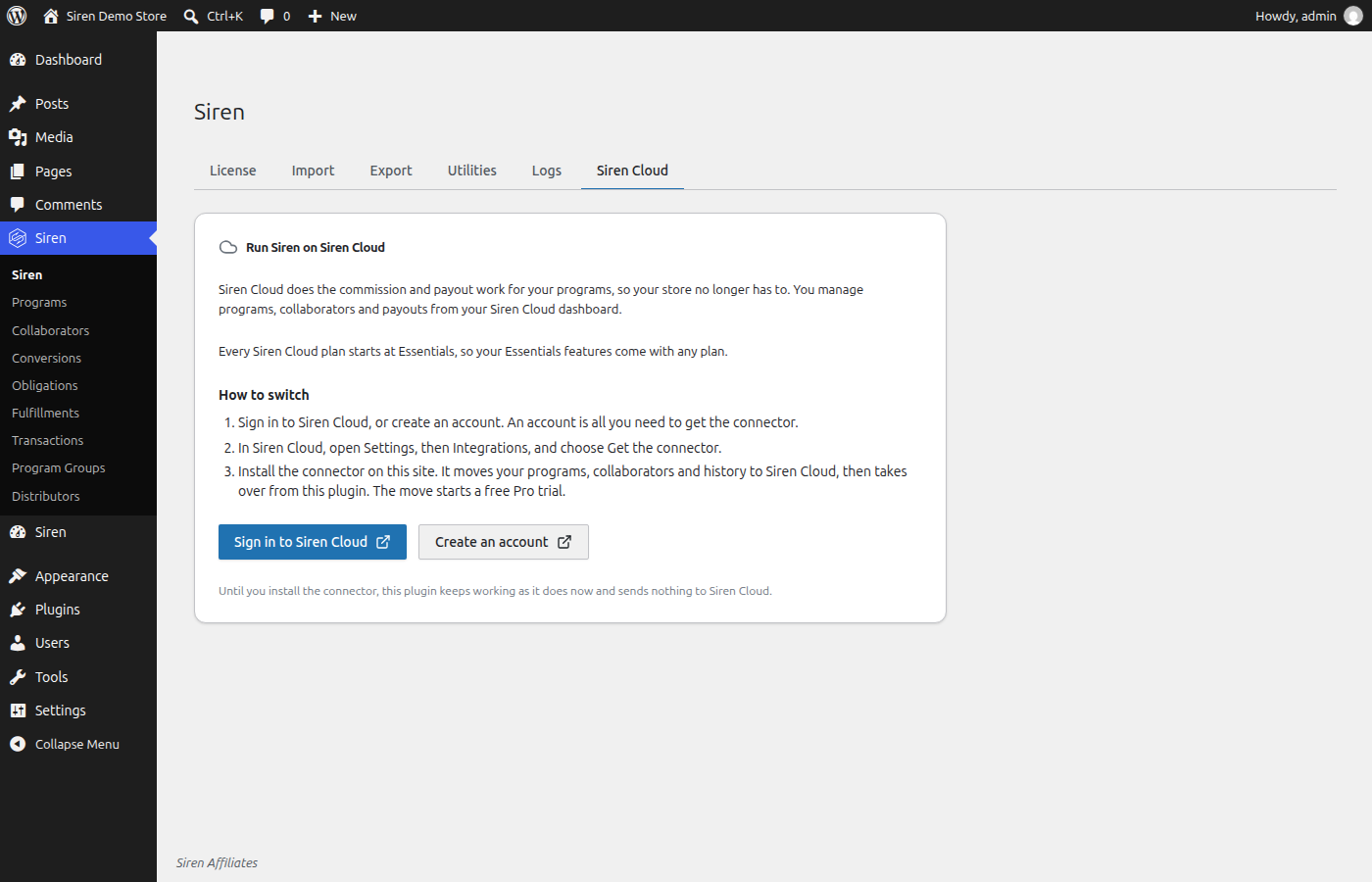
Siren Cloud is an optional paid service from Novatorius, LLC that runs your programs for you. The plugin’s Siren Cloud screen explains it and links to its sign-in and sign-up pages. The plugin does not connect to Siren Cloud and sends it no data. Moving a store to Siren Cloud uses a separate plugin, the Siren Cloud Connector.
Bundled Libraries
This plugin bundles the following third-party libraries, each shipped with its license text:
- Opis JSON Schema, Opis String, and Opis URI — Apache-2.0
- Select2 — MIT
- Action Scheduler — GPLv3
- PHPNomad framework packages and Novatorius libraries — first-party code by the plugin author, distributed under this plugin’s GPL license
Build and Source Code
The compiled React admin bundles shipped with this plugin (everything under frontend/) are built from the human-readable TypeScript/React source code included in this plugin package under frontend-source/. Every shipped bundle’s source is present — entry points live in frontend-source/src/platform/wordpress/entries/, one per compiled bundle.
To rebuild the compiled assets from the included source:
cd frontend-sourcenpm installnpm run build:wordpress:lite
The compiled output is written to frontend-source/dist/wordpress-lite/, mirroring the bundles shipped under frontend/. Build configuration is included in frontend-source/vite.config.ts, frontend-source/package.json, frontend-source/tailwind.config.ts, and frontend-source/postcss.config.js.
This plugin also bundles Select2 for specific extension admin screens. The upstream Select2 source is publicly available at https://github.com/select2/select2
The chart on record screens is compiled into those bundles from these npm packages, at the versions in frontend-source/package-lock.json: dagre and graphlib, both MIT, and d3-shape and d3-path, both ISC. Their license text is in THIRD-PARTY-LICENSES.txt.
Installation
- Go to Plugins > Add New in your WordPress admin and search for “Siren Affiliates”, or download the plugin and upload the zip file.
- Activate the plugin through the Plugins screen.
- Navigate to Siren in the admin menu to create your first program.
Minimum Requirements
- PHP 8.2 or higher
- WordPress 6.4 or higher
FAQ
How do I create an affiliate program with Siren?
Navigate to Siren in your WordPress admin menu and click “Add Program.” Choose your commission structure, set the rules for how partners earn rewards, and publish. Partners can sign up through a registration form or be added manually.
Can I run multiple affiliate programs at the same time?
Yes. Create as many programs as you need, each with its own commission rates, attribution rules, and eligible partners.
Does Siren work with WooCommerce?
Yes. Siren integrates deeply with WooCommerce, including automatic order tracking, product-based commissions, coupon attribution, and full WooCommerce Subscriptions support for recurring commissions.
Does Siren support recurring commissions for subscriptions?
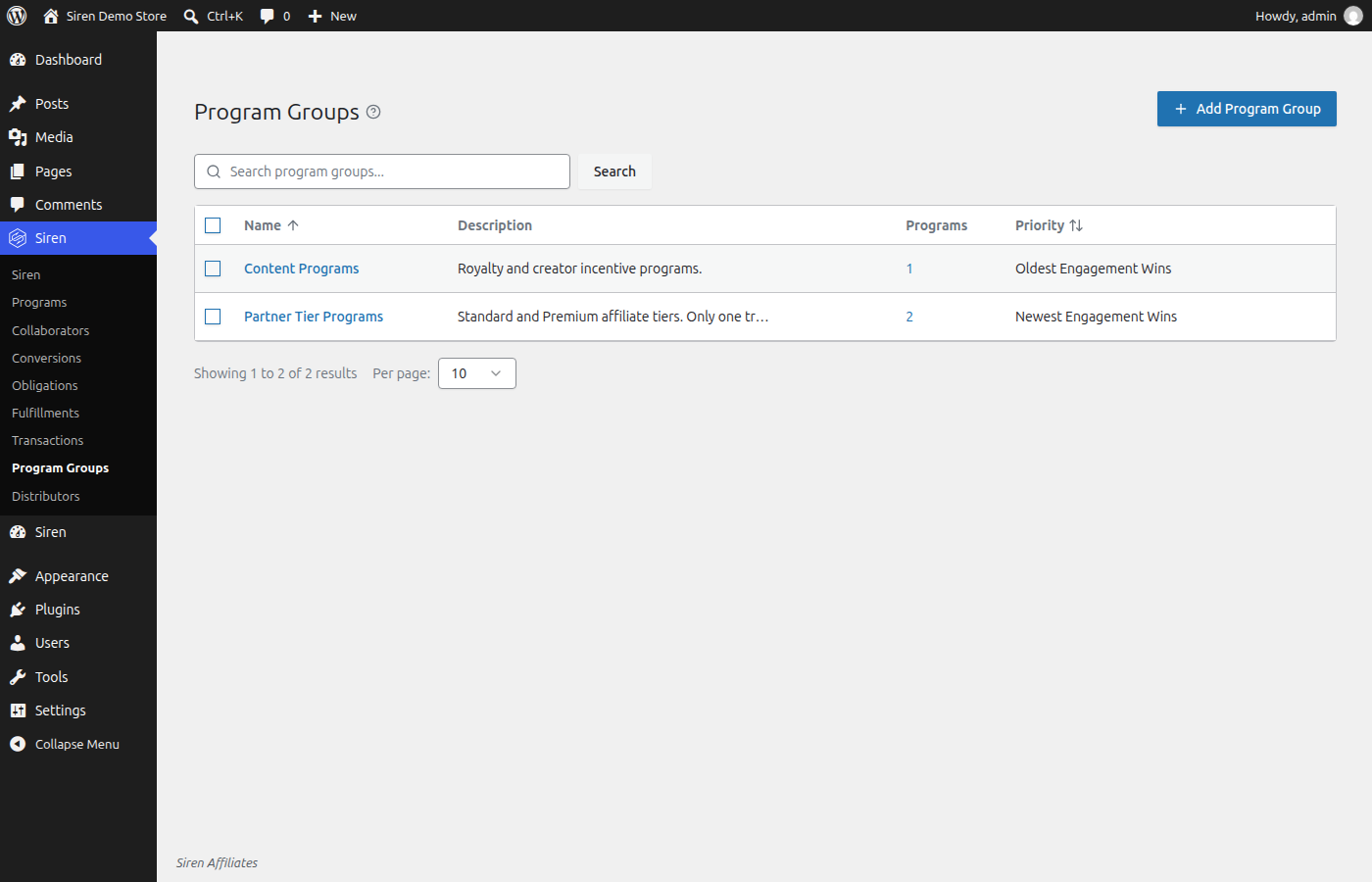
Yes, on Essentials and up. A WooCommerce Subscriptions renewal order, an Easy Digital Downloads Recurring Payments renewal, a later payment on a LifterLMS recurring access plan or a North Commerce subscription renewal order counts as a renewal, never as a new sale, and each program that includes Renewals pays on it. A renewal pays the partners who earned the first sale, as things stood then. Later clicks, coupons and lifetime links don’t move the subscription to someone else, and neither does a refund of the first payment. Two programs that both pay renewals each pay, unless you put them in a program group, which pays only the sale’s winner.
What is a “collaborator” in Siren?
Siren’s term for any partner who earns rewards through your programs: affiliates, content creators, agency partners, resellers, and more.
What attribution models does Siren support?
Siren supports shared engagement pools that split rewards evenly, performance-weighted pools that distribute proportionally to contribution, and top-score-wins where a single partner takes the full reward.
How does Siren handle tracking performance?
Visitor tracking records a lightweight engagement event; commission calculation and attribution run in background jobs via Action Scheduler rather than during page loads.
Can partners track their own earnings?
Yes. Siren includes a partner dashboard where collaborators can log in to view their earnings, track referrals, and see payment status. They do not need WordPress admin access.
How are payouts handled?
Siren’s Payout Manager lets you send rewards directly to partners. Approved commissions are compiled into payout records that you can fulfill through PayPal, bank transfer, or other methods.
Is there a free WooCommerce affiliate plugin?
Yes. Siren Lite is free and runs a complete WooCommerce affiliate program — unlimited affiliates, link and coupon tracking, automatic commission calculation, and a partner dashboard. Twelve of the built-in starter recipes work on the free tier. Paid tiers add scheduled distributions, overrides, and additional program types.
What is a good affiliate plugin for beginners?
Siren is built for non-developers. Pick a starter recipe such as the Basic Affiliate Program, apply it in a few clicks, and you have a working program with sensible defaults. No code, no separate SaaS account, and no per-affiliate fees.
What is the best AffiliateWP alternative?
Where a traditional affiliate plugin credits a single affiliate per sale, Siren can run multiple programs at once and split credit across every partner who contributed, using the attribution model you choose per program. It also covers referral, partner, creator, sales-commission, lead-generation, and loyalty programs from the same plugin.
Does Siren support multi-level, tiered, or override commissions?
Yes. Siren supports tiered programs where senior partners earn an override on the sales their recruits refer, VIP and standard rate tiers, and manager overrides for sales teams. You define the reporting lines and the rates.
Can I run an affiliate program for digital products or Easy Digital Downloads?
Yes. Siren integrates with Easy Digital Downloads for affiliate and partner programs built around digital products, licenses, and recurring revenue, including coupon attribution and per-product commission rates.
Does Siren work with LearnDash and LifterLMS courses?
Yes. Siren works with LearnDash and LifterLMS, so you can pay affiliates for course sales, share course revenue with instructors, and run instructor royalty or revenue-share programs from inside your LMS.
Can affiliates be tracked with coupon codes instead of links?
Yes. Each collaborator can be assigned a unique coupon code, and Siren credits the sale whenever that code is used at checkout — no link click required. This is ideal for influencers who share codes on Instagram, TikTok, or YouTube.
Can I run a refer-a-friend program for my customers?
Yes. Siren’s referral programs give each customer a unique link or code and reward them, often in store credit, when a friend they refer makes a purchase. You can also run flat-bounty B2B referral programs.
Does Siren require WooCommerce?
No. WooCommerce is the deepest integration, but Siren also works with Easy Digital Downloads, North Commerce, LearnDash, LifterLMS, and form plugins like Gravity Forms and Ninja Forms — so you can track sales, course enrollments, or lead submissions.
Screenshots
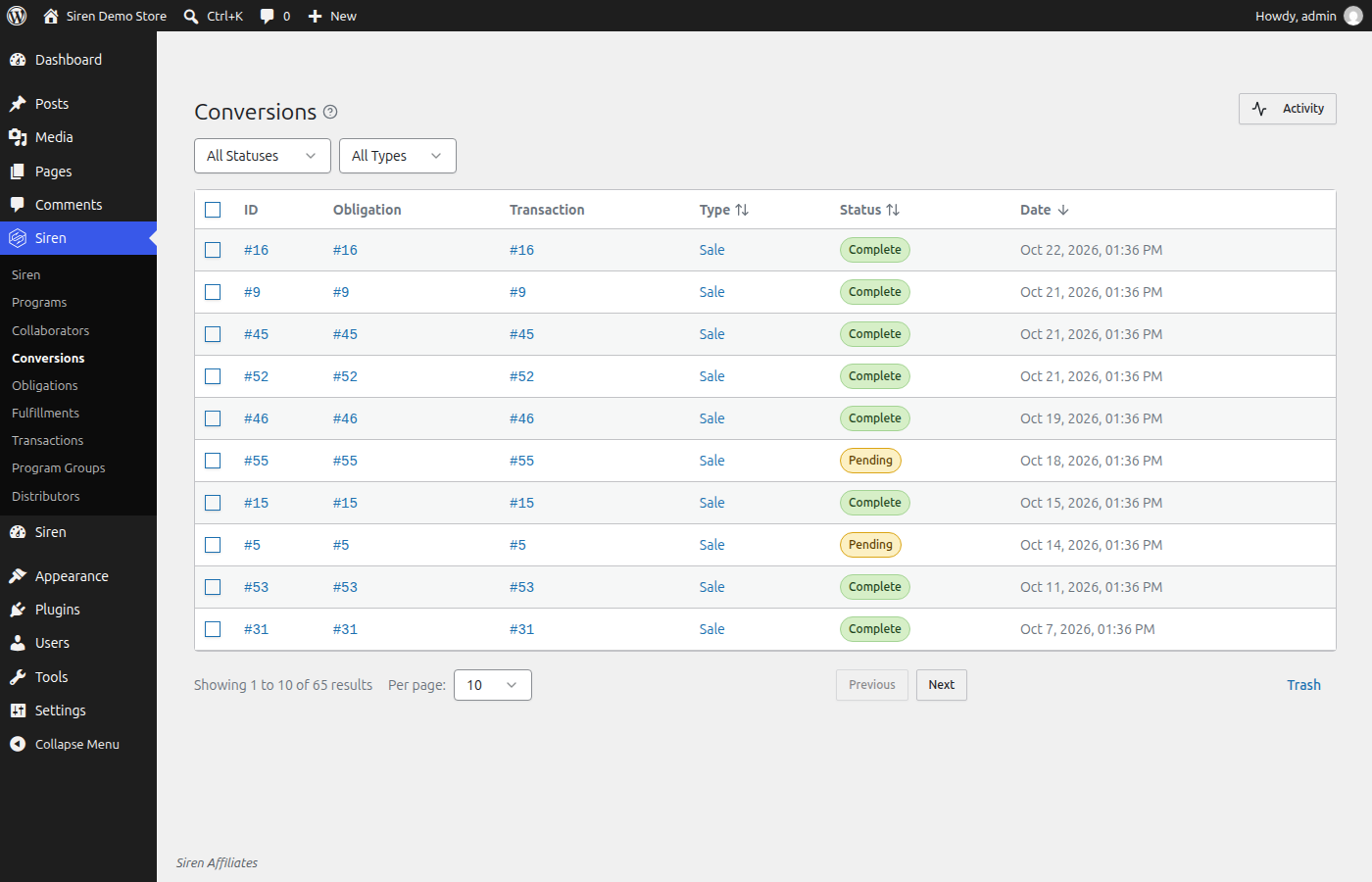
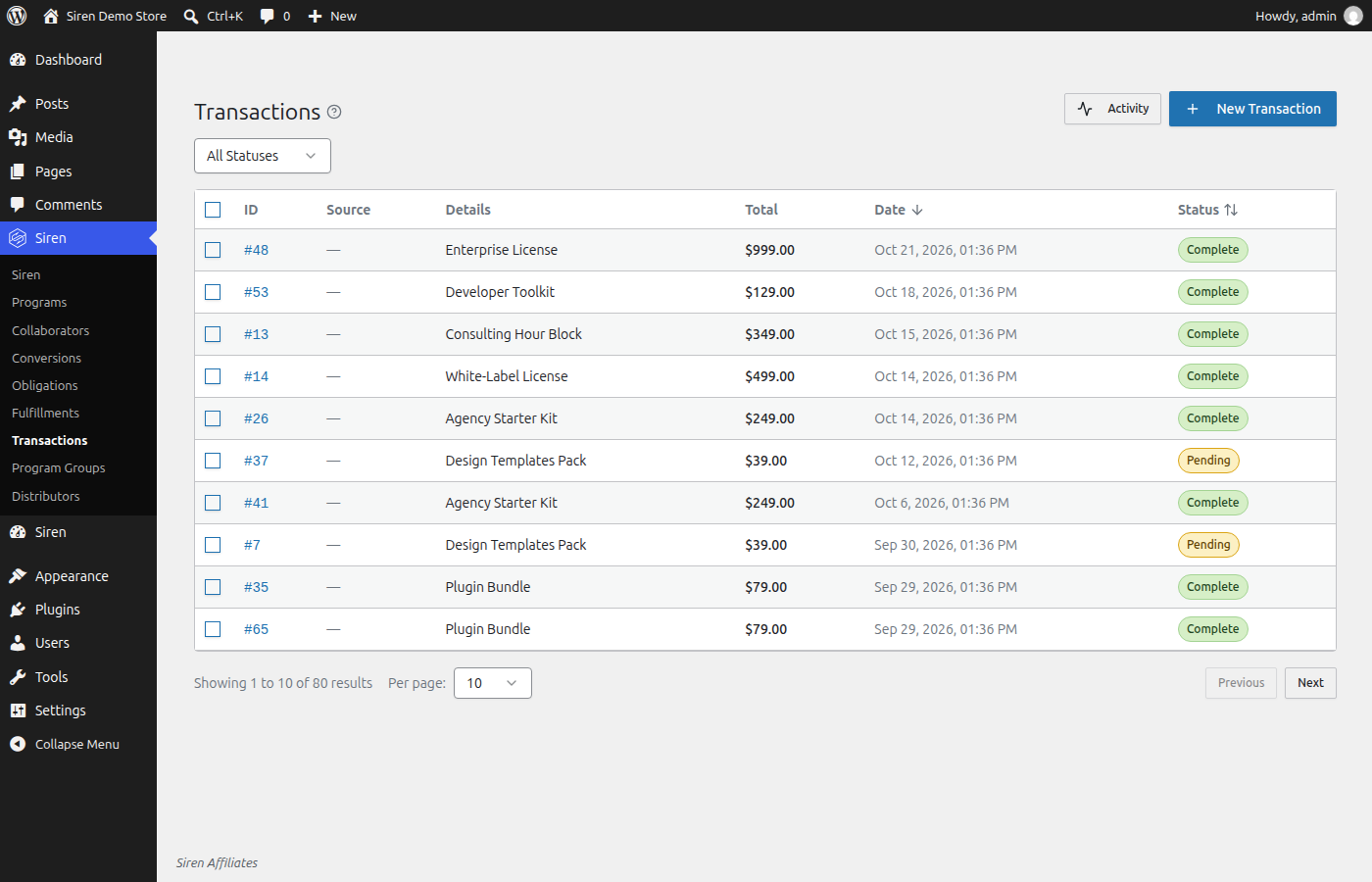
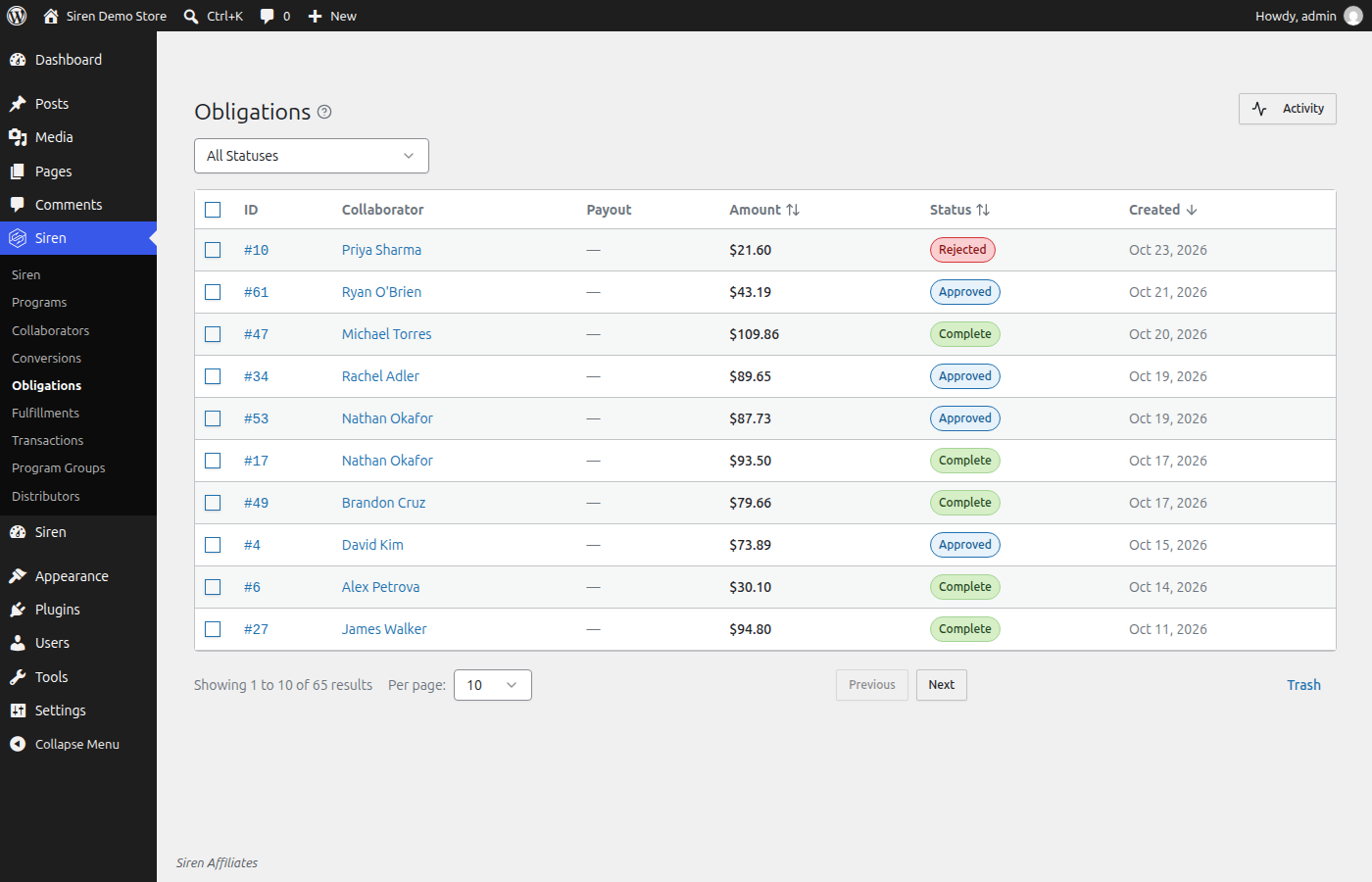
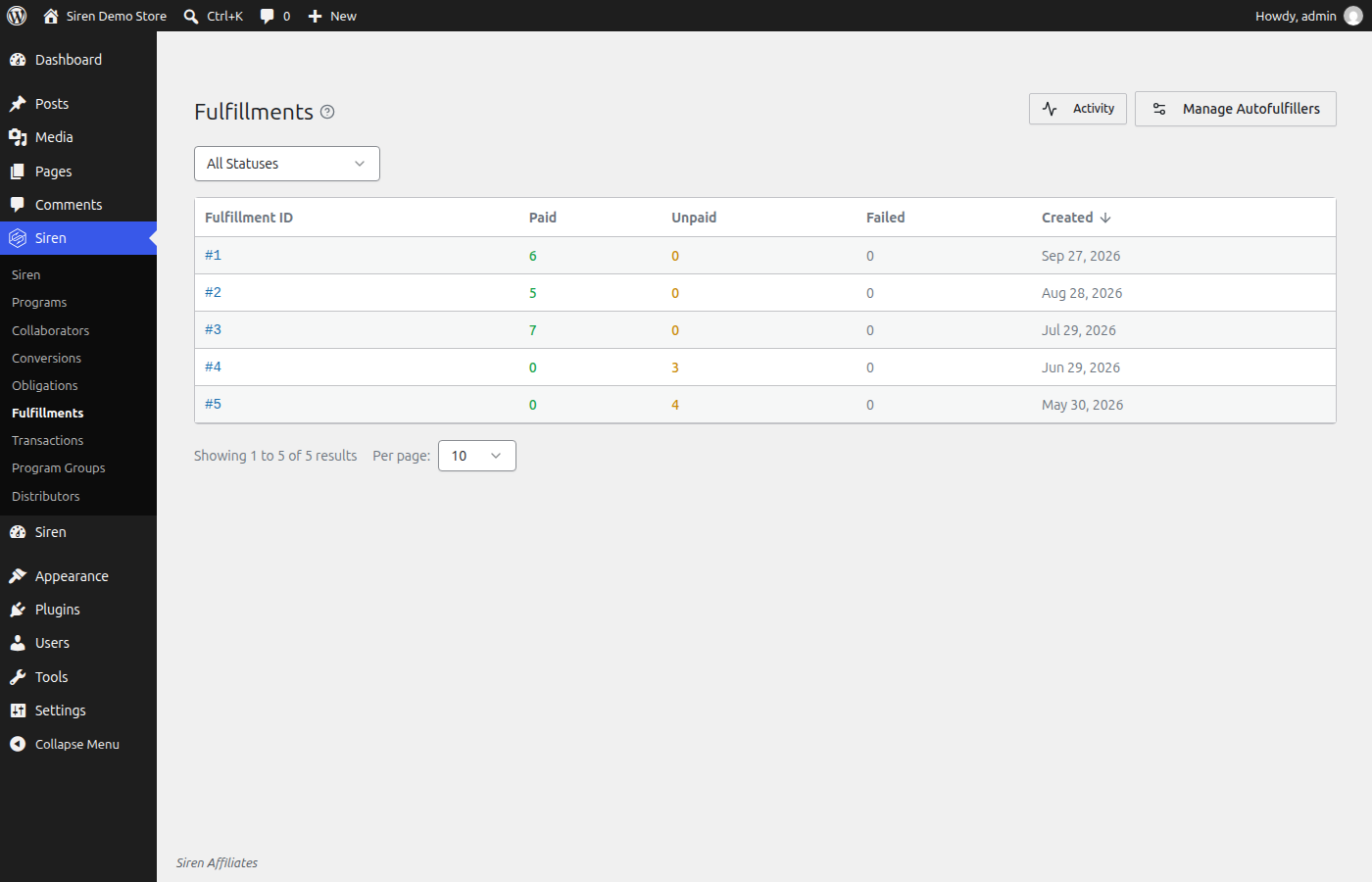
Changelog
3.6.268
- New: In Siren Cloud, the dashboard shows analytics. Pick a tile, such as attributed revenue, conversions, rewards earned, active collaborators or engagements, to chart it, and see revenue by program, program group, collaborator group, property and collaborator. Choose the date range, what to compare it with, and the currency and property, and export any table or the whole report as CSV.
- New: In Siren Cloud, Fulfillments, Collaborators and Applications have their own analytics pages, and so does each program, collaborator, collaborator group and distributor. Open them with the Analytics button beside Activity. Click a number or a point on a chart to open the records behind it, and export a set of collaborators as CSV.
- New: In Siren Cloud, analytics reach back through the sales and records already in your account. While Siren fills in that history, a card whose dates reach further back says so. Set the time zone analytics count days in under Settings, Organization.
- Improved: In Siren Cloud, Stripe and Shopify sales that nobody referred now show on the Transactions screen. They earn no rewards.
- Improved: In Siren Cloud, the menu shows how many payouts failed beside Fulfillments. The count opens a list of those payouts with the reason each one failed.
- Improved: In Siren Cloud, an application form’s screen has Copy link, Embed and Open buttons at the top, beside Activity.
- Improved: In Siren Cloud, each metric opens on its own screen with its distributor’s leaderboard for that period and its row marked. Credit a metric takes an optional number of points, shows only when an active distributor counts manual credits, and names any distributor a credit didn’t reach.
- Fixed: The Top collaborators card on the Siren Cloud dashboard keeps counting a conversion after it is approved.
- New: Managers can write notes in the activity of a collaborator, program, conversion, reward, payout or sale. Add note opens an editor with a live preview, and typing a brace searches for a record by type, name or ID to link it. Authors can edit or delete their notes at any time. An edited note shows Edited, which opens every earlier version with who wrote it and when. A deleted note leaves a line in the activity, and administrators and platform managers can still read what it said. Notes stay in Siren and send no email.
- New: Rejecting a conversion, one at a time or in bulk, lets you add a short reason. It shows with the rejection in the conversion’s activity.
- New: An Events screen lists the events your setup can trigger and the ones it could, with what each one needs. Opening an event shows what uses it, which integrations produce it and how it’s triggered.
- New: Program, Program Group and Distributor screens chart the events each record uses and what else uses them. Everything that can pay on the same sale meets at one card, and each event card links to that event’s screen.
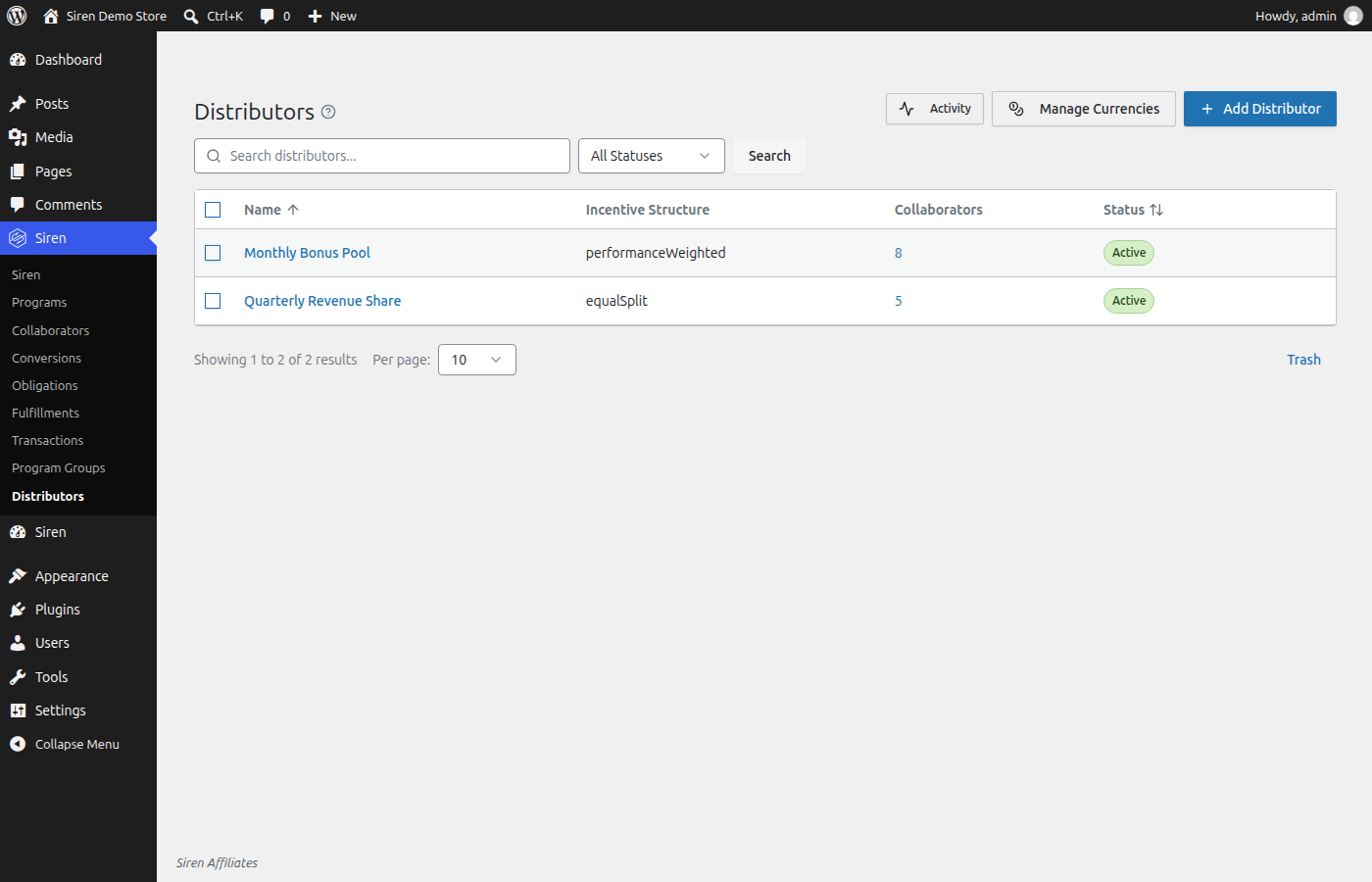
- New: A distributor’s screen shows its leaderboard for the current period and every earlier one, with each period’s dates and whether it is open or closed. Search by name, filter by status or by who has scored, and sort by points, name or share.
- Improved: Engagement, conversion, obligation and transaction screens show a chart of how the sale was decided, from engagements through conversions, rewards, payouts, renewals and refunds. Select any card to trace its route. On wide screens, short cards on record screens sit side by side.
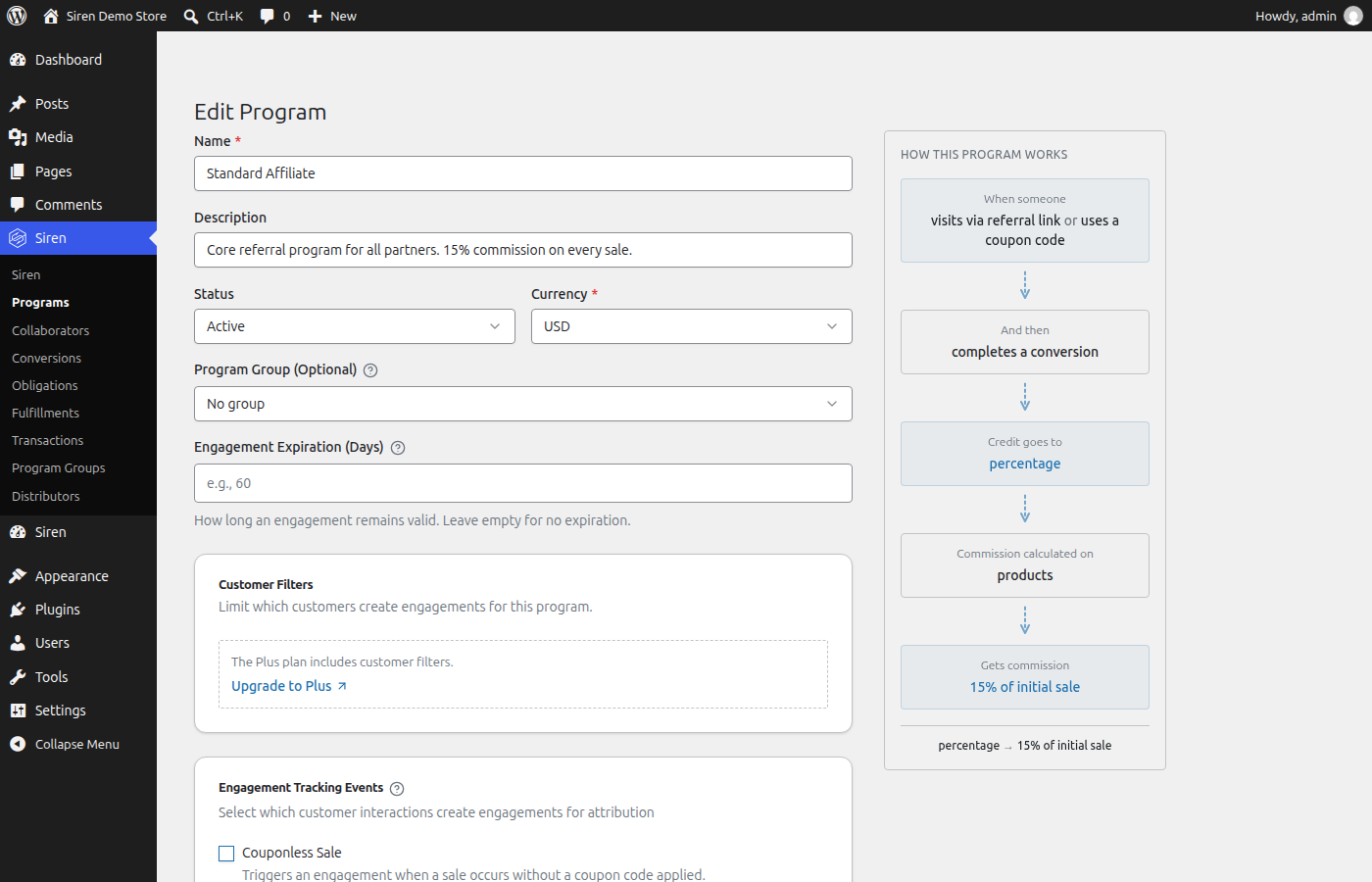
- Improved: The Program, Program Group and Distributor editors draw how the settings shape a result, such as engagement types merging into a conversion or a pool splitting among collaborators. Click a card to jump to that part of the form. On phones the chart shows below the form.
- Improved: A transaction’s screen shows the property it came from, its customer, the coupon code used, whether it was a test, and the rewards it earned with their payouts. A sale’s id reads as an order number for WooCommerce, Easy Digital Downloads and LifterLMS orders, and as a source ID for every other sale.
- Improved: Activity names records in words, such as a sale by its order number and amount and a conversion by its sale and program. Changes to programs and distributors show who made them, with the old and new value. Status changes show what the status was and became, and the member who made the change. Changes Siren makes on its own read as made by the system.
- Improved: Activity says why a sale or conversion did not pay, such as a repeat purchase or a sale after the attribution window, whether an order was refunded, cancelled or voided, and why a payout was held back, is waiting for payout setup, or failed. The Siren API’s refund event takes an optional kind to say which.
- Improved: Activity notes link the member involved instead of storing their email address, and read “a member” once that member is removed. Notes already written stay as they are.
- Improved: A program or collaborator in the trash shows by its plain name on the records that came from it, and the name still links to it.
- Improved: Activity panels open faster on stores with a long history.
- Fixed: Activity shows each entry’s time in your own time zone, and its date filter covers the whole of the days you pick.
- Fixed: Conversion and obligation screens, and the obligations list, show when a reward is held for review and why.
- Fixed: Stripe and Shopify sales keep the coupon code they used, a sale from a source with no name of its own shows that source in words, and a transaction’s Related Conversions table shows each status in full on a phone.
- Fixed: People enrolled through a collaborator group count in a program’s Collaborators total, once even when they are also enrolled directly, and show in its Enrolled Collaborators table and filtered Collaborators list. Removing collaborators from a program in bulk leaves group members enrolled and says so.
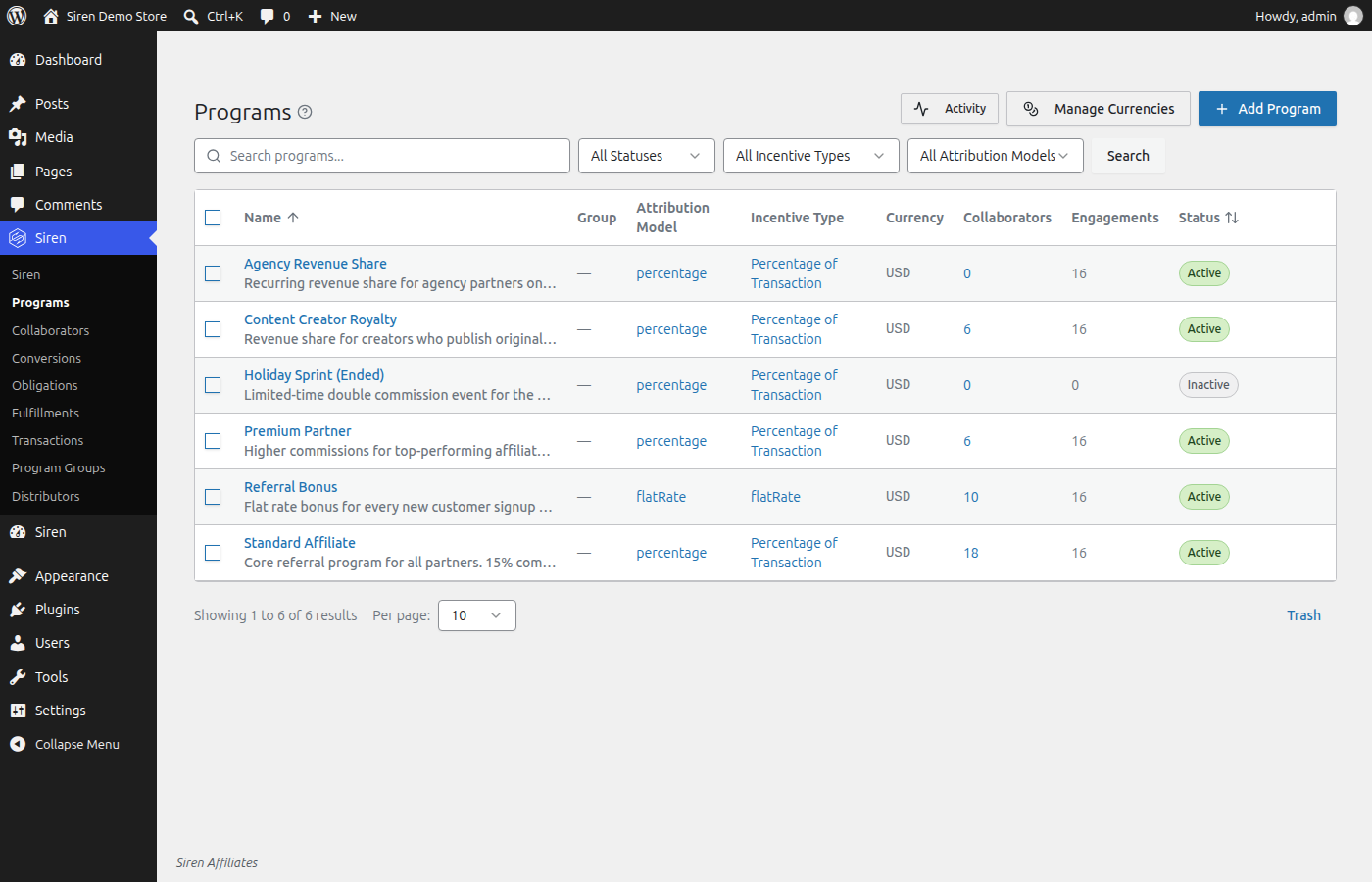
- Fixed: The Group column on the Programs list names each program’s group, and the diagram for a program that pays a fixed amount per lead shows its setup as complete.
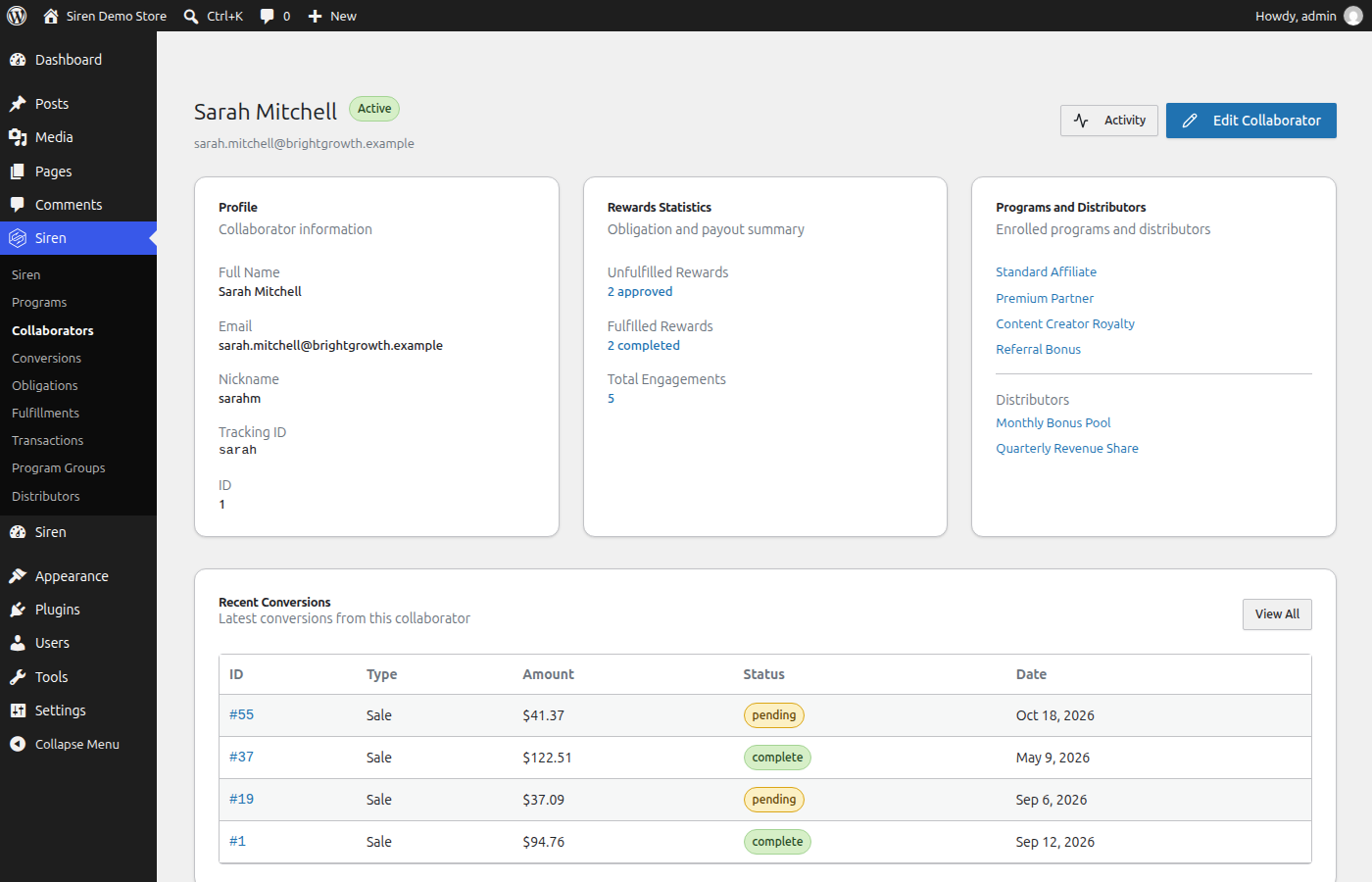
- Fixed: A collaborator’s Earnings page lists recent payments newest first and always includes the latest one, and its This Month and Performance figures compare with the same point last month.
- Fixed: A sale is saved and credited even when Siren can’t update its earnings and activity totals at that moment.
3.6.267
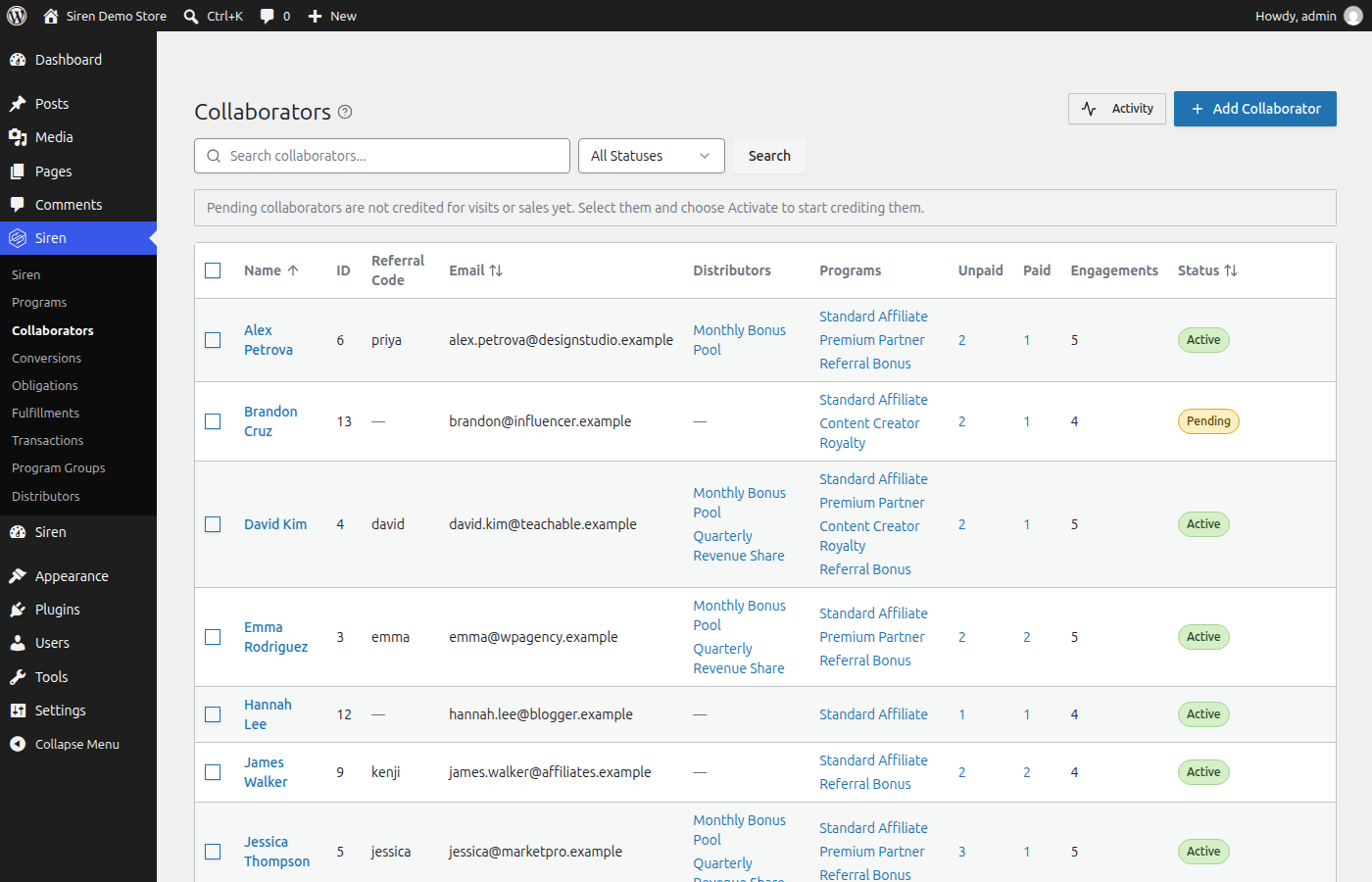
- New: Import collaborators from a CSV file on the Collaborators screen. Match your columns to Siren’s fields, keep referral codes and coupon codes from another platform, check every row before anything saves, and download what happened to each row.
- New: Collaborators can hold custom fields, so you can keep extra details on their page. In Siren Cloud, notification emails can use each field as a merge tag.
- New: In Siren Cloud, the dashboard shows this month’s referred revenue, conversions, what you owe collaborators and how many are active, each compared with last month. It also lists what needs your attention and your top collaborators.
- New: In Siren Cloud, import products from a CSV file on the Products screen or under Import & Export. Siren finds each product by its SKU or store id, renames it, and sets its owners by email address or referral code.
- New: In Siren Cloud, Metrics under Track shows each distributor’s leaderboard and the pool share each collaborator is on track for, on plans that include distributors.
- New: In Siren Cloud, a property can be a storefront, a shop people visit in person with no website. Add one from Properties, and collaborators there share coupon codes instead of links.
- New: In Siren Cloud, application forms can run on your own website. Your pages can read a form’s fields, send applications and confirm them from the visitor’s browser, and the Applications screen shows which collaborator referred an applicant.
- New: Siren Cloud checks any store connection or connected WordPress site that goes a day without activity. Each connection’s screen shows its last activity and what the check found, and the dashboard lists a connection that stopped sending sales.
- New: The Transactions screen has a Credited filter that shows only the sales credited to a collaborator, or only the ones that are not.
- Improved: In Siren Cloud, you write every word of each notification. Siren’s suggested wording sits in the email editor for you to change or delete, and Siren adds only a short line naming who sent it and the link to email preferences. During a free trial, links you write are left out of emails, and their words stay.
- Improved: Moving a WordPress store to Siren Cloud through the connector copies your setup first, then your sales and commissions, and the move card shows each stage. Earlier buyers, refunds, coupon codes and reward balances come with the store.
- Improved: Collaborators get an email about a move to Siren Cloud after the store switches over, saying their referral links and earnings came with them. To hold it back, turn off “Email my collaborators about the move” under Settings, Organization in Siren Cloud, and send it later from the Collaborators screen.
- Improved: Siren creates a tracking record only when a visitor follows a referral link, signs in, applies a coupon, submits a form or buys, and removes unused records daily while keeping customer and attribution history.
- Improved: A sale Siren tracks now shows on the Transactions screen even when no program pays on sales yet, so you can credit it to a collaborator later.
- Fixed: Refunding or cancelling a processing or on-hold WooCommerce order now reverses its Siren transaction and unpaid rewards.
- Fixed: Rejecting a complete obligation now removes it from an unpaid payout. Obligations in processing or paid payouts stay as they are.
- Fixed: Recipes now apply the rates and flat amounts you set, and the program descriptions your collaborators read show the same values. If you applied a flat-amount recipe before this update, check the amount on that program.
- Fixed: Program groups now use the sale winner to choose which program earns subscription renewals, and grouped lead programs record qualified lead rewards without a purchase.
- Fixed: In Siren Cloud, Shopify and Stripe sales keep a returning customer’s lifetime collaborator link when the sale uses a new referral.
- Fixed: After you update, earlier WooCommerce and Easy Digital Downloads sales fill in their coupon code uses, refunds and customers on the Coupon codes, Transactions and Customers screens. Rewards and balances stay as they were.
- Fixed: WooCommerce and Easy Digital Downloads orders show their order number, source and purchased items on Transactions screens, and WooCommerce product variations appear as products.
- Fixed: The Customers screen shows one customer for each account. If one customer holds several accounts on your site, the update gives each account its own customer and keeps its collaborator links.
- Fixed: The Approved filter on the Conversions screen now shows approved conversions, bulk restore changes only records in the Trash, and deleting several program groups at once deletes them.
- Fixed: Siren’s admin screens, plugin update checks and scheduled payouts keep working when another plugin built on the same framework is active.
- Security: Security hardening for customer and transaction records.
3.6.265
- Fixed: Updating Siren now runs each upgrade step once, so the first page load after an update finishes faster and the status report shows the right count of imported coupon codes.
- Improved: An engagement expiry set on a program before the update gives every engagement one more expiry window before it ends any, and a notice names each program and the day it starts. An expiry set after the update applies right away.
- Improved: After the update, Siren lists each fixed payout under one whole unit, such as “pays $0.10 per sale”, so you can check amounts an earlier program editor saved 100 times too small. Siren changes no amount. Open each program to enter the amount again, or dismiss it if it is right.
- Fixed: Fixed per Lead programs that were saved to credit sales only now credit leads, and a notice names them. Leads from before the update stay unpaid.
- Improved: In Siren Lite, a notice names the programs that shared a program group, since each of them now pays on the same sale. Turn off the ones that should not pay, or upgrade to Siren Essentials.
- Improved: A notice names each tracking code that more than one collaborator holds, with a link to each of them, and goes away once every code has one holder. A code a collaborator used before moving to a new one no longer counts as shared.
- Fixed: Recipe cards, details, and the Included in my plan filter now show the plan a recipe needs when its features require a higher plan.
- Fixed: In Siren Cloud, the Developer screen uses one main heading, and the API keys tab and heading use the same spelling.
- New: In Siren Cloud, an applicant who confirms their email address gets a link to set up their account right away. They can sign in while you review the application, their portal shows it as pending until you approve it, and the approval email then asks them to sign in. The email is a notification you can switch off on the Notifications screen.
- Fixed: Local Siren plugins stay off after a store moves to Siren Cloud, even when the Siren Cloud Connector is deactivated.
- Fixed: In Siren Cloud, the subject merge tag menu groups tags by their source, so tags with the same name can be told apart.
- New: In Siren Cloud, admins can rename their organization under Settings, Organization. The new name shows right away in the organization switcher, on your application pages and in emails, and your application and sign-in links keep working. A new organization’s dashboard asks once whether its name is right.
- New: In Siren Cloud, collaborators can be paid in store credit and spend it at a connected WooCommerce, Easy Digital Downloads or LifterLMS store, and a refund gives the credit back.
- Improved: The collaborator portal says where to spend each store credit balance.
- New: In Siren Cloud, Integrations has a WordPress card. It lists the steps to connect a WordPress site with the Siren Cloud connector, shows whether your sites are connected, and lists what they send, such as blog post visits, form submissions and WooCommerce checkout sales.
- New: Stores connected to Siren Cloud now send their Gravity Forms and Ninja Forms submissions and their referred visitors’ blog post visits, so programs that use the Collaborator Form Submitted and Blog Post Visited triggers credit collaborators in Siren Cloud. Update the Siren Cloud connector on your store to start sending blog post visits.
- Fixed: The Customer Rewards Program recipe, and any recipe that pays in a currency it defines, can be applied.
- Improved: A recipe that needs something your store lacks says what to do about it, such as “Needs checkout: connect a store that takes payments, such as Stripe, Shopify or WooCommerce, under Integrations”, with a link. A recipe that misses for another reason no longer blames checkout.
- Improved: In Siren Cloud, a store connected in test mode counts as connected for setting things up. Its products, customers and coupons screens show, and the Integrations screen marks it Test mode.
- New: Siren Cloud webhooks cover more of your program. You can now subscribe to rewards being approved or rejected, a payout waiting for its collaborator to set up payouts, a confirmed application, a deleted collaborator, programs being edited, paused or deleted, program groups, distributors, collaborator group membership, coupon codes being linked to a collaborator, product and coupon merges, and stores connecting or disconnecting Stripe or Shopify.
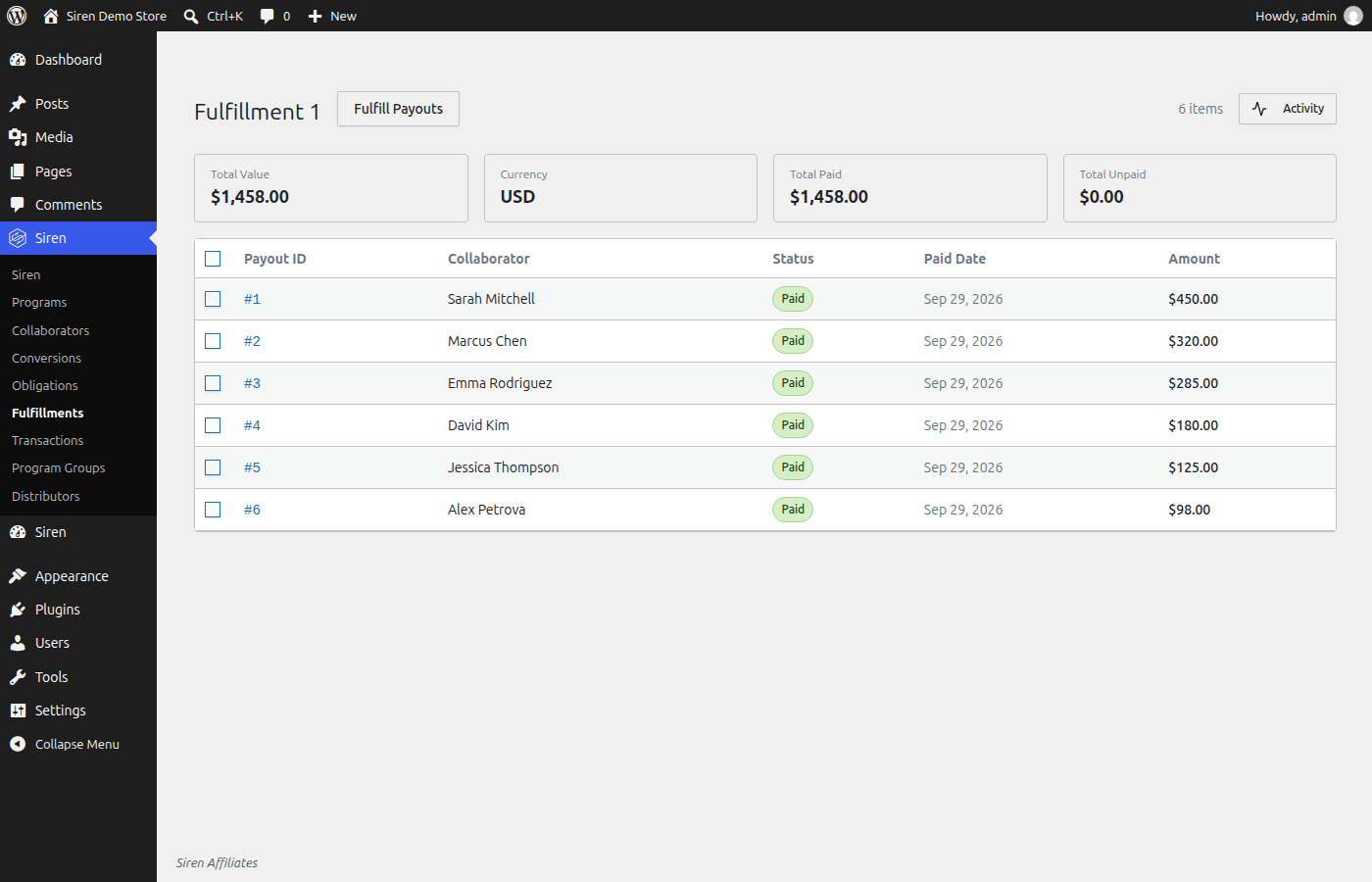
- New: Send a fulfillment’s unpaid payouts through the automatic payout method set for their currency, from the fulfillment screen. Select several fulfillments on the Fulfillments screen to send them together. Siren says how many payouts were sent and why any were not. Available in Essentials and up.
- Improved: Before you generate a fulfillment, Siren names each collaborator whose automatic payout will wait because they have not set up Stripe or PayPal. A payout to a Stripe account that has not finished onboarding now waits for the collaborator too, and is sent once the account can receive it.
- Improved: In Siren Cloud, the Stripe and Shopify setup screens list each webhook event to tick with a copy button, and Stripe’s test mode has its own full steps and a direct link to the Stripe Webhooks page.
- New: In Siren Cloud, API keys can read and manage products, coupons, collaborators, collaborator groups, programs, program groups, distributors, application forms, applications and notification rules, and read engagements, opportunities, fulfillments and properties. Each has its own read and manage scope on the API keys screen, and a key bound to one property works only with that property’s records.
- Improved: In Siren Cloud, a team member limited to some properties sees only those properties’ listings of a product, and renames or sets owners on a product only when no other property sells it, as coupons already work.
- Fixed: In Siren Cloud, a product from a sale sent with a property’s API key is now listed under that property.
- Fixed: In Siren Cloud, the collaborator portal fits the window, so its menu no longer scrolls past the bottom of the screen.
- Fixed: The Coupon codes screen now labels trashed collaborators as trashed.
- Fixed: Custom address notifications no longer include links that require a Siren dashboard account.
- Fixed: Customer data exports now say whether each purchase was credited to a partner.
- Fixed: WordPress privacy erasure requests now report when collaborator data must stay until an open payout is settled.
- Fixed: Customer record status details on the Utilities screen can now be translated and use customer terms.
- Fixed: Cross-store customer merge messages now tell organization admins that they can confirm the stores are one business.
- Improved: An automatic payout to a collaborator who has not set up Stripe or PayPal now waits for them instead of failing. The fulfillment screen says who it is waiting for, the collaborator’s portal asks them to set up payouts, and the payout is sent on its own once they do. In Siren Cloud, the collaborator gets an email when a payout starts waiting, a reminder a week later, and a reminder to set up payouts when they join a program you pay out automatically.
- New: In Siren Cloud, recipes can include notifications. Applying a recipe makes its emails, applying it again updates them rather than adding copies, and an export of your configuration carries your notifications.
- New: In Siren Cloud, notifications are rules you make. Each one reads as a sentence, such as “When a reward is approved, email the collaborator”, and you can keep several for one event, such as one to the collaborator and another to your finance address. The Notifications screen groups them under each event with a plain description of when it fires, switches several on or off at once, and makes new ones with a chart of the event, who gets the email and what it says. Your current notifications carry over as they are.
- New: In Siren Cloud, “Send a test” lets you choose who gets the test: you, your other admins, or addresses you type.
- New: In Siren Cloud, signing in on the Siren website signs you in to your dashboard too, and signing out of one signs you out of both.
- Improved: Partial refunds from WooCommerce, Easy Digital Downloads, Stripe, Shopify and the REST API now adjust commissions automatically. A commission already paid out stays as it is.
- Improved: A new PayPal connection asks you to choose Sandbox or Live before it saves your credentials, and the PayPal settings say when payouts are going to Sandbox.
- New: In Siren Cloud, send a test sale from the dashboard to watch a collaborator get credited before you connect your store. Test sales and their rewards are marked Test, never paid, left out of your usage and reports, and deleted in one click.
- Improved: In Siren Cloud, Stripe test-mode payments, renewals and refunds now make test sales with conversions and rewards, marked Test like the dashboard’s test sales and deleted with them. Stripe test-mode products and promotion codes are saved too, apart from your live ones, and the Test mode tab links each event to what it made.
- Fixed: In Siren Cloud, a Stripe or Shopify refund that arrives before its order is applied once the order is recorded, so a refunded sale’s commission is reversed.
- Security: Security hardening for Stripe and PayPal payout settings.
- Fixed: The fulfillment preview says that selected obligations are excluded when they are not approved.
- Changed: A sale in a currency a program does not pay in is recorded, and its reward is held for your review, since Siren does not convert currencies. Approve or reject the sale’s conversion to settle it. In Siren Cloud, your admins get an email when a sale needs review.
- New: Siren tells you when an automatic payout fails. WordPress shows a notice on the admin screens until the payout is retried or paid, and Siren Cloud emails your admins and sends a payout.failed webhook event.
- Improved: Tracking cookie lifetimes are now consistent.
- New: Siren Cloud sign-up asks you to agree to the Terms of Service and Privacy Policy.
- Security: Security hardening for Siren Cloud error reports.
- Fixed: A collaborator who refers a free-trial subscriber now earns on that subscriber’s paid renewals in percentage programs.
- Improved: A sale worth nothing, such as a free trial’s first payment, no longer creates a reward of zero. The sale still counts toward rules based on order counts, and fixed rewards per order or per product are still paid on it.
- Fixed: In Siren Cloud, a refunded Stripe subscription renewal reverses its commission on every Stripe API version. Add the invoice_payment.paid event to your Stripe webhook to get this on API version 2025-03-31 and newer.
- Fixed: In Siren Cloud, a refunded Stripe subscription payment reverses its commission even when Stripe sends the invoice payment event before the invoice.
- Fixed: A transaction with lines in more than one currency shows a total for each currency, and the list no longer adds amounts in different currencies together.
- Fixed: A fixed payout in a points or store credit currency is saved as the amount you type, and shows that same amount on the program, its flow diagram, the obligation, and the collaborator’s balance.
- Fixed: Internal Credit can only be set as the payout method for an internal currency, such as points or store credit.
- Fixed: The payout CSV export writes each amount in its own currency, with two decimals for dollars and whole units for points.
- Fixed: The credit adjustment dialog takes the amount as the balance shows it, and says what the adjustment will add or deduct before you submit it.
- Fixed: Prices from store integrations, such as 19.99, are recorded to the exact cent.
- Fixed: Form prices written with a thousands separator, such as 1,234.56, are read as the full amount.
- Improved: A collaborator you add yourself on the Collaborators screen starts as Active, so they are credited right away. Applications and sign-up forms keep their own starting status.
- Improved: Amounts in your WooCommerce or Easy Digital Downloads store currency use the store’s own symbol, symbol position, and number of decimals.
- Improved: A sale sent to the REST API with a currency is recorded in that currency.
- Improved: The currencies list in the REST API includes each currency’s name, symbol position, and decimal rules, and collaborators can read it so the portal shows amounts the way the admin does.
- Changed: Stripe payouts in Japanese yen and Korean won are refused, and the payout shows the reason. Fulfill these payouts another way.
- Changed: The largest amount the REST API accepts now depends on the currency. A points amount may be at most 999,999,999.
- Fixed: In Siren Cloud, transactions and conversions from Stripe and Shopify name their source as Stripe or Shopify.
- Fixed: The collaborator dashboard no longer shows a 0% change against last month when nothing was earned last month.
- Fixed: The collaborator detail screen now shows whether a collaborator’s Stripe account is ready to receive payouts.
- Fixed: The collaborator portal’s Performance cards no longer show a 100% change when nothing happened in the last period.
- Improved: The collaborator portal greets a first visit with “Welcome” and later visits with “Welcome back”.
- Improved: The Programs list and its filter call the attribution model by that name, as the program form does.
- Fixed: The program picker on a collaborator’s form shows each program’s description and its status badge.
- Fixed: The Collaborators list shows each collaborator’s ID under ID, and the referral code in its own column.
- Fixed: The dialog that creates fulfillments names its real button, and Last seen on Customers reads like the other dates.
- Fixed: On a phone, the message of an empty list stays in view, and “No address yet” stays on one line.
- Improved: In Siren Cloud, the collaborator portal names your organization on every page, and a collaborator’s email preferences describe each email in their own words.
- Improved: An empty Fulfillments screen says how to create a fulfillment from the Obligations screen.
- Improved: In Siren Cloud, the dashboard’s engine activity card names the month and counts one engagement as one engagement.
- Fixed: Help icons open their help when tapped on a phone or tablet, and a second tap closes it.
- Fixed: A Stripe payout whose transfer is reversed in full is marked failed with the reason, so you can retry it or pay it another way.
- New: A sign-up form can add the people who join to distributors, and to collaborator groups on Plus. Choose them on the registration form block, in a Gravity Forms feed or in a Ninja Forms action. Forms on a site connected to Siren Cloud do the same.
- New: In Siren Cloud, each notification you switch on goes out when its event happens, from an application to a payout, once to each person. A send that fails is tried again for several hours. Each email’s activity, and the activity of the collaborator or reward it is about, shows each send.
- Improved: In Siren Cloud, the approved and declined emails use the notification layout, which ends with your name, your reply-to address and a link to the reader’s email preferences. The approval request your admins get is the Applied email to admins, so you can write its subject and opening or switch it off, and its Approve button stays as it was.
- New: In Siren Cloud, the people who run one of your stores can get the reward emails for that store’s sales, and manage them from their own email preferences.
- New: In Siren Cloud, Settings has a Notifications screen. Each event, from an application to a payout, has an email for the collaborator, one for your admins and one for an address you choose. You write each subject and body with merge tags, preview it and send yourself a test, and each email keeps an activity of who changed it.
- Improved: In Siren Cloud, you can edit the approved and declined emails applicants receive. They keep their current wording until you change it, and “Send Signup Email” sends the approved email.
- New: In Siren Cloud, you can set the reply-to address for your emails to collaborators. Collaborators can switch off the emails they don’t want from Email preferences in their portal.
- New: In Siren Cloud, an Applications screen lists what people sent through all your application forms, opening on the ones waiting for review, with a count beside it in the menu. Open one to read the answers and approve or decline it, or approve or decline several at once. The forms list shows how many applications wait on each form.
- Improved: In Siren Cloud, the menu groups its pages under Create, Manage, Track and Reward. A group opens to show its pages and does not leave the page you are on, and the menu remembers the groups you open. Properties and Currencies are in the account menu with the other settings. Collapsed to icons, each group opens its pages on hover or from the keyboard, and the menu stays collapsed on your next visit. Dark mode is in the account menu.
- Improved: Admin screens use the same checkboxes, menus, tables, status badges and confirmation dialogs throughout, and call the people who earn from your programs collaborators everywhere.
- New: A collaborator.joined webhook. It goes out once when an existing collaborator joins more programs, distributors or collaborator groups, from the collaborator’s page, a bulk action, the API, a recipe, a group’s or program’s members, or an approved request to join more, and it names everything that change added.
- Improved: The collaborator.registered webhook names the distributors and collaborator groups an applicant chose, beside the programs.
- Improved: The payout.paid webhook goes out once for each payout, with the payout as it was saved. Marking a payout unpaid and then paid again does not send it a second time.
- …