

Description
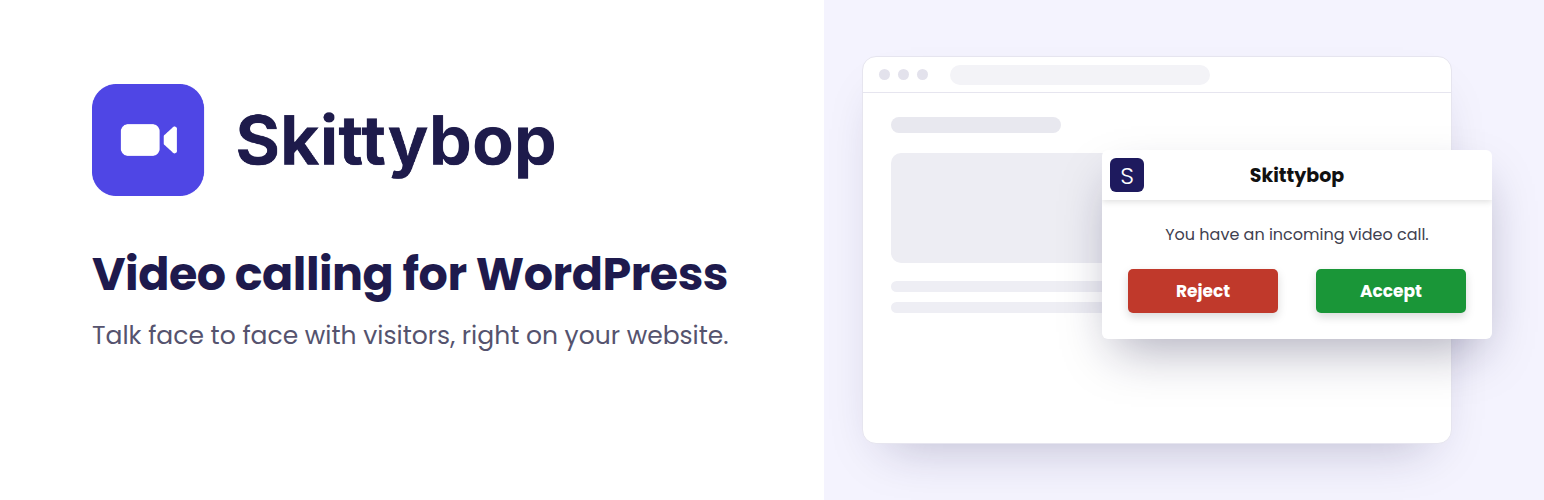
Skittybop brings live, face-to-face video calling directly to your WordPress website.
Visitors simply click the call button on any page to connect with your team in real time, right from their browser. No downloads, account registration, or external meeting links are required.
Some questions are easier to answer face to face. With Skittybop, visitors can connect with your team immediately instead of filling out a contact form and waiting for a response.
Who Is Skittybop For?
Skittybop is designed for businesses where personal interaction helps build trust, answer questions, and close sales.
- Real Estate: Walk prospective buyers through property listings.
- Retail and Jewelry: Showcase products and answer questions live.
- Bridal Shops and Boutiques: Offer personalized styling consultations.
- Home Services: Discuss projects and provide quick estimates.
- Car Dealerships: Answer vehicle questions and demonstrate features.
- Customer Support: Provide real-time, face-to-face assistance.
- Professional Services: Offer personalized consultations directly on your website.
How It Works
- Install and activate Skittybop on your WordPress website.
- Create one or more WordPress users with the Operator role.
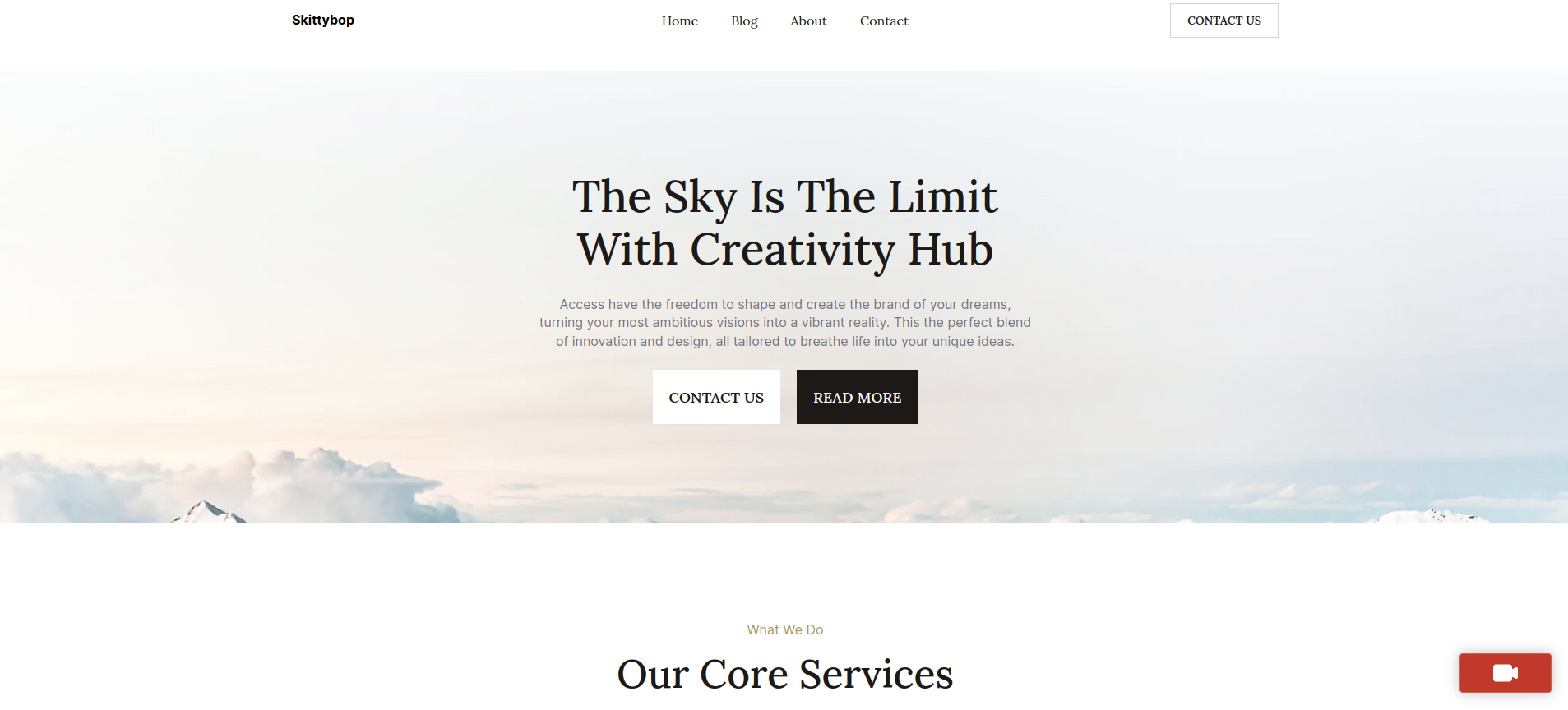
- A video call button appears in the bottom-right corner of your website.
- Visitors click the button to initiate a video call.
- Available operators receive an incoming call notification and click Accept.
- Start talking face to face, directly on your website!
Key Features
- One-Click Video Calling: Visitors can initiate video calls from any page.
- Browser-Based Communication: No additional software or downloads required.
- Dedicated Operator Role: Control which team members can receive calls.
- Incoming Call Notifications: Operators can accept or reject incoming calls.
- Guest Calling: Visitors do not need a WordPress account or login.
- Lead Capture: Visitors can leave their email address when all operators are busy.
- Live Operator Availability: Calls are directed to operators who are online.
- Integrated Call Controls: Camera, microphone, screen sharing, and chat.
- Call History: Review and manage call activity from WordPress admin.
- Flexible Plans: Usage-based Starter, Pro, and Ultimate plans.
Start Your Free Trial
Get started with a 30-minute free trial. No credit card required!
Create your account and explore available plans through the Skittybop API Management Platform.
Learn More
External Services
Skittybop connects to the external Skittybop video calling service to establish and manage video calls.
When a visitor initiates a call, information required to establish and operate the call is transmitted to the Skittybop service.
For additional information, please review the Skittybop Terms and Conditions.
Installation
- Navigate to Plugins > Add New in your WordPress admin dashboard.
- Search for Skittybop, click Install Now, and then Activate.
- Navigate to Users > Add New and create one or more users with the Operator role.
- Register your account through the Skittybop API Management Platform and select a plan. New accounts receive a 30-minute free trial.
- Log in as an operator to begin receiving incoming video calls.
- Access the Skittybop section of your WordPress admin dashboard to review and manage call history.
FAQ
Do visitors need to download anything or create an account?
No. Visitors simply click the video call button on your website. Calls run directly in their browser without requiring downloads, meeting links, or account registration.
How much does Skittybop cost?
Every new account includes a 30-minute free trial, with no credit card required.
After the trial, Skittybop offers usage-based Starter, Pro, and Ultimate plans.
Visit skittybop.com for current pricing and plan details.
How many operators can I have?
You can assign the Operator role to multiple WordPress users, subject to your selected plan.
Incoming calls are directed to operators who are currently online and available.
Skittybop cannot access my microphone or camera. What should I do?
Skittybop requires browser permission to access your camera and microphone.
If you experience problems, check the following:
- Device Availability: Make sure another application is not using your camera or microphone.
- HTTPS: Confirm your website uses HTTPS. Modern browsers require secure connections for camera and microphone access.
- Browser Permissions: Click Allow when prompted for camera and microphone access. If previously blocked, update your browser’s site permissions.
- Device Settings: Verify that camera and microphone access is enabled in your browser and operating system.
Does Skittybop work with my WordPress theme?
Skittybop displays its video call button as an overlay on your website and is designed to work with virtually any WordPress theme.
Where can I get additional support?
We’re happy to help!
Visit the WordPress Support Forum or contact us through skittybop.com.
Screenshots


Changelog
1.2.0
- Confirmed compatibility with WordPress 7.1.
- Updated plugin directory banners, icons, and screenshots.
- Improved plugin description and feature documentation.
- Updated installation instructions and frequently asked questions.
1.1.0
- Added video calling support for guest users.
- Improved status reporting with detailed informational messages.
- Added email communication options when all operators are busy.
- Implemented advanced online/offline status detection for operators.
- Added support for WordPress 6.9.x.
1.0.6
- Updated plugin readme and documentation.
1.0.5
- Initial plugin release.