Description
The Snow Monkey Editor is a plugin that extends the block editor.
GitHub: https://github.com/inc2734/snow-monkey-editor/
Formatter
Click Snow Monkey button in toolbar.
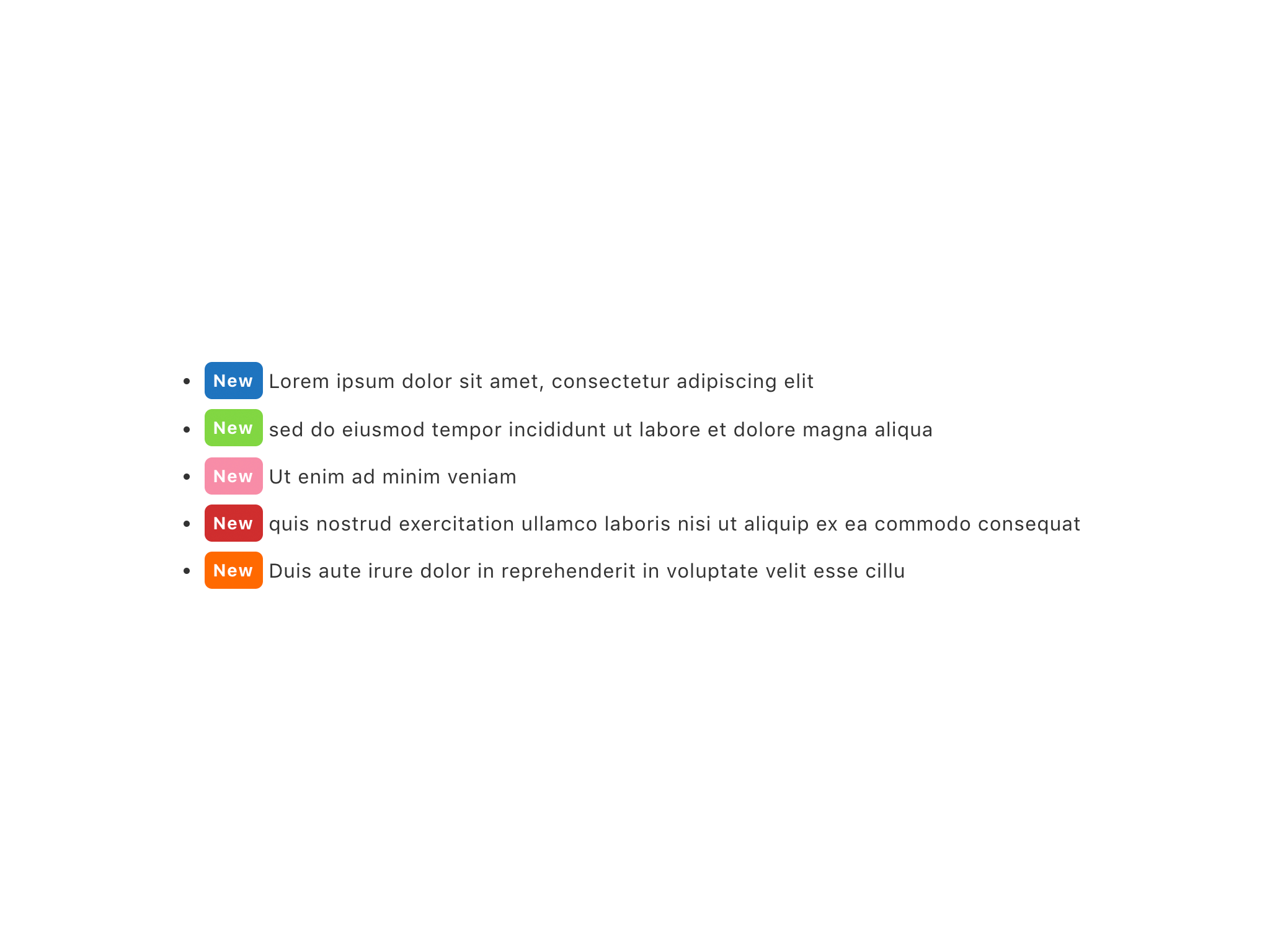
- Text badge
- Text background color
- Text font size
- Text highlighter
- Text color
- Text gradient
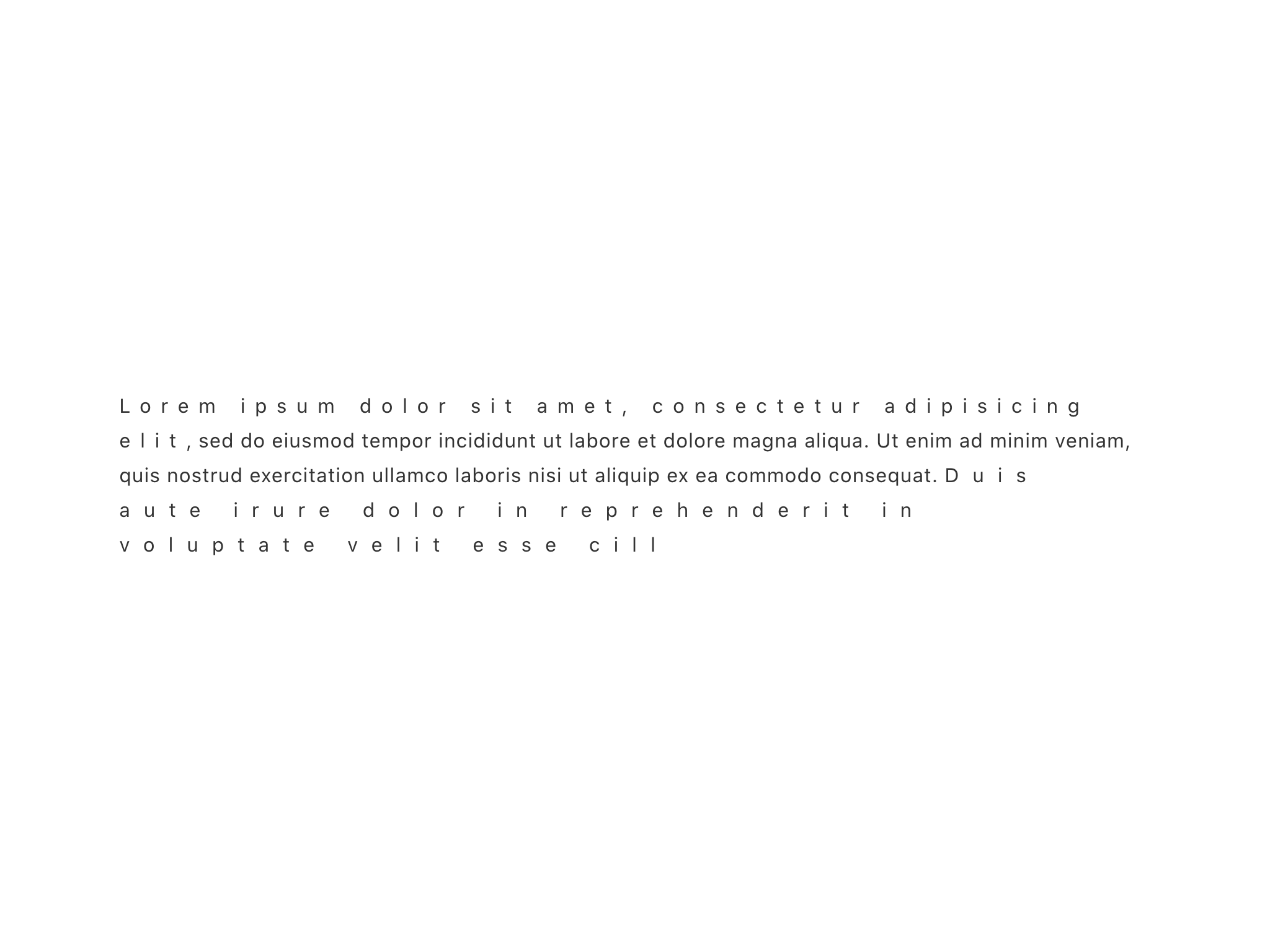
- Text letter spacing
- Line break per screen size
- Format clear
Extensions
You can settings in inspector.
- Hide on smartphone size or tablet size or PC size. (Using media query)
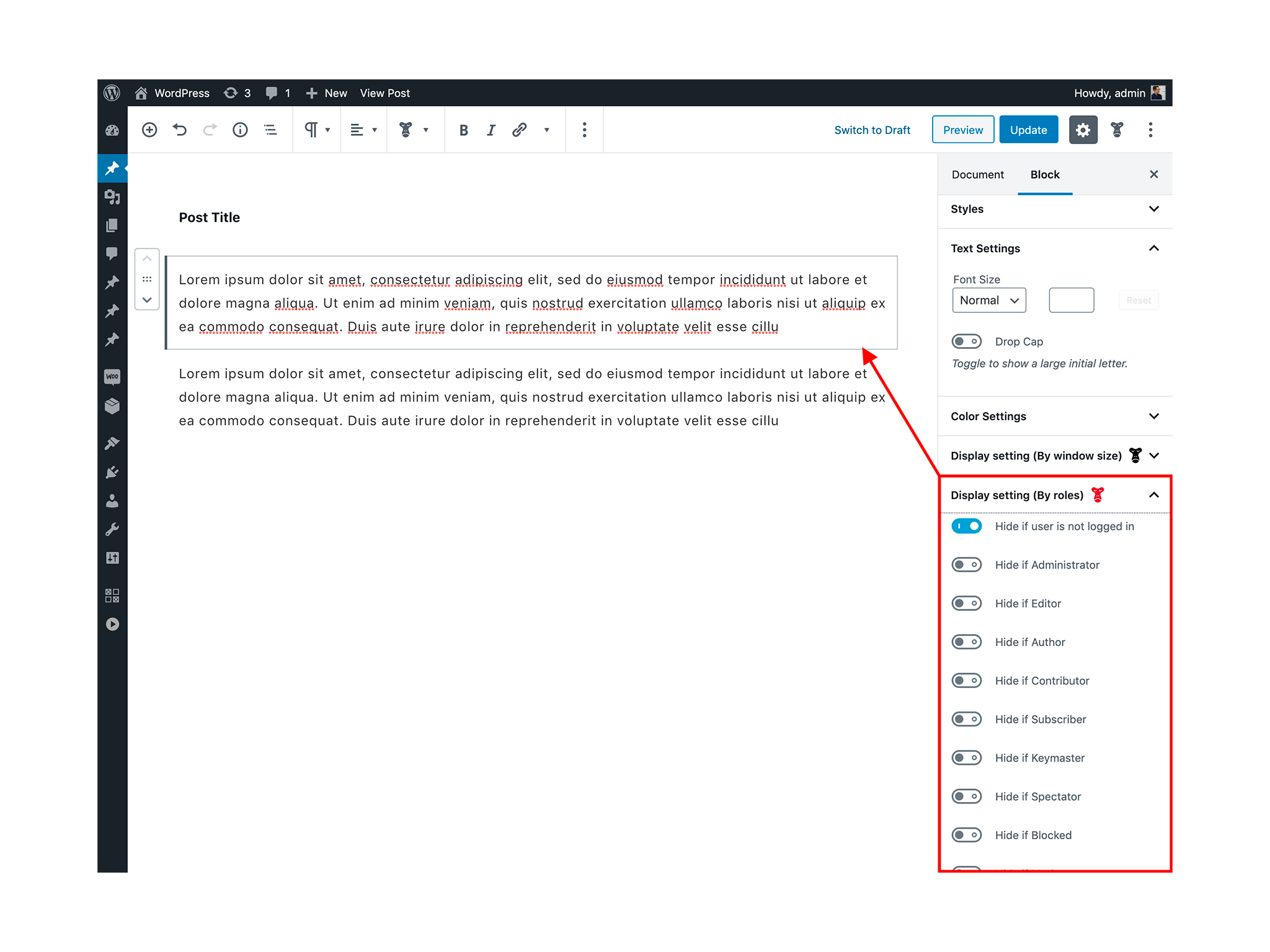
- Hide by user roles. (Using
render_blockfilter hook. If it does not pass this filter, it is ignored) - Scroll animation
- Publish date time settings
- Unpublish date time settings
- Edit lock by user roles. (Only administrators can set it)
Block presets
This feature allows you to save the settings of a block and set them for other blocks of the same type at the touch of a button.
(The number of blocks/attributes that can be used by the block preset feature is limited by default.)
Block styles
There can be used in paragraph blocks, group blocks, image blocks, etc.
- Alert
- Alert (Remarks)
- Alert (Success)
- Alert (Warning)
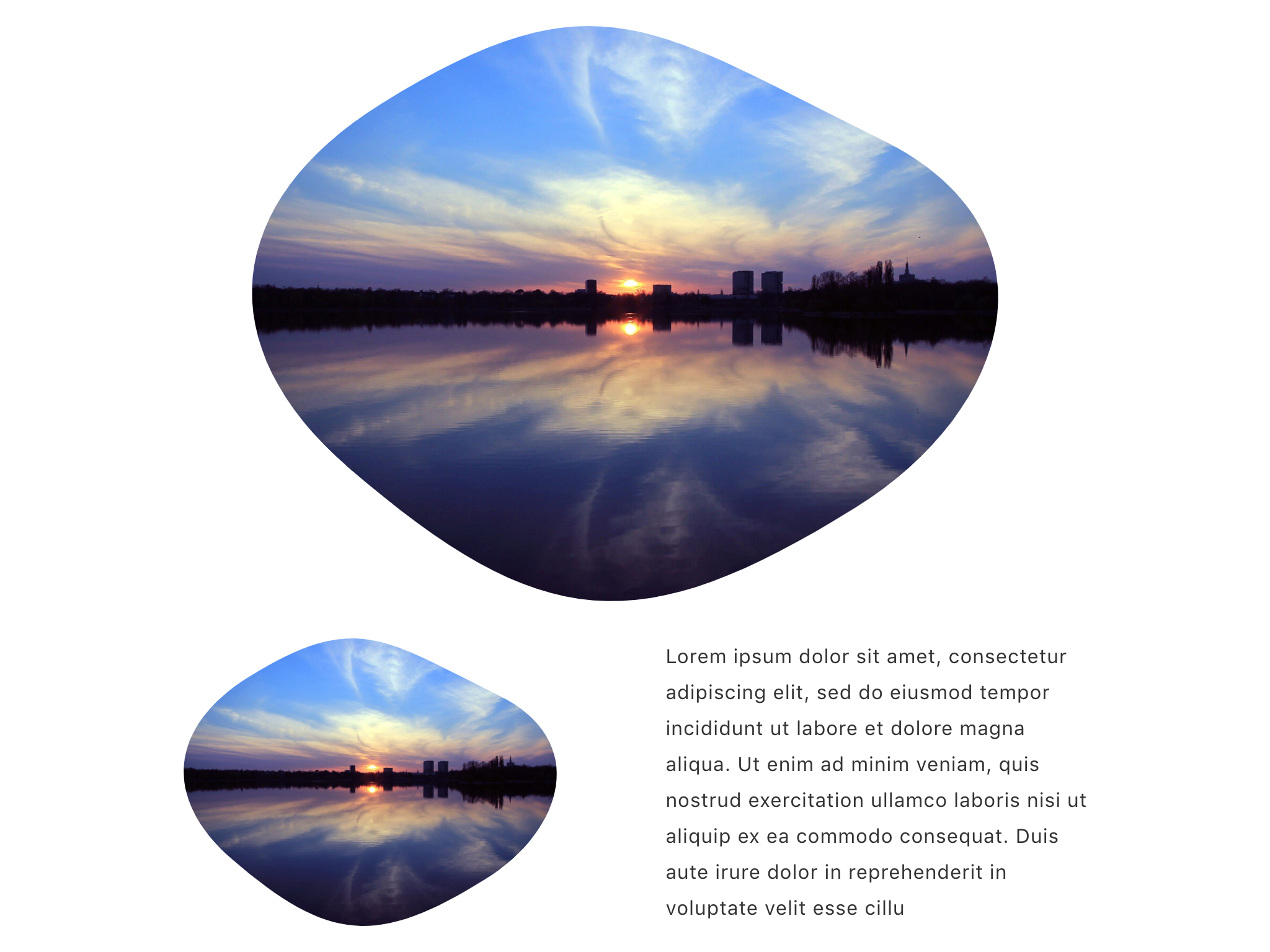
- Fluid shapes
- Post-it
- Post-it (Narrow)
- Shadowed
- Speech (Top)
- Speech (Right)
- Speech (Bottom)
- Speech (Left)
- List (Arrow)
- List (Check)
- List (Remarks)
- List (Times)
- Ordered list (Circle)
- Ordered list (Square)
Filter hooks (JavaScript)
SnowMonkeyEditor.extension.allowedNameSpaces
JavaScript
import { addFilter } from '@wordpress/hooks';

addFilter(
  'SnowMonkeyEditor.extension.allowedNameSpaces',
  'snow-monkey-blocks/apply-snow-monkey-editor-extensions',
  ( allowedNameSpaces, extensionName ) => {
    return [
      ...allowedNameSpaces,
      'snow-monkey-blocks',
    ];
  }
);
PHP
add_action(
    'admin_enqueue_scripts',
    function() {
        $data = "wp.hooks.addFilter(
            'SnowMonkeyEditor.extension.allowedNameSpaces',
            'snow-monkey-blocks/apply-snow-monkey-editor-extensions',
            ( allowedNameSpaces, extensionName ) => {
                return [
                    ...allowedNameSpaces,
                    'snow-monkey-blocks',
                ];
            }
        );";
        wp_add_inline_script(
            'snow-monkey-editor@editor',
            $data
        );
    }
);
SnowMonkeyEditor.extension.allowedRoles
JavaScript
import { addFilter } from '@wordpress/hooks';

addFilter(
  'SnowMonkeyEditor.extension.allowedRoles',
  'snow-monkey-blocks/apply-snow-monkey-editor-extensions',
  ( allowedNameSpaces, extensionName ) => {
    return [ 'administrator' ];
  }
);
PHP
add_action(
    'admin_enqueue_scripts',
    function() {
        $data = "wp.hooks.addFilter(
            'SnowMonkeyEditor.extension.allowedRoles',
            'snow-monkey-blocks/apply-snow-monkey-editor-extensions',
            ( allowedRoles, extensionName ) => {
                return [ 'administrator' ];
            }
        );";
        wp_add_inline_script(
            'snow-monkey-editor@editor',
            $data
        );
    }
);
Installation
This plugin can be installed directly from your site.
- Log in and navigate to Plugins → Add New.
- Type “Snow Monkey Editor“ into the Search and hit Enter.
- Locate the Snow Monkey Editor plugin in the list of search results and click Install Now.
- Once installed, click the Activate link.
FAQ
Can the Snow Monkey Editor be used with any theme?
Yes! You can use the Snow Monkey Editor with any theme, but we recommend using our Snow Monkey theme for the best presentation.
Screenshots