


Description
Social Media Sticky Share Icons is a lightweight plugin that automatically adds sticky social media share buttons to all posts and pages. Check Live Demo here Tutorials by Nitin
Currently supported platforms:
– Facebook
– LinkedIn
– WhatsApp
– Gmail (email sharing)
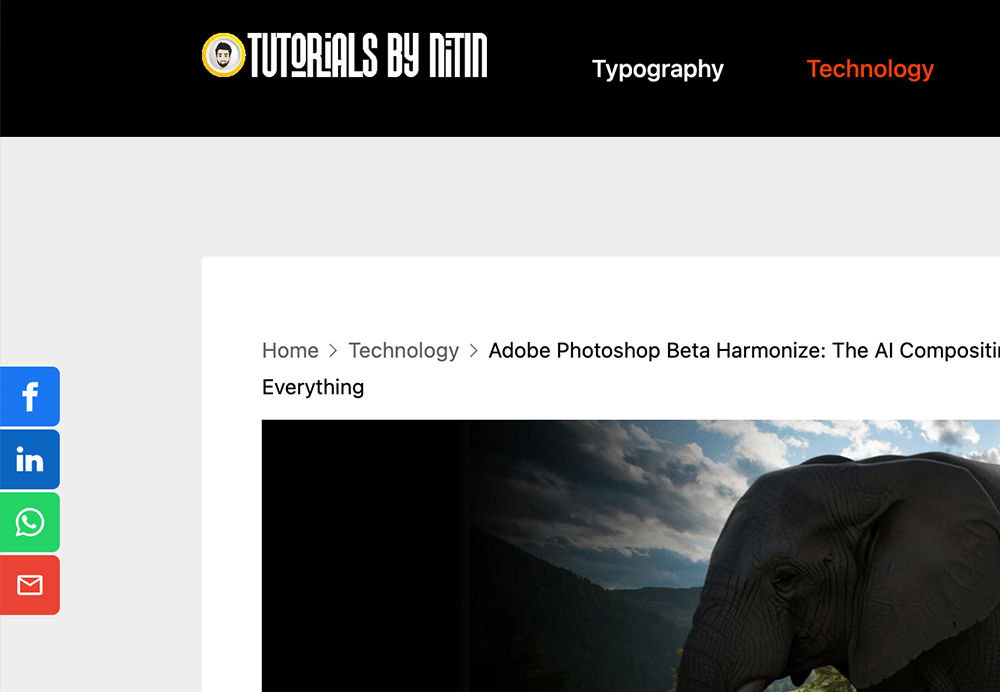
The buttons appear on the center-left side of the page and stay visible as the user scrolls.
How It Works
- Once activated, the plugin automatically adds sticky social media share buttons for Facebook, LinkedIn, WhatsApp, and Gmail to all single posts and pages.
- The buttons are positioned vertically in the center-left of the screen and remain visible as the user scrolls.
- No configuration is needed — they work out of the box.
- To test, simply open any post or page on your site.
Installation
- Upload the plugin folder
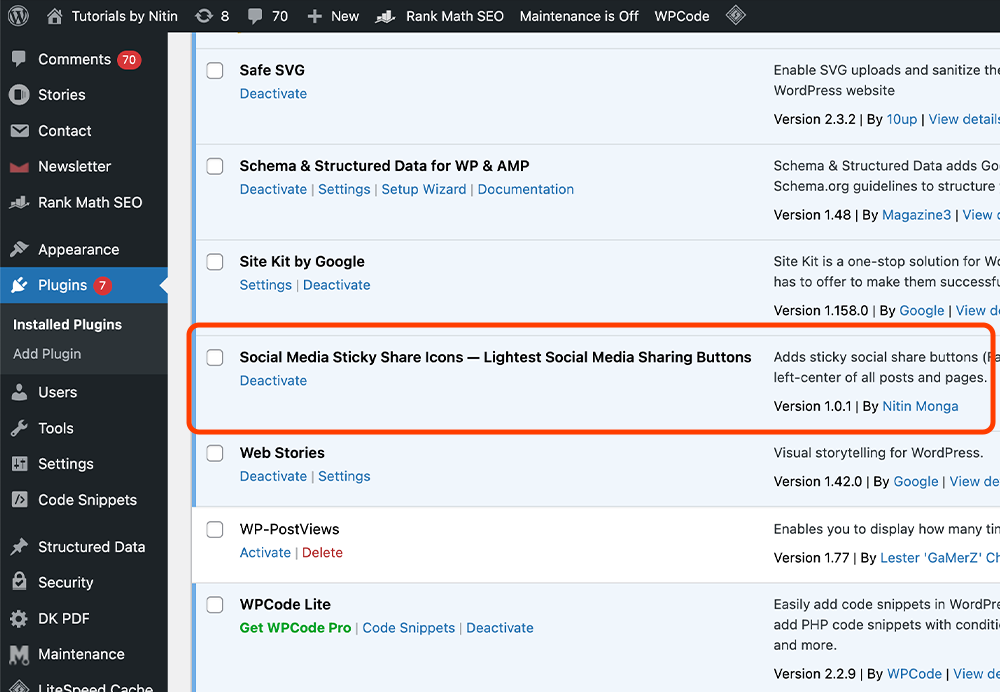
social-media-sticky-share-iconsto the/wp-content/plugins/directory. - Activate the plugin through the ‘Plugins’ menu in WordPress.
- That’s it! The sticky social media share icons will appear automatically on all posts and pages.
FAQ
Where do the buttons appear?
The icons appear sticky on the center-left side of the screen on all posts and pages.
Can I customize the icons?
Currently, the icons are minimalist and hardcoded for simplicity. Advanced customization can be done via CSS.
Does this plugin work with any theme?
Yes, it works with most modern WordPress themes.
Screenshots
Changelog
1.0
- Initial release