
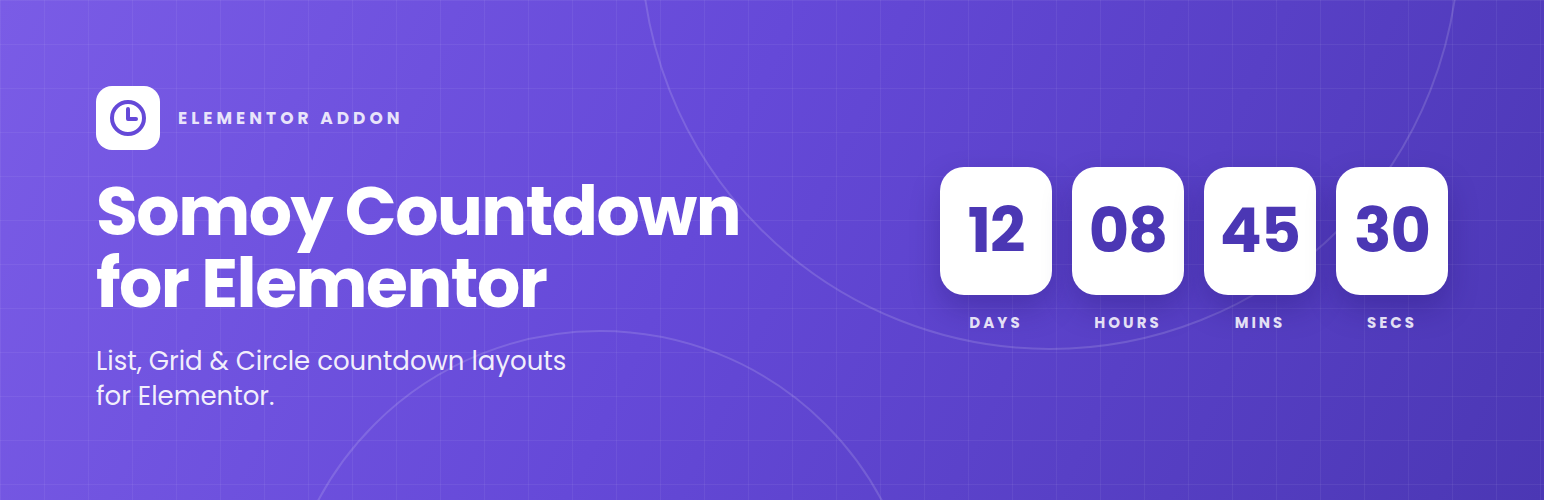

Description
I built this because most countdown addons either come bundled inside a huge “all-in-one” widget pack or don’t give you enough control over how the boxes actually look. Somoy Countdown is just the one thing: drop it into Elementor, pick a target date, and style it however you want.
You get three layouts to start with — a simple List (the classic row of boxes), a Grid you can lock to 2, 3, or 4 columns, and a Circle style for rounder, badge-like timers. From there, everything is adjustable from Elementor’s own Style tab: background, padding, border, corner radius, shadow, number and label typography, colors, spacing — all of it. And since every size and spacing control is responsive, you can set one look for desktop and a tighter one for mobile without touching CSS.
What it does:
- List, Grid, and Circle countdown layouts
- Date & time picker for the target
- Days / Hours / Minutes / Seconds boxes
- Custom message once the countdown hits zero
- Grid columns control (2, 3, or 4)
- Full box styling — background, padding, border, radius, box-shadow
- Separate color, typography, and spacing controls for the numbers and the labels
- Independent desktop / tablet / mobile values on every layout and spacing control
- Translation-ready
Installation
- Upload the plugin zip through WordPress admin → Plugins → Add New → Upload Plugin.
- Activate it (you’ll need Elementor active too).
- Open the Elementor editor and search for “Somoy Countdown” in the widget panel — drag it onto the page.
- Pick a layout (List, Grid, or Circle) from the Content tab, then head to the Style tab to make it your own.
FAQ
Does this work without Elementor?
No — it’s built as an Elementor widget, so Elementor needs to be active on the site.
Can I use a different design on mobile than on desktop?
Yes. Gap, box size, padding, border radius, alignment, and grid columns all have the responsive (desktop/tablet/mobile) icon next to them, so you can set each breakpoint separately.
Will the countdown box shape change if I switch layouts later?
Yes, switching between List, Grid, and Circle updates the box shape immediately — you’ll just want to double check spacing and sizing afterward since each layout has its own defaults.
Changelog
2.0.0
- Added List, Grid, and Circle layout styles.
- Added full box styling — padding, border, radius, box-shadow.
- Added responsive controls for gap, box size, alignment, and grid columns.
- Added a text-transform option for labels.
- Renamed CSS classes to a unique
rkcw-prefix to avoid conflicts with other plugins.
1.0.0
- Initial release.