

Description
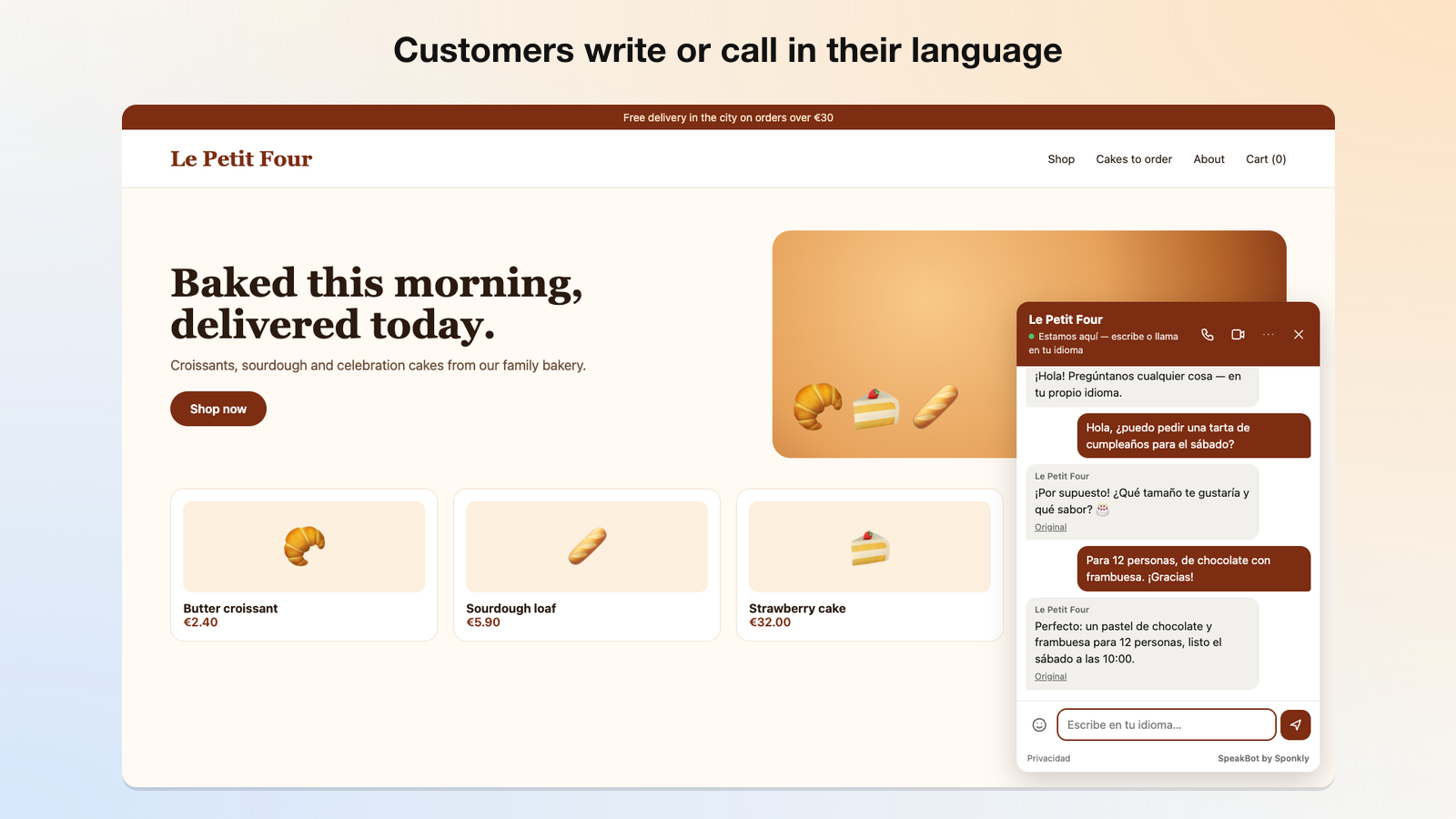
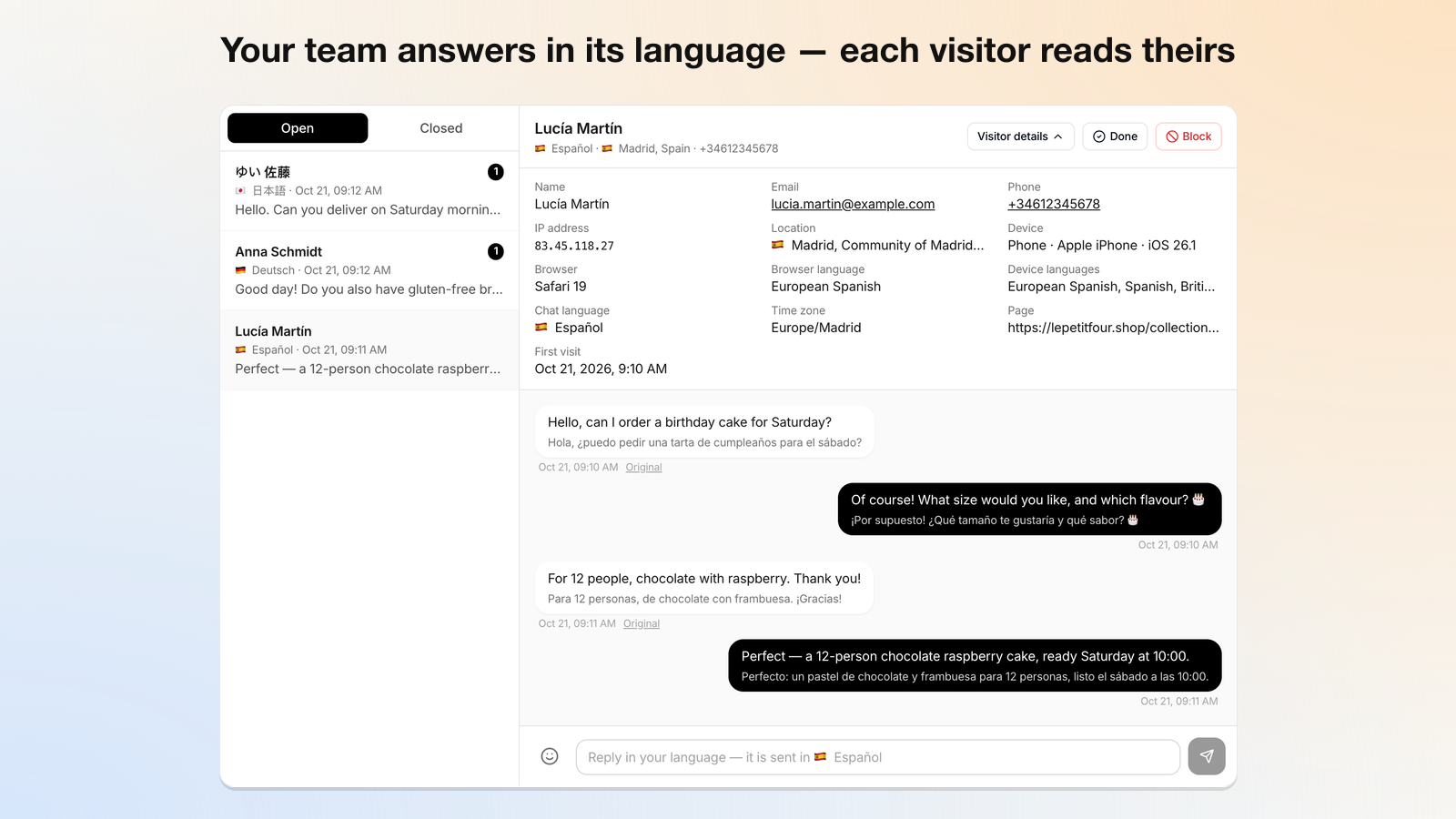
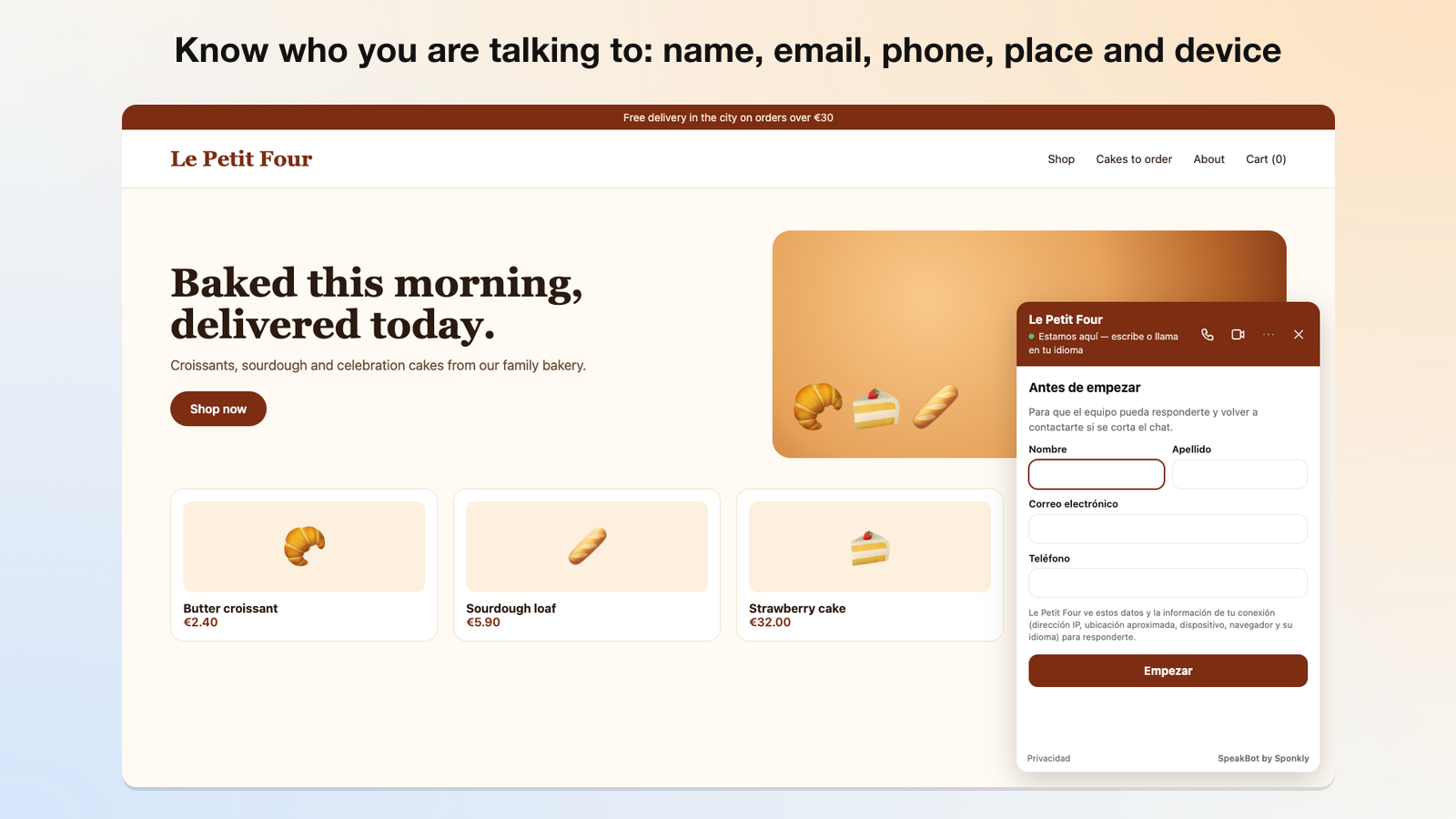
SpeakBot adds a small chat bubble to your website. Visitors write, call or video call in their own language; your team reads and hears them in yours, translated live by Sponkly. When nobody is available, an AI receptionist answers from the information you give it.
- Text chat, voice calls and video calls, translated both ways
- An AI receptionist that answers only from your own information
- Works with any theme; nothing to configure but the site key
- Protected against spam: only your verified websites, a proof-of-work check, limits and blocking
- No cookies and no tracking in the widget; calls are never recorded
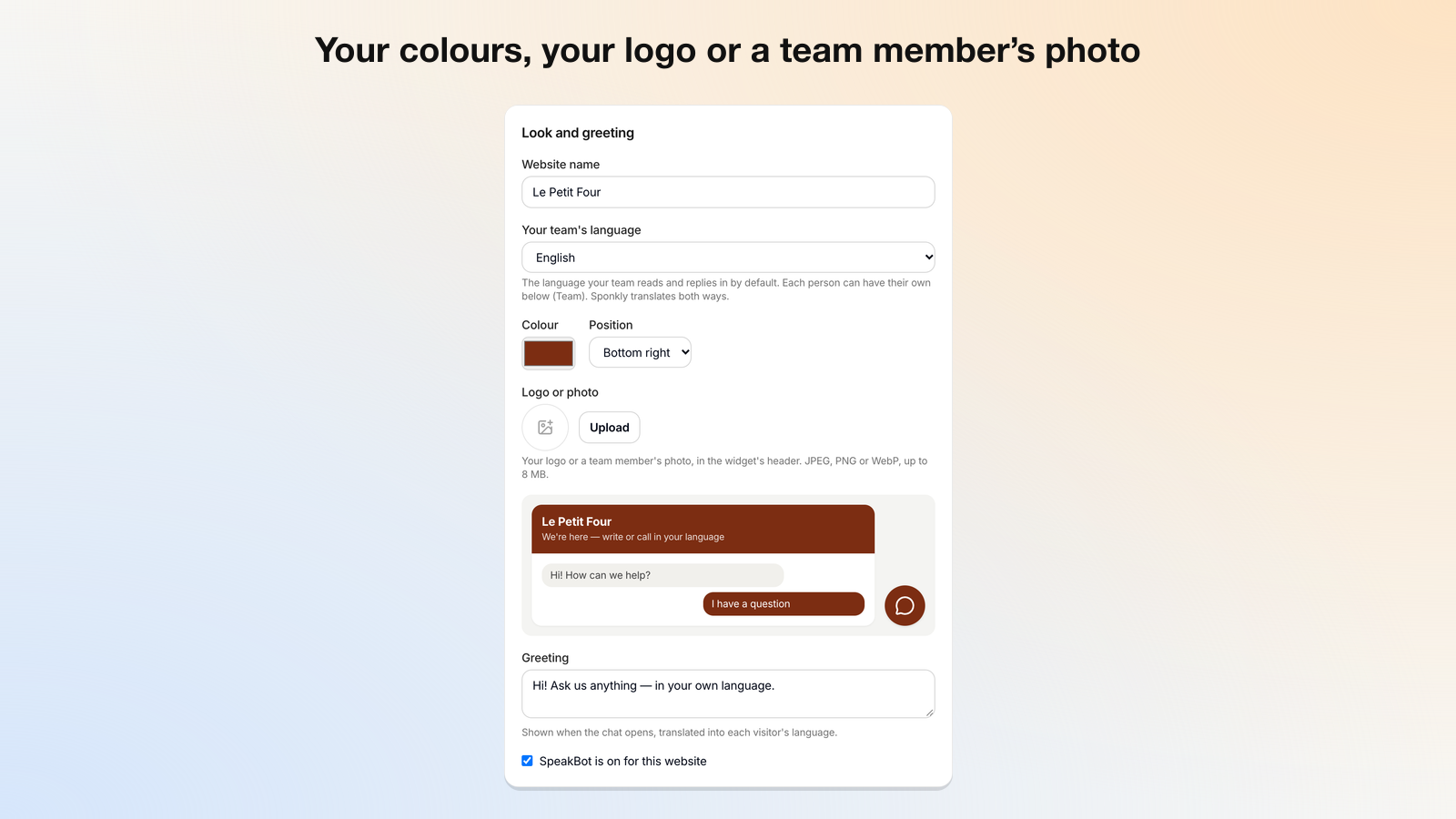
SpeakBot is part of the Sponkly Business and Enterprise plans. You need a Sponkly account: create a site in the SpeakBot dashboard, add your website’s address there, and paste the site key into Settings → SpeakBot.
External service
This plugin loads the SpeakBot widget from Sponkly (https://sponkly.com/speakbot/widget.js), which opens a frame from https://api.sponkly.com. What visitors write or say in SpeakBot is sent to Sponkly to be translated and delivered to your team. Sponkly’s terms: https://sponkly.com/terms — privacy policy: https://sponkly.com/privacy
Installation
- Upload the plugin and activate it.
- In Sponkly, open Dashboard → SpeakBot, create a site and add this website’s address (https://…).
- Copy the site key and paste it into Settings → SpeakBot in WordPress.
FAQ
Does it slow my website down?
No. The loader is about 4 KB and loads asynchronously; the chat itself opens in a frame only when the visitor uses it.
Which languages?
Visitors can write in any language Sponkly translates; voice calls work in the languages Sponkly’s live speech recognition supports.
Screenshots
Changelog
1.0.0
- First release.