


Description
Staffer uses custom post types for staff/employee management, allowing users to easily create and manage an onsite staff directory, and is built in a way to be compatible with essentionally any theme. Staffer also supports the display of staff members via a shortcode.
Installation
- Upload the \’staffer\’ folder to the
/wp-content/plugins/directory - Activate the plugin through the \’Plugins\’ menu in WordPress
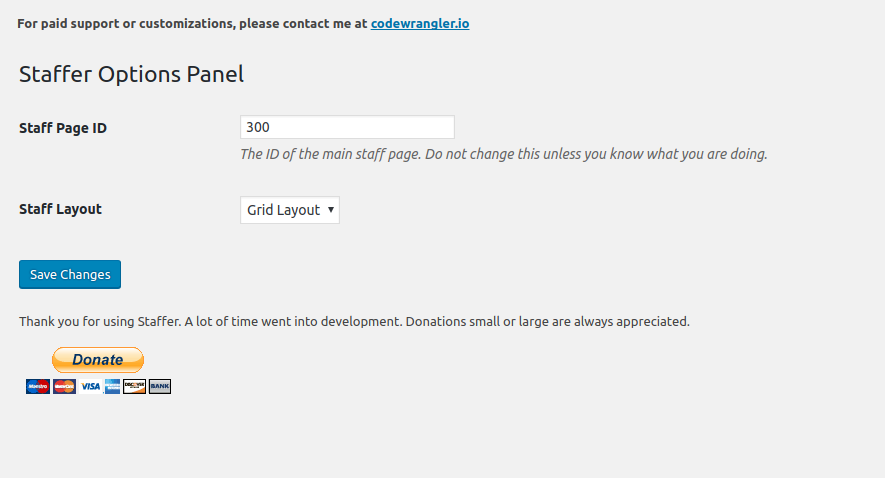
- Visit the Settings panel to set up Staffer.
FAQ
Installation Instructions
- Upload the \’staffer\’ folder to the
/wp-content/plugins/directory - Activate the plugin through the \’Plugins\’ menu in WordPress
- Visit the Settings panel to set up Staffer.
How Do I Use Staffer’s Shortcodes?
Follow this format for shortcodes:
[staffer]
The above example would output all of the staff listings in default order.
To fine-tune, you can use parameters:
[staffer number="5" department="slug" layout="grid"]
In the above example, “number” refers to the number of entries to retrieve, and “department” refers to the department name slug. For instance, if you only wanted to show a list of members in department term with the “management” slug, you would pass “management” as a parameter. Layout can be either grid or list.
Other parameters include “order” and “orderby” — and all parameters are optional.
Using the extra parameters, you could reorder the entries using WP_Query’s order and orderby parameters.
For example, if you wanted to display 50 staff members, ordered by name alphabetically, you would do the following:
[staffer number="50" order="ASC" orderby="name"]
How Can I Set the Order of Staff Profiles?
For now, use a custom ordering plugin, such as Post Types Order, available in the WordPress plugin repository. I plan on adding this functionality to Staffer in the future.
What Size Should the Staff Images Be?
When you upload an image, a custom thumbnail for Staffer is automatically generated, so feel free to use any image size for your Staff profiles.
Where Can I Get Support?
You may seek community support within the WordPress.org forums. I will try to monitor and assist as needed. If you need immediate, hands-on, paid support, please contact me @ https://codewrangler.io
Screenshots


Changelog
=2.1.0=
September 30, 2017
- Adds ability to edit permalink for staff profiles
- Fixes modal close issue on iOS
- Adds shortcode support for staff bio
=2.0.2=
September 26, 2017
- fixed dashicons issue
- fixed undefined website or social media links
- fixed issue with shortcode list not getting Staffer body class
2.0.1
September 22, 2017
- patch for empty social icon links in staff modal
2.0.0
September 21, 2017
- Complete rebuild to be object-oriented
- Simplified display/template process
- Incorporates staff archives with default page template system
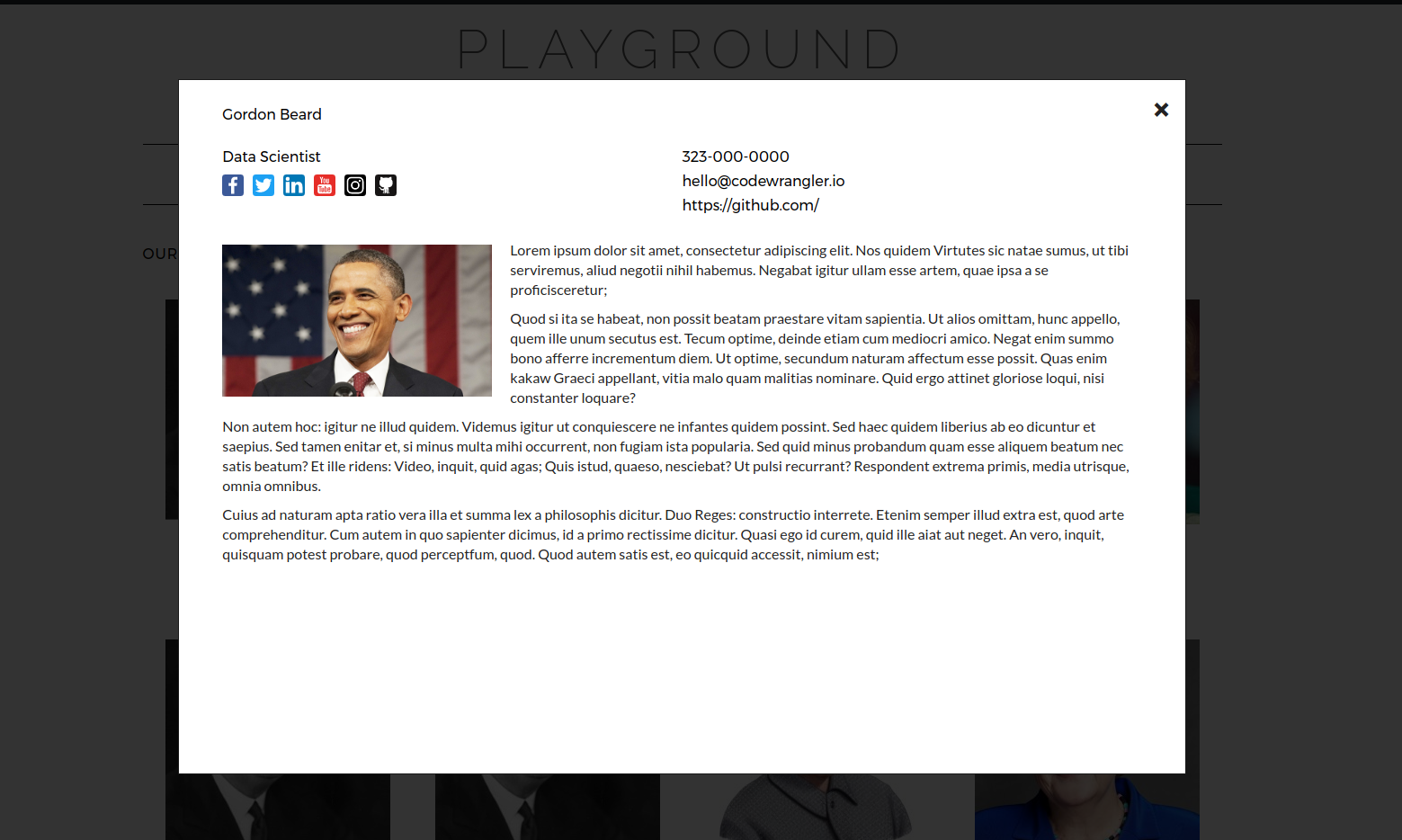
- Introduces modal for single-staff profile display
- Switch to flexbox styles for consistent grid display
- Migration to SASS
1.3.3
February 8, 2015
- added manual mode option
- adding shortcode support
- added thumb archive link
- fix for overflowing content wrappers
1.3.1
December 10, 2014
- fixed department slug 404 issue
1.3
November 25, 2014
- fixed issue with permalinks not refreshing automatically
- added full bio option
- fixed blank breadcrumbs issue
- added phone number field
- added German and Spanish translations
- fixed post per page issue
- fixed issue when pretty permalinks are disabled
- added link to main page from admin menu
- added taxonomy
- removed sidebar option
1.2
October 11, 2014
- fixes custom post type conflict
1.1
October 10, 2014
- Moved register_post_type to activation hook
- Added custom label field for proper title tag handling
- Added website field to profiles
- Changed
<
section> to
<
div> in single-staff.php for validation
* Added built-in wrappers for most of top 20 popular WordPress themes
1.0
- Initial release