

Description
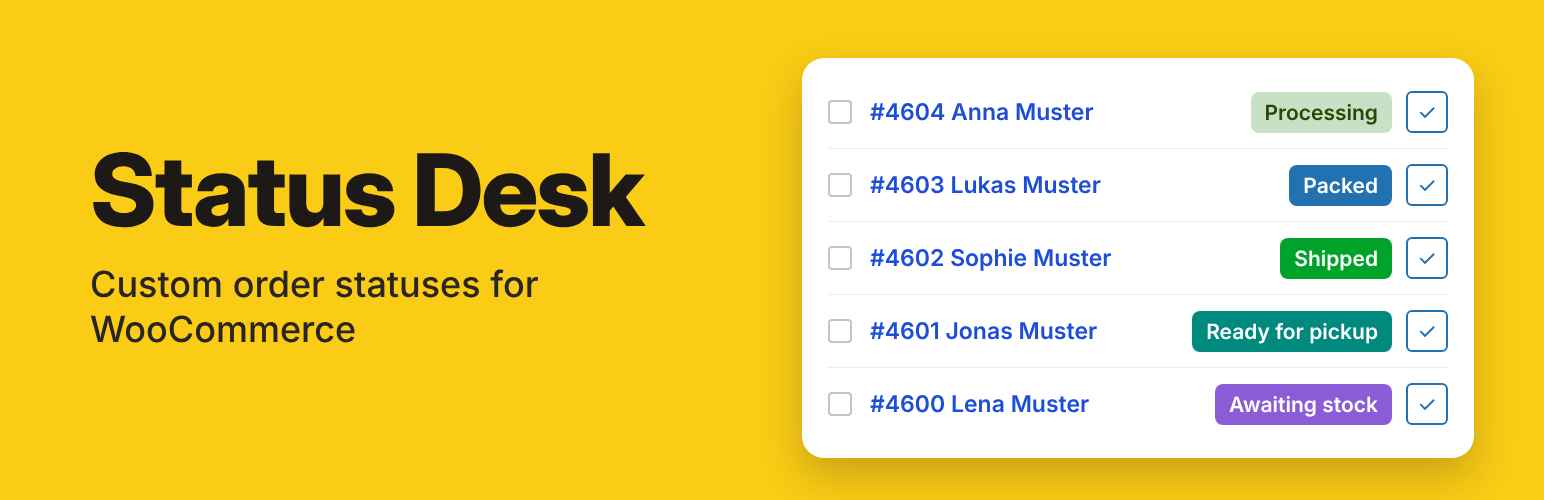
Status Desk adds your own order statuses to WooCommerce — “Packed”, “Shipped”, “Ready for pickup”, “Awaiting stock” — and helps your team move orders through them quickly.
Statuses
- Create unlimited custom order statuses with a stable slug.
- Badge color and icon in the orders list (text color is picked automatically for contrast).
- Choose where each status appears in WooCommerce status lists.
- Ready-to-use example: Packed → Shipped in one click.
Customer emails
- Email the customer when an order moves to a custom status.
- Each email is a regular WooCommerce email (WooCommerce → Settings → Emails): edit subject, heading, text and format, or switch it off.
- Each status email goes to a customer only once per order, so an order moved back and forth does not send the same email twice. Send it again on purpose from the order actions.
- Placeholders: {site_title}, {order_number}, {order_date}, {status}. The template can be overridden in your theme.
Faster order handling
- One-click next-status buttons for your statuses, in the orders list and in the order preview.
- Bulk actions: “Change status to …” for every custom status.
Order behavior per status
- Treat orders as paid.
- Let customers pay for the order (Pay button in My Account).
- Keep order items and totals editable.
- Include or exclude the status in WooCommerce Analytics and reports.
- Show or hide the status in admin lists and filters.
Safe by design
- A status cannot be deleted while any order still uses it — including orders in the Trash.
- Built-in WooCommerce statuses cannot be overwritten.
- Existing orders are never changed automatically.
- Switching from another custom-status plugin? Import its statuses with one click, then deactivate it.
Compatibility
- High-Performance Order Storage (HPOS) and legacy order storage.
- Cart and Checkout blocks (the plugin does not change checkout).
- No external requests, no tracking, no custom database tables.
Status Desk Pro
A paid add-on for shops where more than one person handles orders. Everything in Status Desk, plus:
✔ Orders move on by themselves — after a set time, for all orders or for one payment method.
✔ Team emails for each status — the items, the address and your note, right away or once a day.
✔ Late orders get flagged — set a time limit for each status.
✔ Bank transfers in their own status — a starting status for each payment method.
✔ Status messages in My Account — fewer “Where is my order?” emails.
✔ Status history on every order — who moved an order, and when.
And many more features: see the full list of Status Desk Pro features →
More about Status Desk: wedoingood.com/plugins/status-desk
Installation
- Install and activate WooCommerce.
- Upload and activate Status Desk.
- Open WooCommerce → Status Desk and add your first status.
FAQ
Is there a paid version?
Yes: Status Desk Pro, a separate add-on that runs next to the free plugin. The free plugin stays complete on its own. What Pro adds
Can I hide the notes about Status Desk Pro?
Yes. Click “Hide Pro notes” under a note: the notes stay hidden until you log in again. They are never shown while Status Desk Pro is active, and site builders can turn them off with the status_desk_show_pro_notes filter.
Where do I find Status Desk after installing it?
In the admin menu, go to WooCommerce → Status Desk. You can also click “Settings” under the plugin’s name on the Plugins screen.
Will deleting a status break my orders?
No. A status that is used by any order, including trashed orders, cannot be deleted. Reassign those orders first.
Can I change a slug later?
No. The slug is stored on every order in that status, so it is locked after creation. Create a new status and move the orders instead.
Does it work without HPOS?
Yes. Both order storage modes are supported, and links to filtered order lists adapt automatically.
What happens to my orders if I turn off or delete Status Desk?
Orders are never deleted. While Status Desk is off, WooCommerce can’t show its statuses, so orders with a Status Desk status move to a standard status (for example Packed → Processing). Customers are not emailed, and a note is added to each order. You choose the standard status for each status under “If Status Desk is turned off”; Automatic uses the standard status it is shown after. Apps connected to your store, for example for shipping or accounting, see the standard status while Status Desk is off. When you turn Status Desk on again, the orders move back, unless you changed their status in the meantime.
What happens to my statuses if I delete the plugin?
They stay, unless you enable “Delete all Status Desk data when the plugin is deleted” in Settings. Orders themselves are never deleted.
I don’t see the next-status buttons in the orders list
They are in the Actions column, which WooCommerce hides by default. Status Desk shows a “Show the Actions column” button when that is the case, or enable it under Screen Options → Columns on the orders screen. The buttons are always available in the order preview (eye icon).
Are status emails sent for bulk actions?
Yes. A status email is sent when an order enters the status — by hand, by a button, by a bulk action or by another plugin — once per order: if the order comes back to that status later, the customer is not emailed again (switch this off in Settings → Notifications). Bulk actions on many orders send the emails in the background. Developers can skip individual emails with the status_desk_send_status_email filter.
How do I edit the text of a status email?
Check “Email the customer” on the status, save, then click “Edit customer email”. It opens the email in WooCommerce → Settings → Emails.
I use another custom status plugin. Can I switch?
Yes. Keep the other plugin active, open the Import tab, import its statuses, then deactivate the other plugin. Orders keep their status.
Where can I get help?
Ask in the support forum of this plugin on WordPress.org. Support is free and best effort: we read the forum regularly and fix confirmed bugs in the next release. Please describe the steps and what you expected instead; never post passwords or other private data.
How do I report a security issue?
Please email office@wedoingood.com and do not post it in the support forum. We confirm the report, fix it and release an update.
Screenshots


Changelog
1.7.3
- The plugin is now called “Status Desk – Custom Order Status for WooCommerce”. New short description and tags. No changes to statuses, orders or emails.
1.7.2
- The card about Status Desk Pro on the Statuses tab ends with a line that Pro does more than these five features, with a link to the full list on the plugin page. No changes to statuses, orders or emails.
- Readme: the Status Desk Pro section ends with a link to the full list of features.
1.7.1
- The card about Status Desk Pro on the Statuses tab now shows from the first day, across the full width, with five Pro features. Its heading counts days, then weeks, months and years. “Hide Pro notes” hides it until your next log-in.
- The “Status Desk Pro” tab: every feature has a picture, and all cards have the same size.
- No changes to statuses, orders or emails.
1.7.0
- Short notes about Status Desk Pro on the Status Desk screen only: in Settings → Notifications, in the status form, once on the Statuses tab after two weeks of use, and a “Status Desk Pro” tab. “Hide Pro notes” or × hides them until your next log-in. They are not shown while Status Desk Pro is active.
- Links to wedoingood.com carry fixed utm labels that name the place of the link. Nothing is sent from your site.
- No changes to statuses, orders or emails.
1.6.10
- Readme: a section about Status Desk Pro and an FAQ entry. No code changes.
1.6.9
- Support forum link in the plugin row; plugin page and support forum links in the Help tab. No functional changes.
1.6.8
- Improved handling of orders when Status Desk is turned off or deleted: they move to a standard status and back when Status Desk is turned on again. No customer emails; a note is added to each order.
- New setting per status: “If Status Desk is turned off”.
- The Plugins screen shows where orders move before Status Desk is turned off.
- “Delete all Status Desk data” also cleans up settings from earlier versions.
1.6.6
- Form values are read in the request handlers, after the security checks.
- Readme text and code tidy-up. No functional changes.
1.6.4
- Plugin homepage and author links point to wedoingood.com. No functional changes.
1.6.3
- First release on WordPress.org.