

Description
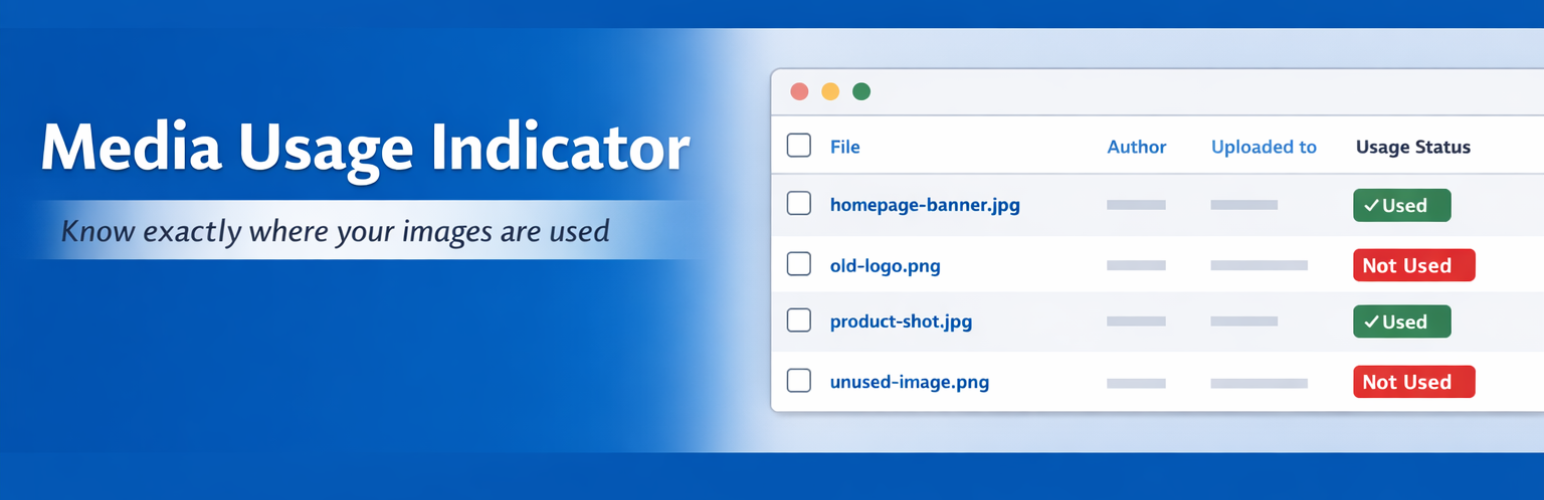
Sushant Media Scanner scans your WordPress Media Library and shows you exactly where each image is being used.
Stop guessing. If an image is used inside an Elementor layout, as a featured image, or buried in post meta, this plugin finds it.
Features:
- Elementor Support: Deep-scans Elementor JSON data to find images used in page builder layouts.
- Premium Dashboard: A clean, minimalist dashboard showing your total media, used, and unused counts.
- Scan Logs: Automatically logs your last 10 scans, showing time taken, items scanned, and unused assets found.
- Individual Scanning: Don’t want to scan 5,000 images? Click “Scan Now” on any single image in the Media Library.
- CSV Export: Download a full report of your media usage.
- Multi-Usage Detection: Detects if an image is used in multiple posts, not just the first one.
- Privacy First: Opt-in telemetry to help improve the plugin. Fully anonymous, no personal data collected.
Privacy Policy
Sushant Media Scanner does not collect any personal data by default.
If you explicitly opt-in to our anonymous usage tracking, we collect the following data once a week:
* Your WordPress version
* Your PHP version
* Whether you have Elementor or Divi installed (Yes/No)
* The number of media items in your library
* How many items have been scanned
We do NOT collect your site URL (we use an anonymous hash), IP address, email address, image URLs, or post content. You can opt-out at any time from the plugin’s Settings page.
Installation
- Upload the
sushant-media-scannerfolder to the/wp-content/plugins/directory. - Activate the plugin through the ‘Plugins’ menu in WordPress.
- Go to Media > Scan Media Usage to run your first scan.
FAQ
Does this plugin delete my images?
No. It only reports usage. You decide what to do. You can use the “Move Unused to Trash” button in the settings, but WordPress’s Trash allows you to restore them if you made a mistake.
Does it work with Elementor?
Yes! It deeply parses the _elementor_data meta key to find exactly which pages an image is used on.
Does it work with Divi or other page builders?
Currently, it has deep support for Elementor and standard post content. We are working on adding Divi and Bricks support in future updates.
Screenshots


Changelog
1.2.0
- Major UI Overhaul: Premium, minimalist dashboard design.
- Added: Scan Logs (keeps the last 10 scans).
- Added: Elementor page builder support.
- Added: Individual “Scan Now” button on Media Library rows.
- Added: CSV export of scan results.
- Added: Opt-in anonymous telemetry to help prioritize future features.
- Improved: Multiple usages are now detected per image.
- Improved: Modular architecture for better performance.
- Fixed: WP-Cron automatic scanning now properly triggers.
1.1.0
- Added: Dashboard widget and CSV export.
1.0.0
- Initial release.