


Description
Tabs Block is a simple plugin that adds a Gutenberg block for adding Tabs content to your posts and pages. Fully responsive and accessible.
Installation
This section describes how to install the plugin and get it working.
- Upload the
tabs-blockfolder to the to the/wp-content/plugins/directory - Activate the plugin through the ‘Plugins’ menu in WordPress
- Open for Edit or add new Post or Page
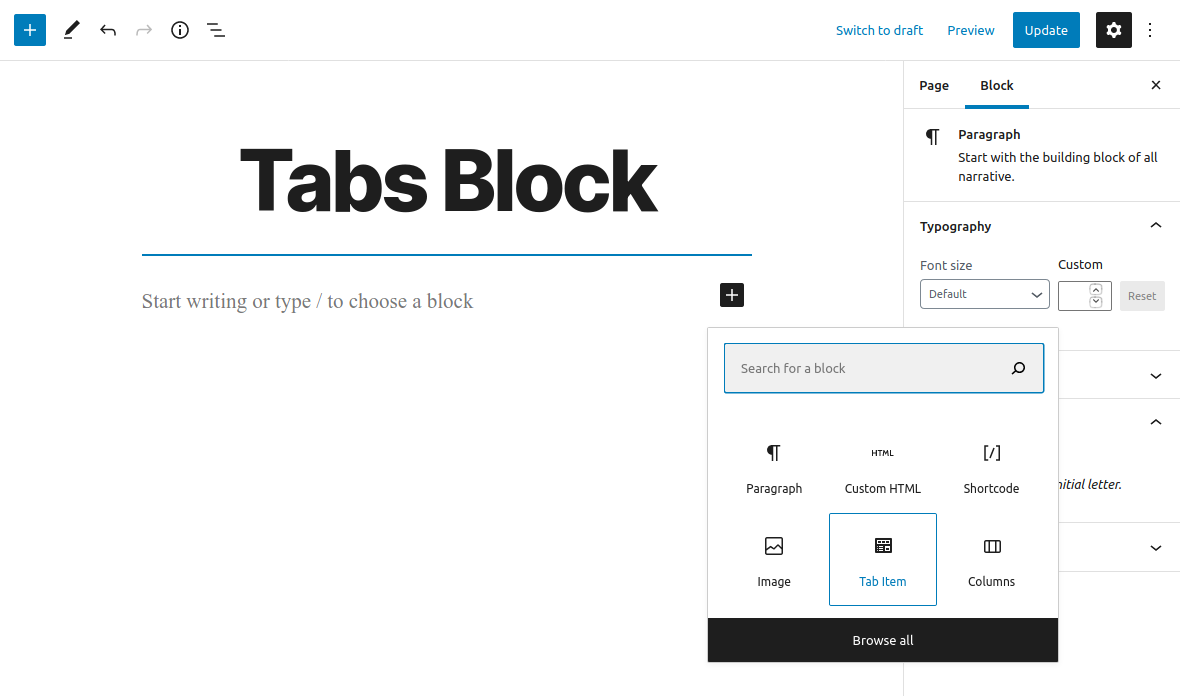
- Click on ‘+’ button to add new Block
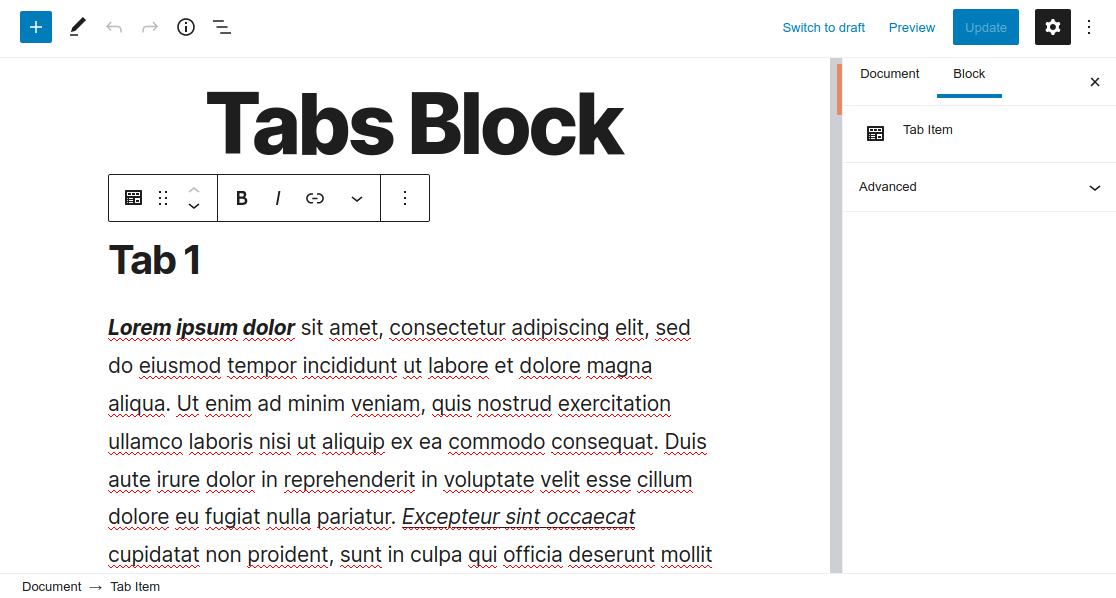
- Insert ‘Tab Item’ blocks
- Save changes
Please Note: All of the ‘Tab Item’ blocks will be displayed as a Tab
Screenshots

Changelog
1.0.0 (November 16, 2020)
- Plugin released