

Description
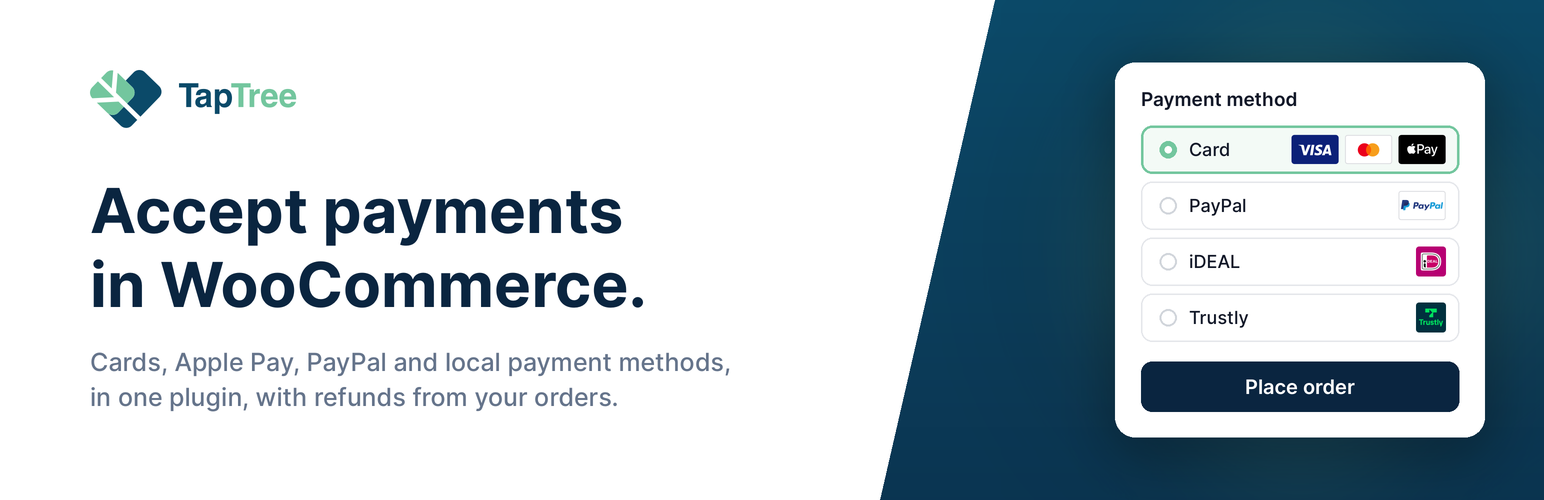
Connect your WooCommerce store to TapTree and accept cards, Apple Pay, PayPal, local payment methods and Buy Now Pay Later through one integration. Each payment method appears as its own option in your checkout once it is activated for your TapTree account.
By default, payment opens in a secure TapTree popup window while your store stays open in the background. If the browser blocks the popup, the customer is redirected to TapTree’s hosted checkout page instead. For each payment method you can also switch to a full redirect. Refunds can be issued directly from the WooCommerce order.
TapTree’s forest projects. TapTree puts a fixed share of what it earns on payments into forest protection and reforestation. In the plugin, each payment method has a setting called “Projektbeitrag je Zahlung anzeigen” (show project contribution per payment). It is meant to add one line about these projects to your thank-you page. Since the rules for environmental claims changed in September 2026, TapTree is still working out how that line may be worded, so the setting is off and does nothing for now. Your customers never see CO₂ figures or any other number from the plugin. Learn more
Available payment methods
Credit and debit cards:
- VISA
- MasterCard
- American Express
- Carte Bancaire
- DanKort
- PostePay
- Nexi
International payment methods:
- Apple Pay
- PayPal
- Paysafecard
Local payment methods
- Trustly (EU)
- Payconiq (Luxembourg, Belgium)
- iDEAL (Netherlands)
- EPS (Austria)
- WeChat Pay (China)
- SEPA Direct Debit (EU)
- Blik (Poland)
- Przelewy24 (Poland)
Buy Now Pay Later (BNPL)
- iDEAL IN3
- Riverty
Changelog
2.1.4
- Tested with WordPress 7.1 and WooCommerce 11.2.
- Per-payment figures are now a configurable opt-in with an allow-list of units; none is enabled; the previous CO₂ display is retired.
- The setting is called “Projektbeitrag je Zahlung anzeigen” (formerly “Impact anzeigen”) and is off for every payment method after the update, also where an earlier version had saved it as on; turn it on per payment method once a unit is enabled.
- The per-method figure in the checkout and on the order-pay page is gone for good.
- Stored payment method descriptions that still contain the {{impact}} placeholder or a former default text are reset to the new default; {{impact}} is retired and inserts nothing.
- Updated the plugin description.
2.1.3
- Support for tt_-prefixed API keys (v2 format) with backward-compat for existing tokens. Adds Sandbox environment detection.