


Description
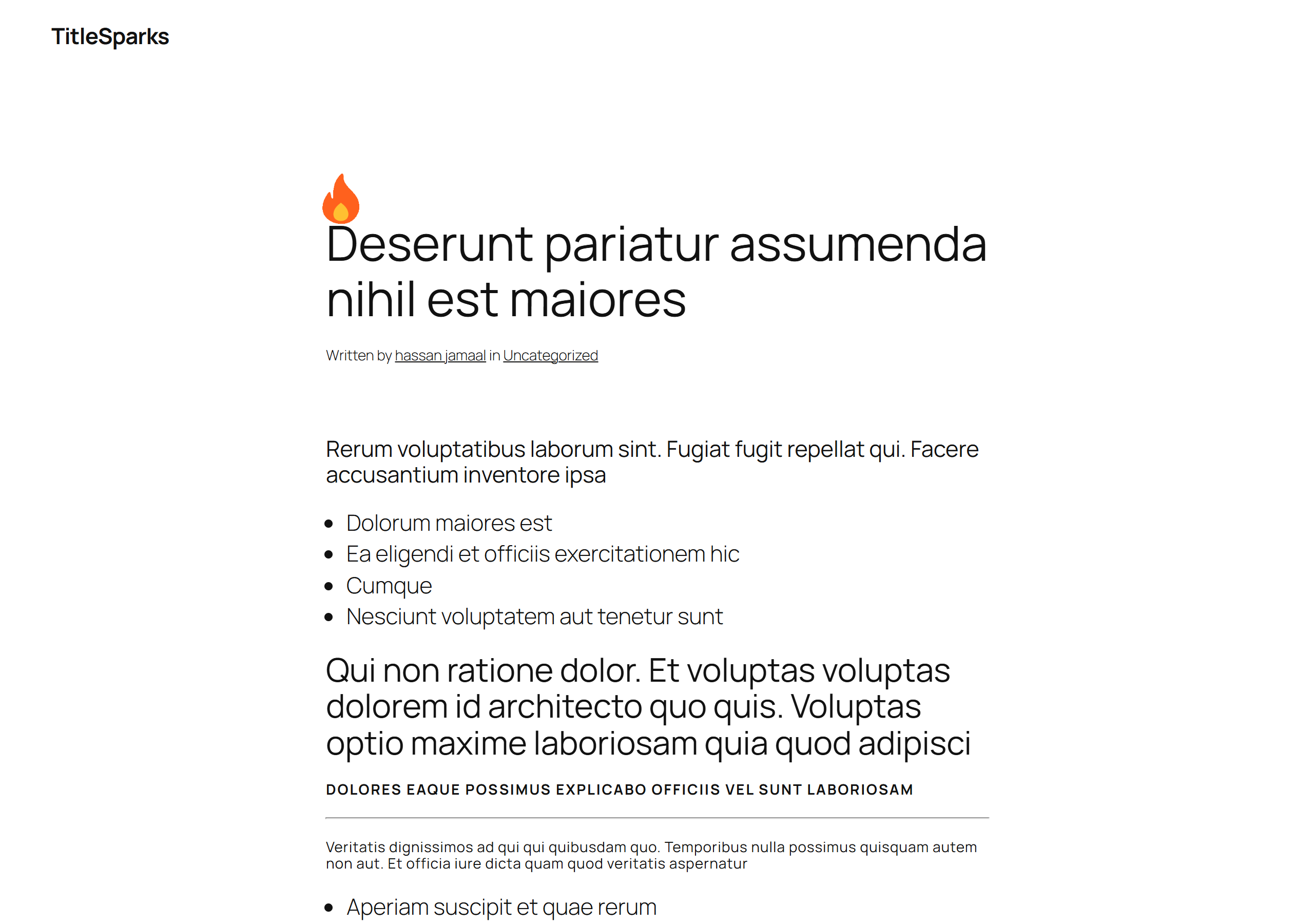
TitleSparks draws a visual marker beside the titles of the posts you choose — an
icon, an image or an animated GIF — and lets that marker change on a schedule.
Each post carries its own timeline of up to three stages, so a “New” badge can
hand over to a quieter icon and then disappear without the post being edited
again.
The same icon follows the title wherever that title is printed: the post itself,
an archive card, a sidebar’s latest-posts list, and the previous and next links
that point at it.
- One shared library of assets; every post picks from it and keeps its own timeline.
- Up to three stages per post, each with its own asset, position and expiry.
- A live icon in the editor, so you see the result while you write.
- Works with classic and block themes alike.
Installation
- Install the plugin through Plugins → Add New, or upload
titlesparks.zip. - Activate TitleSparks through the Plugins screen.
- Open TitleSparks in the administration menu to choose the supported post
types and the default timeline behavior. - Edit a supported post to give it its own timeline.
FAQ
Does the icon stay right when a page is cached?
Yes. Each page carries every stage’s start and end time, and the browser picks
the stage that is live from its own clock, so a cached page shows the stage a
reader should see.
Does it slow my site down?
One small script loads on pages that have an icon to place, and a small
stylesheet loads on every page while the plugin is switched on.
Will it change my post titles?
No. The title text is never filtered or rewritten; the icon is placed beside it
in the browser, after the page has loaded.
What happens when I delete the plugin?
Its settings, every post’s timeline and the still frames it made for animated
GIFs are removed. Your images in the Media Library are kept.
Where can I find the source code?
The compiled JavaScript is built from the source in the public repository:
https://github.com/AhsanulBarakah/titlesparks (the blocks/ folder). To rebuild
it, run npm ci and then npm run build.
Screenshots




Changelog
1.0.0
- Initial release.