

Description
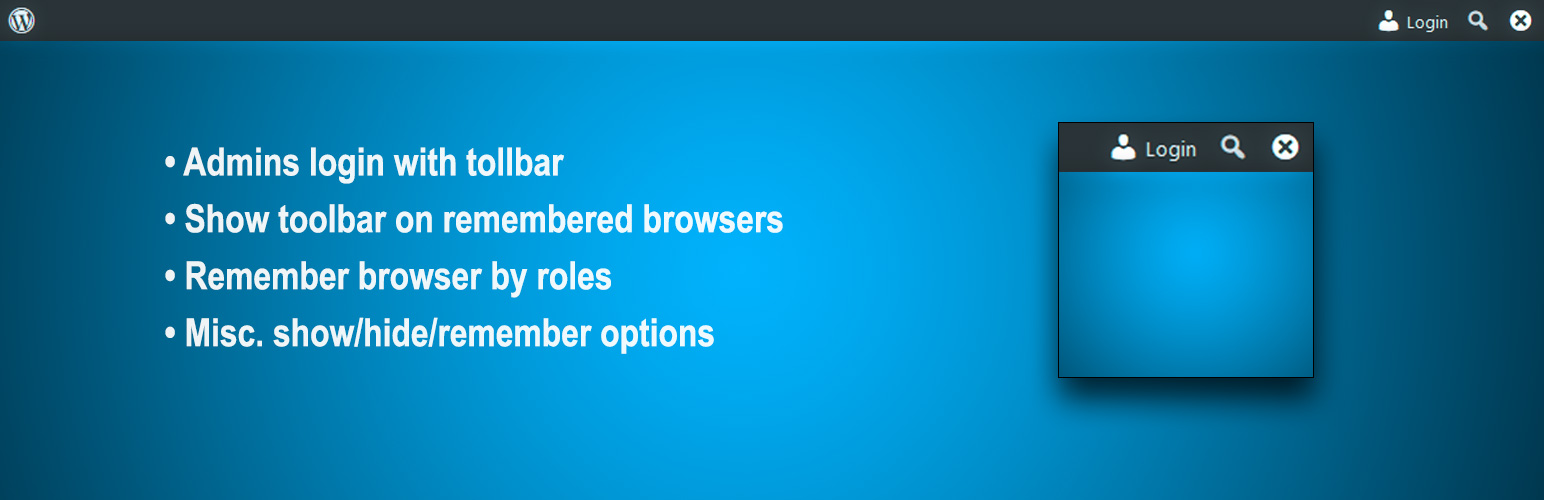
Show WordPress toolbar (formerly admin bar) with a login button on front end for remembered (previously logged in) browsers. Miscellaneous show/hide/remember toolbar options.
Features:
* Force display toolbar and adds “Login” button and “Forget Browser (Hide)” buttons to front end on remembered browsers.
* Remember browser timeout option (cookie expire timeout)
* Remember user option (user roles support)
* Options to show or hide toolbar separately for logged in and logged out (but remembered) users.
* Uninstall option to remove plugin settings on plugin deactivation
Installation
- Upload the plugin files to the
/wp-content/plugins/toolbar-login-buttondirectory, or install the plugin through the WordPress plugins screen directly. - Activate the plugin through the ‘Plugins’ screen in WordPress
- Use the Settings->Toolbar Login Button screen to configure the plugin
Screenshots


Changelog
1.1.0
- Added plugin action links (settings link)
- Removed PHP and WordPress version check code as WordPress has this functionality built-in now
- Moved plugin class to plugin.php
1.0.0
- First public version
0.0.1
- Added browser remember option (cookie expire timeout)
- Added user remember option (user roles support)
- Added redirect after login option
- Added uninstall option
- Added translation support