

Description
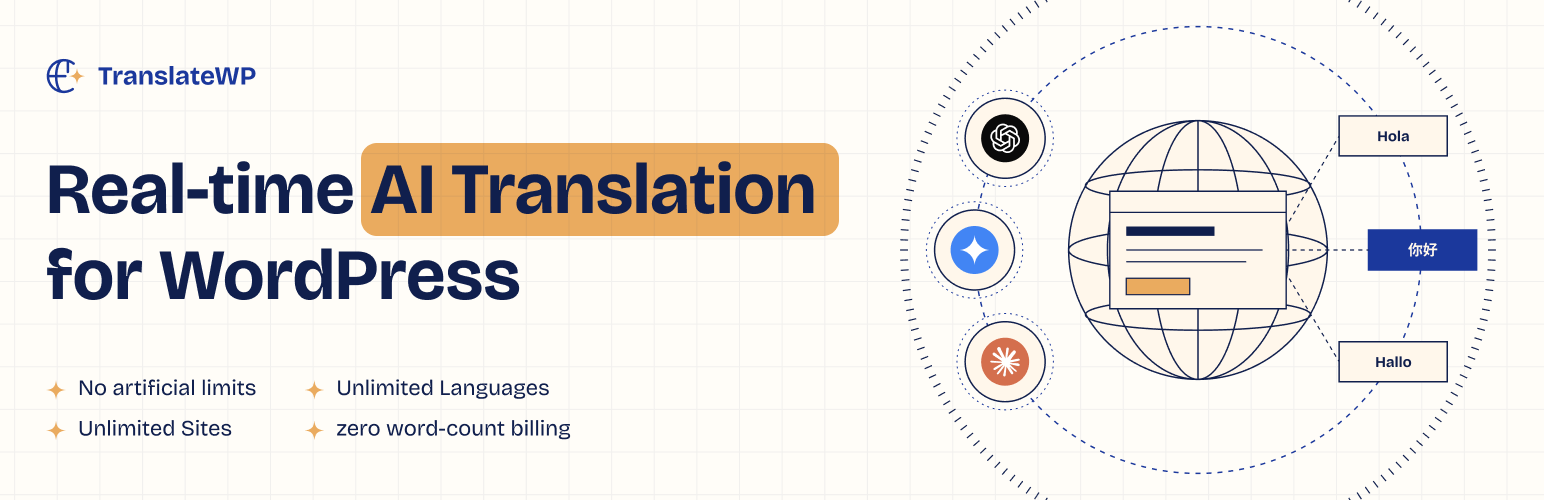
TranslateWP helps you make your WordPress site available in more languages. Connect your site, choose your translation languages and add a language switcher. AI translates your page content using your site’s context and writing preferences.
Prepare translations ahead of visits or translate content when it is requested. Finished translations are reused, and changes to your source content are picked up for translation again. Your original pages stay in place: no duplicate pages, no translation tables.
Need to edit translations or use your own AI provider? Orbital (Pro) adds the translation editor, advanced SEO tools, the Side tab switcher and your own AI providers through the separate TranslateWP Pro addon.
Built by the team behind Code Snippets.
Included in the free plugin
- AI translation with site context. Read your site during setup and guide translations with your writing preferences.
- Your own Lexicon. Set preferred translations for product names, specialist terms and recurring phrases in each language.
- Tone and style controls. Adjust tone, formality and creativity to suit your content.
- Six switcher placements. Use a floating switcher, menu item, classic widget, the
[twp-languages]shortcode, the Language Switcher block or a Button block configured as a switcher. - A translation dashboard. See indexed pages, translation progress, language coverage and work that needs attention.
- Updates that follow your content. Source changes are picked up so translations can be refreshed.
- Language addresses and hreflang. Give translated versions their own language addresses and identify them for search engines.
- Roles and multisite. Choose who may edit translations, retranslate, manage settings or manage the Lexicon. Editing translated text requires the Pro translation editor. Network administrators can set defaults for sites in a network.
TranslateWP requires a connected TranslateWP account and its online translation service, including on the free plan. Setup guides you through connecting your site. You do not need to change DNS or move your site.
TranslateWP Pro
Orbital (Pro) extends the free plugin with the separate TranslateWP Pro addon:
- Translation editor. Review and correct translated text on your site.
- Advanced SEO tools. Manage translated metadata, image alt text and additional search-engine options.
- Side tab switcher. Offer a language tab along the edge of the page.
- Additional writing controls. Refine translations for your audience, length and cultural adaptation.
- Your own AI providers. Connect supported providers and choose a fallback order for each language. Your provider bills for that usage.
The addon requires an eligible TranslateWP account. Once eligibility is confirmed, the free plugin offers to install it. Installing the addon by itself does not unlock Pro features.
Plans and fair use
Every plan includes AI translation with a fair-use allowance per 30 days. When your account reaches its allowance, translated pages keep working for visitors and new translation pauses until the window moves on. On Orbital, add your own AI key to keep going.
- Terrestrial (Free): Fair-use allowance per 30 days.
- Orbital (Pro): A higher fair-use allowance. Add your own AI key for more volume, billed by your provider.
- Universal (Agency): Agreed with you, above the Orbital allowance.
Visit TranslateWP for plan information.
Support and contributions
Find TranslateWP useful? Leave a review on WordPress.org to help others decide whether it suits their site.
External services and privacy
TranslateWP connects to api.translatewp.ai to register your connected site, generate and retrieve translations, report translation progress and check which features your account may use.
The plugin also uses app.translatewp.ai, the TranslateWP account portal, to sign in and connect your site, view account information and access plans and upgrades.
After account eligibility is confirmed, the free plugin can download, install and update the Pro addon package from the TranslateWP service.
Translation and site-reading features send the page content selected for processing, along with information such as the site host, home URL, selected languages and translation instructions. The service processes that content to provide translations. This includes content supplied in the site’s context and Lexicon when it is needed for a translation.
The plugin also sends sampled translation timing, completion and count measurements to help diagnose delivery performance. These performance reports do not contain page text or full page URLs.
When you connect your site or use these features, the TranslateWP service is involved. Review what you make available for translation and exclude private or sensitive content that should not be processed before scanning or translating your site.
Using your own AI provider on Pro also makes the provider’s terms and privacy policy relevant to the content it processes.
Installation
Automatic Installation
- Open Plugins > Add New and search for TranslateWP.
- Click Install Now, then Activate.
- Open TranslateWP in the admin menu and follow setup to connect your account, read your site, choose your writing preferences and select your languages.
- Configure your language switcher and check a translated page.
Manual Installation
- Download the plugin ZIP and upload it through Plugins > Add New > Upload Plugin, or unzip it and upload the
translatedirectory towp-content/plugins/. - Activate TranslateWP and complete setup from its admin menu.
Multisite Installation
Network activate TranslateWP from Network Admin to use the network settings and defaults. Check each site’s connection, languages and settings before offering translations to visitors.
FAQ
Do I need a TranslateWP account?
Yes. The plugin connects to the TranslateWP service to generate and serve translations. The setup wizard guides you through connecting your account and site. A paid plan is not required to use the free features.
Does it translate every page into every language at once?
TranslateWP can prepare translations in the background and request translations when content is needed. You can follow progress in the Dashboard. A page that is still being translated may take longer than one whose translation is already ready.
What happens when I edit my original content?
TranslateWP detects source changes and queues updated content for translation. Check the Dashboard for progress; a source edit does not mean every language is ready immediately.
Can I control product names and specialist terms?
Yes. Add them to your Lexicon and set the wording you want in each language. You can also adjust the writing settings. The Pro translation editor lets you correct translated text directly.
Does it work with my theme or page builder?
TranslateWP works with rendered page text rather than requiring a separate translated copy of each post. Test your theme, builder and interactive elements on a staging site. Compatibility can depend on how a theme or plugin renders and updates its content.
Can search engines find translated pages?
Translated versions have language addresses and hreflang links. Search visibility also depends on your site’s indexing settings and translation readiness. Pro adds advanced SEO controls, including translated metadata. No plugin can guarantee indexing or rankings.
Will my page cache need configuration?
Your cache must keep different language addresses separate. If your site still uses ?lang= addresses, do not strip the language parameter or serve the default-language page for it. Check translated pages with your cache enabled, especially after changing cache rules.
Are translations stored as duplicate WordPress pages?
No. TranslateWP adds no translation tables and no duplicate pages. Your original posts and pages remain the content you edit.
Can I use my own AI provider?
Yes, with Orbital (Pro) and the Pro addon. Connect a supported provider in the AI models settings and choose the providers for each language. Your provider’s own charges and terms apply.
Does installing the Pro addon activate a paid plan?
No. Pro features require an eligible TranslateWP account as well as the addon. The free plugin offers installation after checking eligibility.
Where can I get help?
Use the plugin’s Support screen or the WordPress.org support forum. Report reproducible bugs on GitHub.
Changelog
1.1.1
- Fixed: on translated pages, prices with a decimal comma could be shown with the wrong value (for example 14,50 shown as 1.450). Prices and other number-only text are no longer sent for translation, and earlier wrong results are no longer shown.
1.1.0
- Refresh settings navigation with a sidebar, clearer page headings and improved screen reader labels.
- Make more admin text available for translation and add Settings, Docs and Support links on the Plugins page.
- Add a switcher text size setting from 10 to 32 px, with the existing 14 px default.
- Keep original text readable with a subtle fade while translations load, including over images.
- Make translation progress notices follow pending text in view and clear when that text finishes.
- Keep a selected language across pages during the same visit, including when Remember language is off.
- Start the newest language choice while earlier translations are still loading, and clear loading states after cancelled, refused or timed-out requests.
- Fix language selection on pages with multiple switchers and prevent an empty Fancybox lightbox when opening a language list.
- Respect the Show flag icon setting, scale flags with the switcher icon size setting and correct the South Ndebele language name.
- Hide the floating switcher in supported page-builder editing canvases while keeping it available in normal page previews and the Customizer.
- Show connection errors inside setup and the connection settings, with links to resolve account conflicts, contact support or try again.
- Clarify setup labels, singular and plural language counts, usage wording and content option descriptions.
- Use consistent, quieter Pro tags and group related writing settings without overlapping their descriptions.
- Explain access for AI answer services such as ChatGPT and Perplexity in plain language.
- Reuse saved term suggestions after activating Pro without repeating the original scan or overwriting edited site context. After activating Pro, terms from pages the earlier scan did not read are suggested in the background.
- Exclude Query Monitor and Debug Bar panels from translation requests and usage.
- Improve first visits to shop, cart and checkout pages, retain accepted translations when some requests must wait, and retry the remaining work within the available time.
- Prices and numbers that only need reformatting no longer count toward the limit for new texts per visitor.
- Keep the chosen language when WooCommerce refreshes a page for geolocation.
- Start page retranslation reliably and show an error if it cannot start.
- Review suggested terms in one list, choose which to add, and dismiss individual suggestions.
- Show when another term scan is available and filter diagnostic text and ordinary interface labels from suggestions.
- Stop translating printed PHP errors and remove completed job references so the Dashboard loads promptly.
- Use consistent number controls with minus and plus buttons, keyboard steps and drag adjustment.
- Keep Lexicon terms, language names and edit/delete actions readable on phones.
1.0.3
- Keep Lexicon terms and categories out of public pages and WordPress’s public routes; preserve access for authorized editors.
- Fill the page translation store when a visitor and the background indexer request the same text at the same time.
- Preserve crawler settings when saving languages.
- Add full right-to-left layout support and improve admin accessibility.
1.0.2
- Keep saved switcher anchors stable when the WordPress admin bar or page layout wrappers change.
- Preserve the correct heading when moving a switcher beside repeated headings.
1.0.1
- Open framed WordPress sign-in in a new tab and resume setup when the connection completes.
- Offer a sign-in link when the browser blocks or refuses the new tab.
- Size language dropdowns to the available screen space and show scroll hints when more languages remain.
- Matte switchers now use the selected border color (light gray by default) and preserve background transparency.
- Show matching TranslateWP and Code Snippets attribution in the Plugins screen.
1.0.0
- AI translation with site context, writing controls and a Lexicon for preferred terminology.
- Six switcher placements in the free plugin, with language addresses and hreflang.
- Background translation, on-demand requests, progress reporting and refreshes after source changes.
- Role permissions and multisite settings.
- The optional Pro addon adds the translation editor, advanced SEO tools, the Side tab switcher, additional writing controls and your own AI providers.