

Description
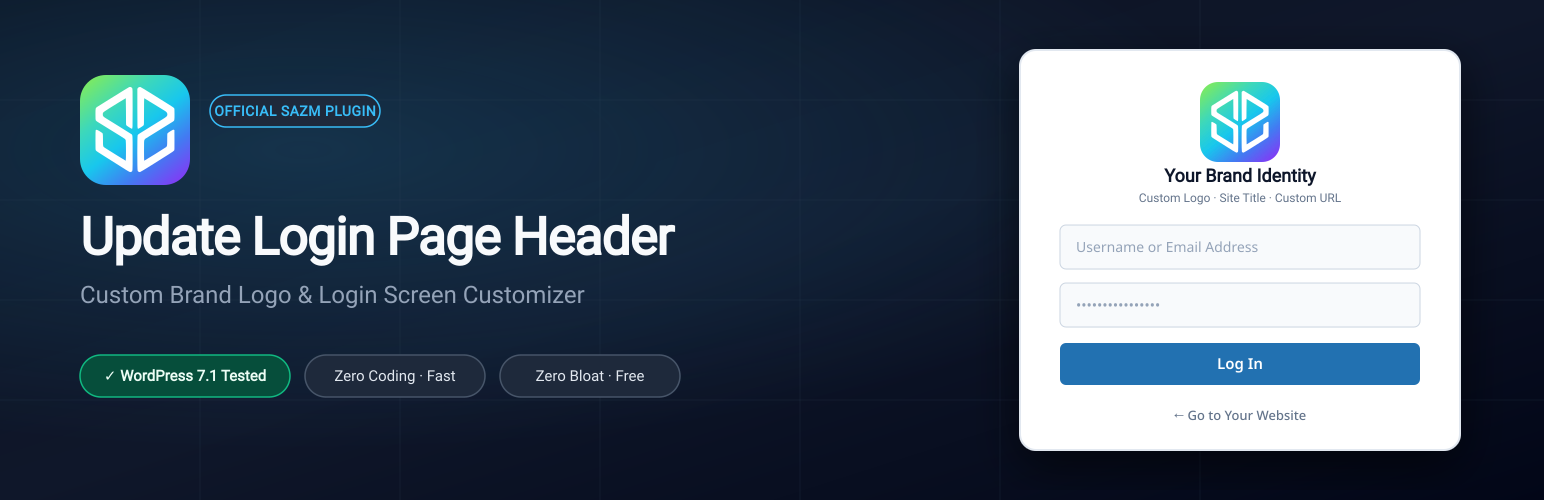
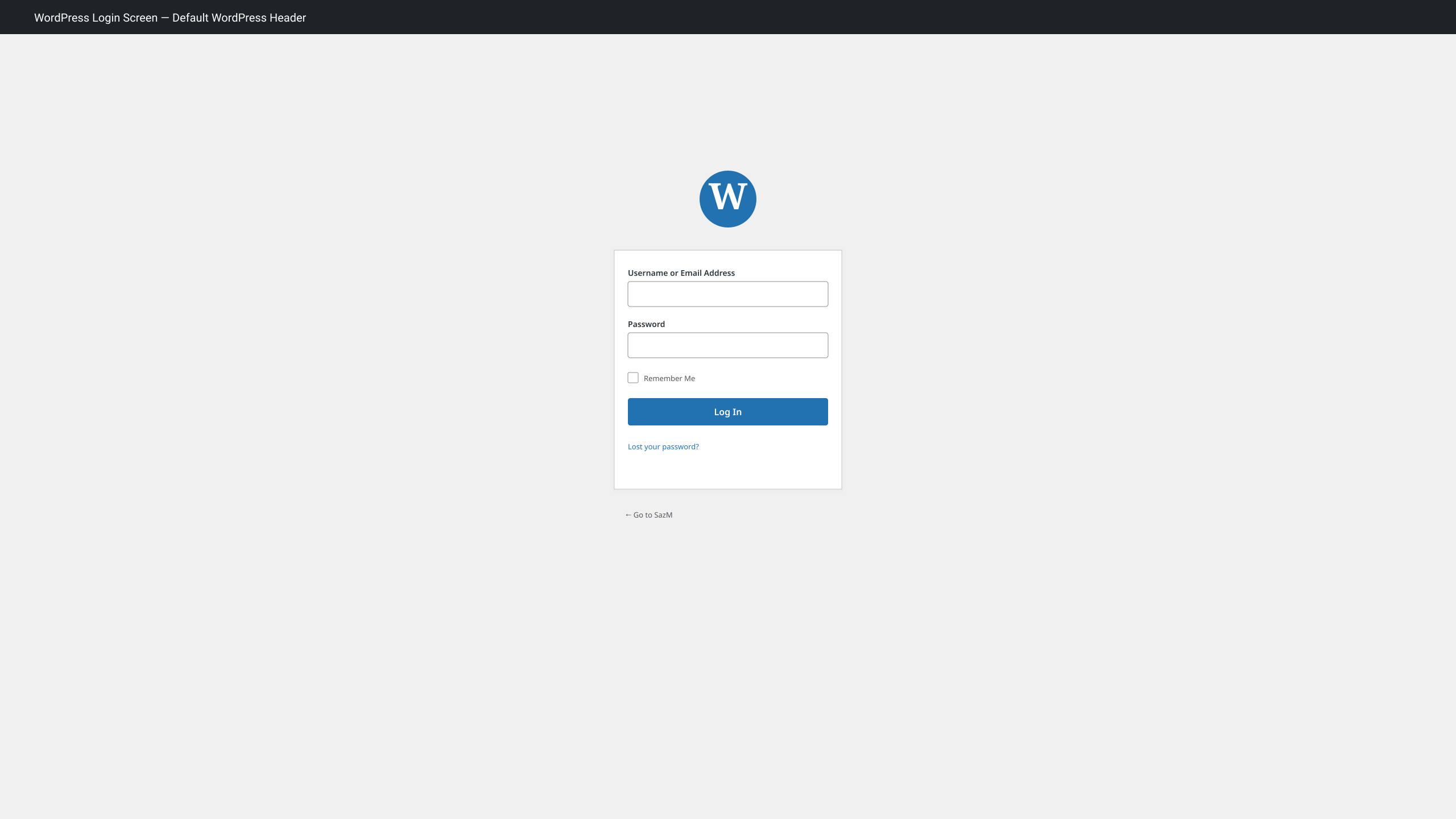
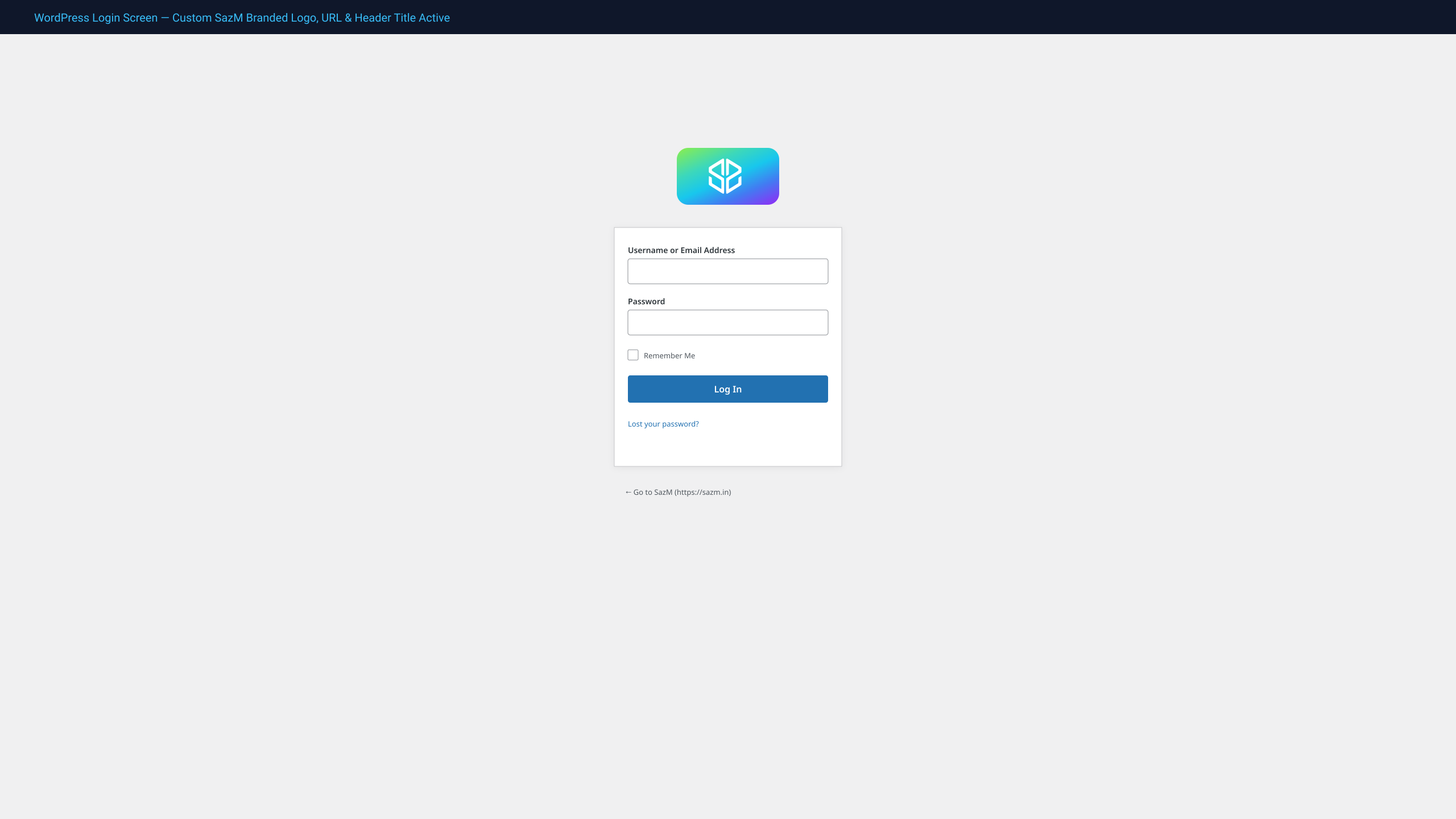
The Update Login Page Header plugin by SazM enables effortless branding of your WordPress login screen. Replace the generic WordPress logo and links with your custom site identity—no custom code or complex settings required.
Ideal for client deliverables, membership portals, and agency websites that require a polished, branded login experience.
Key Features
- Custom Site Logo: Automatically detects and displays your theme’s custom logo (set in Site Identity / Customizer) or your site icon.
- Responsive Scaling: Properly scales and centers your logo across desktop, tablet, and mobile displays without layout clipping or stretching.
- Custom Destination Link: Automatically updates the logo anchor link from wordpress.org to your website’s home URL.
- Custom Header Title: Replaces the default “Powered by WordPress” tooltip text with your website’s name.
- Custom Browser Title: Replaces the generic browser tab title with a clean, branded format:
Log In ‹ Your Site Name. - Zero Configuration: Simply activate the plugin—it immediately uses your existing Site Identity settings.
- Lightweight & High Performance: Zero database bloat, minimal footprint (< 2 KB), fully compatible with modern caching and security plugins.
- WordPress 7.1 & PHP 8.x Ready: Fully tested and optimized for the latest WordPress releases.
About SazM
Maintained by SazM — 20+ years in production engineering (since Oct 2006). 1,000+ projects for 300+ clients for Weismann Web per CEO letter.
Installation
- Log into your WordPress admin dashboard.
- Navigate to Plugins > Add New Plugin.
- Search for Update Login Page Header or upload the downloaded
.zipfile. - Click Install Now, then click Activate.
- Ensure your website has a logo or site icon set under Appearance > Customize > Site Identity.
- Visit
/wp-login.phpto preview your personalized login screen.
FAQ
How do I change the logo displayed on the login screen?
The plugin automatically uses the logo configured under Appearance > Customize > Site Identity (or your Site Icon / Favicon). If you change your logo in the Customizer, the login page updates immediately.
Does this plugin affect site performance?
Not at all. It enqueues only a single lightweight CSS declaration on the login page (wp-login.php) and adds zero database queries or frontend scripts.
Is it compatible with multisite and custom login URLs?
Yes. It works seamlessly across WordPress Multisite and with security plugins that change the default login slug (such as WPS Hide Login).
Screenshots
Changelog
1.1.0
- Confirmed compatibility with WordPress 7.1 and PHP 8.3/8.4.
- Enhanced logo detection with seamless fallback from Theme Custom Logo to Site Icon.
- Added modern responsive CSS containment to prevent logo distortion on high-DPI displays.
- Updated brand documentation and SazM engineering assets.
1.0
- Initial stable release.