
Description
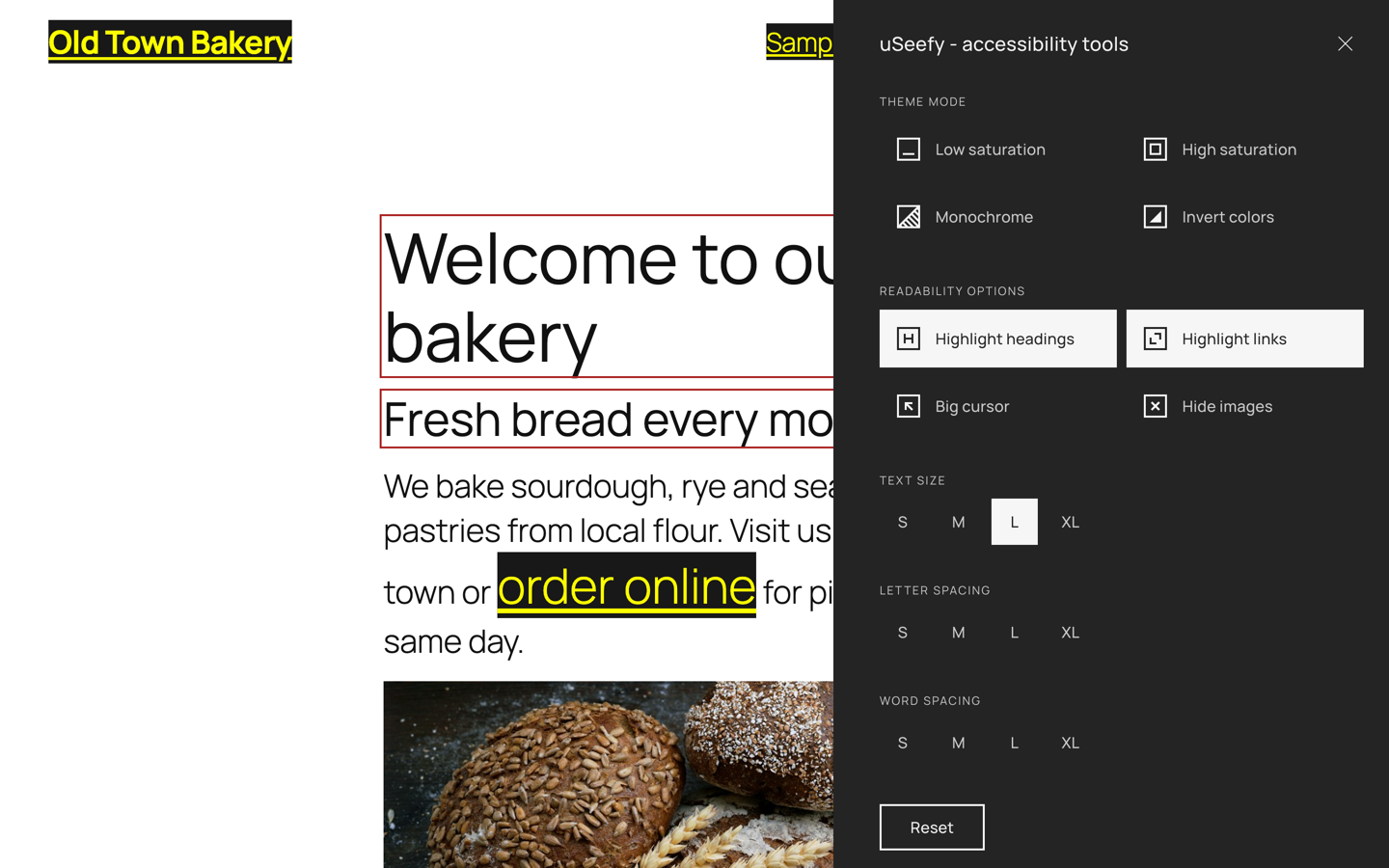
uSeefy is a high-performance accessibility solution designed to support websites in addressing selected WCAG 2.1/2.2 requirements.
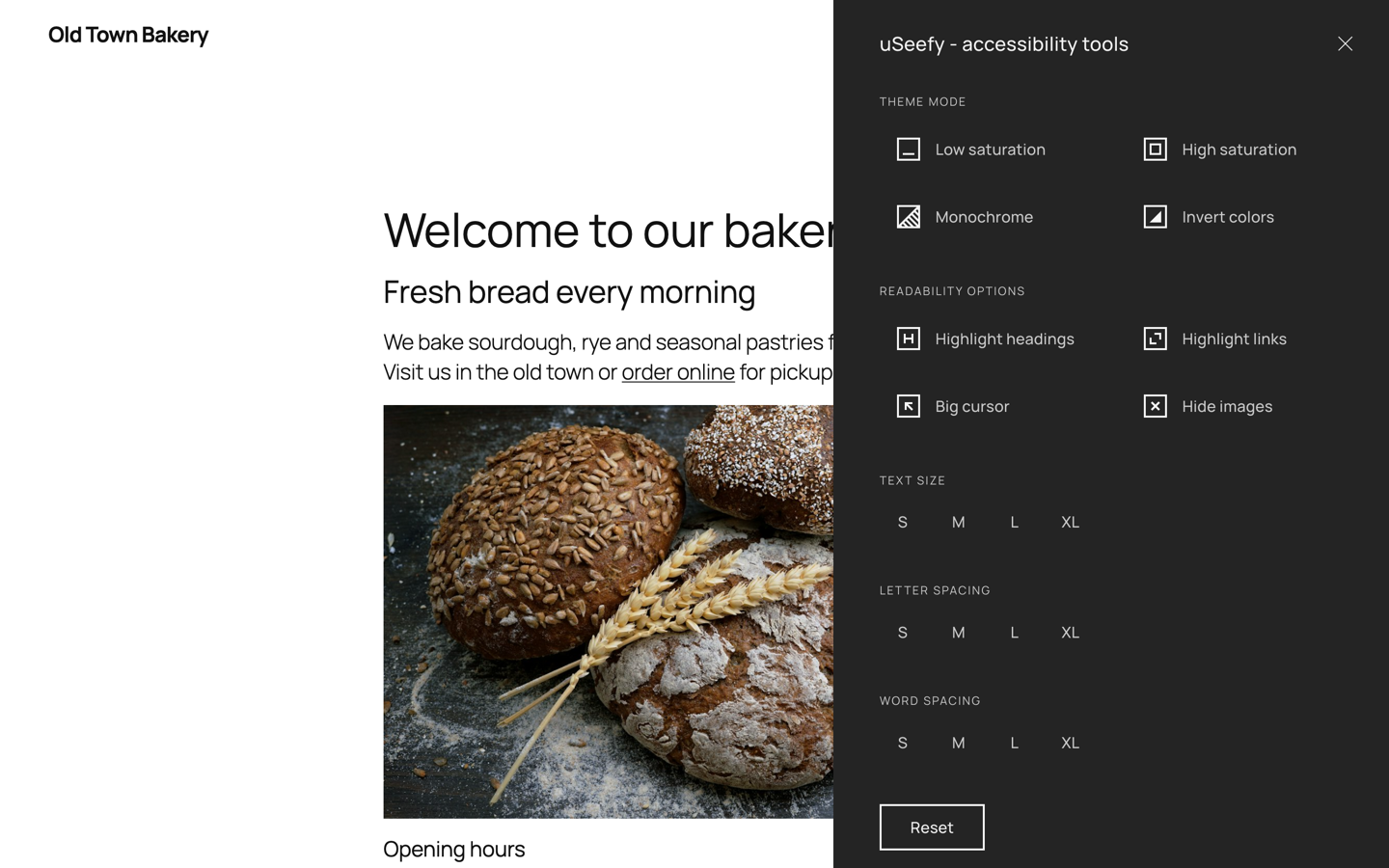
It provides a seamless interface for users to customize their browsing experience, improving usability for people with visual, cognitive, or motor impairments.
System Requirements
- WordPress 6.x (latest version recommended)
- PHP 7.4+ (PHP 8.2 recommended)
- Modern web browser with JavaScript enabled
Key Features
- Lightweight frontend architecture: public widget uses Vanilla JavaScript (no jQuery/React on public pages).
- Admin settings scope: bundled CMB2 is admin-only and not loaded on public pages.
- No external requests on the frontend: no CDNs, no Google Fonts.
- Zero-tracking storage: accessibility preferences are stored in localStorage.
- Full keyboard navigation and accessibility-first interactions.
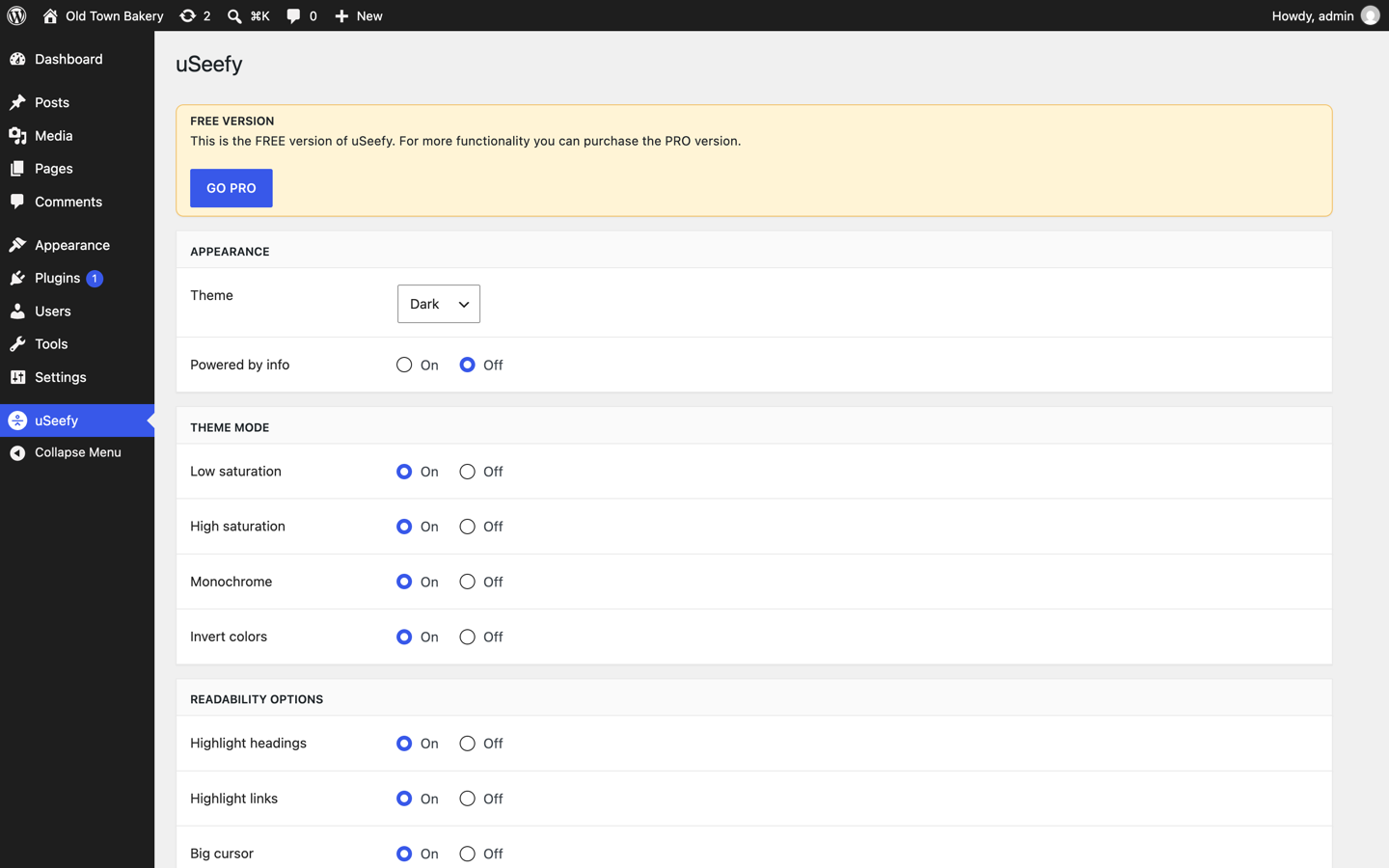
- Customizable UI: theme mode (Dark/Light/System).
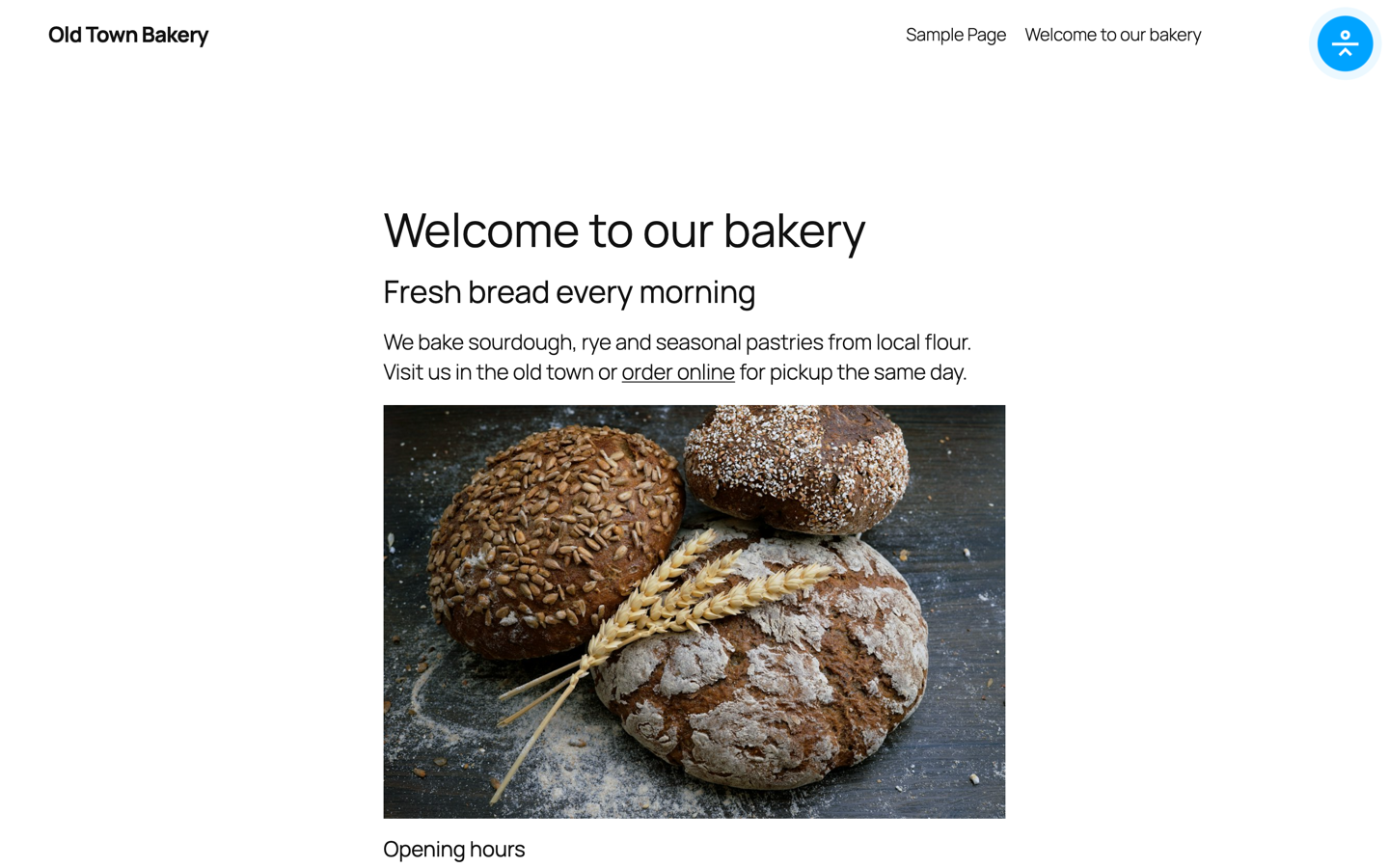
- Mobile-first responsive widget.
Privacy & GDPR
- Frontend widget does not track website visitors.
- Accessibility preferences are stored in localStorage.
- No frontend third-party tracking API calls.
- In admin/update flows, the WordPress.org update system provides metadata and packages for the Free version.
Keyboard Shortcuts
- Shift + Alt + A: Open/close widget.
- Tab / Shift + Tab: Navigate widget controls.
- Enter / Space: Activate selected control.
- Esc: Close widget.
Dynamic Content (AJAX)
If your site loads content dynamically, call window.uSeefy.refresh() after rendering new content.
* If you use optimization plugins, clear cache after changes.
* In CDN environments (including Cloudflare), purge cache and exclude uSeefy assets from aggressive optimization when needed.
Installation
- Go to Plugins > Add New Plugin.
- Search for “uSeefy”.
- Click Install Now and then Activate.
- Open uSeefy in the WordPress admin menu to configure the widget.
- Want more features? Upgrade to Pro at https://useefy.com/
FAQ
Widget is not visible. What should I check?
Confirm the plugin is active and your theme outputs wp_head() and wp_footer().
Can cache/CDN delay changes?
Yes. Purge cache/CDN and exclude uSeefy assets from aggressive optimization.
Compliance Note
uSeefy helps improve accessibility but does not automatically make a site WCAG compliant and does not guarantee compliance with WCAG, ADA, EAA, AODA, or other laws/regulations.
This is standard across accessibility plugins: no plugin can guarantee full legal compliance in every implementation.
Final compliance depends on your content, code, theme, third-party components, and ongoing maintenance.
uSeefy is not legal advice. Perform manual accessibility audits and, when needed, consult qualified accessibility and legal professionals.
Screenshots
Changelog
1.0.0
- Initial release.