

Description
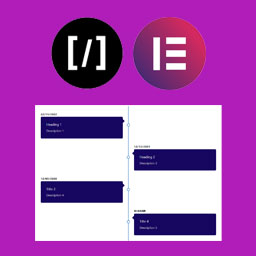
A Vertical Timeline Responsive is a very simple plugin to show vertical timeline to your website. It support shortcode and elementor page builder.
Installation
Step 1. Upload “A Vertical Timeline Responsive” folder to the /wp-content/plugins/ directory
Step 2. Activate the plugin through the Plugins menu in WordPress
Step 3. There is a menu named “V Timeline”.
Step 4. Create timelines as more as you can.
For Elementor, just install, activate and use it in the page builder.
Screenshots


Changelog
2.0.1
- Change of readme file and re-arranged the folders
2.0.0
- Improved design, native metaboxes, Elementor support
1.0.2
- Design fix
1.0.1
- Massive design change
1.0.0
- First stable release