


Description
Wallet Up lets you accept Cash App, Venmo, PayPal and Zelle on WordPress with a block, a shortcode or a QR code. Payments go straight to your own accounts: no merchant account, no monthly fee and no WalletUp fee on peer-to-peer methods.
Want cards too? Connect Stripe in about a minute and take Visa, Mastercard and Amex at WooCommerce checkout. A 2% platform fee applies to card transactions only (see “What does it cost?”).
How it works
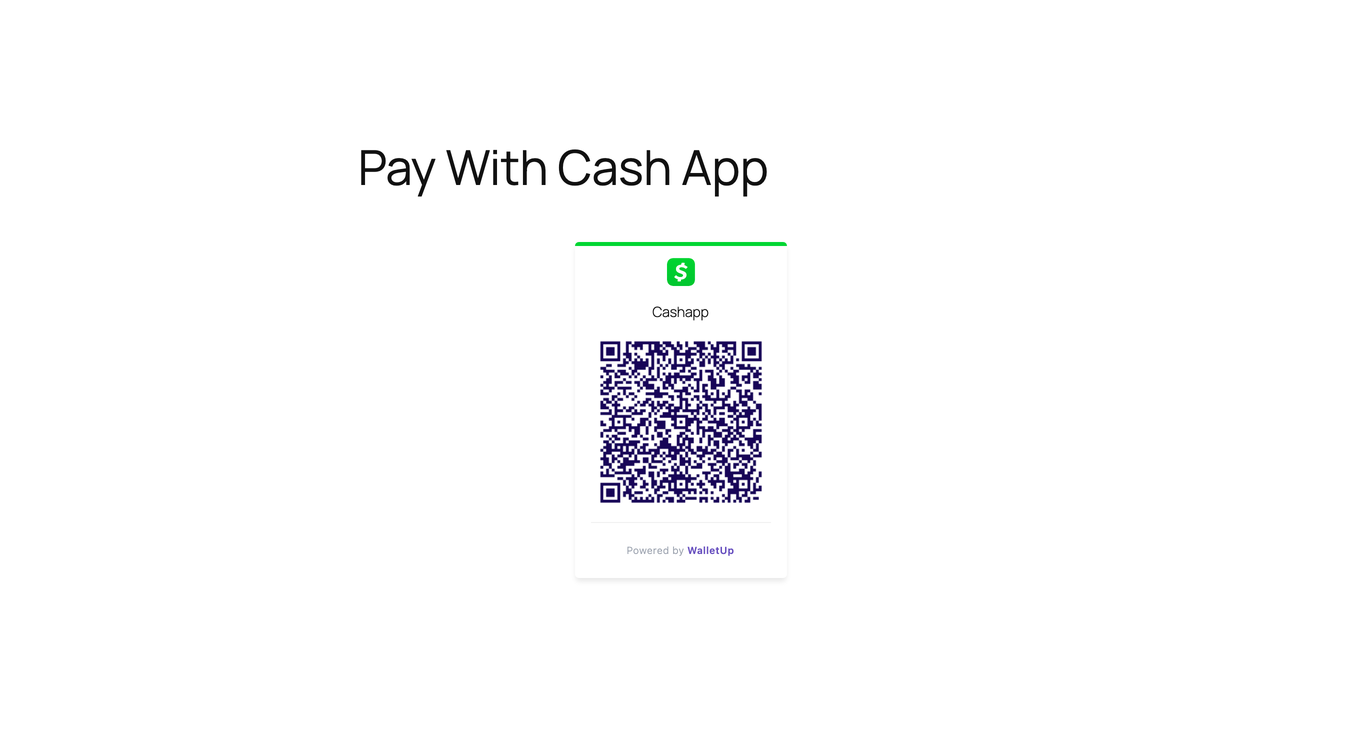
- QR codes and payment links – customers scan or tap, the app opens with the amount filled in, and they confirm on your site.
- Blocks – Payment Button, Payment QR Code, Tip Jar and Pay Link. Search “Wallet Up” in the block inserter.
- Shortcodes –
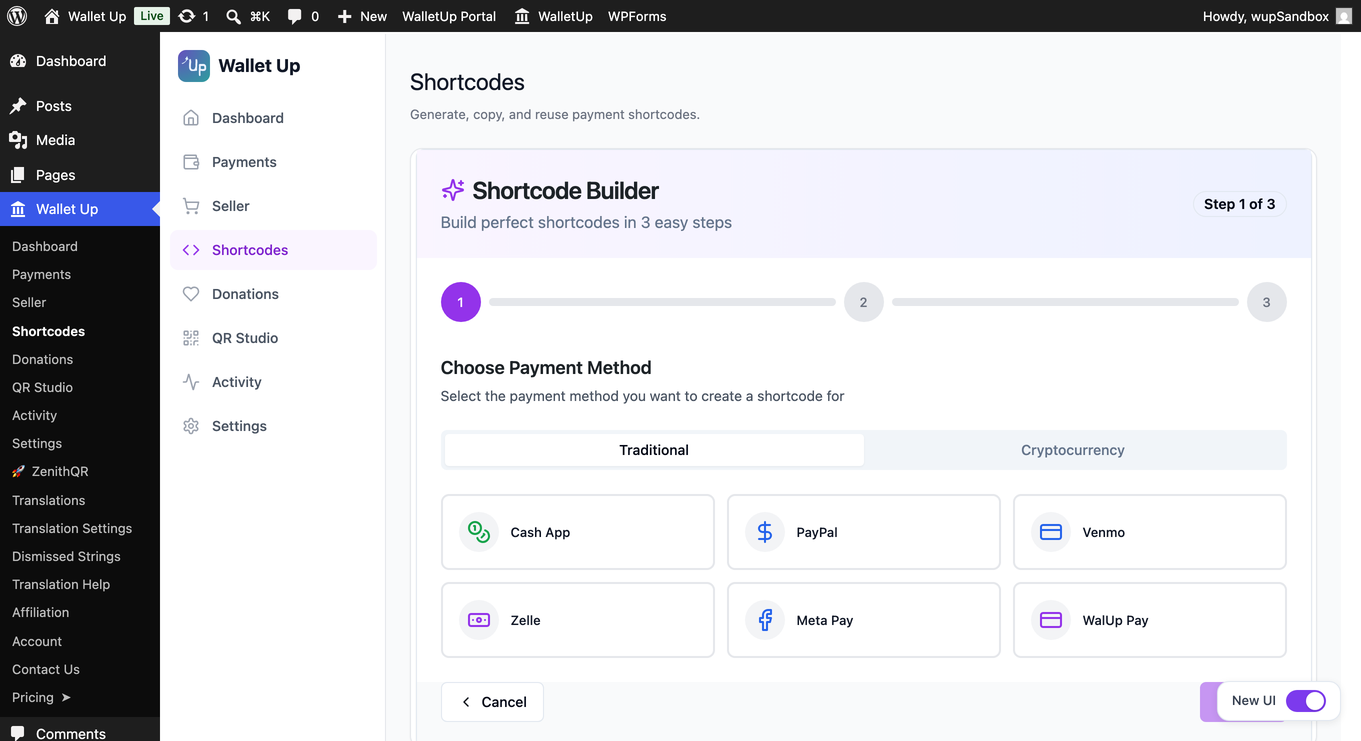
[wallet_up method="cashapp" amount="25"],[wallet_up method="venmo" amount="50"]. - WooCommerce – card checkout on the classic and block checkout.
Who it is for
Freelancers, small businesses, nonprofits, WooCommerce stores, service providers, event organizers and creators who want to get paid in the apps their customers already use.
Pro features
Wallet Up Pro adds:
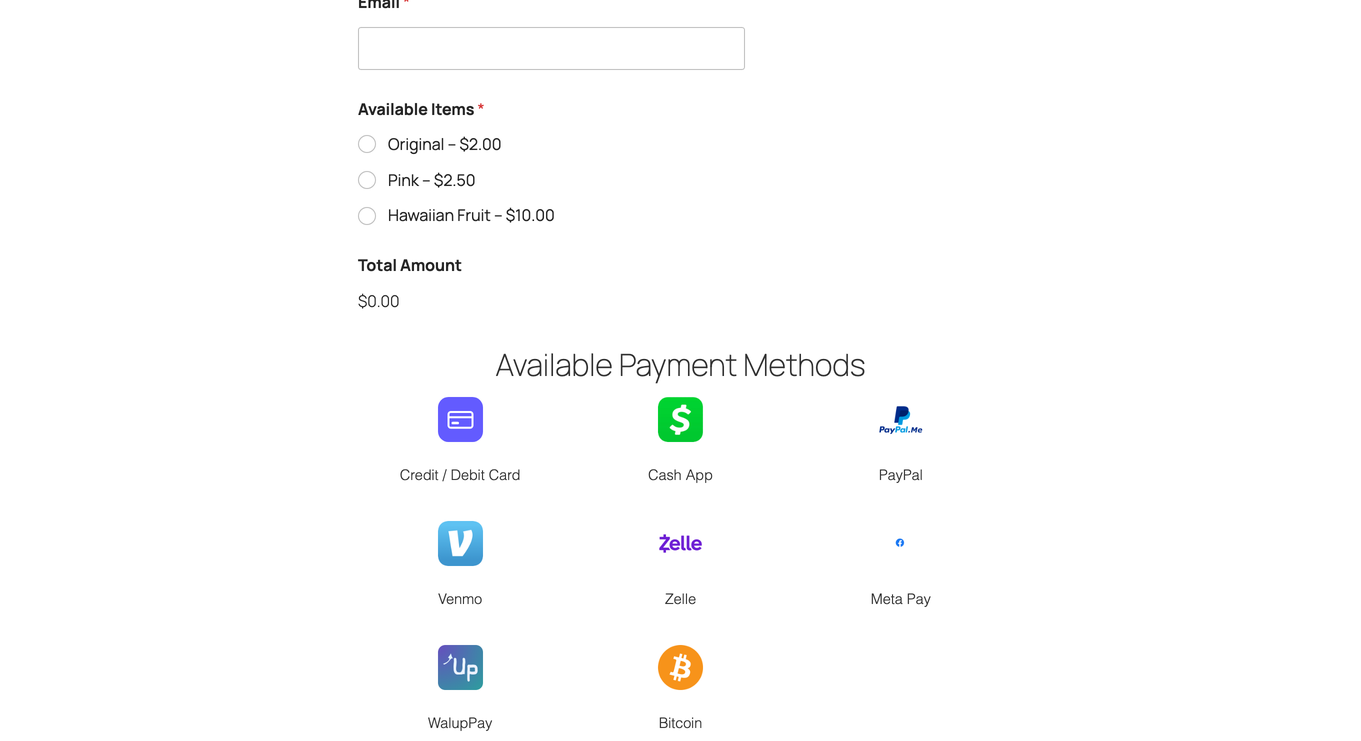
- 24 payment methods – Zelle, Meta Pay, Interac e-Transfer, PayID, BPAY, PayTo, cryptocurrencies and 8 African mobile money providers
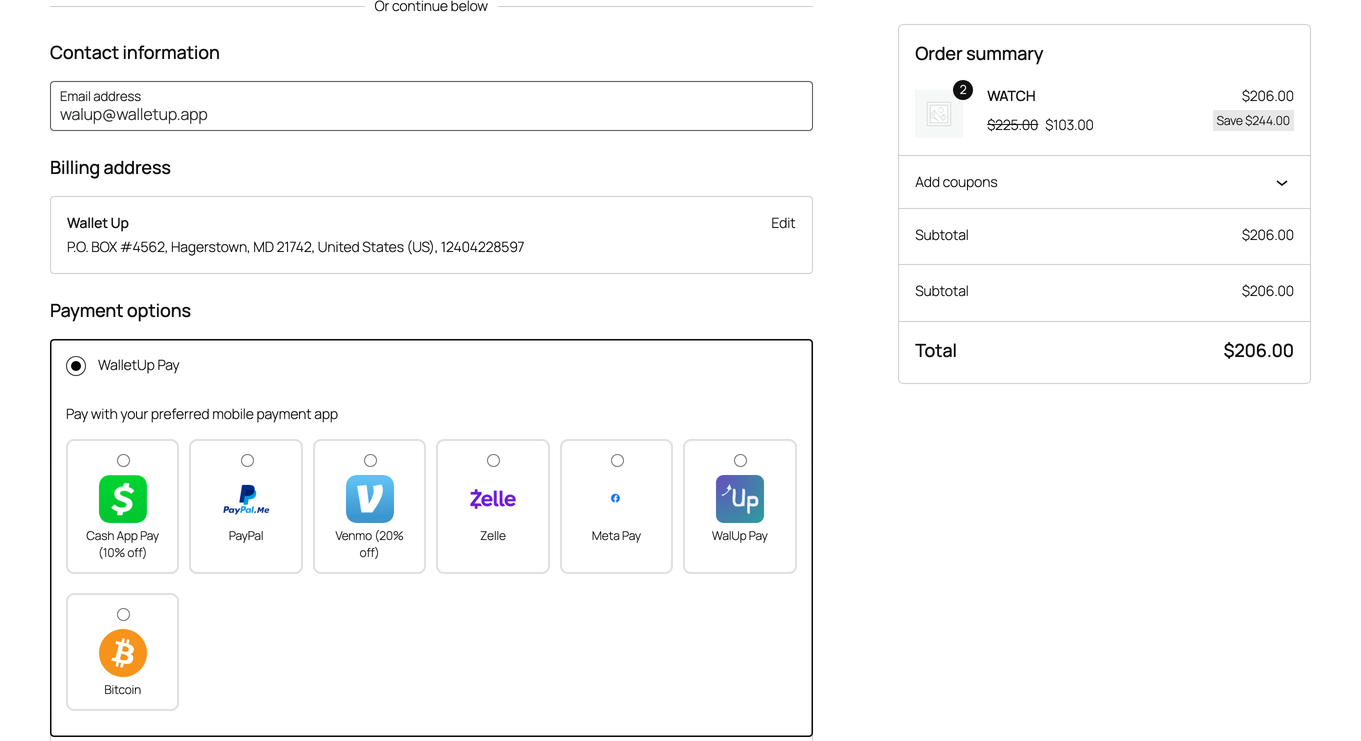
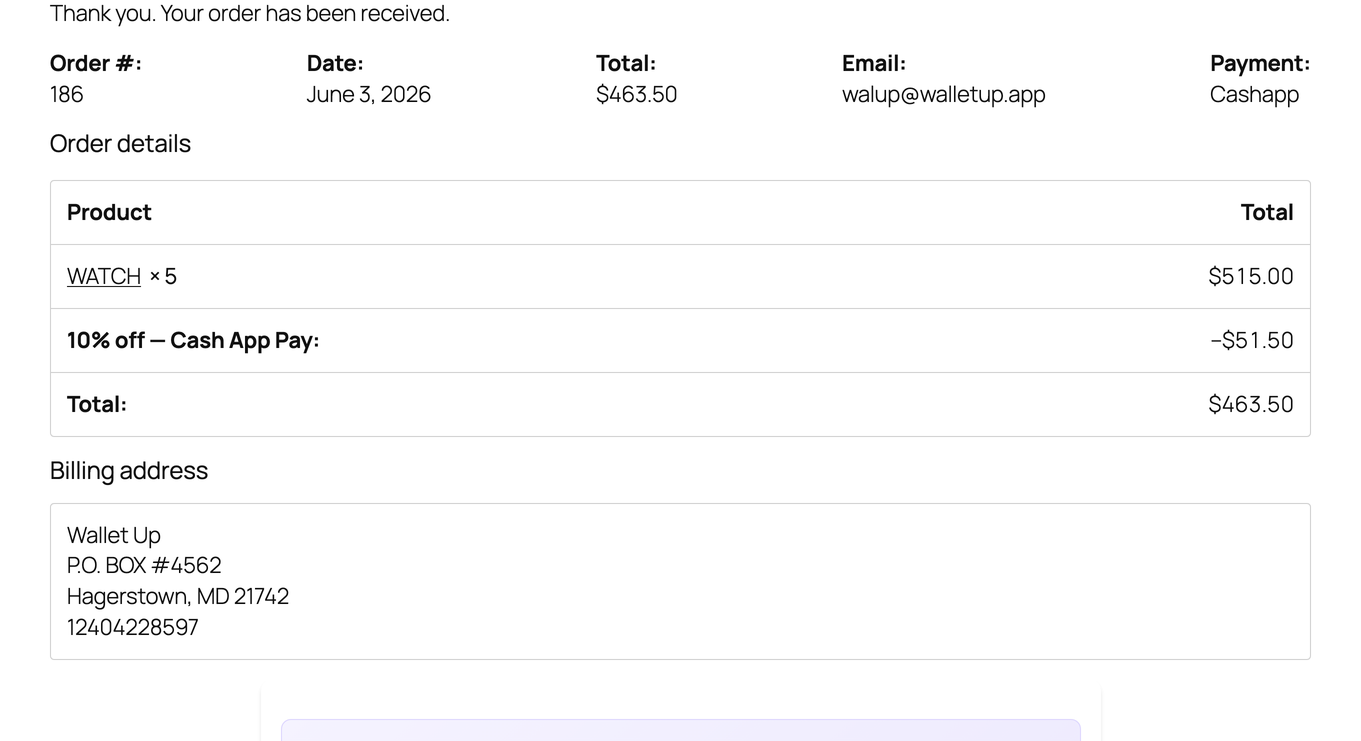
- Peer-to-peer WooCommerce checkout – Cash App, Venmo, PayPal and more at checkout, with per-method discounts and your own wording and colours
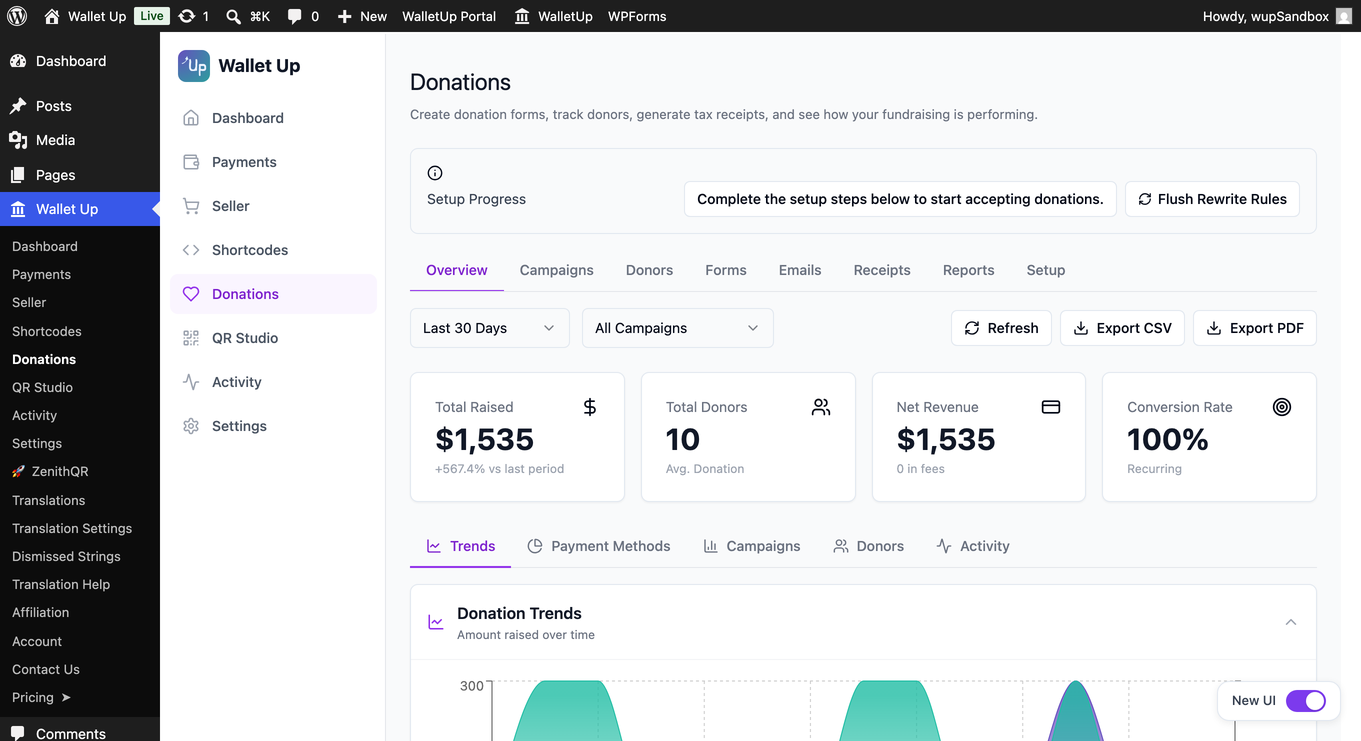
- Donations and campaigns – donation pages, donor management, tax receipts and recurring gifts
- Memberships – monthly, yearly and lifetime tiers with member management
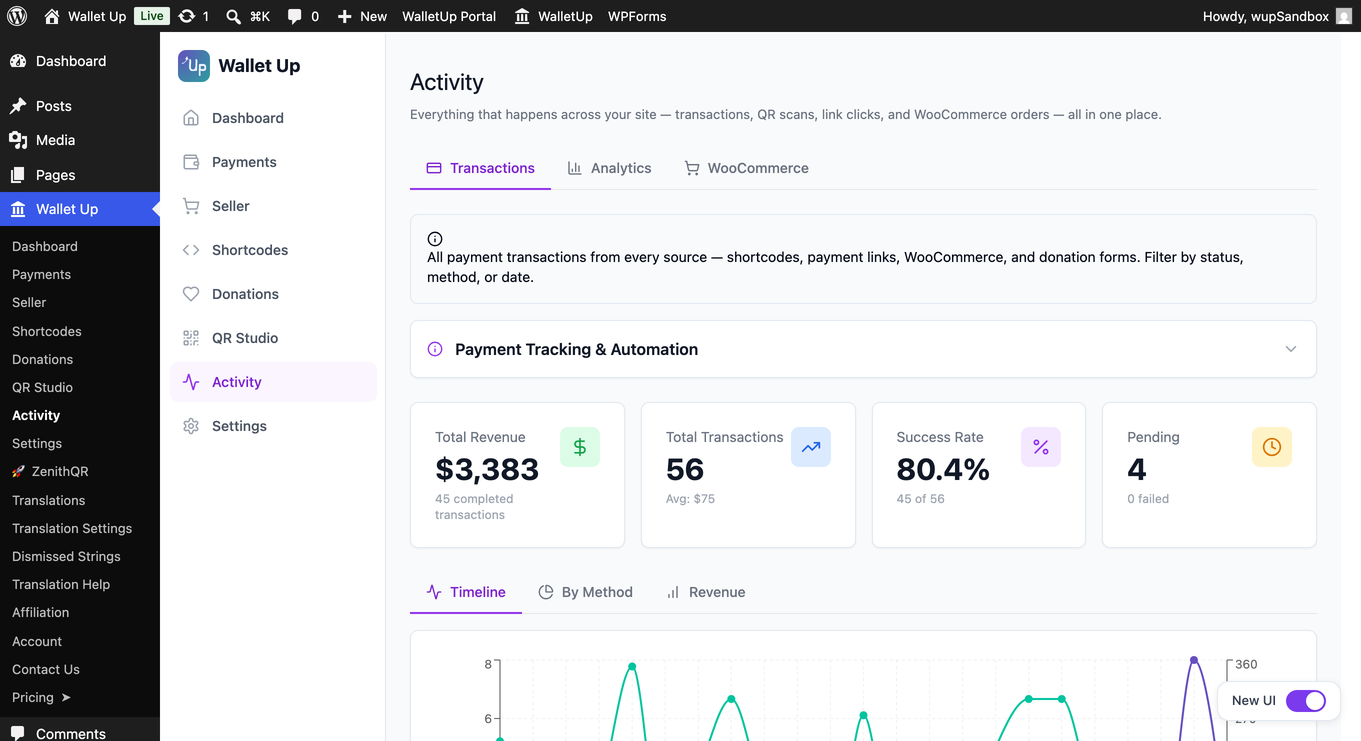
- Activity – every payment in one place, with refunds, repeat billing control and an audit log
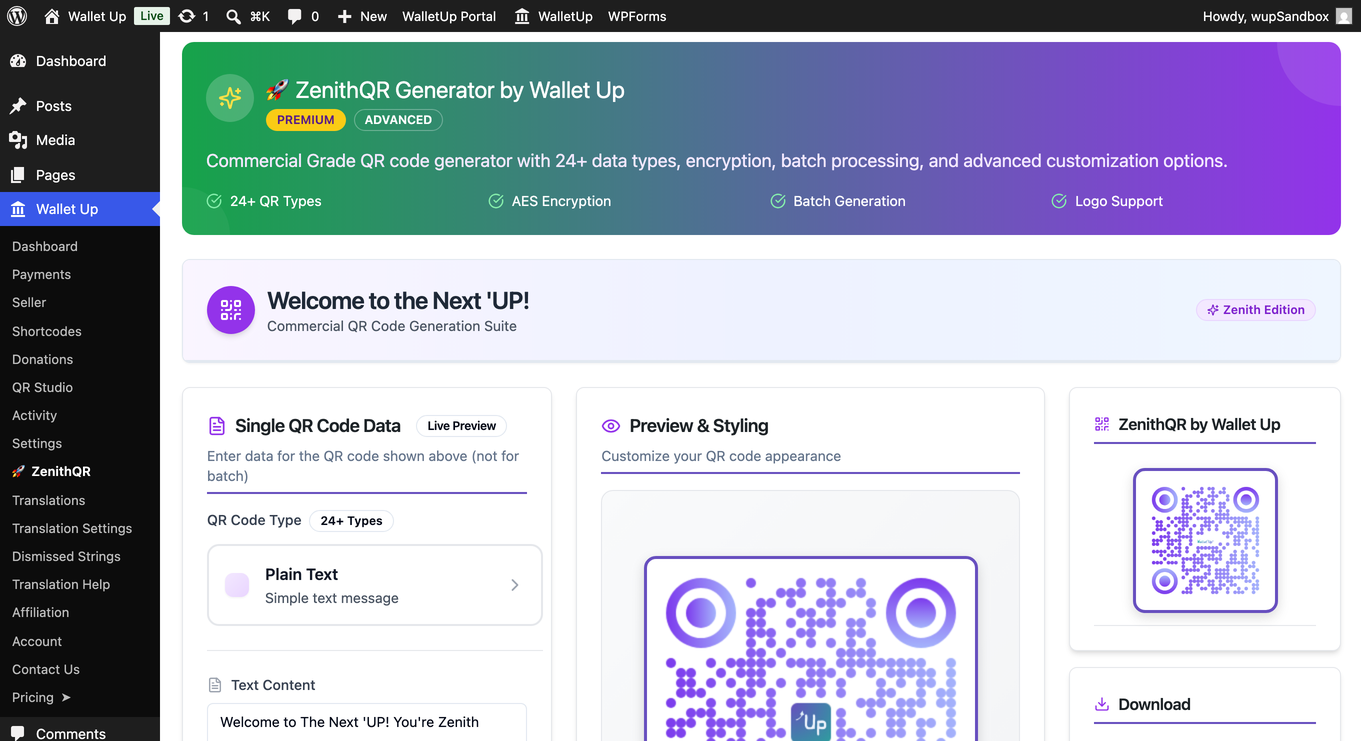
- QR Code Studio, short links and analytics – branded QR codes, click tracking and reports
- WPForms payments, digital business cards and WalletUp Pay express checkout
Privacy Policy
Wallet Up respects user privacy:
- No personal data is collected beyond what payment functionality requires
- Analytics data is stored locally on your server
- QR codes are generated server-side – no third-party QR APIs
- All tracking features can be disabled
External services
The peer-to-peer methods, QR codes and short links work entirely on your own server and contact nothing.
Card payments are the exception, and only if you choose to connect Stripe. In that case the plugin contacts two services:
- pay.walletup.app – WalletUp’s payment service, operated by us. It creates the Stripe payment intent for each card transaction and applies the platform fee. It receives the transaction amount, currency, order reference and your connected Stripe account id. Terms: https://pay.walletup.app/merchant/terms – Privacy: https://walletup.app/privacy
- Stripe – processes the card payment and pays out to your bank. Card details are entered directly into Stripe’s own fields and never reach your server or ours. Terms: https://stripe.com/legal – Privacy: https://stripe.com/privacy
Neither is contacted until you connect Stripe and a customer pays by card.
For privacy questions, contact privacy@walletup.app.
Disclaimers
Wallet Up is not affiliated with, endorsed by, or sponsored by any payment provider. All trademarks belong to their respective owners.
Cash App is a trademark of Block, Inc. Venmo and PayPal are trademarks of PayPal, Inc. Zelle is a trademark of Early Warning Services, LLC. Meta Pay is a trademark of Meta Platforms, Inc.
Installation
- Go to Plugins > Add New, search for Wallet Up, then install and activate it.
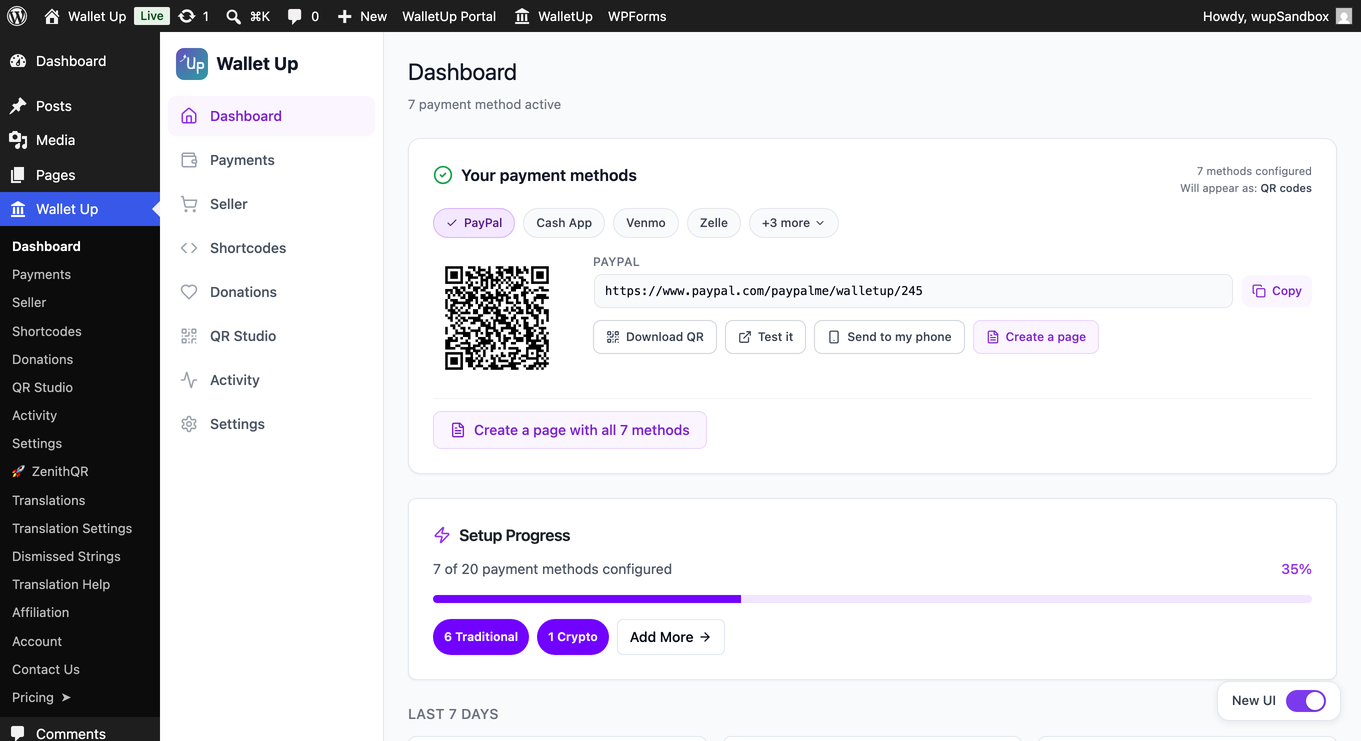
- Open Wallet Up in your admin menu and enter your Cash App, Venmo or PayPal username.
- Add a Wallet Up block, or the shortcode
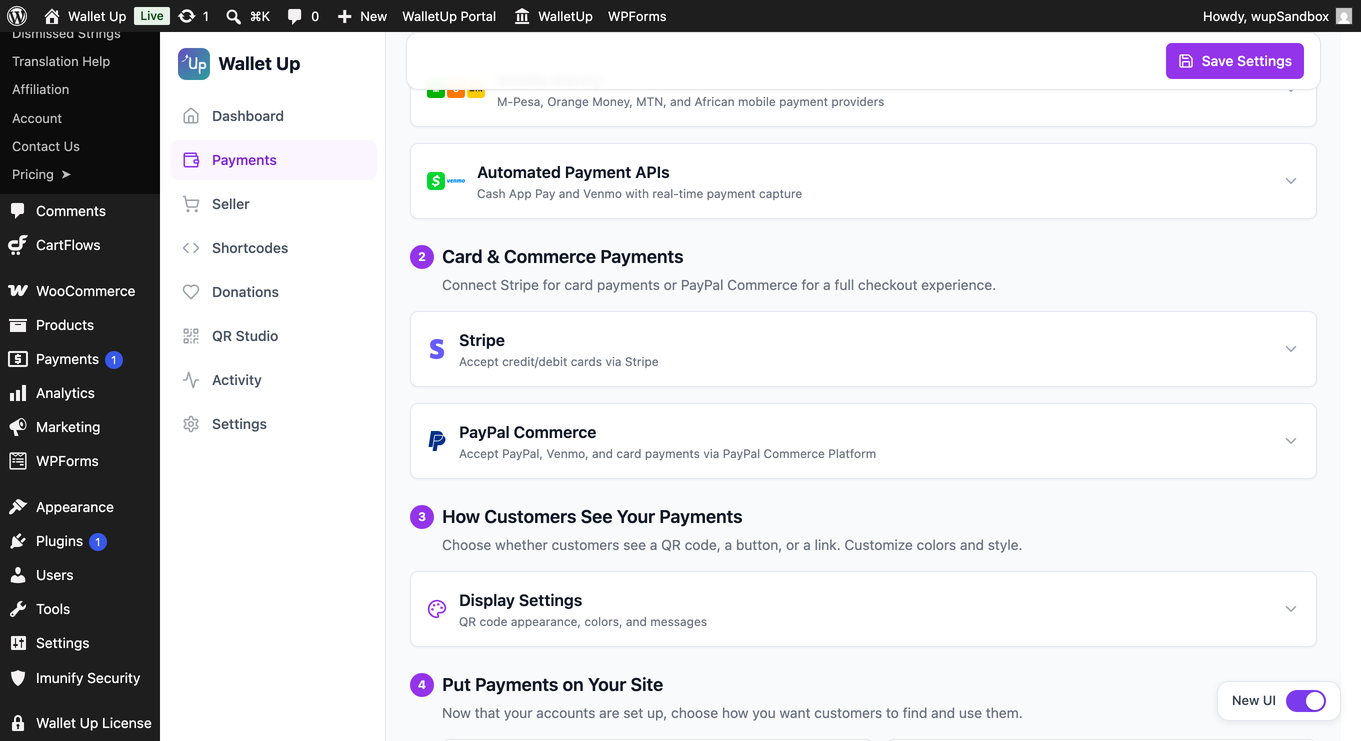
[wallet_up method="cashapp" amount="25"], to any page. - For cards, connect Stripe under Wallet Up > Payments.
Requires WordPress 5.8+, PHP 8.1+ and MySQL 5.7+ or MariaDB 10.5+. SSL recommended.
FAQ
Which payment methods are free?
Cash App, Venmo and PayPal, plus card payments through a Stripe account you connect. Pro adds Zelle, Meta Pay, Interac e-Transfer, PayID, BPAY, PayTo, WalletUp Pay, cryptocurrencies and mobile money: 24 methods in total.
Do I need a merchant account or API keys?
No. Peer-to-peer methods use the username you already have, and payments go directly to your account. Card payments need a Stripe account, which you connect in about a minute without API keys.
What does it cost?
The plugin is free, and peer-to-peer methods carry no WalletUp fee at all.
Card payments are optional. If you connect Stripe, they carry a WalletUp platform fee of 2% of each successful card transaction, collected as a Stripe application fee from your payout and not added to what your customer pays. Stripe’s own processing fees are separate.
The platform fee applies to every connected Stripe account on every plan, except organizations accepted into the WalletUp nonprofit program, whose card donations carry no platform fee. Pro license holders can instead enter their own Stripe API keys, with no platform fee. The current rate is in the Fee Schedule of the Payment Platform Terms at https://pay.walletup.app/merchant/terms and may change on notice.
Is it secure?
Payments happen in the official payment apps and in Stripe’s own card fields. Wallet Up never stores card numbers or bank details.
Do you offer support?
Yes. Free users can post in the WordPress.org support forum. Pro users get priority email support.
Screenshots
Changelog
6.6.0 – November 16, 2026
- New (Pro): Refund any payment from Activity, with each refund and its provider’s refund id listed on the payment.
- New (Pro): Stop monthly or yearly billing from Activity, and let Stripe and PayPal refunds and disputes update Activity.
- New (Pro): Receipts for pay pages, payment links, card payments and renewals, plus a notice for every refund.
- New (Pro): Memberships and recurring donations through Stripe Connect.
- New (Pro): Design the checkout: payment option order, logos, wording, colours and sizes, with a preview.
- New: Search with BluuBie (Ctrl+K or Cmd+K) in English, French and Spanish.
- New: Express checkout shows your top payment apps, also on product pages.
- Improved: An “I’ve sent my payment” step on orders, bills, pay pages, WPForms and donations, with a note on every app link.
- Improved (Pro): Activity search, bulk actions, refund history and an audit log that says whether every entry is in place.
- Improved (Pro): Donations, memberships, analytics and reports count every day and every partly refunded gift at the amount kept.
- Improved: French and Spanish on every screen and message.
The full list for this release and every earlier version is in changelog.txt, included with the plugin.