

Description
This plugin is no longer actively developed. For a new site, use WB Ad Manager, our free ad plugin with ad rotation, A/B split testing, scheduling and 16+ placements, with BuddyPress, bbPress and Jetonomy built in. Existing sites can keep using BuddyPress Ads.
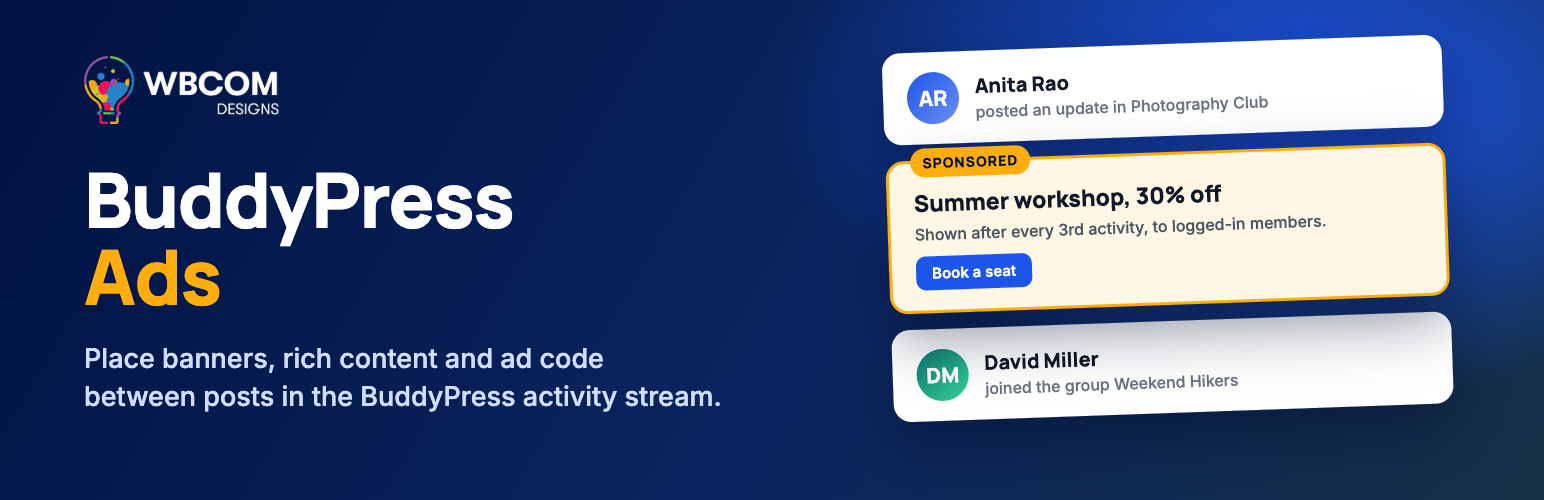
BuddyPress Ads places your own banners, rich content and ad network code inside the BuddyPress activity stream. Each ad is a post under the WB Ads menu, with an on/off switch in the list, so you can prepare ads ahead of time and turn them on when a campaign starts.
BuddyPress must be active.
What you get
Three ad types
* Plain Text and Code – paste AdSense, Amazon or any other ad network code, HTML or shortcodes.
* Rich Content – build the ad in the WordPress editor with images, formatting and shortcodes.
* Image Ad – upload an image, set its size and the link it opens.
Activity stream placement
* Before or after an activity entry, inside the entry content, or before, inside or after the comments.
* Choose the sitewide, group or member activity stream.
* Show the ad after a set number of activities, and optionally repeat it.
* Place any ad elsewhere with the shortcode [ads-shortcode ads_id="123"]. Each ad shows its own shortcode in the editor.
Targeting and layout
* Show an ad to logged-in members, logged-out visitors, or both.
* Show it on desktop, mobile, or both.
* Alignment, margins, a clearfix option, font size, and text and background colors.
Links
More from Wbcom Designs
- WB Ad Manager – Our free ad plugin with rotation, A/B split testing, scheduling and 16+ placements, including BuddyPress, bbPress and Jetonomy.
- BuddyX – A free community theme on WordPress.org for BuddyPress sites.
- Reign – A community theme for BuddyPress and BuddyBoss sites.
- BuddyNext – Our standalone community plugin with a feed, spaces, profiles, messaging and moderation, for new sites that do not need BuddyPress.
Installation
- Make sure BuddyPress is installed and active.
- In your WordPress admin go to Plugins > Add New, search for “Wbcom Designs – BuddyPress Ads”, then click Install Now and Activate.
- Go to WB Ads > Add New WB Ads, pick an ad type, add your content, choose the activity position, and publish.
FAQ
Is this plugin still maintained?
It is no longer actively developed. Existing sites can keep using it. For new sites, and for new features such as rotation, split testing and scheduling, use WB Ad Manager.
How do I move to WB Ad Manager?
Install WB Ad Manager and recreate your ads there; ads from this plugin do not move across automatically. The two plugins use separate ad types, so you can run both while you switch, then deactivate BuddyPress Ads.
Do I need BuddyPress?
Yes. The plugin places ads in the BuddyPress activity stream and deactivates itself when BuddyPress is not active.
Does it work with BuddyNext?
No. The ad positions hook into the BuddyPress activity stream, and BuddyNext has its own feed.
Screenshots


Changelog
1.5.5
- Fix: (#66,#68,#69)Fixed ads position issue on activity feed
- Fix: Compatibility check with WordPress 6.5.0
1.5.4
- Fix: BP v12 Fixes
- Fix: Updated class name and remove dynamic class name
1.5.3
- Fix: PHPCS fixes
1.5.2
- Fix: PHPCS fixes
- Fix: (#60) Not processing shortcodes
- Fix: Plugin redirect issue when multiple plugins activate at the same time
- Fix: (#59) Hide admin notice error
- Fix: (#51) First position is wrong
1.5.1
- Fix- Fixed BuddyBoss admin notice issue
- Fix- (#54) Fixed can not create an image ad
- Fix- Fixed copy shortcode option UI managed
1.5.0
- Fix- Hide admin notices
- Fix- Fixed string mistakes
- Fix- Updated admin UI code
1.4.0
- Fix- (#48) Fixed HTML is not rendering
- Fix- (#49) changed admin ads type description
- Fix- (#43) Added Remove image option for image ads
- Fix- (#44) Fixed image ads URL setting issue
- Fix- (#42) Fixed warning issue displayed on the front-end
- Fix- (#47) Fixed warning issue displaying on single group for logout user
1.3.2
- Fix- (#41)Fixed Google Ad Issue with other ads type
- Fix- (#34)Fixed when not selected option in activity type, ads not showing
- Fix- (#30)Fixed when select image in Rich Content, it is not showing frontend
1.3.1
- Fix- Removed install plugin button from wrapper
- Fix- Fixed warning issue
1.3.0
- Fix- (#28)Fixed Ads are showing repeatedly
- Fix- (#29)changed shortcode text
- Fix- (#27)Fixed google ads script issue with rich content ads
- Fix- Update Code for CSS and JS Loading
- Fix- Load Admin CSS and JS on Plugins Settings Pages
- Fix- Changed Plugin documentation link
1.2.0
- Fix- js and iframe support
1.1.0
- Fix- PHPCS Fixes
1.0.0
- first version.