Description
Adding net-30 terms to woocomerce is simple.
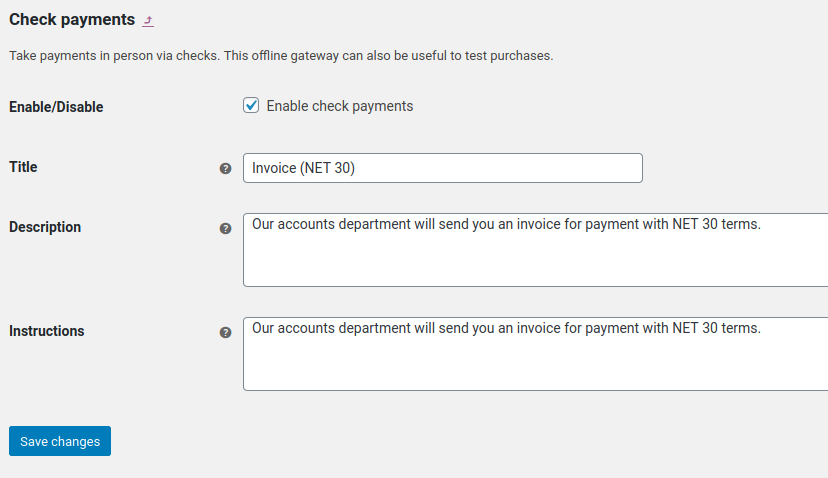
The plugin works like this – You (the admin) sets up a cheque payment option for checkout.
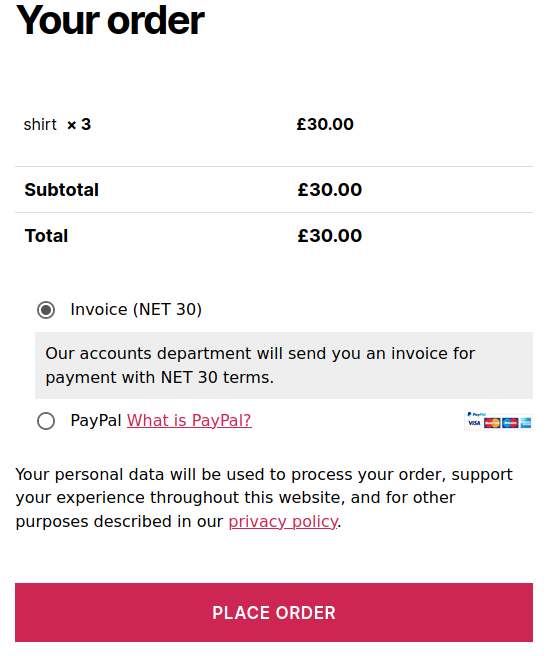
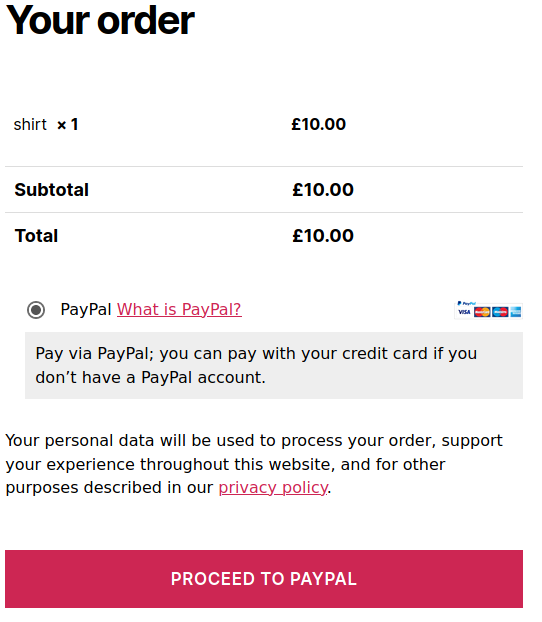
Every time the checkout page is visited, the plugin will check to see if the user has NET-30 terms enabled, if not the cheque option is removed.
Usage
- Download the plugin and activate
- Add a “Cheque” payment option and title it accordingly (NET 30 Invoice)
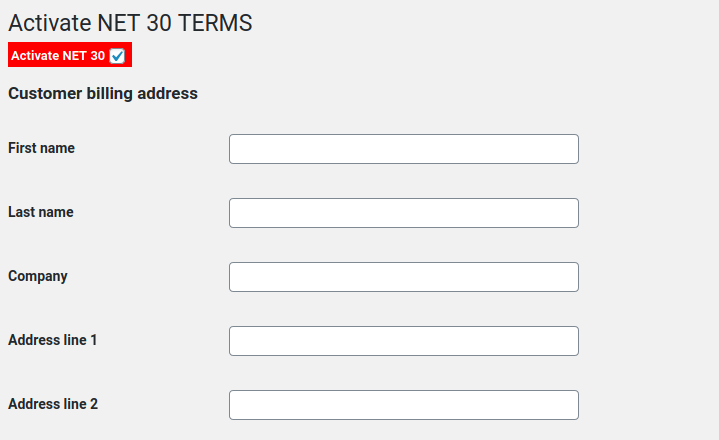
- Edit a user to enable NET-30 checkout.
FAQ
How do I enable NET-30 terms?
Setup a “cheque” payment option, then enable a user to checkout with NET-30
How do I give a user net-30 terms
CLick the “Users” tab, edit a user and find the red checkbox that says “Enable net-30 checkout”
Screenshots